

Vehicle Safeguard Alerts | Bluelink | Hyundai
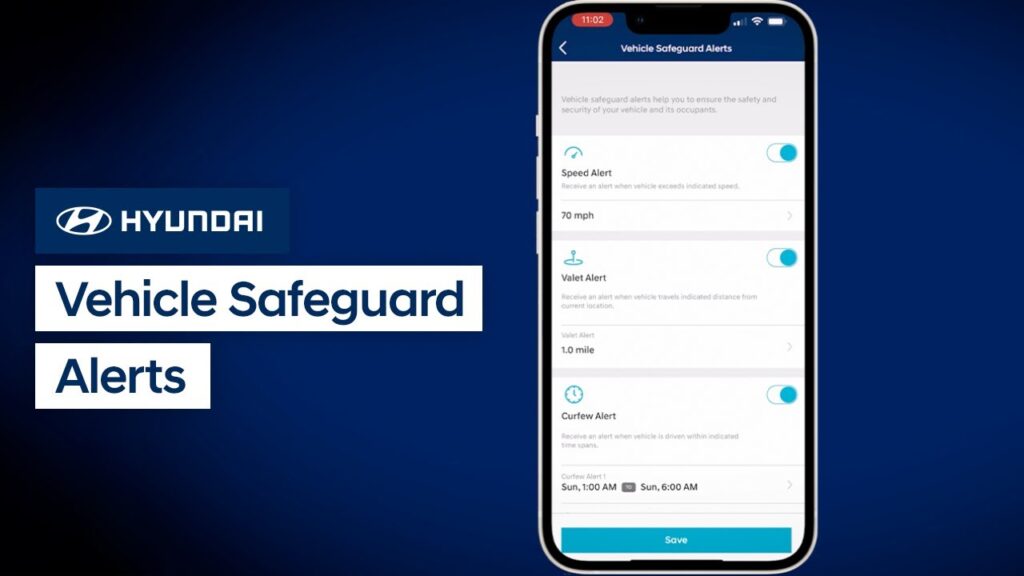
Did you know that Hyundai’s Bluelink service offers Vehicle Safeguard Alerts? Vehicle Safeguard Alerts are a set of features that can provide you notifications about your vehicle. The notifications can be for when your vehicle exceeds a certain speed, is driven after a certain time, or beyond a certain distance. Watch this video to learn […]
Vehicle Health and Service Scheduling | Bluelink | Hyundai
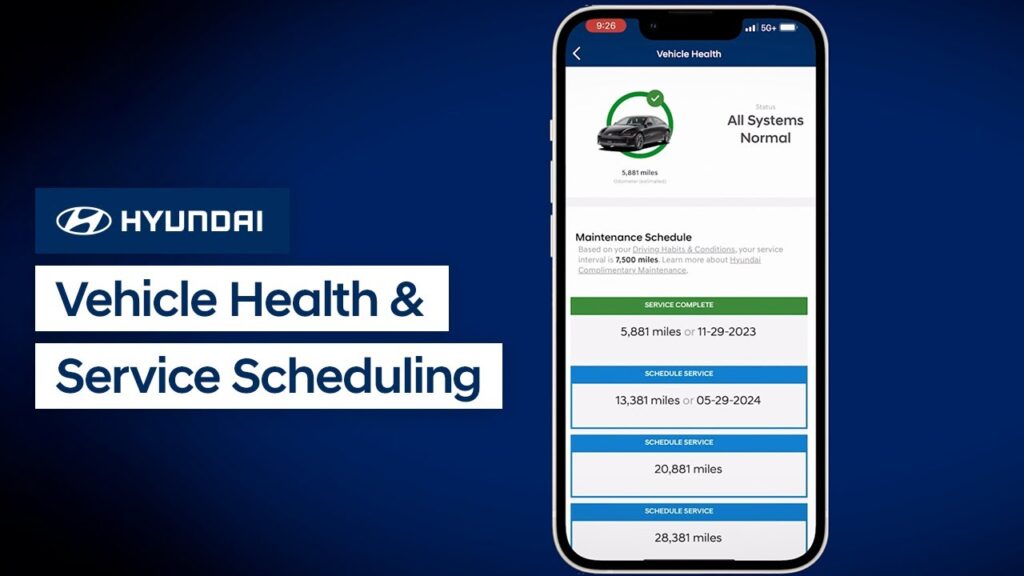
Did you know that the MyHyundai with Bluelink app has an extremely useful feature called Vehicle Health? This feature allows you to quickly and easily check your vehicle’s health and service history and even schedule a vehicle service appointment.Watch this video to learn more about these features and how to use them.
Stolen Vehicle Recovery | Bluelink | Hyundai
Did you know that Hyundai’s Bluelink service offers Stolen Vehicle Recovery? This features can help police locate your vehicle in the unfortunate event of it being stolen. Watch this video to learn how the feature works.
MyHyundai with Bluelink® App: Surround View Monitor | Bluelink | Hyundai
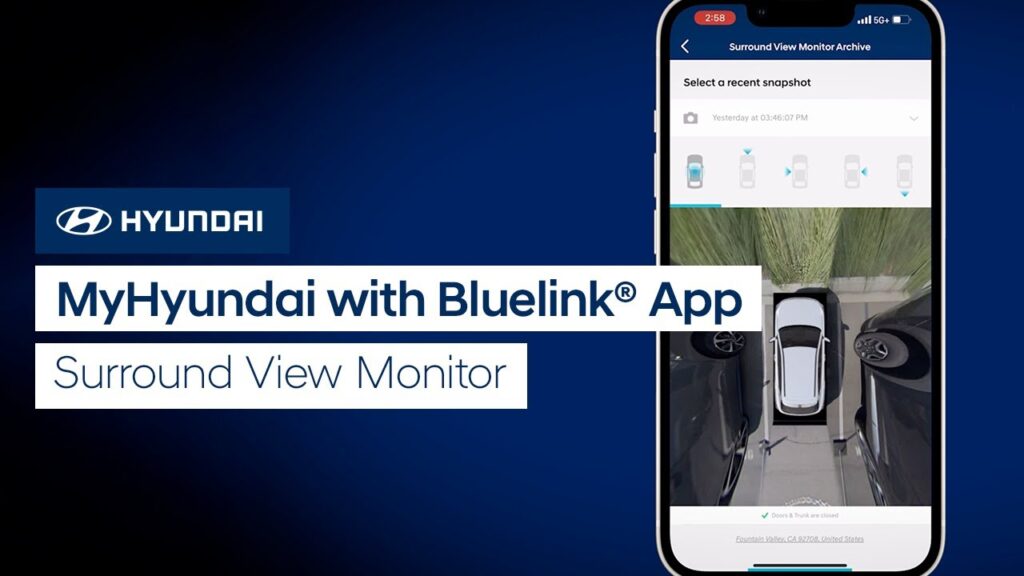
The Surround View Monitor feature on your Hyundai helps with parking by allowing the driver to see around the vehicle. But did you know that you can also use the Surround View Monitor on your MyHyundai with Bluelink app? Watch this video to learn how to use it, including how to download photos from the […]
Bluelink® Charge Management | Bluelink | Hyundai
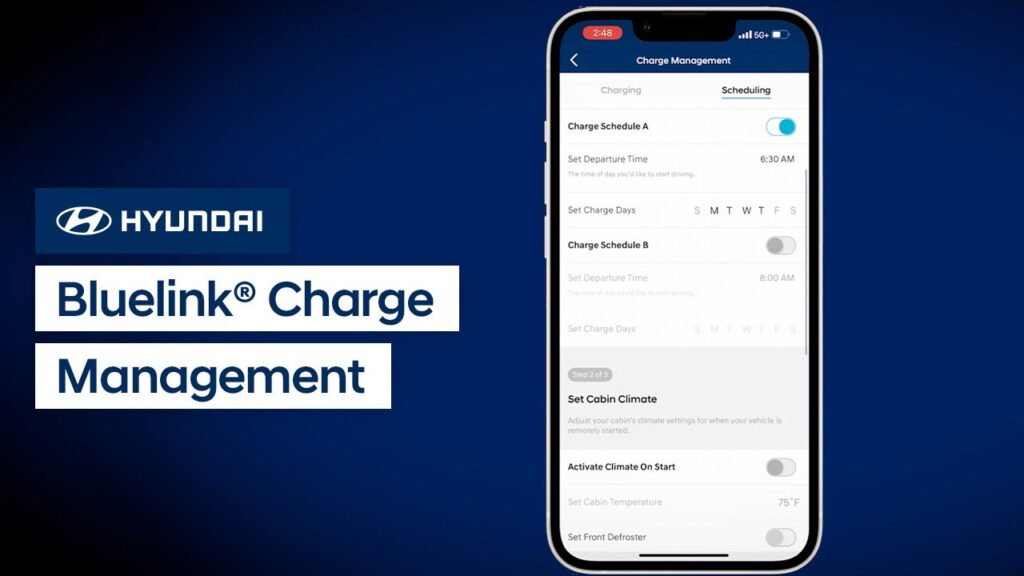
The MyHyundai with Bluelink® app gives you access to many unique features on your Hyundai electrified vehicle. This video explains the charge management features on it such as charge scheduling, cabin climate settings, off-peak charging priority, charging limits, and more.
User Profiles | Bluelink
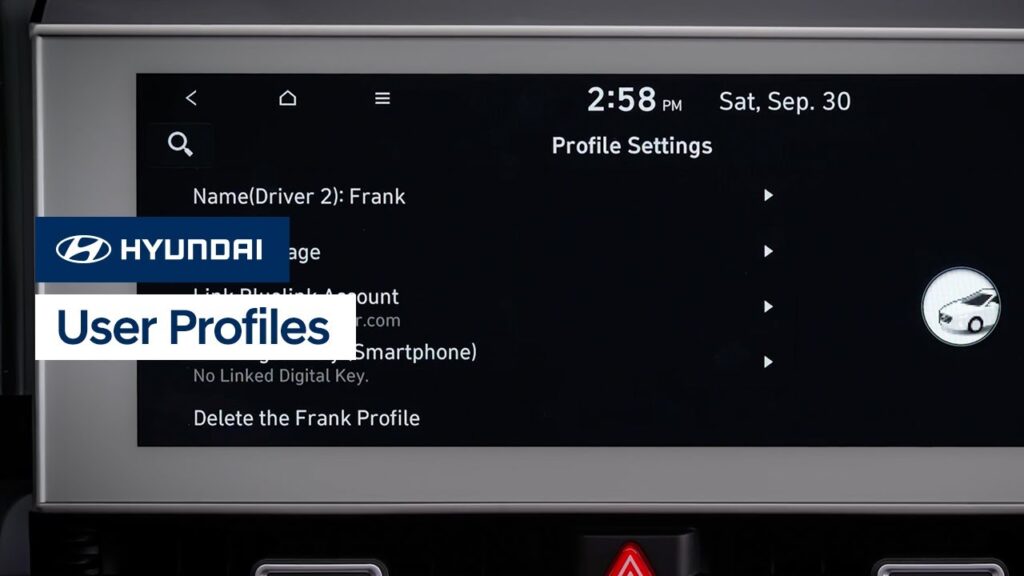
Your Hyundai offers the ability to save multiple user profiles. This means that each driver can have the vehicle customized to them each time they get into the vehicle. Watch this video to learn how to set up and customize each user profile and what settings it can store.
User Profiles | Bluelink
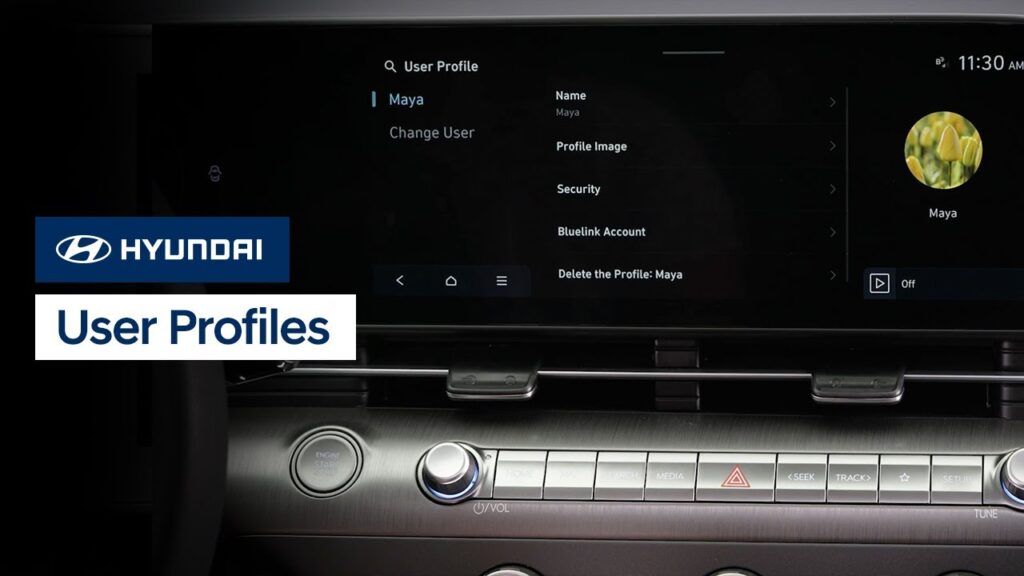
Your Hyundai offers the ability to save multiple user profiles. This means that each driver can have the vehicle customized to them each time they get into the vehicle. Watch this video to learn how to set up and customize each user profile and what settings it can store.
Quick Tips: Dynamic Voice Recognition | Bluelink
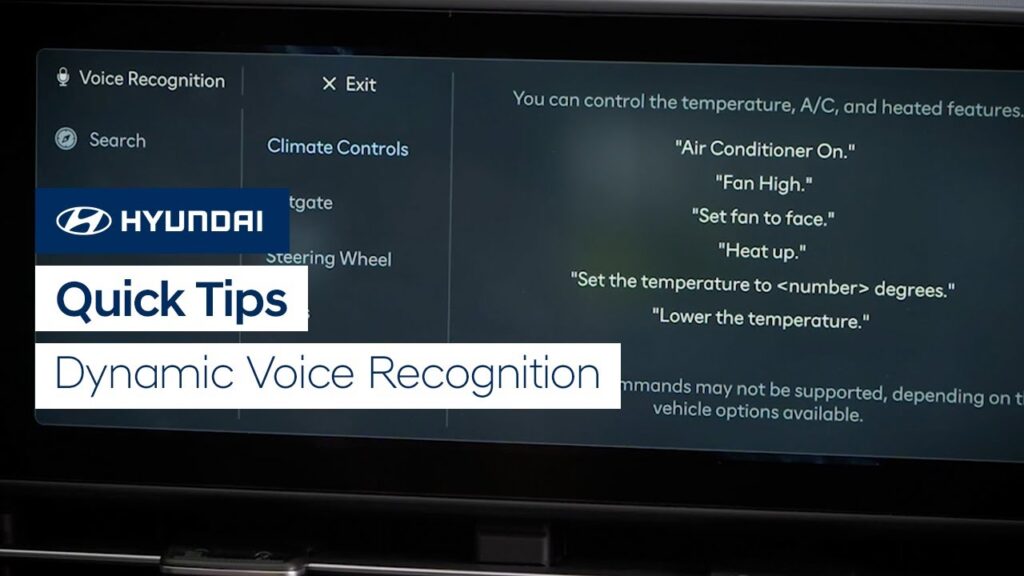
Watch this video for quick tips for using the available Dynamic Voice Recognition system in your Hyundai.
Dynamic Voice Recognition | Bluelink
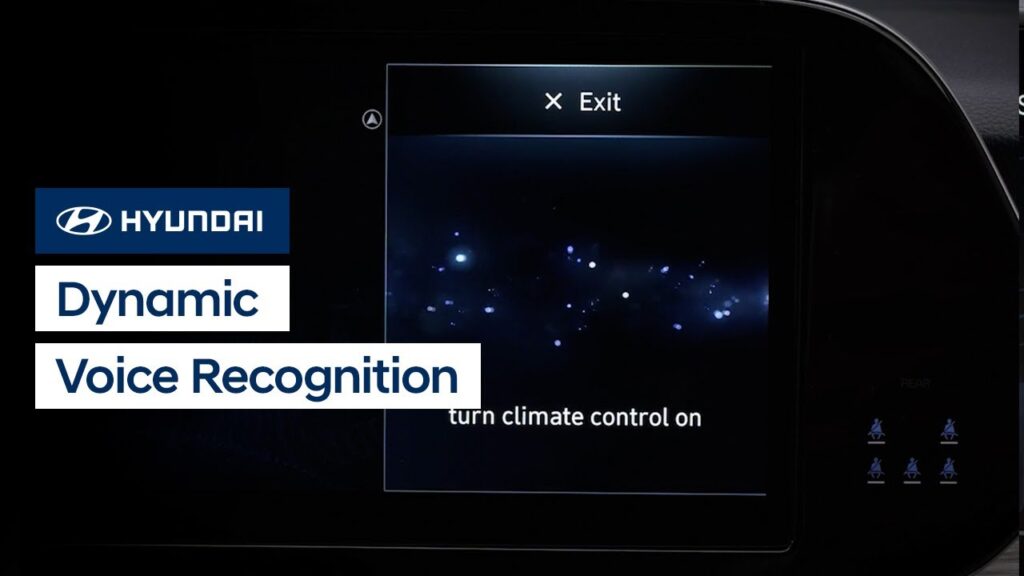
The Dynamic Voice Recognition system in your Hyundai allows you to use your voice and active Bluelink account to control vehicle functions, find and navigate to points of interests, and even obtain stock, weather and sports information. Watch this video to learn how to use the system, including how to access the Help menu to […]
Electric Vehicle Charge Management | Hyundai
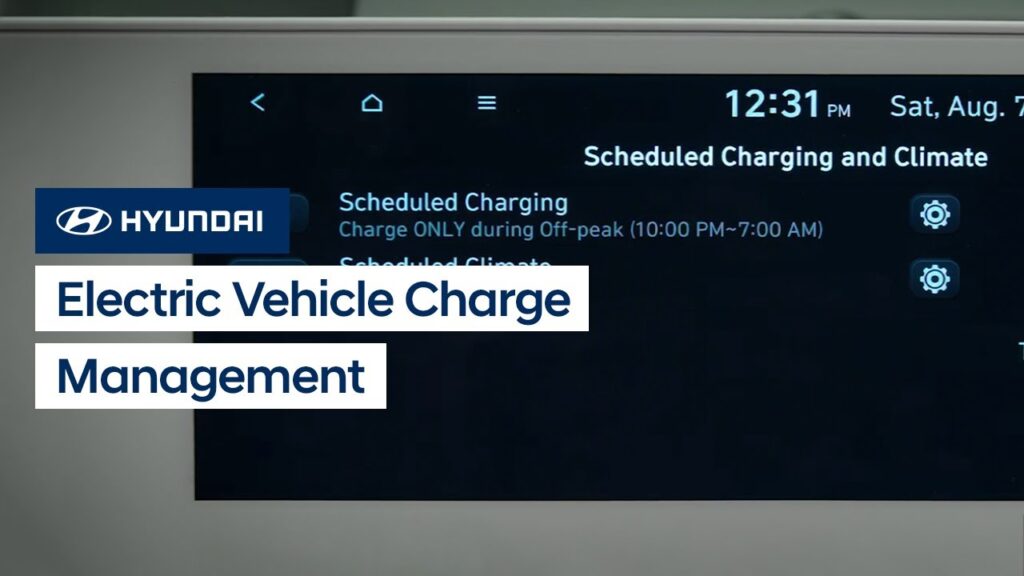
Your IONIQ allows you to schedule automatic battery charging and climate control. This video explains how to set the schedules to take advantage of off-peak charging as well as use scheduled climate control.