

Quiet Mode and Passenger Talk | Hyundai
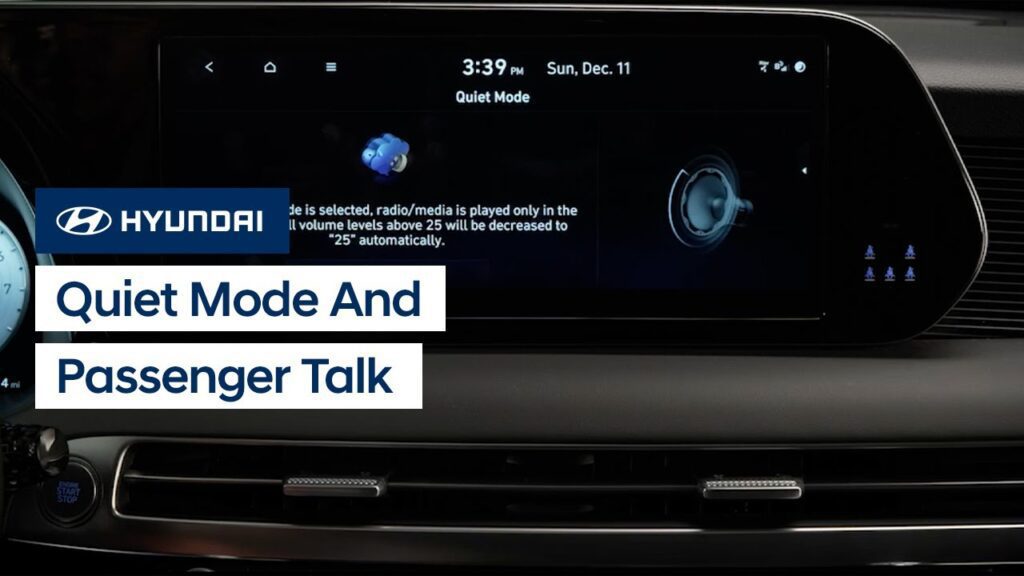
The available Quiet Mode and Passenger Talk features help to make relaxing or communicating in your Hyundai easier. This video explains how the two systems operate as well as how to turn them on and off.
Audio Mode Button | Hyundai
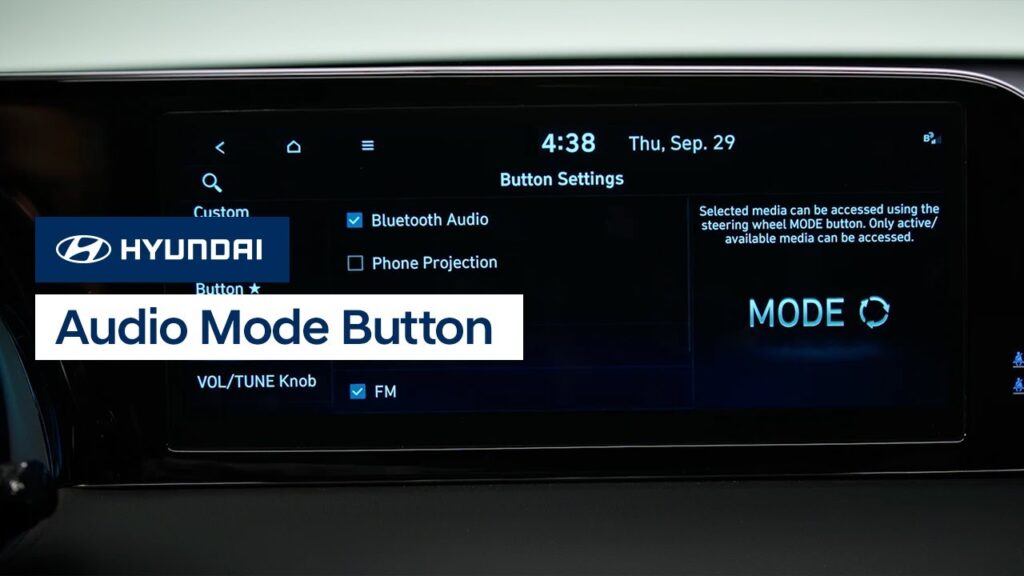
The Audio Mode button on your Hyundai allows you to easily switch between audio sources. This video will explain how to select the audio sources to switch between as well as how to use the button.
Setting the Time | Hyundai
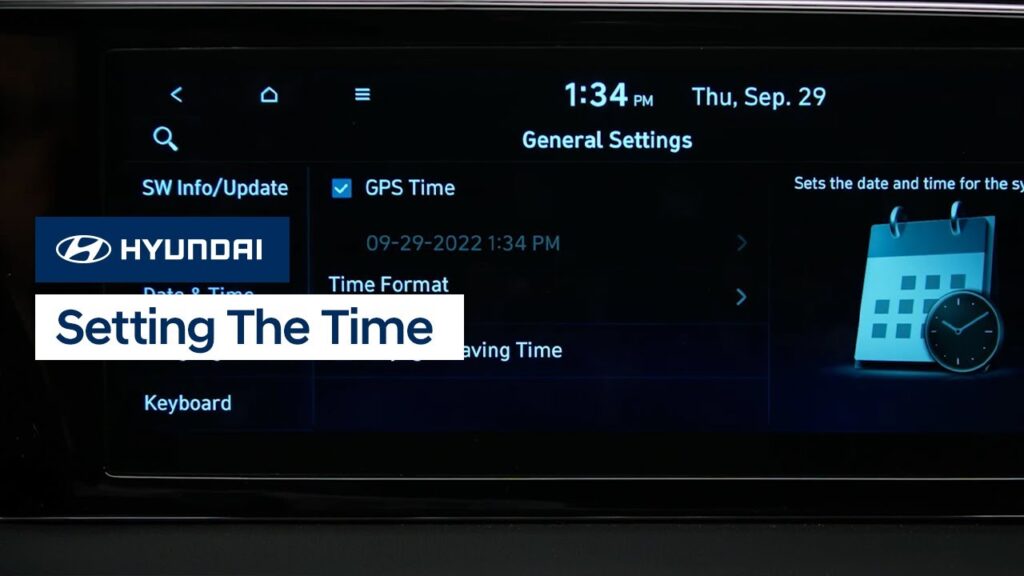
The date and time settings on your Hyundai can be set quickly and easily via the touchscreen. This video will explain how to set the date and time, as well as how to use the split-screen feature to show the clock on screen on certain models.
Navigation System Overview | Hyundai
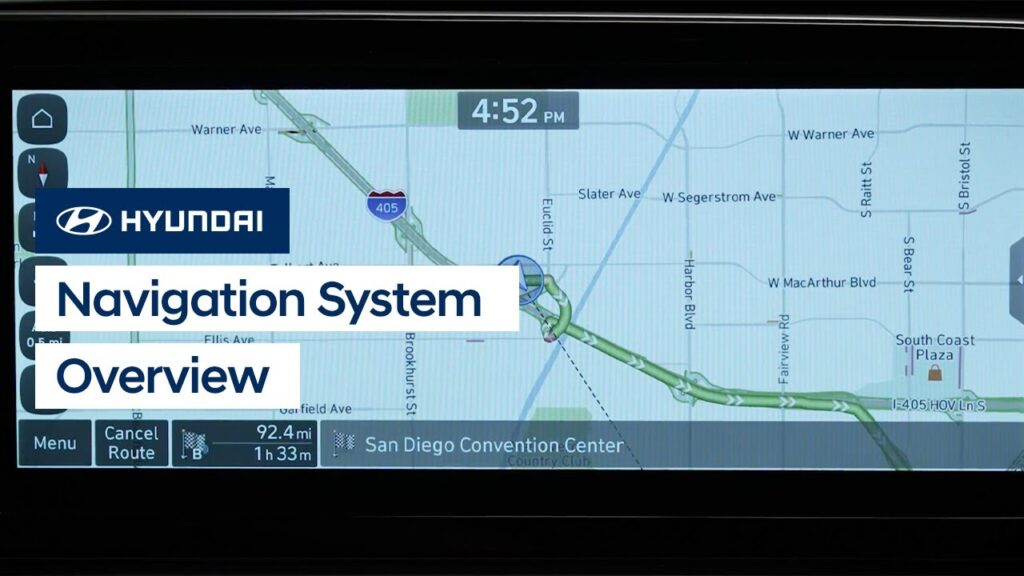
The Navigation system on your Hyundai is extremely powerful and offers many features that can help you on your journey. This video will explain the basic features of the Navigation system as well as how to operate them.
Operating the Navigation-Equipped Touchscreen | Hyundai
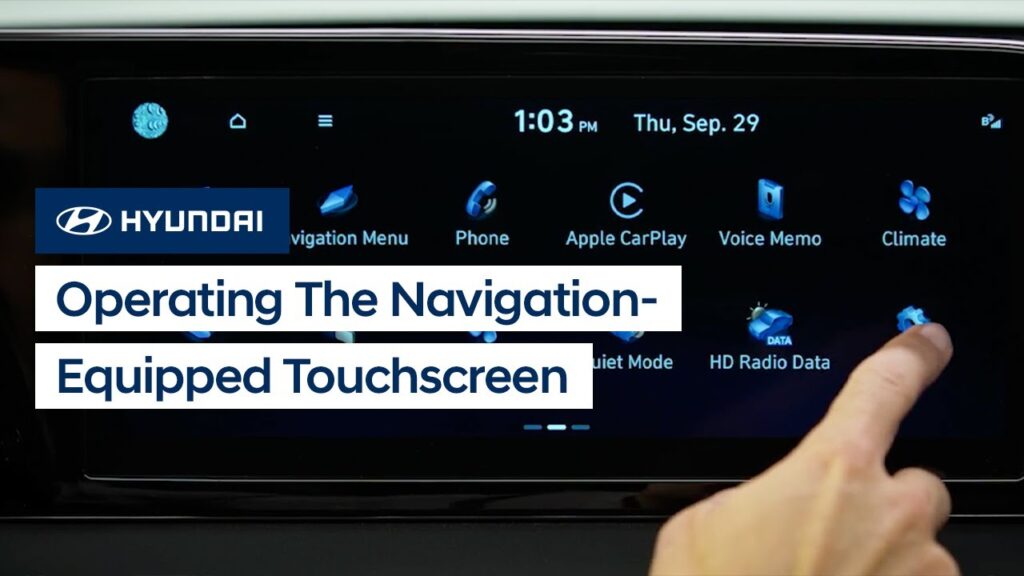
The color touchscreen with Navigation on your Hyundai incorporates easy, intuitive controls that can be configured as needed. This video will explain how to operate the touchscreen as well as some of the features available in it.
USB Ports | Hyundai
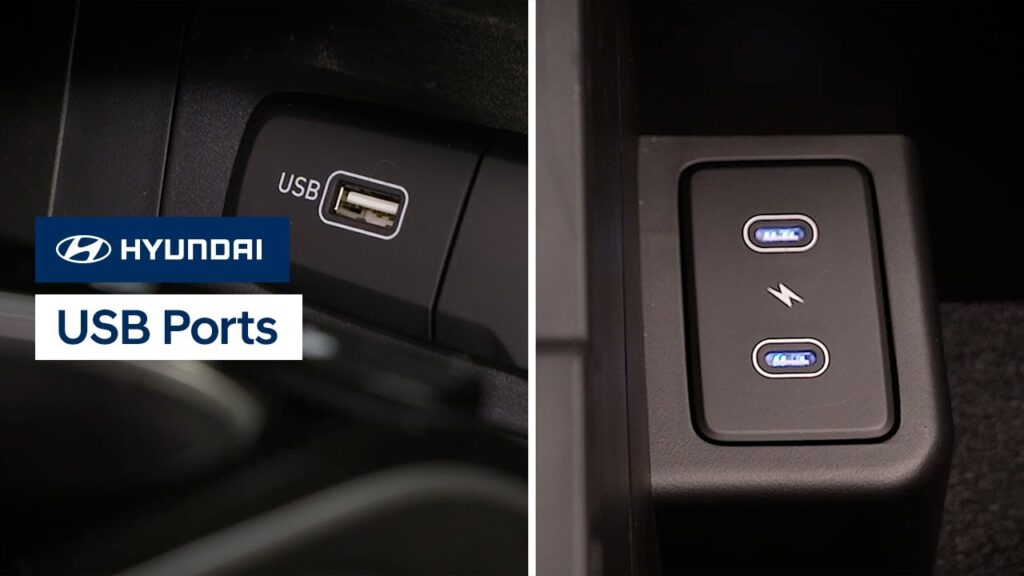
Your Hyundai has multiple USB ports which can allow you to charge your USB devices or use them to play media. Watch this video to learn the location of the different ports as well as how to tell which ports serve which functions.
Phone Projection Volume Settings | Hyundai
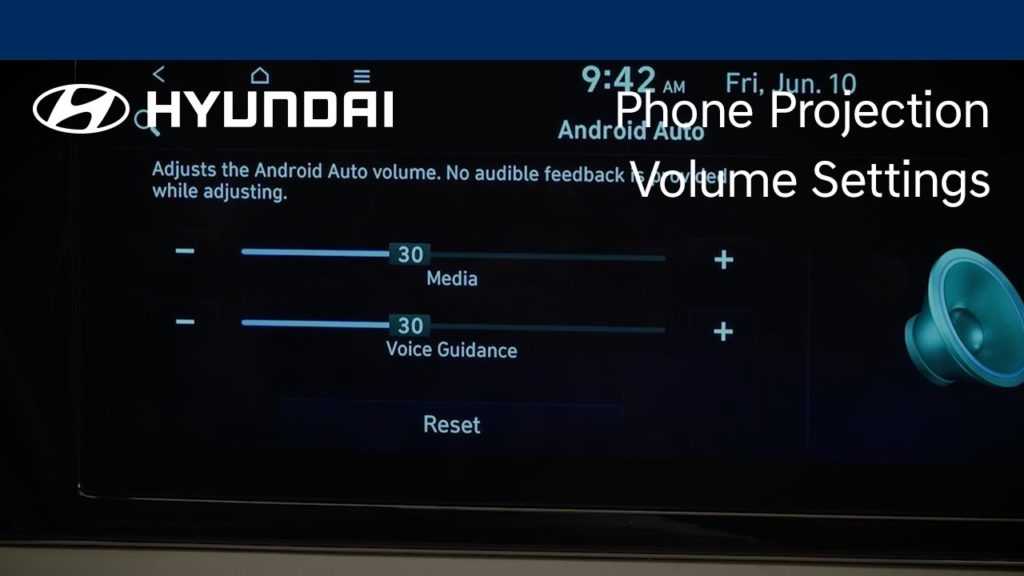
Your Hyundai can individually adjust volume levels for both Apple CarPlay® and Android Auto™. Watch this video to learn how to adjust these levels as well as how to set Bluetooth® devices for optimum volume levels.
WiFi Hotspot | Hyundai
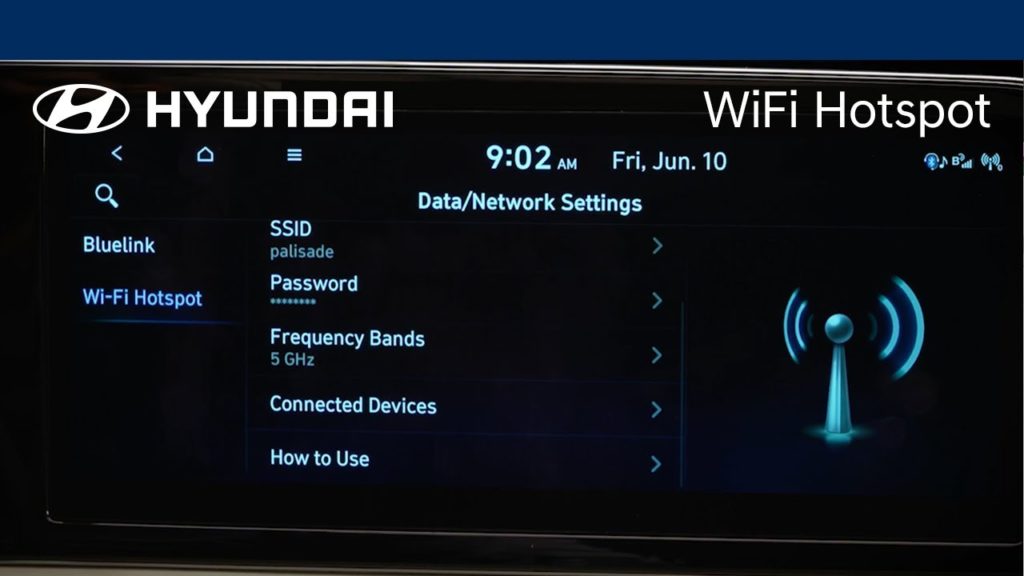
The available WiFi Hotspot service on your Hyundai allows passengers to stay connected and enjoy online games, social media, and more. Watch this video to learn how to enable and configure the hotspot, as well as how to connect to it.
Android Auto™ | Hyundai
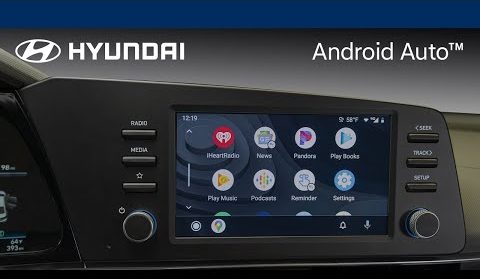
Hyundai offers two different methods to use Android Auto™ connectivity, depending on your model. Watch this video to learn how to connect with both wired and wireless connections.
Apple CarPlay® | Hyundai
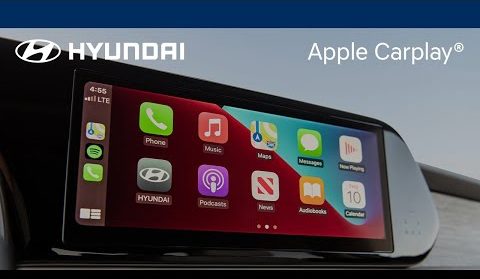
Hyundai offers two different methods to use Apple CarPlay® connectivity, depending on your model. Watch this video to learn how to connect with both wired and wireless connections.