

IONIQ 9 Active Sound Design | Hyundai
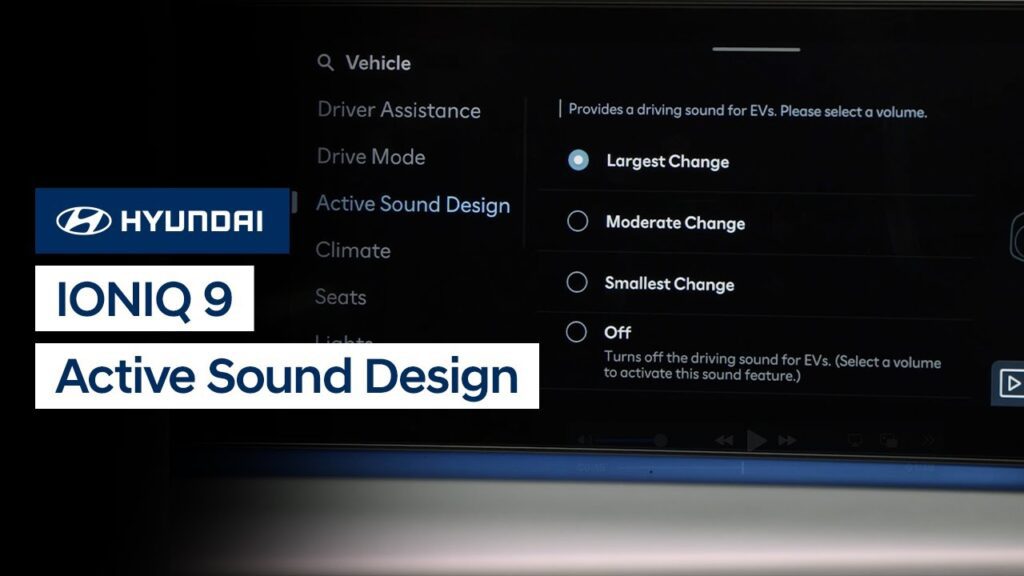
The Active Sound Design feature available on the IONIQ 9 allows you to personalize the soundtrack of your daily drive. Watch this video to learn how to adjust the settings of this feature.
IONIQ 9 Drive and Terrain Modes | Hyundai
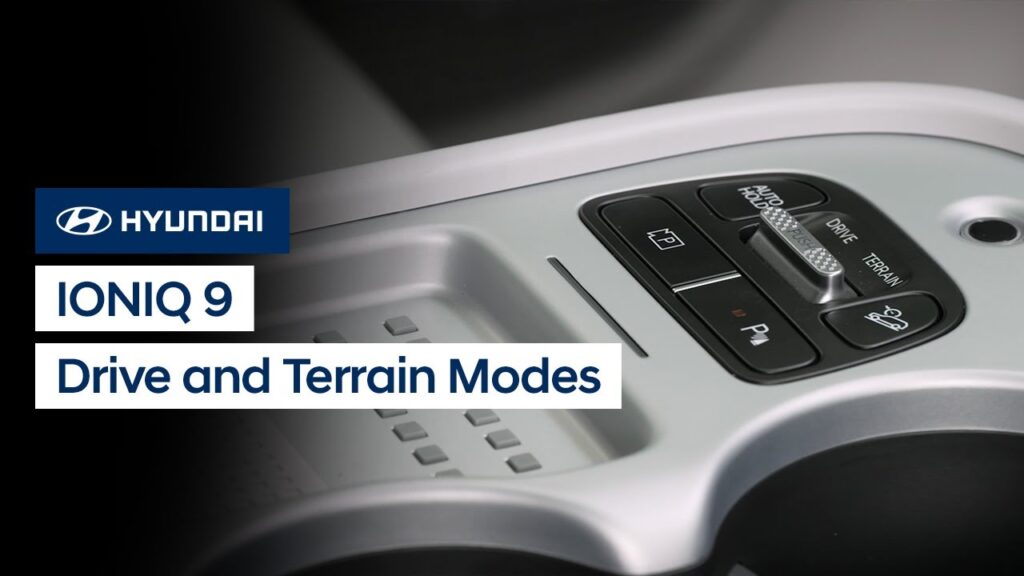
Your IONIQ 9 has selectable drive and (on AWD models) terrain modes to allow you to change the vehicle driving characteristics to suite your needs. This video will explain the different modes, how to select them, and available settings to further customize them.
IONIQ 9 Start/Stop Button | Hyundai
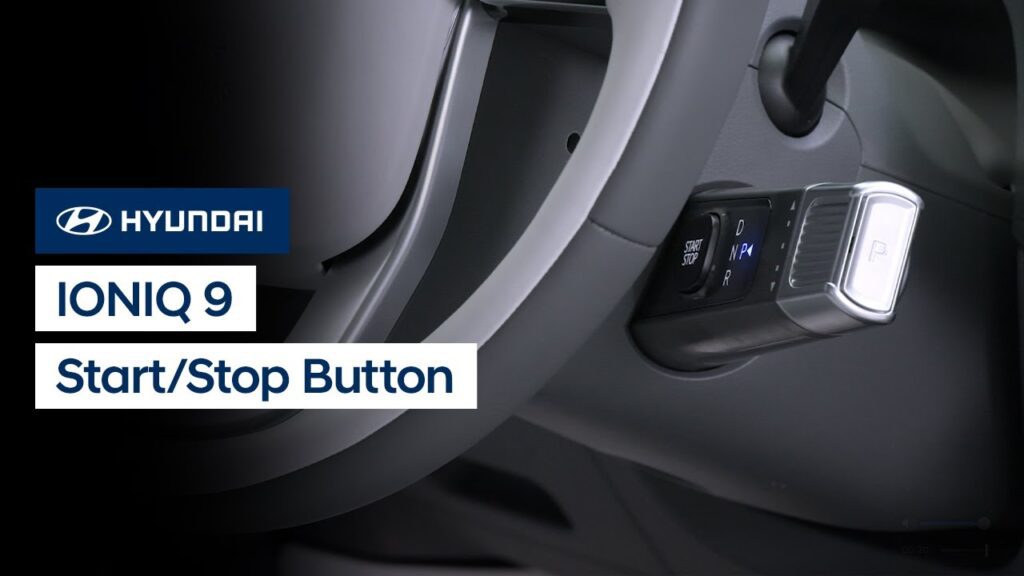
The Start/Stop button on your IONIQ 9 is located on the shift lever. Watch this video to learn how to use it to start your IONIQ 9 as well as how to use it for Accessory mode and other settings. #RSPA2
Dynamic Voice Recognition | Bluelink® | Hyundai
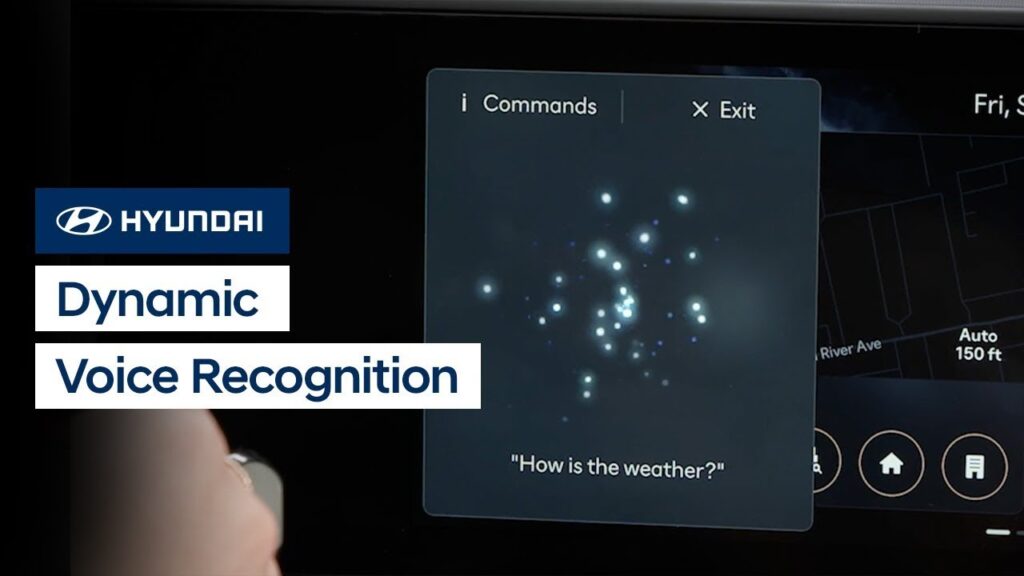
The Dynamic Voice Recognition system in your Hyundai allows you to use your voice and active Bluelink® account to control vehicle functions, find and navigate to points of interests, and even obtain stock, weather and sports information. Watch this video to learn how to use the system, including how to access the Help menu to […]
Electric Vehicle Menu Overview | Hyundai
The Electric Vehicle, or EV, menu screen on your Hyundai electric vehicle provides information and feature access to help you get the most out of your vehicle. This video will provide an overview of the different controls and features displayed on the menu screen.
Electric Vehicle Charge Management Settings | Hyundai
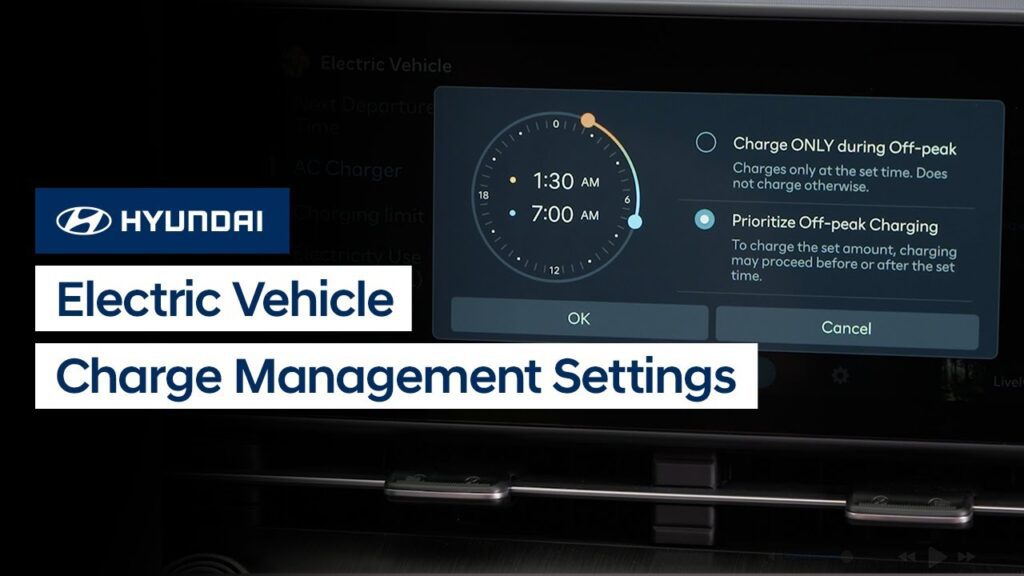
Your Hyundai electric vehicle allows you to schedule automatic battery charging and climate control. This video explains how to set the schedules to take advantage of off-peak charging as well as use scheduled climate control and other features and settings.
Electric Vehicle Charging Basics | Hyundai
Your Hyundai Electric Vehicle offers multiple charging options that you can use, each with its own charging speed. This video explains the three different levels of charging as well as settings available to provide optimal long term battery performance.
Head-Up Display | Hyundai
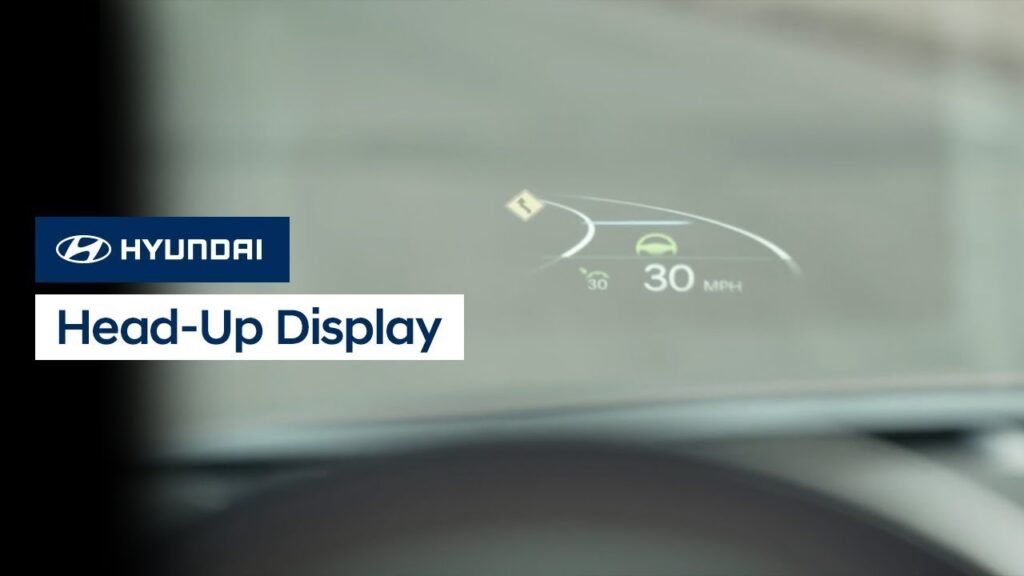
Hyundai’s available Head-Up Display projects information, such as vehicle speed, turn-by-turn directions, smart cruise control and lane safety notifications, onto the windshield. Watch this video to learn how to turn the system on and off as well as adjust settings for it.
Bluelink® Connectivity | Bluelink® | Hyundai
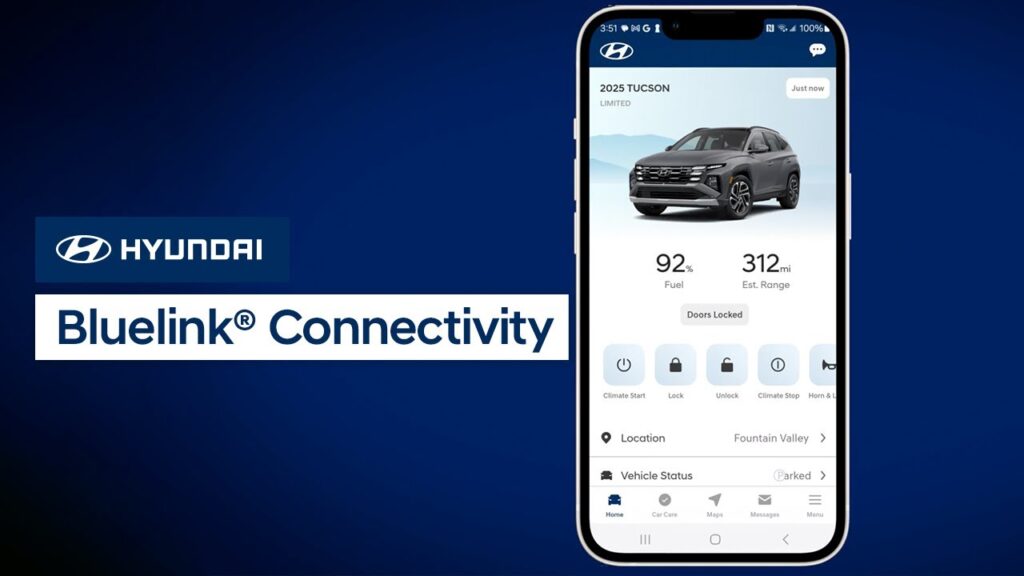
MyHyundai’s communication with your vehicle takes place through the Bluelink® system using cellular networks. This video will explain how to optimize your connection as well as provide tips on how to speed up the connection process.
Digital Key 2 for Samsung Devices | Bluelink® | Hyundai
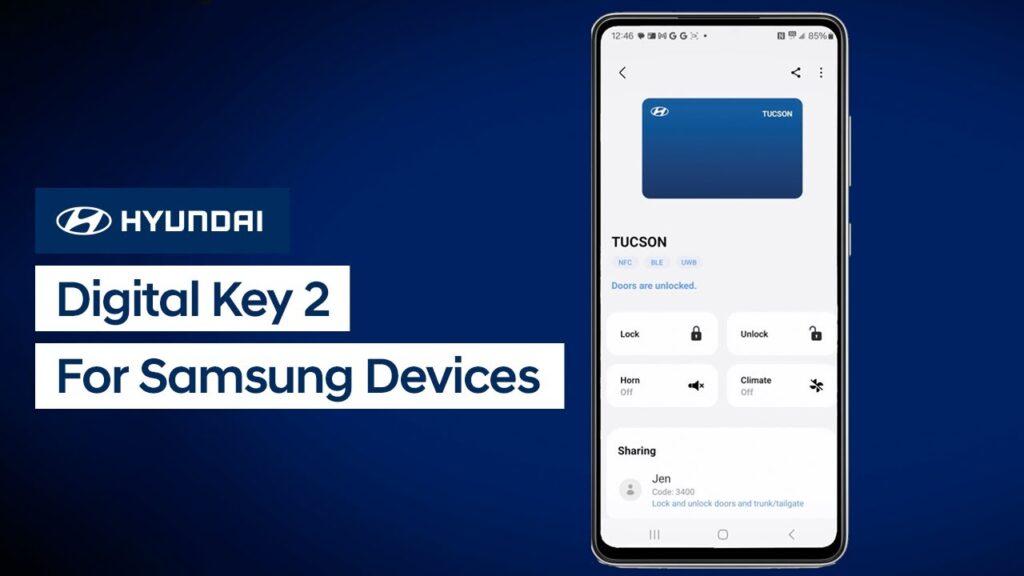
Hyundai’s available Digital Key 2 allows you to use your compatible mobile device to access and operate your vehicle. Watch this video to learn how to set up and use Digital Key 2 with a compatible Samsung phone.