

Quick Tips: Resetting Wireless Apple CarPlay® | Hyundai
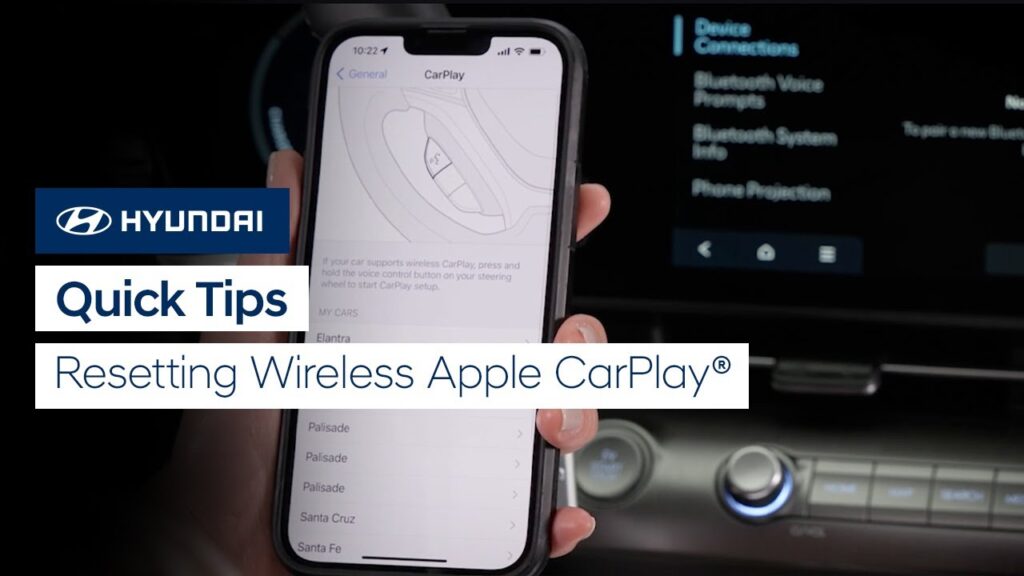
Need to reset wireless Apple CarPlay in your Hyundai? Watch this Quick Tip video to learn how to do it and get connected wirelessly in no time.
Quick Tips: IONIQ 5 Limited Headrest Adjustment | Hyundai
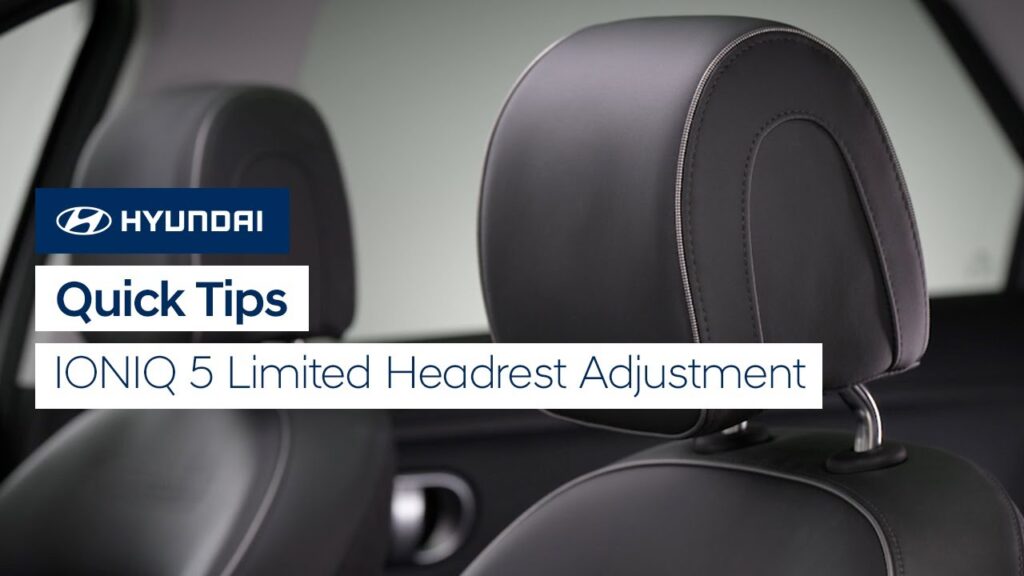
The driver’s seat headrest on your IONIQ 5 Limited or Disney100 Platinum Edition can be quickly and easily adjusted for your comfort. Watch this Quick Tip video to learn how.
Bluetooth® Setup | Hyundai
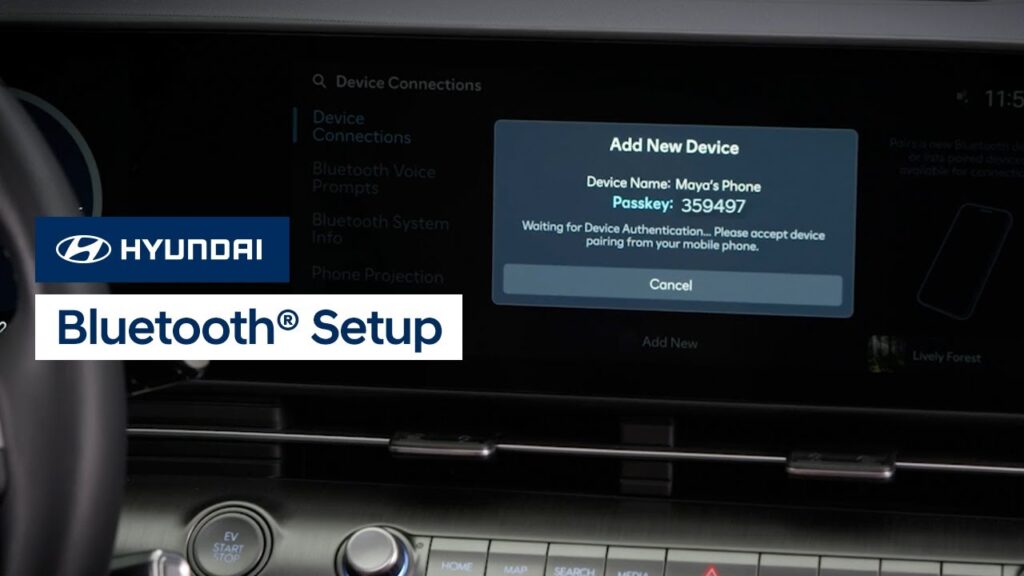
Connecting to Bluetooth on your Hyundai vehicle is quick and easy. Watch this video to learn how to connect to Bluetooth as well as how to adjust phone priorities and other settings.
Bluetooth® Setup | Hyundai
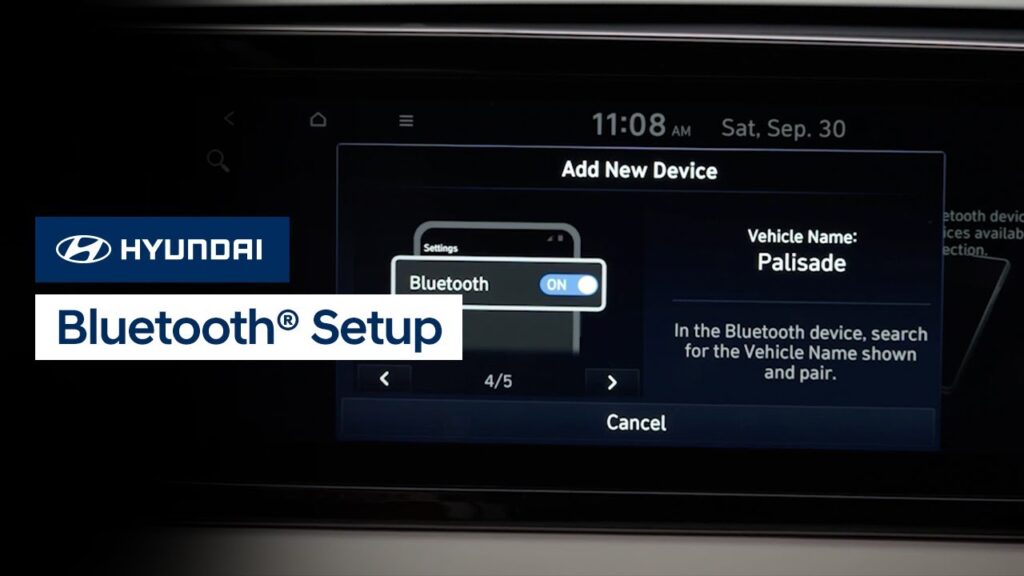
Connecting to Bluetooth on your Hyundai vehicle is quick and easy. Watch this video to learn how to connect to Bluetooth as well as how to adjust phone priorities and other settings.
Bluetooth® Setup | Hyundai
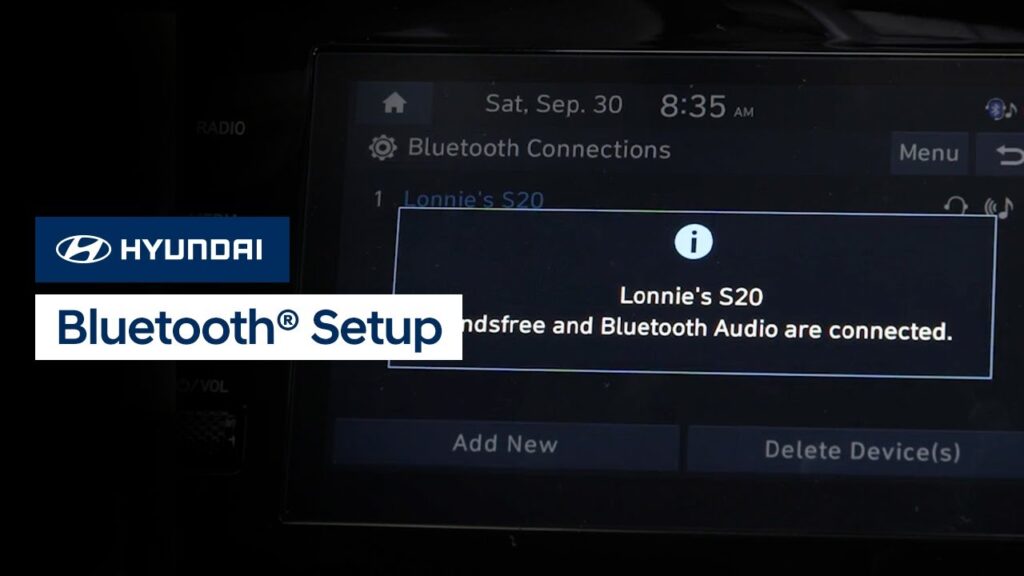
Connecting to Bluetooth on your Hyundai vehicle is quick and easy. Watch this video to learn how to connect to Bluetooth as well as how to adjust phone priorities and other settings.
KONA Electric Charger Door and Port | Hyundai
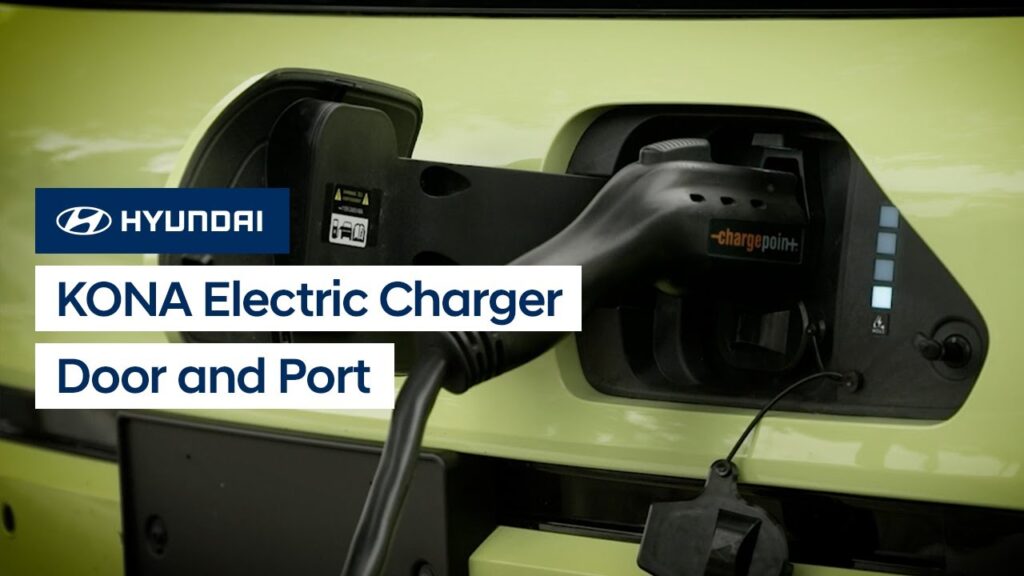
The charger door and port on your KONA Electric have several unique features and settings to help make charging easier. This video will explain how to open and close the charger door, the charging status lamps, and how to set the connector locking mode.
Adjusting Warning Alerts | Hyundai
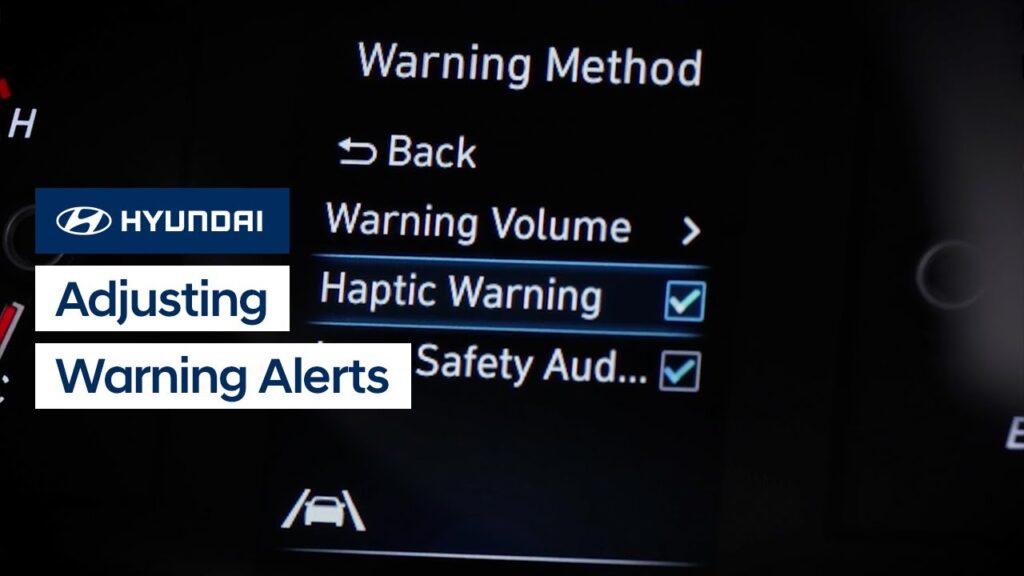
Your Hyundai allows you to adjust the method and volume of alerts from the safety and convenience systems. Watch this video to learn how to access these settings, including the haptic alert and the warning sound volume control.
Using the Wi-Fi Hotspot | Bluelink
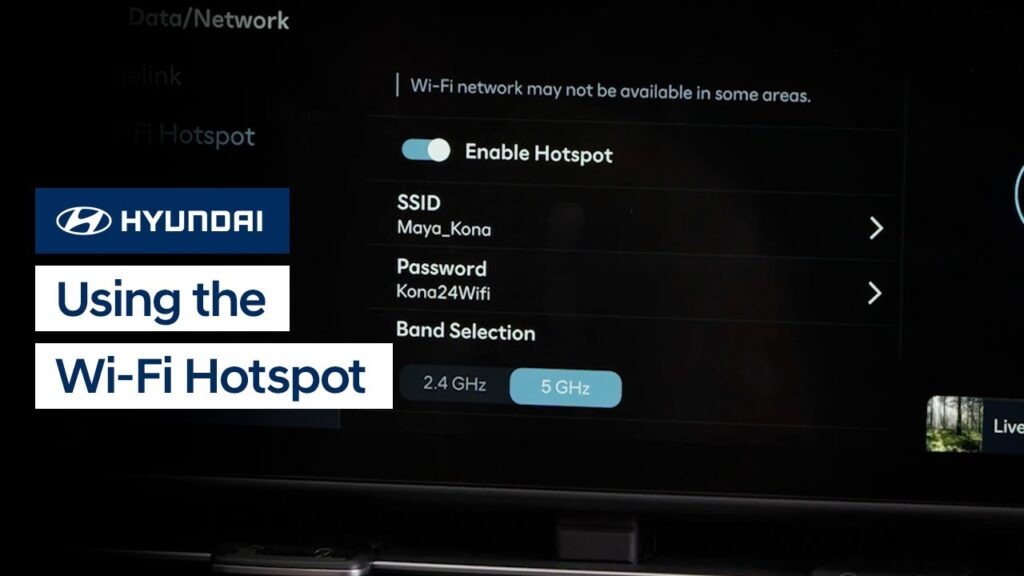
The available Wi-Fi Hotspot service on your Hyundai allows passengers to stay connected and enjoy online games, social media, and more. Watch this video to learn how to enable and configure the hotspot, as well as how to connect to it.
Conventional Cruise Control | Hyundai
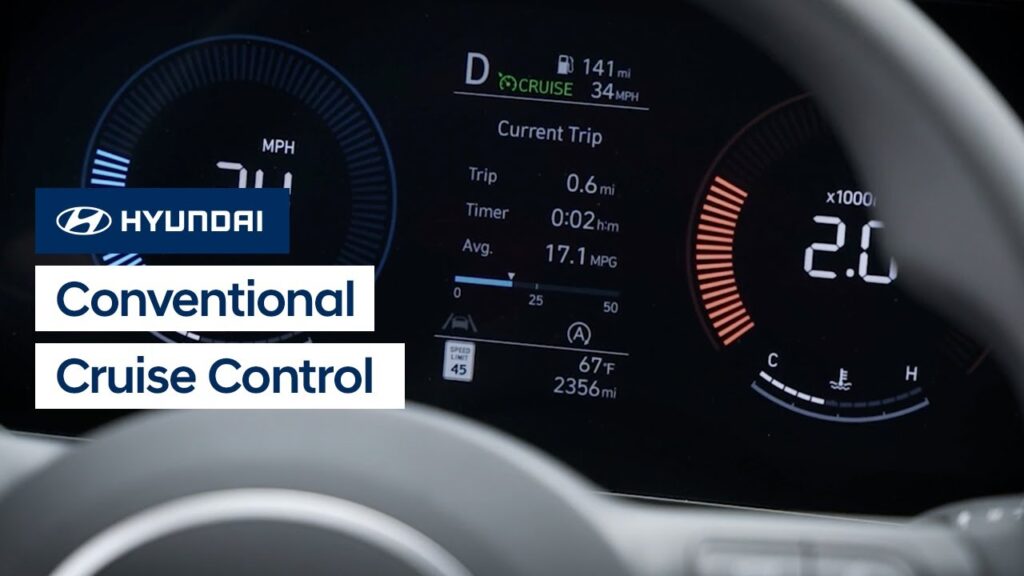
The Conventional Cruise Control system on your Hyundai helps you to maintain a constant speed when driving. This video will explain how the system operates as well as the different settings available for it.
Blind-Spot Safety | Hyundai
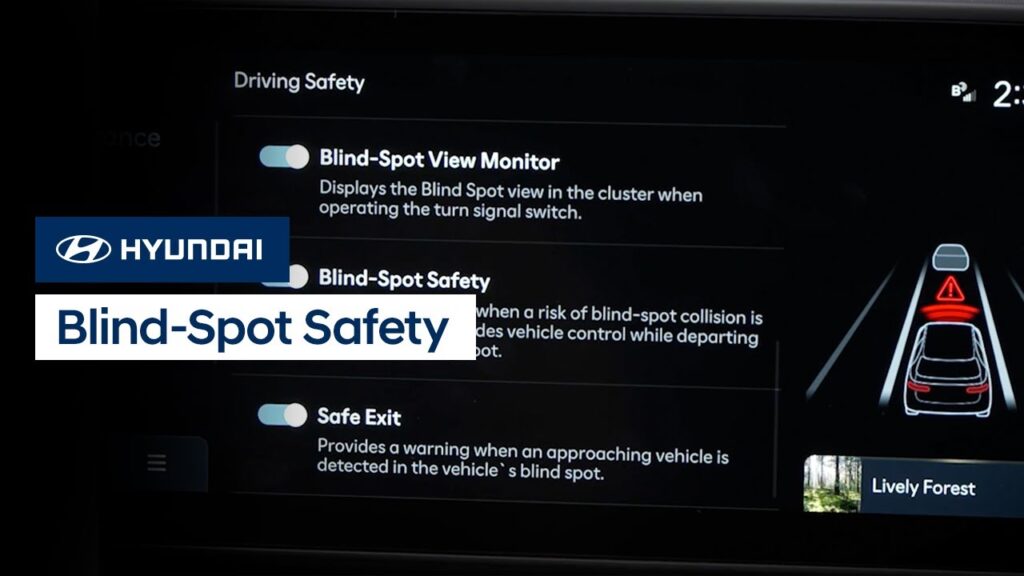
Hyundai’s available Blind-Spot Safety system includes two helpful features. Blind-Spot Collision Warning can help detect imminent side collision risks and alert you to them. Blind-Spot Collision-Avoidance Assist can help you to avoid collisions at low speeds, such as when exiting a parking space. Watch this video to learn how to turn the system on and […]