

Instrument Cluster Help Menu Explained | Hyundai
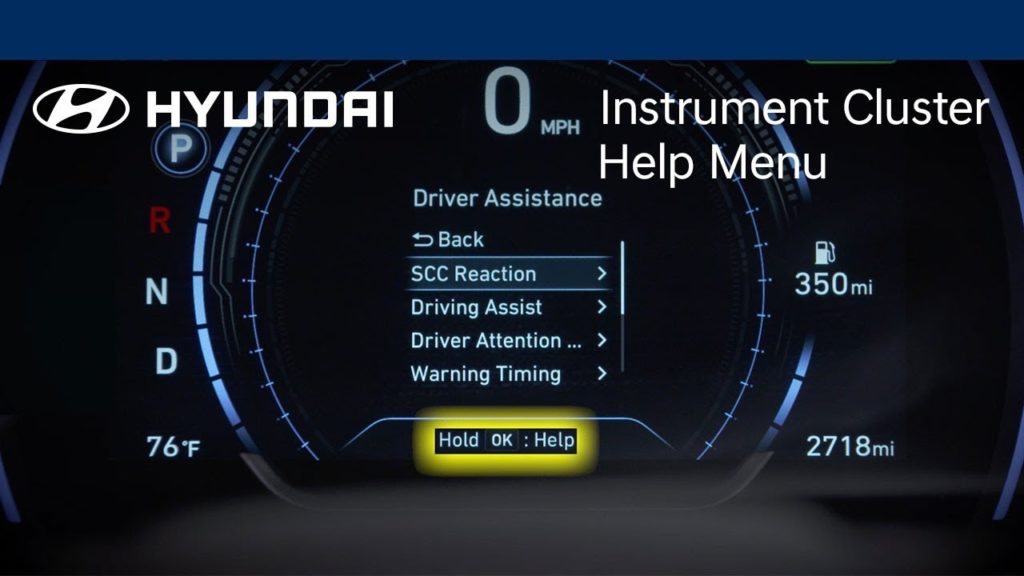
Want to know how to get information about key vehicle features on your Hyundai while out on the road? This video explains how to access available help tutorial messages within the LCD display– anytime, anywhere.
Wireless Charging Explained | Hyundai
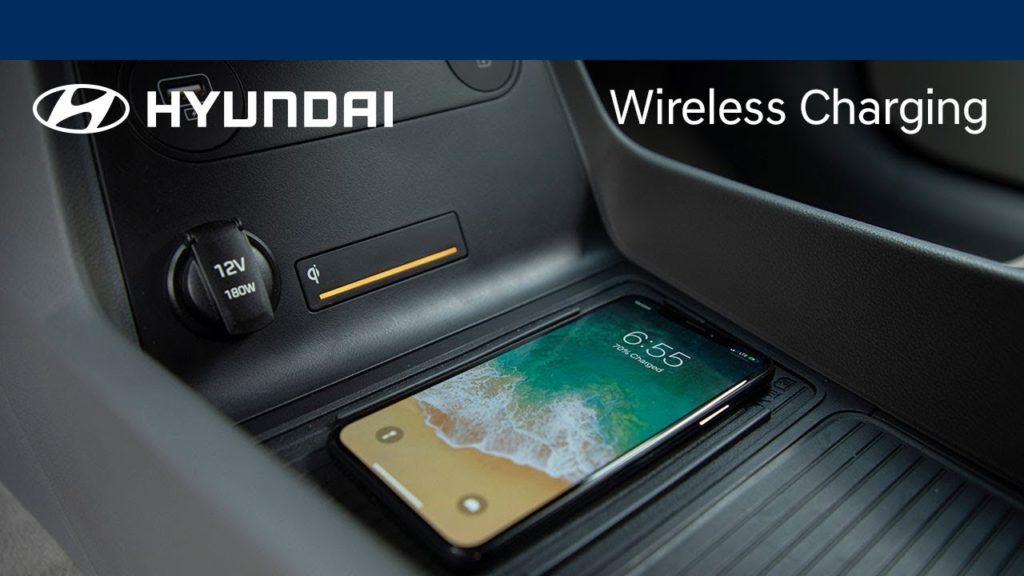
Want to know how to locate the available wireless charging pad in your Hyundai? This video identifies where to place your Qi-enabled phone to keep your device charged up – no cord needed.
High Beam Assist Explained | Hyundai
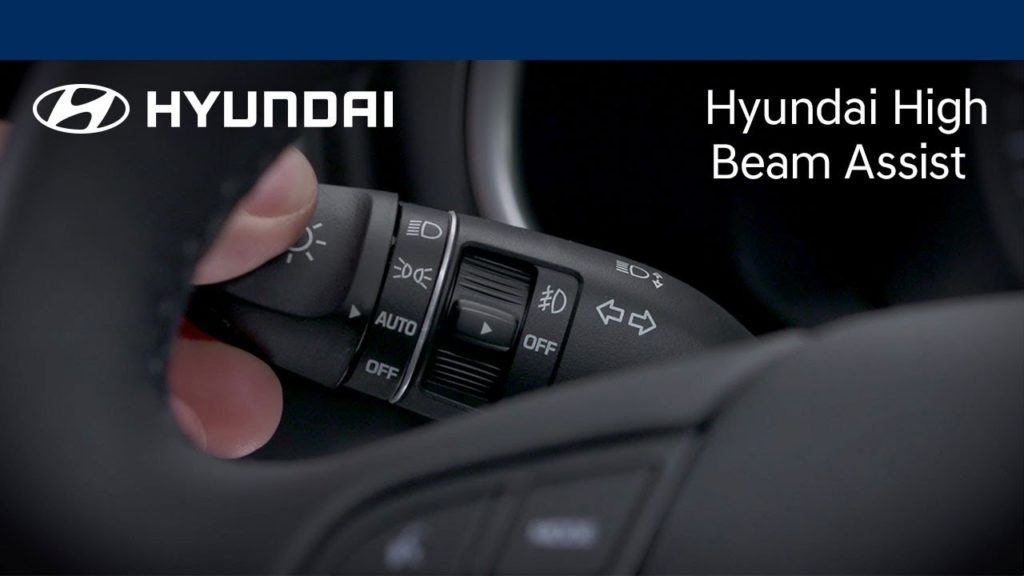
Want to know how to use the available High Beam Assist feature in your Hyundai vehicle? This video highlights how your headlights can automatically switch between high and low beams in response to oncoming traffic.
Understanding the Home Screens | Hyundai
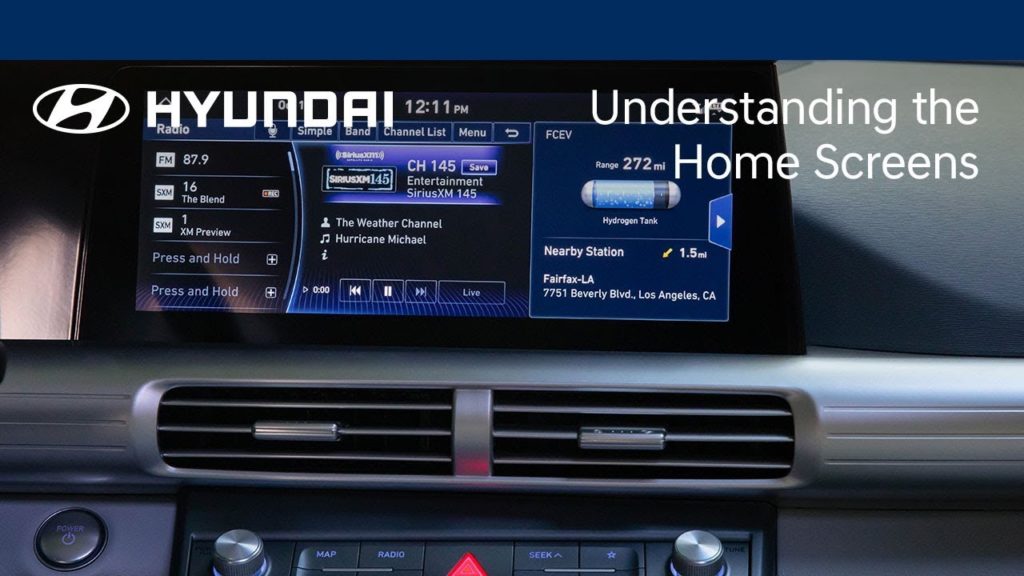
Want to know how to personalize the “widgets” or apps on your Hyundai’s touchscreen? This video explains how to add, remove, and change the location of the touchscreen apps so it’s easy to gain quick access to your most frequently used features and functions.
Understanding Hydrogen Station Navigation | Hyundai
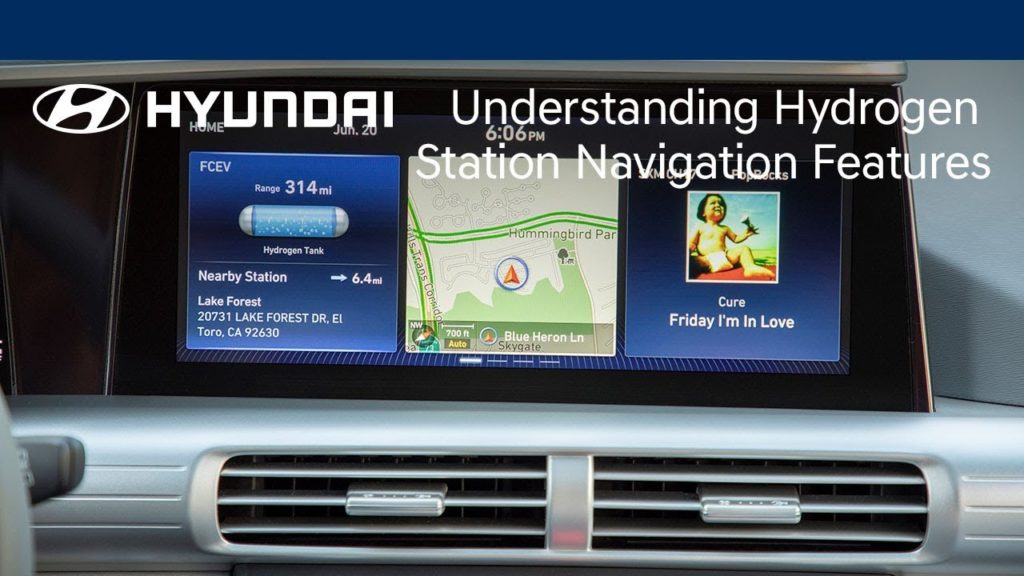
Want to know how to find hydrogen stations to refuel your Hyundai fuel cell vehicle? This video explains how to use the onboard navigation system to easily identify and get directions to nearby refueling sites.
Understanding Secondary Functions | Nexo |Hyundai
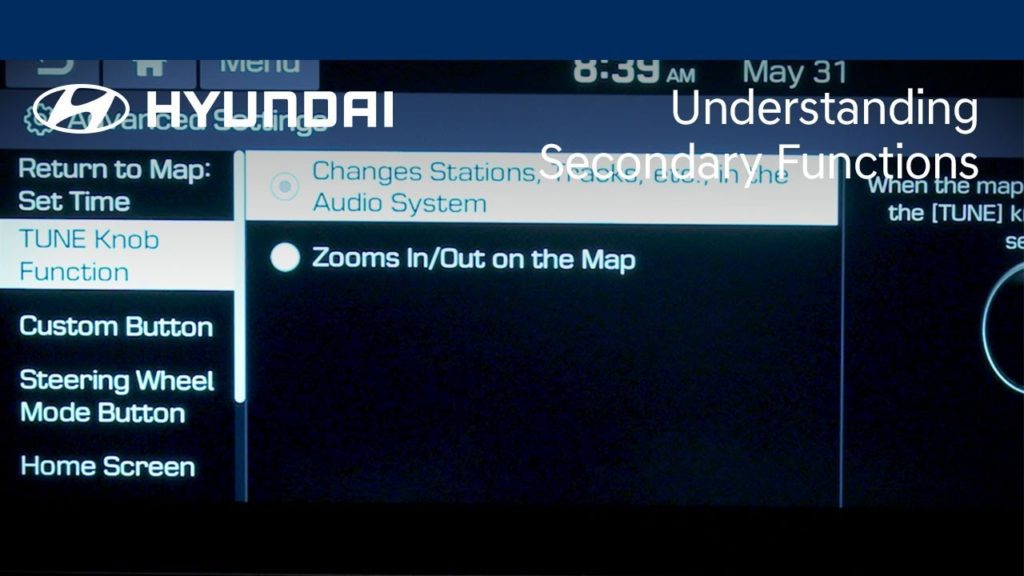
Want to know how to utilize the secondary functions on your Hyundai’s control buttons and knobs? This video explains how secondary functions on select buttons and knobs offer quick shortcuts to adjust navigation, media, and other system settings that enhance your driving experience.
Understanding Sound Settings | Nexo | Hyundai
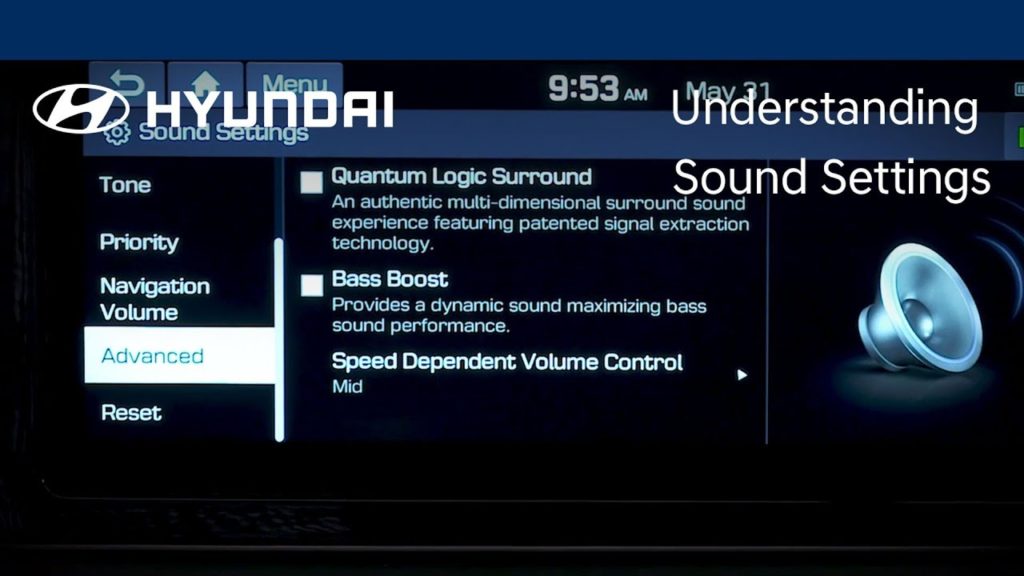
Want to know how to customize the sound settings in your Hyundai? This video explains how to fine-tune audio playback quality and direction to create your ideal listening environment. You’ll also learn how adjust the volume of navigation guidance, system warnings, and more on your Hyundai.
Blind-Spot Collision-Avoidance Assist Explained | Hyundai
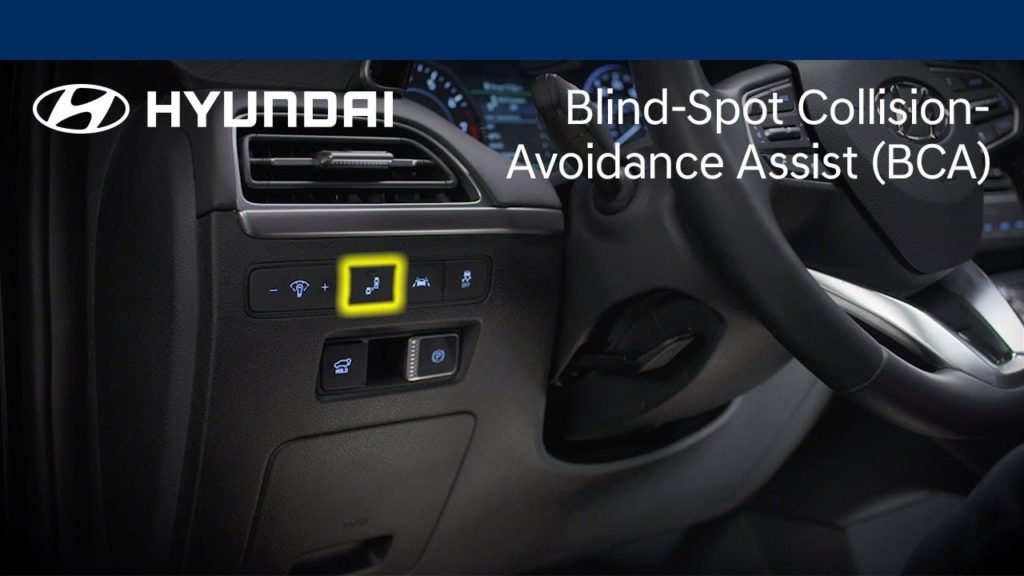
Want to know how to use Hyundai’s Blind-Spot Collision-Avoidance Assist feature? This video highlights how the system can help automatically detect imminent side collision risks and help avoid an impact or minimize damage. You’ll also learn how to adjust Blind-Spot Collision-Avoidance Assist alerts and response times.
Lane Following Assist Explained | Hyundai
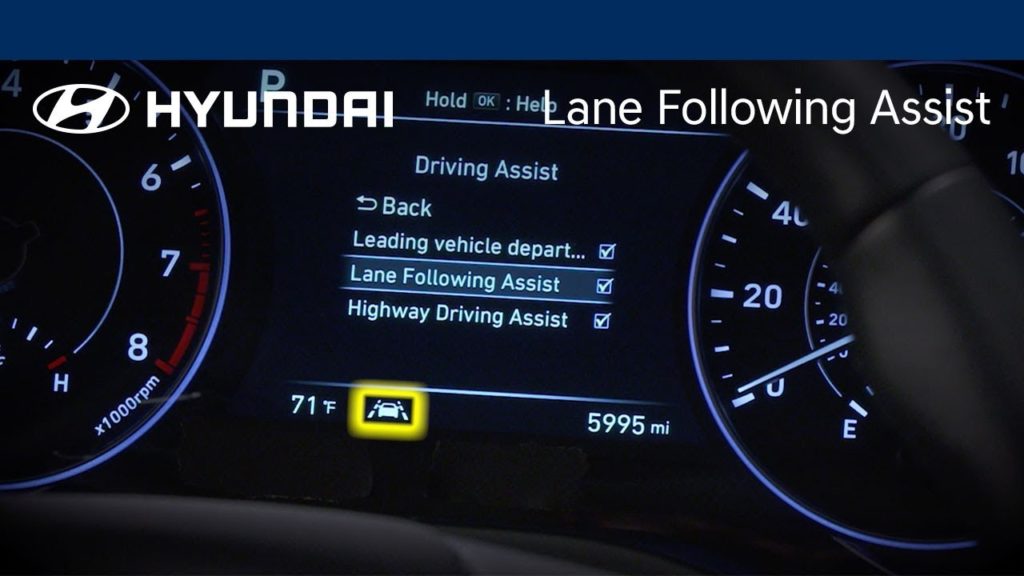
Want to know how to use the available Lane Following Assist feature in your Hyundai? This video highlights how the system can detect lane markings and help keep you in your lane. You’ll also learn how to turn on and operate Lane Following Assist in your Hyundai Palisade.
Understanding Voice Recognition Settings | Hyundai
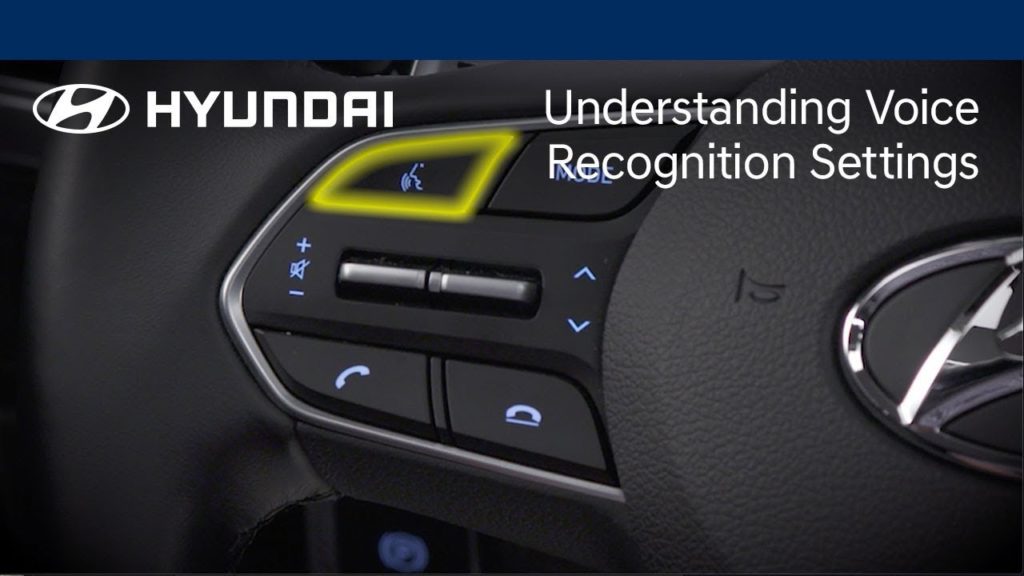
Want to know how to customize the level of assistance received while using the voice recognition system in your Hyundai? This video explains how you can adjust the amount of detail in the voice recognition system prompts.