

How to Open the Liftgate | Hyundai
Learn how simple it is to open the liftgate of your Hyundai Veloster.
How to Use the Basic Navigation Features | Hyundai
Your Hyundai’s navigation system can get you to your destination with ease. Watch this video to learn the basic steps to get you started on your journey.
How to Access the Trunk with the Key Fob | Hyundai
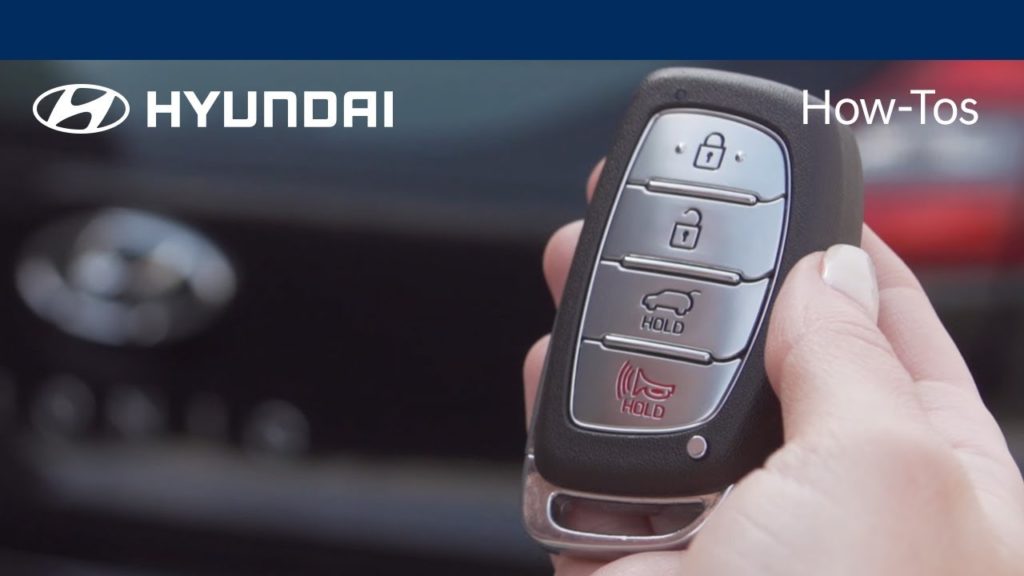
Your Hyundai’s key fob (if equipped) includes a trunk unlock button that only unlocks the trunk, but does not open it. Watch this video to learn more about this feature.
How the Power Gauge Works | Hyundai
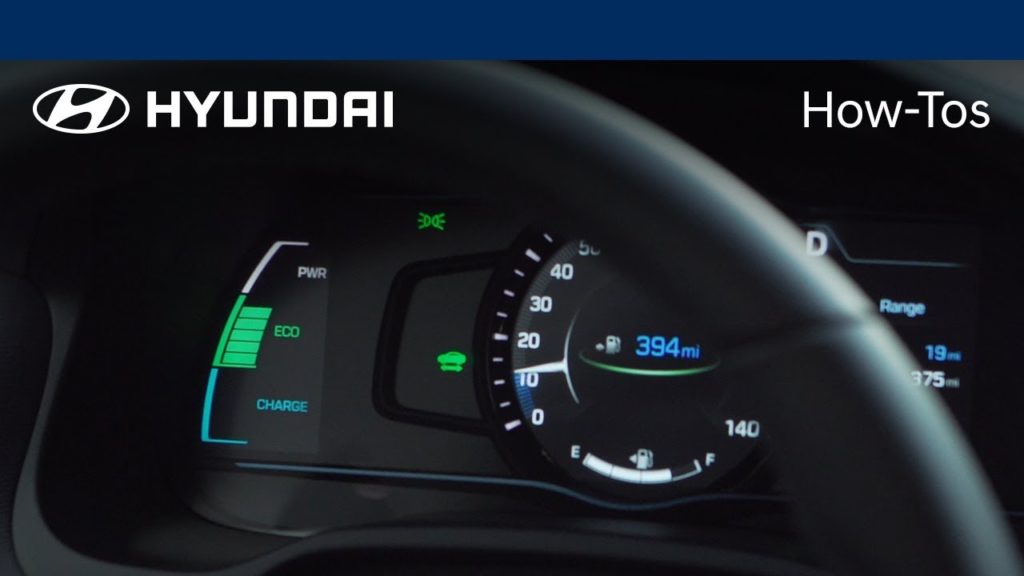
At Hyundai, we know that fuel efficiency is important to our electric vehicle owners. Learn how the power gauge in your vehicle helps you improve your driving habits, increase your fuel efficiency, and reduce your fuel costs.
How to Monitor Your Battery Power | Hyundai
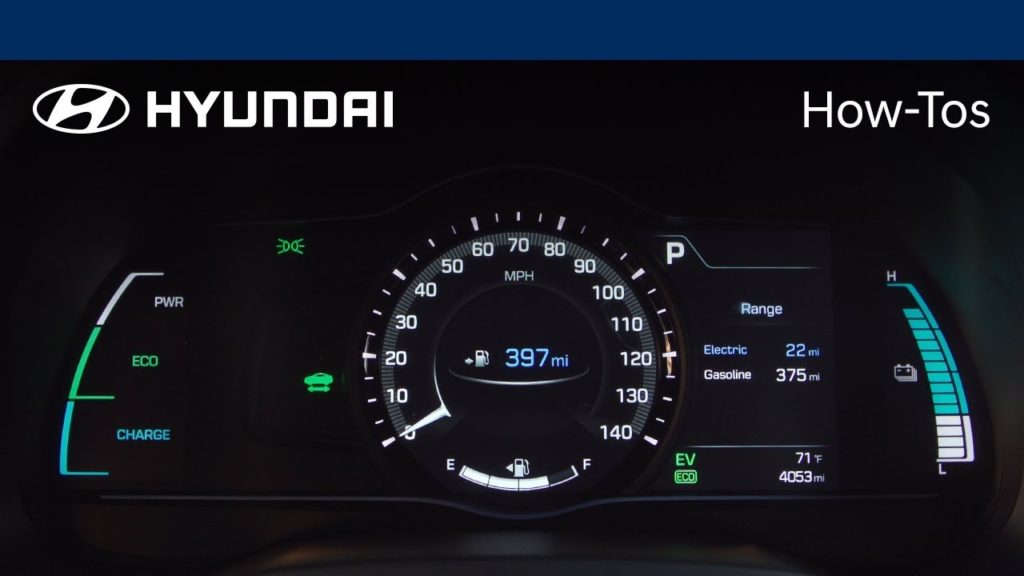
You can monitor the battery life in your Hyundai electric vehicle with the state-of-charge gauge. Make sure you never run out of battery power by watching this video.
How to Use the Charging Connector Auto Lock Mode Button | Hyundai
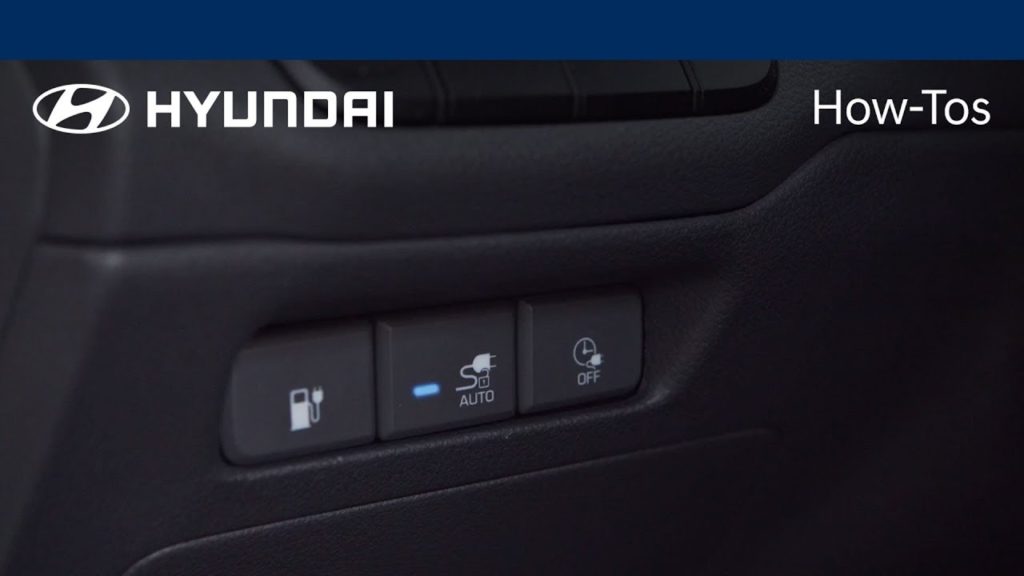
Public charging networks provide additional EV charging support and the opportunity to extend driving distances in EV mode. Your Hyundai electric vehicle is equipped with a charger release button to ensure that the charging cord will stay locked and to prevent opportunities for others to steal it while you are away. Watch this video to learn more.
How to play music using a USB stick | Hyundai
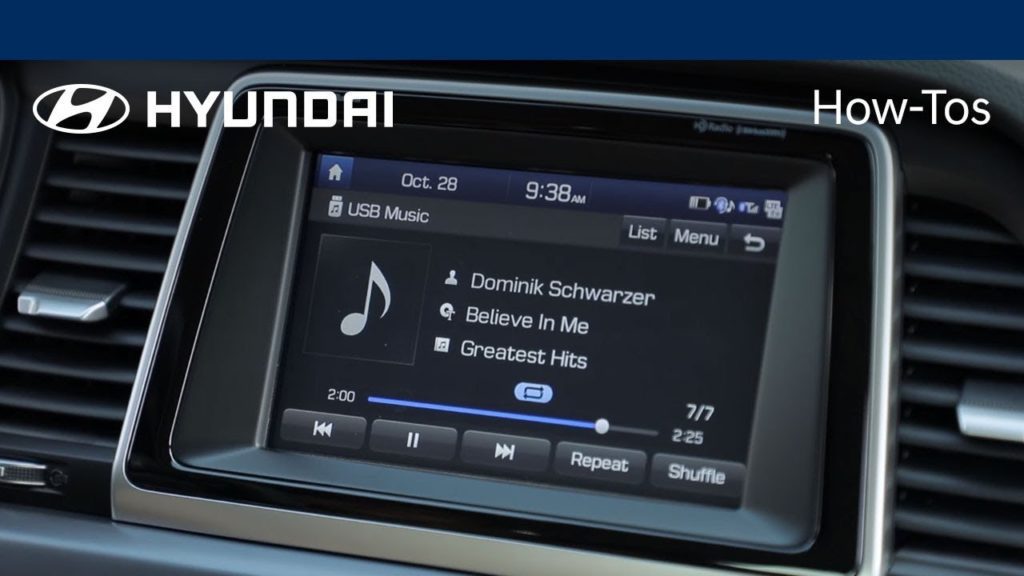
How to play music in your Hyundai vehicle using a USB stick.
How the Dash Charging Indicator Light Works | Hyundai
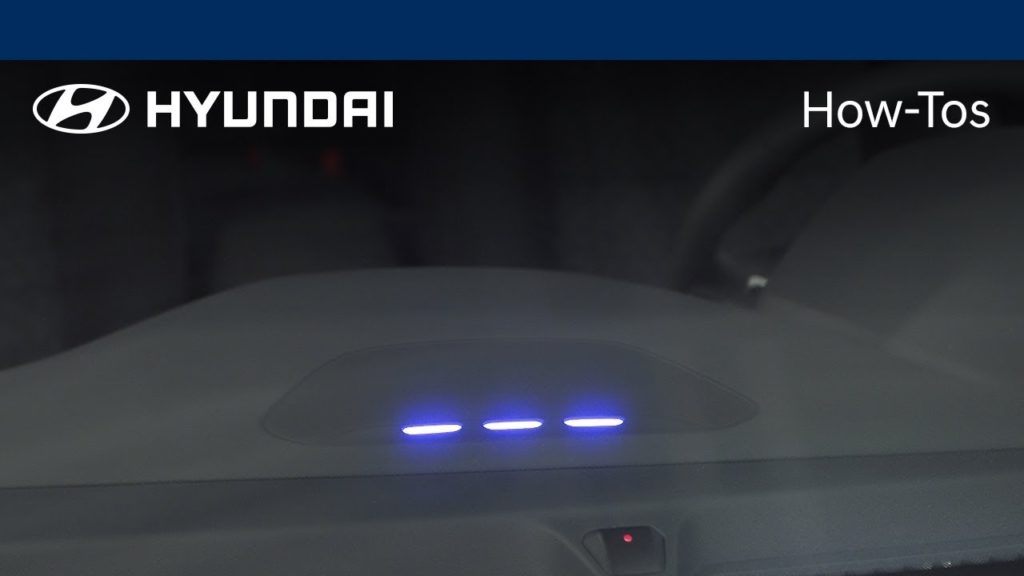
Not sure how much battery charge you have left in your electric vehicle? Watch this video to learn more about the dash charging light feature in your Hyundai.
How to Adjust the Front Seat Armrest | Hyundai
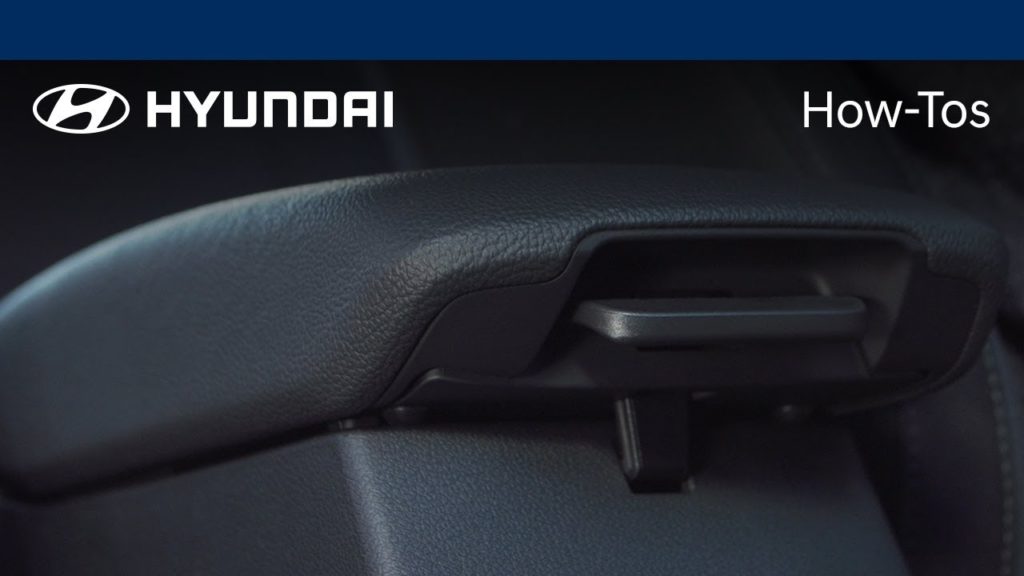
Your Hyundai is equipped with sliding front armrests that will help you stay comfortable while driving. Watch this video to learn how to use this feature.
How to Hide the Digital Speed Readout | Hyundai
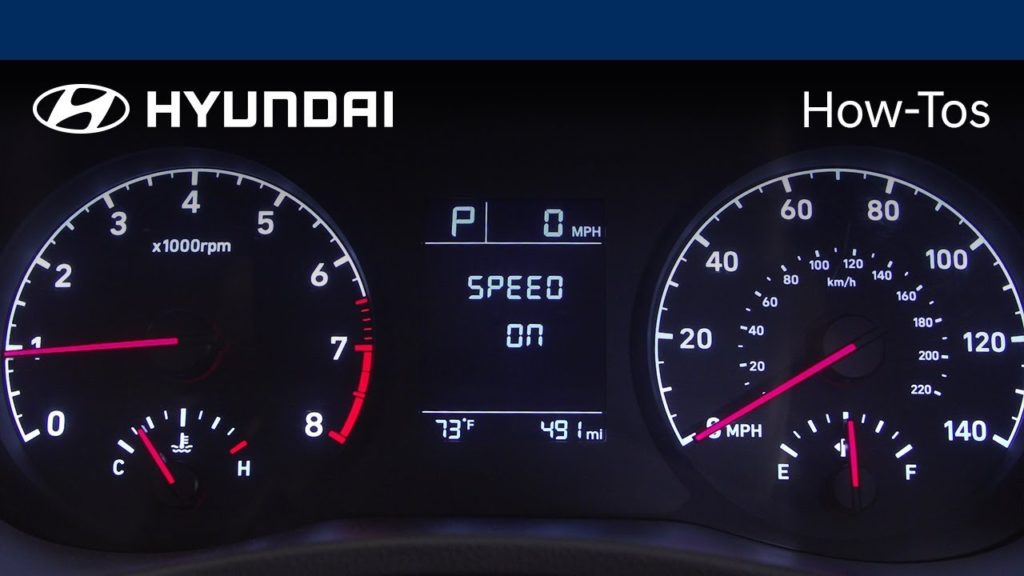
Most people like options. Are you a digital or analog reader? Well, Hyundai gives you the option for how you want to monitor your speed. Watch this video to find out more.