

Setting the Service Reminder | 2020-2023 SONATA | Hyundai
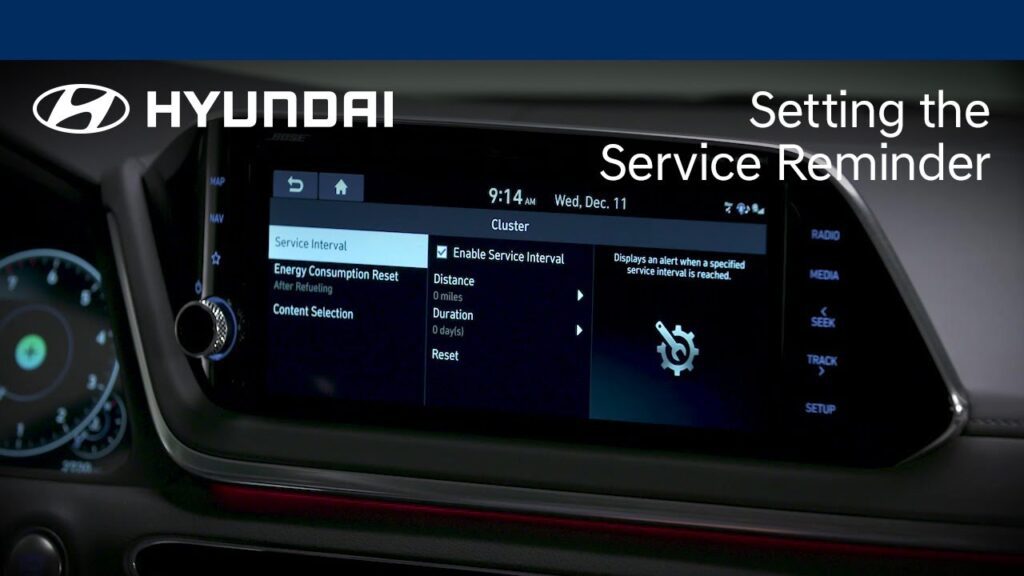
Model shown in video is for demonstration purposes only. Availability and functionality on your vehicle may vary. Did you know that your Hyundai can let you know when it’s time for service? Watch this video to learn how to set and use the Service Reminder in your Hyundai to ensure that you never miss a […]
Automatic Climate Control System | SONATA and ELANTRA | Hyundai
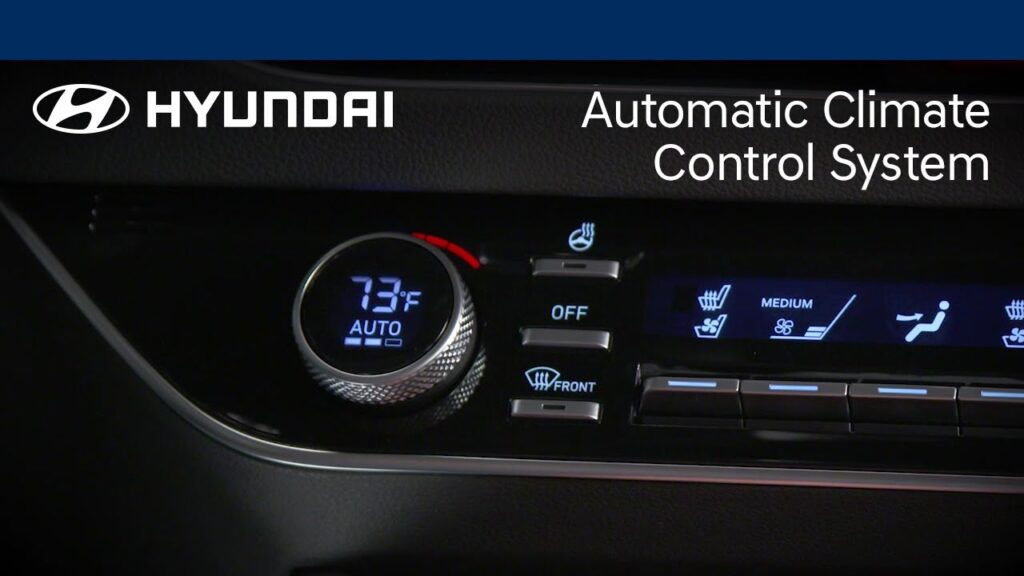
Model shown in video is for demonstration purposes only. Availability and functionality on your vehicle may vary. Want to learn how to get the most out of the automatic climate control system on your Hyundai? Watch this video to learn about the new features on the system as well as recommended settings to keep you […]
Windshield Wiper Operation | Hyundai
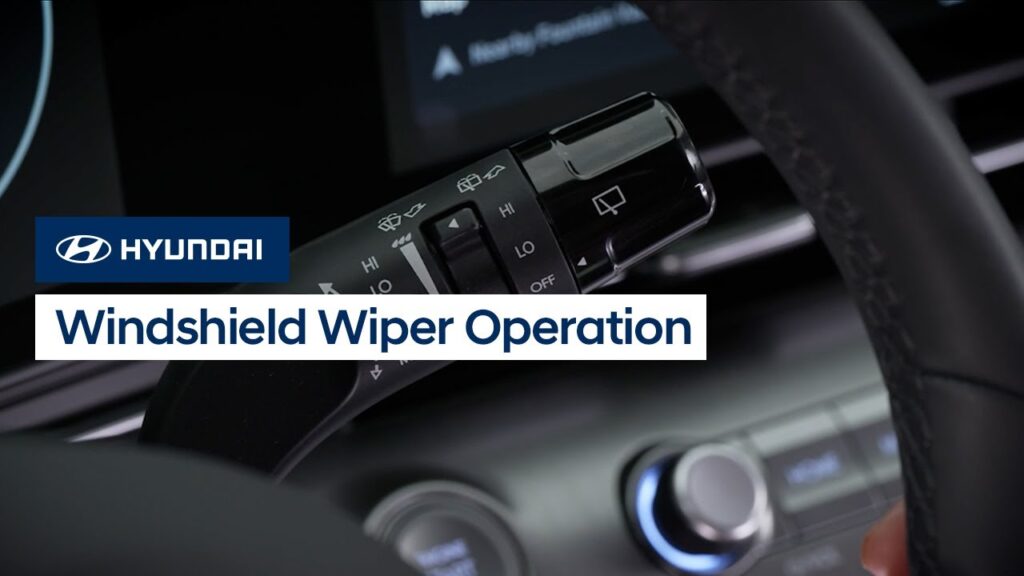
The front windshield wipers on your Hyundai offer multiple features to help maintain visibility during wet weather. Watch this video to learn about the different interval settings as well as the PARK feature.
Navigation Routing Features | Hyundai
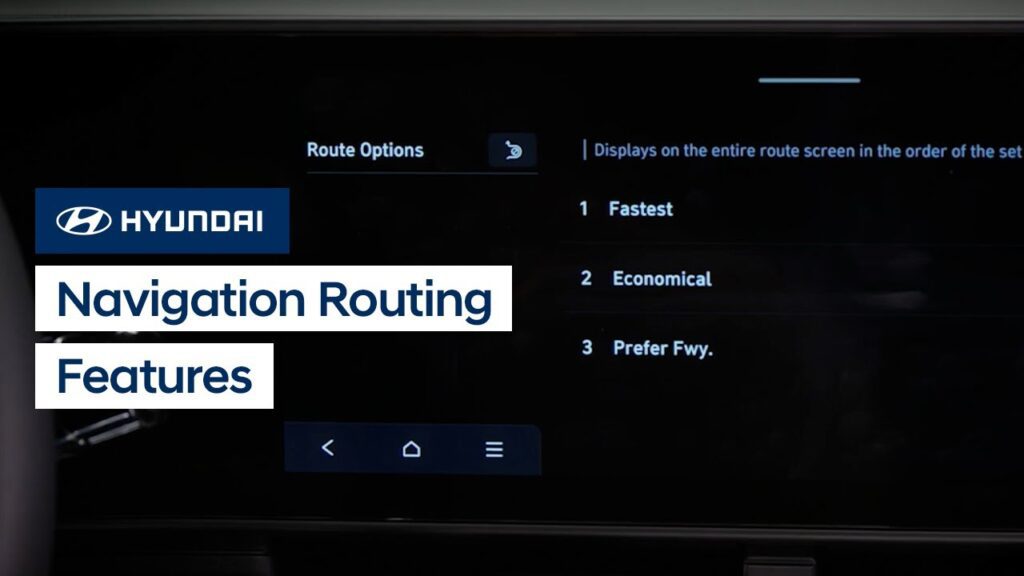
The available touchscreen navigation system on your Hyundai allows you to quickly set route guidance for your daily destinations. Watch this video to learn about different routing features and options in the system.
Rear Safety Systems | Hyundai
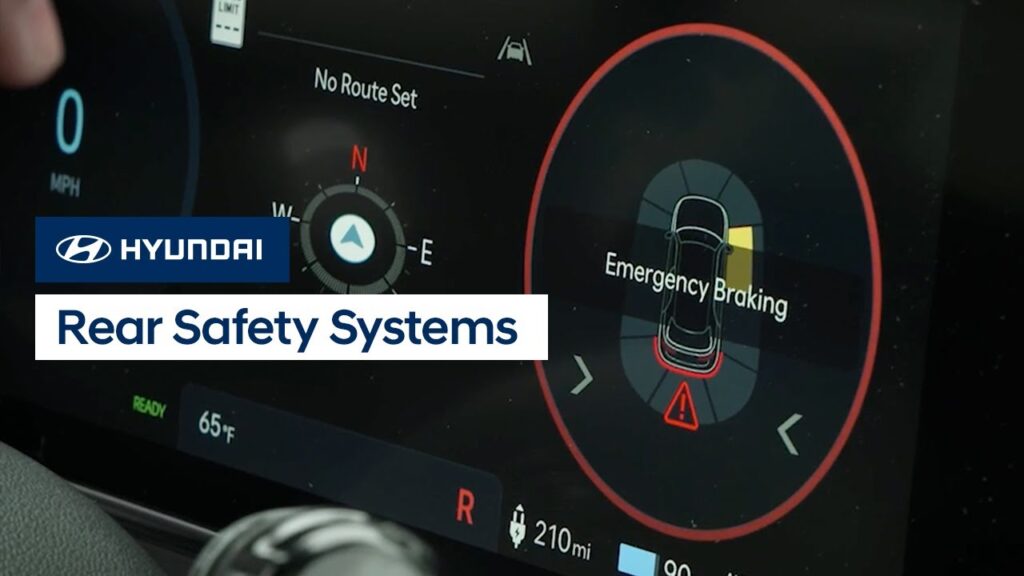
Hyundai offers two safety systems to help prevent collisions when backing up: Reverse Parking Collision-Avoidance Assist and Rear Cross-Traffic Collision-Avoidance Assist. Watch this video to learn about the two systems, how they operate, and how to turn them on and off.
Touchscreen-Controlled Climate Control Settings | Hyundai
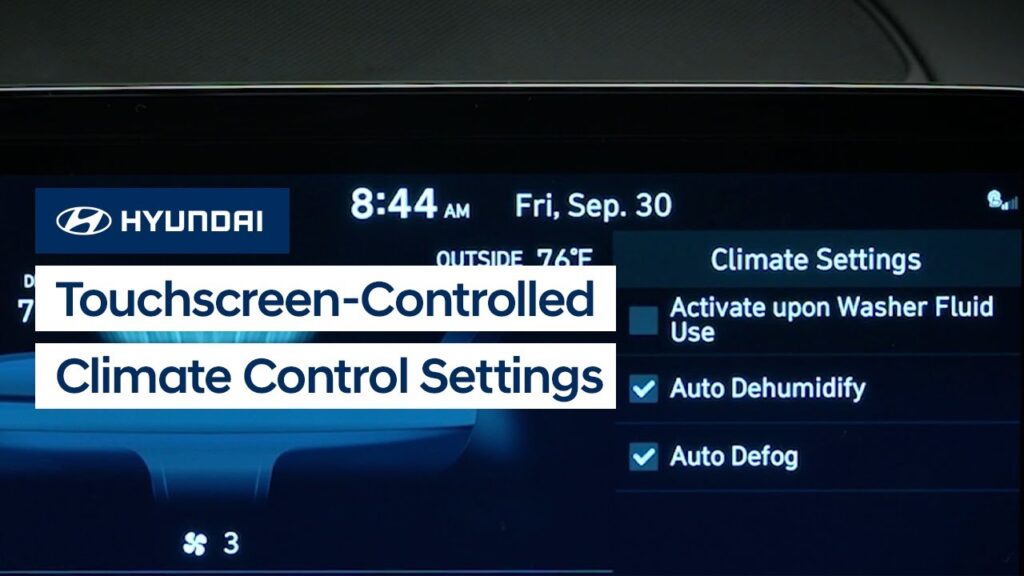
Some Hyundai models have climate control features & settings that are controlled by the touchscreen. Watch this video to learn about the different features & settings and how to operate them.
How High Beam Assist Works | Hyundai
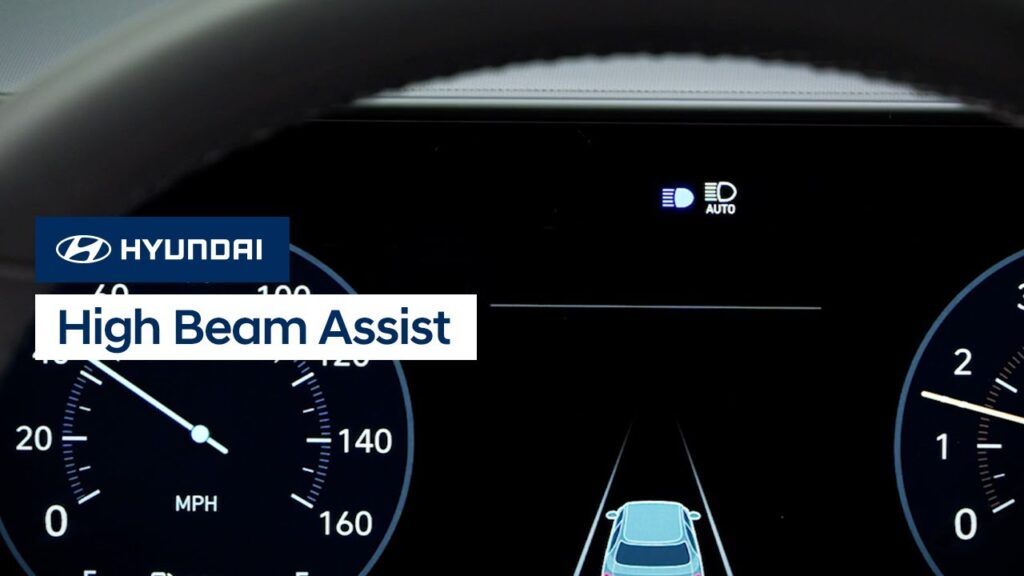
High Beam Assist is a helpful standard convenience feature on your Hyundai. It can automatically switch between high and low beam headlights when it detects oncoming vehicles or vehicles ahead. Watch this video to learn about the feature and how to operate it.
Interior Lighting and Display Features | Hyundai
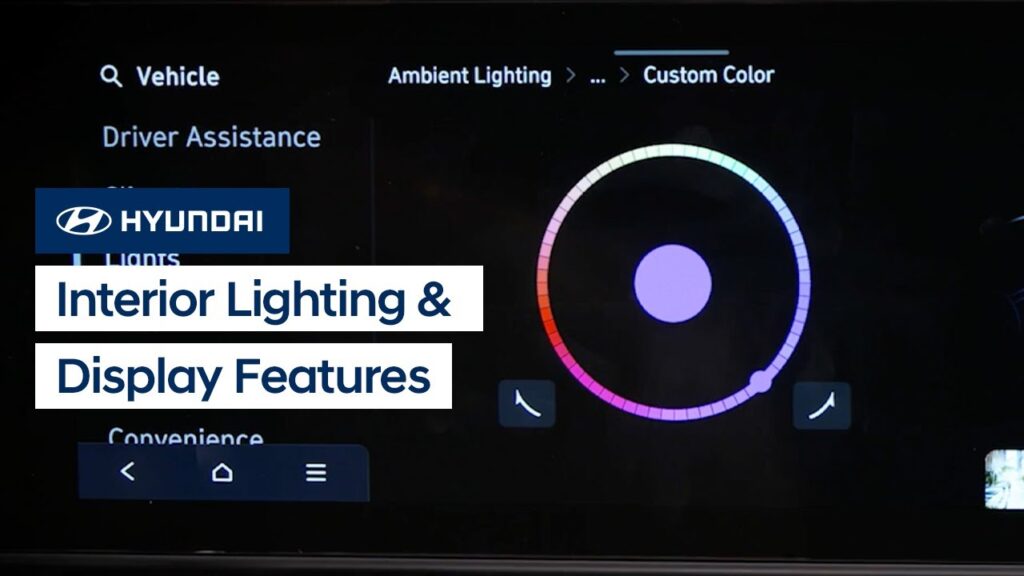
Hyundai offers multiple ways to customize the interior lights and display on your vehicle. Watch this video to learn about the settings and features.
Custom Buttons | Hyundai
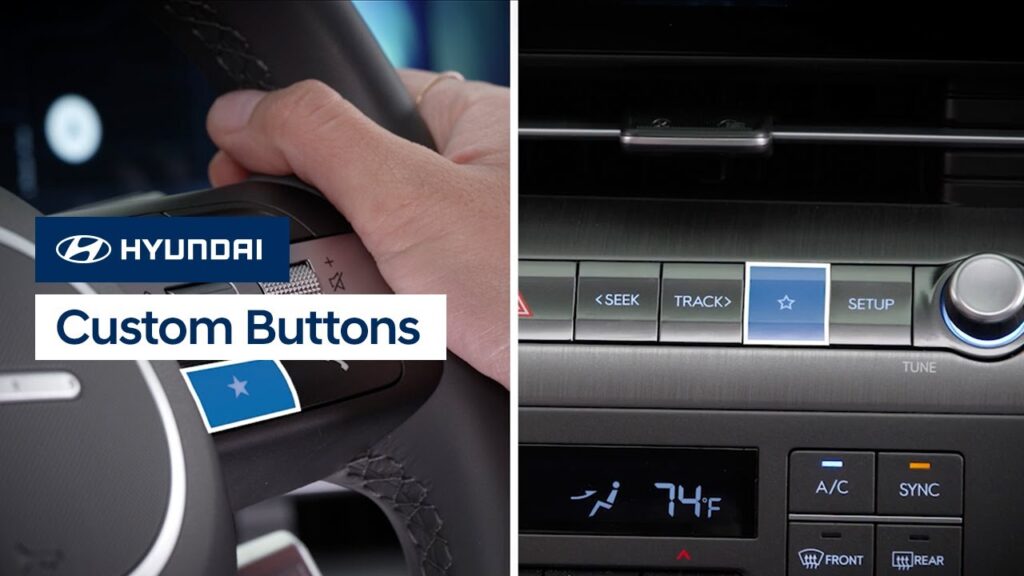
The Custom buttons on your Hyundai can be used to quickly access frequently used functions. Watch this video to learn how to set them up and use them.
Setting Service Intervals and Reminders | Hyundai
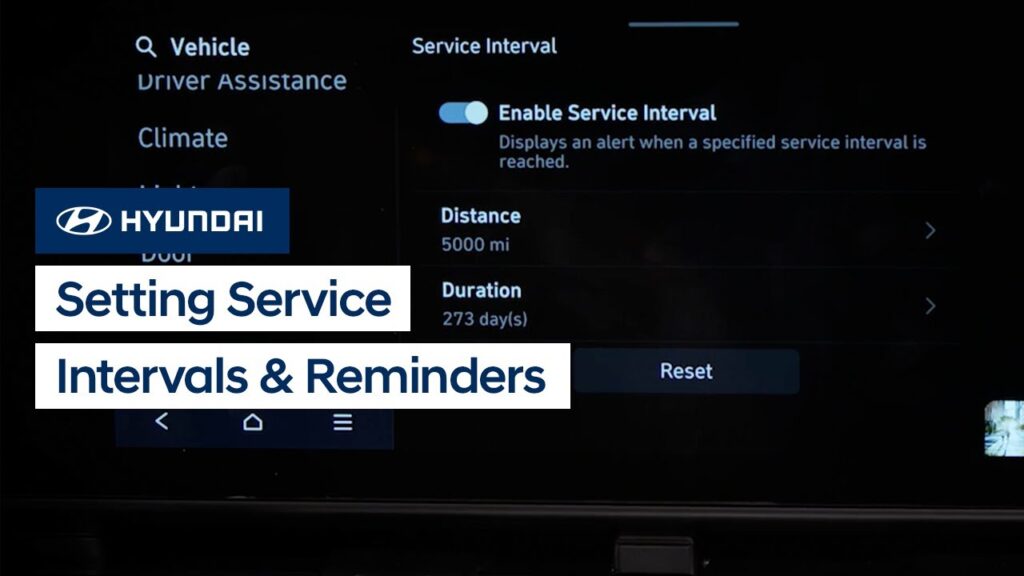
The Service Interval and Oil Change reminder features on your Hyundai provide an easy way to let you know when your vehicle needs service. Watch this video to learn how to set them up and use them.