

Setting the Time | Hyundai
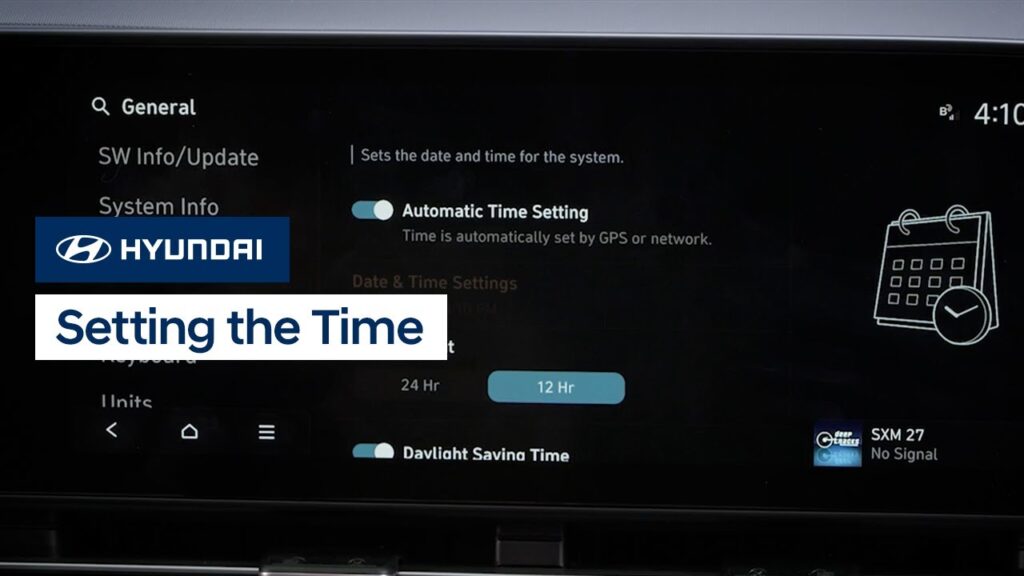
Setting the date and time on your Hyundai is very easy. Watch this video to learn how to set the date and time as well as use automatic time setting, plus how to turn on and off the Daylight Savings Time setting.
How the Audio Mode Button Works | Hyundai
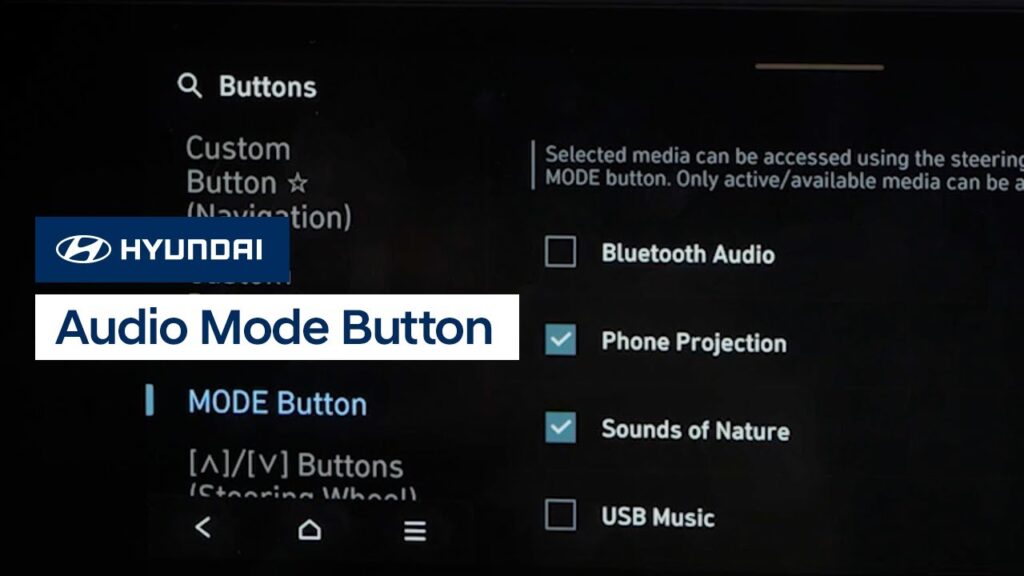
The Audio Mode button on your Hyundai allows you to easily switch between audio sources, even while using navigation. Watch this video to learn how to program the audio mode button to your favorite sources as well as how to use it.
Rear View Monitor Operation | Hyundai
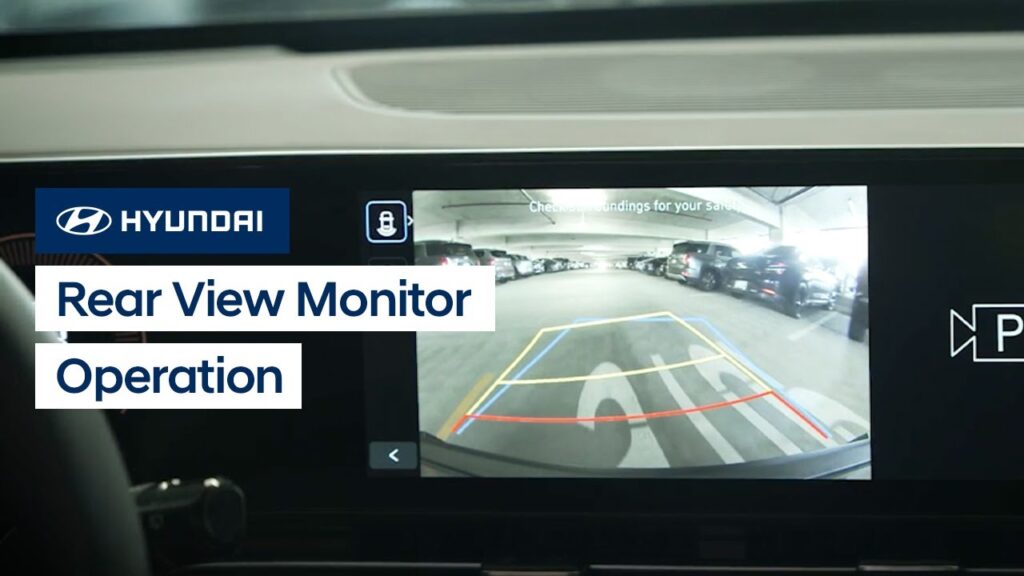
The Rear View Monitor feature on your Hyundai is a supplemental system that uses a camera to provide a view of the area behind your vehicle. This video explains how the system works as well as how to turn it on and off manually, and limitations of the system.
Adjusting Sound Settings | Hyundai
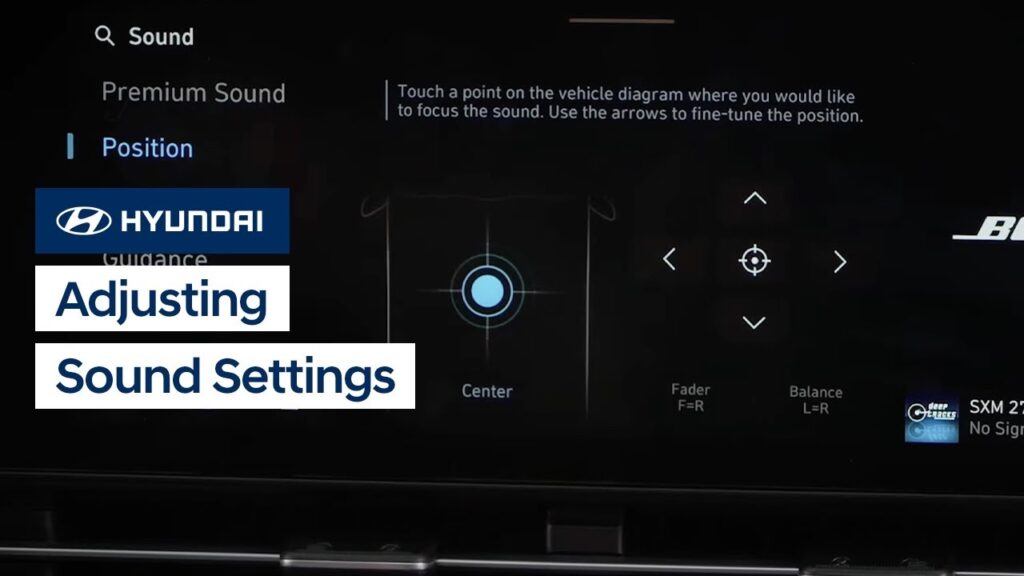
The sound settings on your Hyundai are easily adjusted and configured to your liking. This video provides an overview of the different settings, such as position, tone, guidance volume, driver assistance alerts, and others.
Instrument Cluster Display Settings | Hyundai
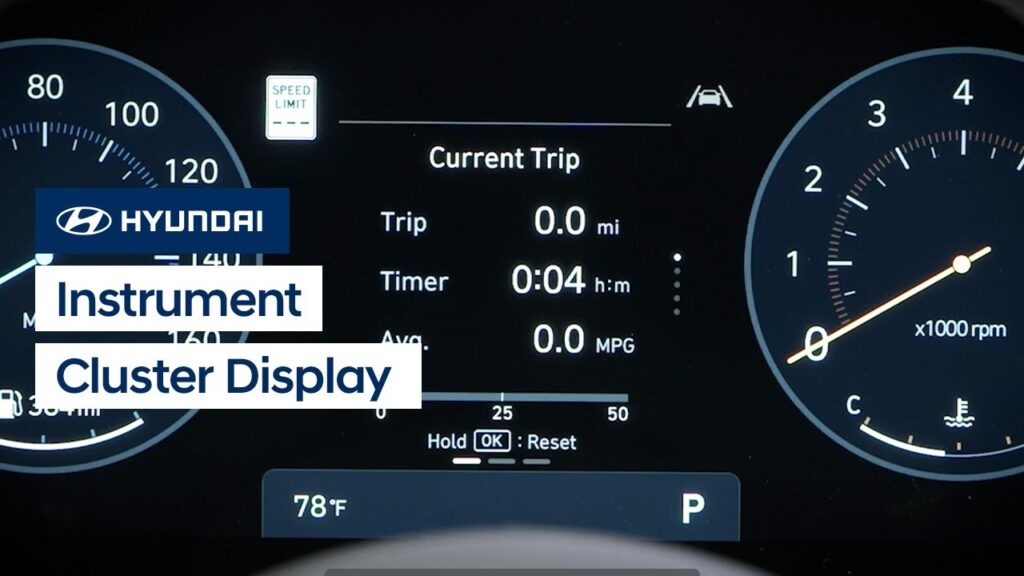
The digital instrument cluster in your Hyundai is designed to be customizable, which allows you to adjust it to suit your needs or style. This video provides an overview of the display settings as well as how to change the display view.
Remote Window Control | Hyundai
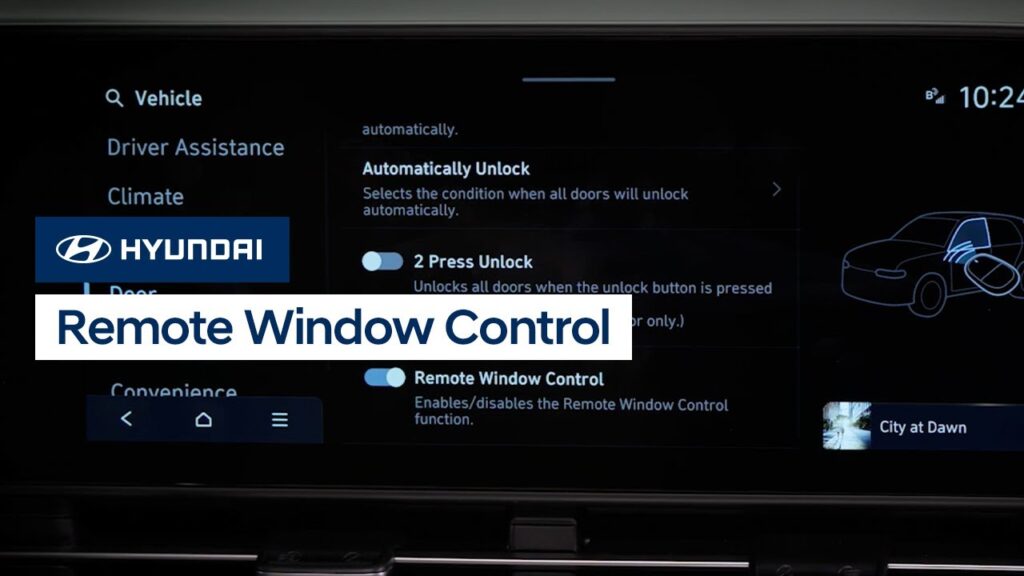
Your Hyundai offers the ability to open or close the windows on your vehicle using the Smart Key. Watch this video to learn how to use this handy feature.
Surround View Monitor | Hyundai
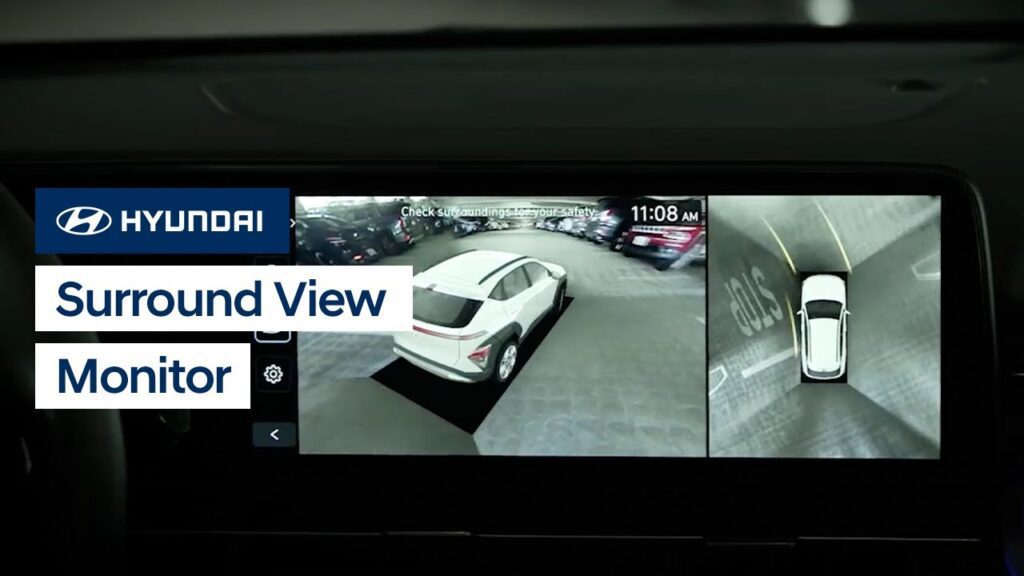
The available Surround View Monitor on your Hyundai assists parking by allowing the driver to see around the vehicle. Watch this video to learn how to use the feature as well as how to access the Surround View Monitor using the MyHyundai with Bluelink app on your smartphone.
Using the Search Feature | Hyundai
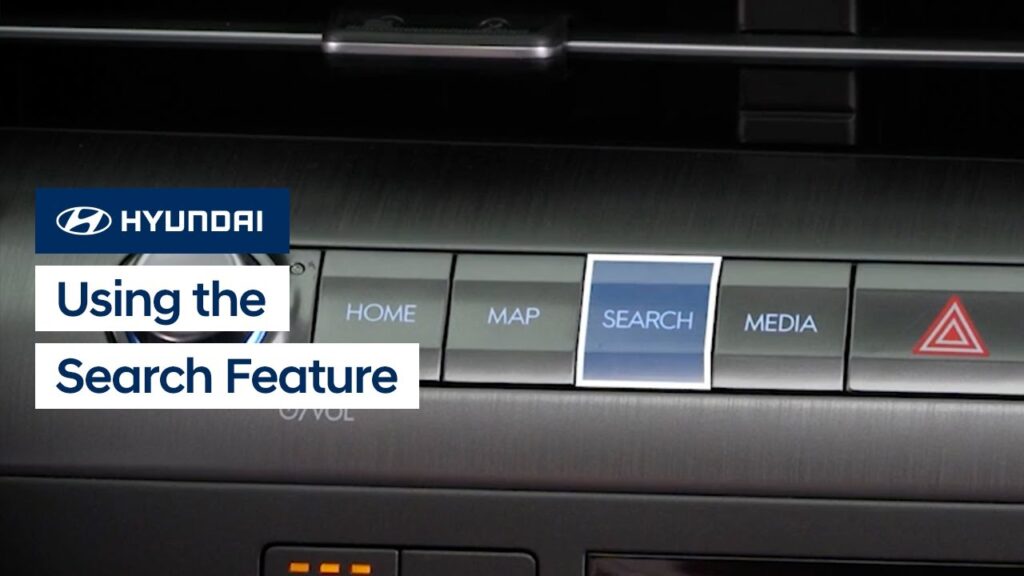
The new Search feature on your allows you to quickly find vehicle settings, destinations, satellite radio stations, and more. Watch this video to learn how to use the feature to find what you need!
Driver Attention Warning | Hyundai
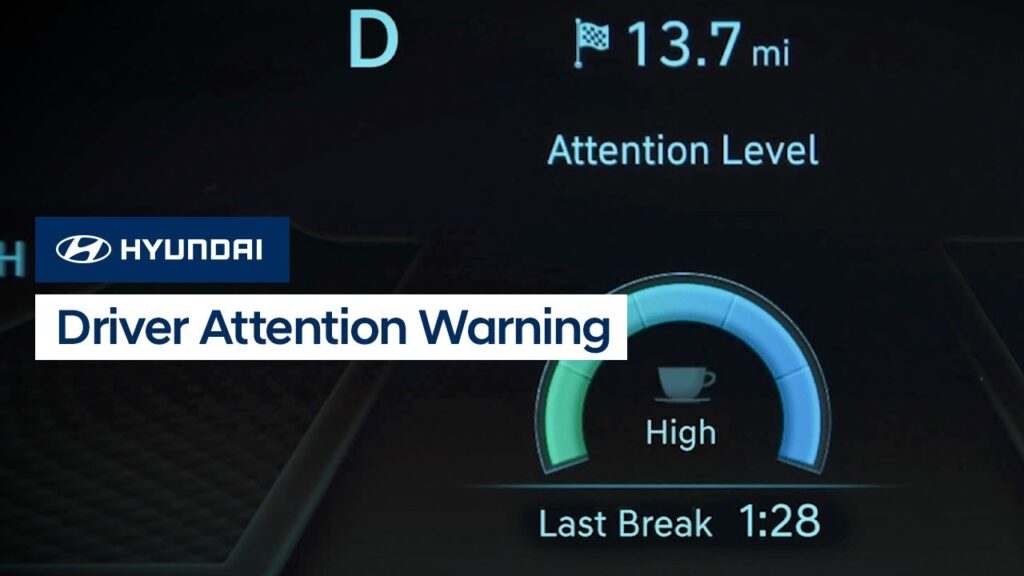
The Driver Attention Warning system on your Hyundai incorporates two available helpful features: Inattentive Driver Warning and Leading Vehicle Departure Alert. Watch this video to learn how to operate the system and the different settings found in it.
Smart Cruise Control Overview | Hyundai
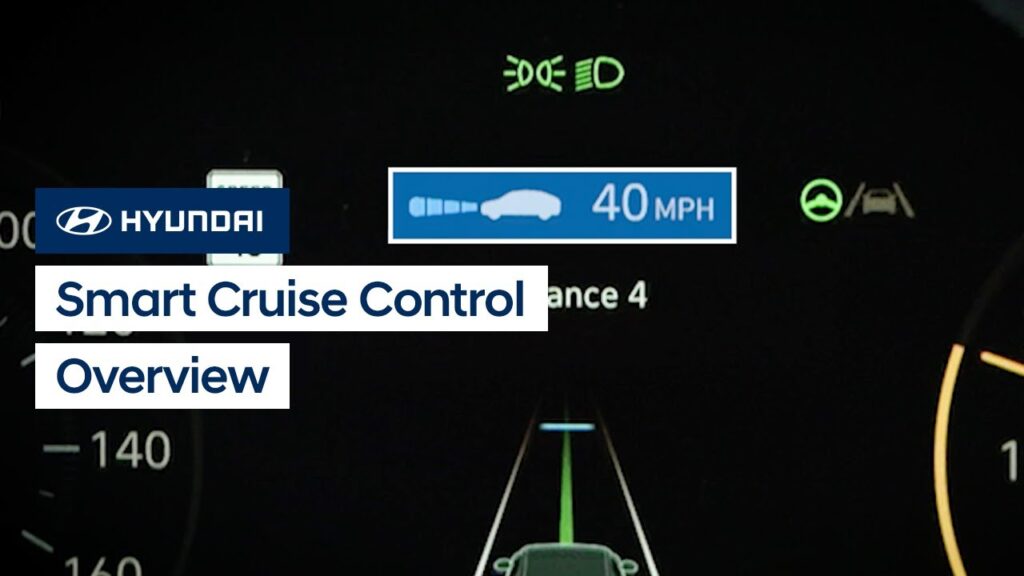
The Smart Cruise Control system on your Hyundai may help reduce fatigue during your trip by helping to maintain the desired speed and the minimum set distance between yourself and the vehicle ahead. Watch this video to learn how to operate the system and the different settings found in it.