

Quick Control Screen | Hyundai
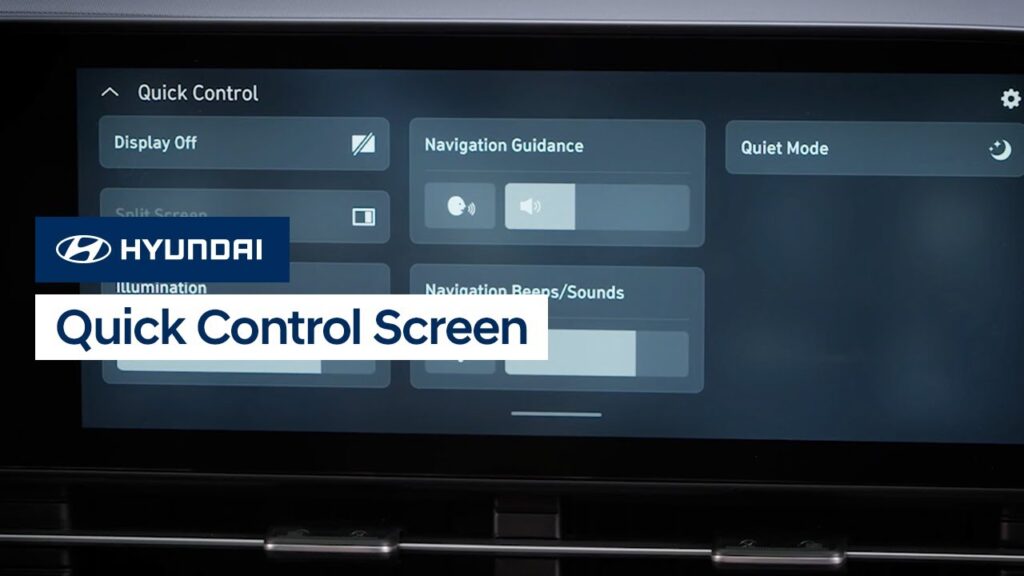
The new Quick Control screen on your Hyundai allows you to conveniently access frequently used features. Watch this video to learn how to access the screen as well as how to customize the features accessible through it.
Navigation System Overview | Hyundai
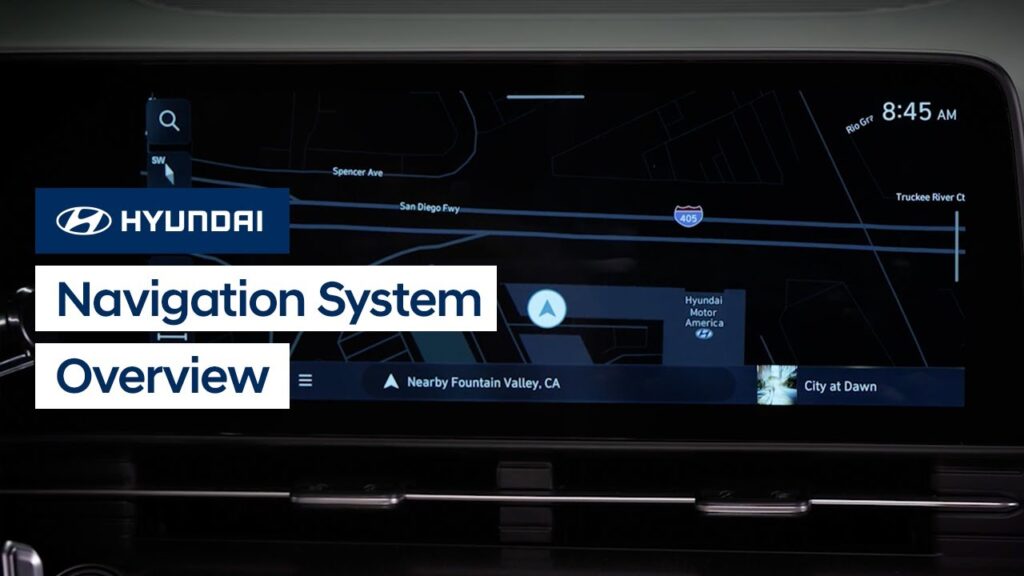
Your Hyundai’s available navigation system is extremely powerful and offers many features to help you on your drive. Watch this video to learn how to operate the system and the different settings found in it.
Touchscreen Operation | Hyundai
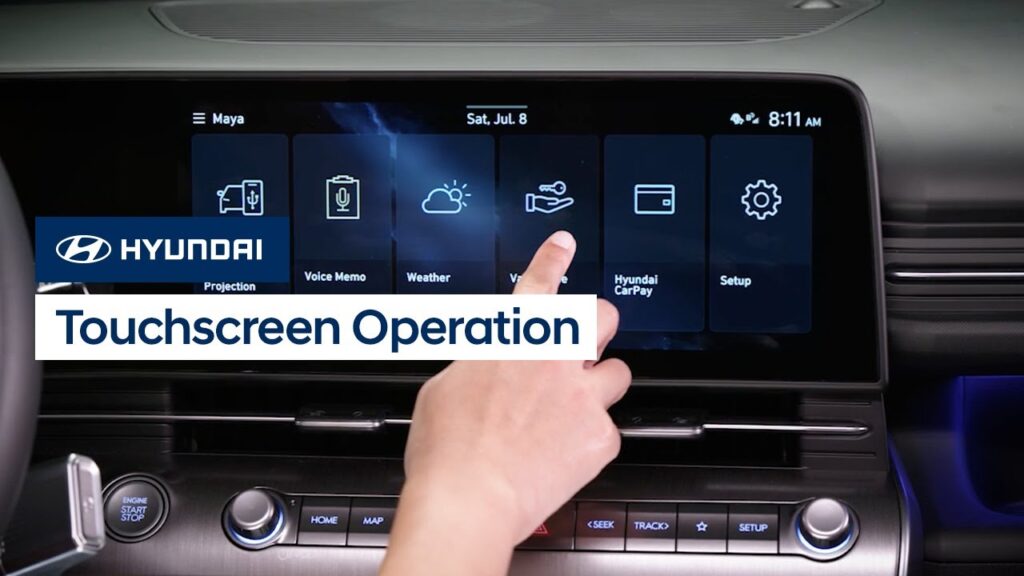
The all-new touchscreen on your Hyundai incorporates intuitive controls that can be configured as needed. Watch this video to learn how all about the touchscreen and how to customize the screen layout, plus more features.
Button Customization | Hyundai
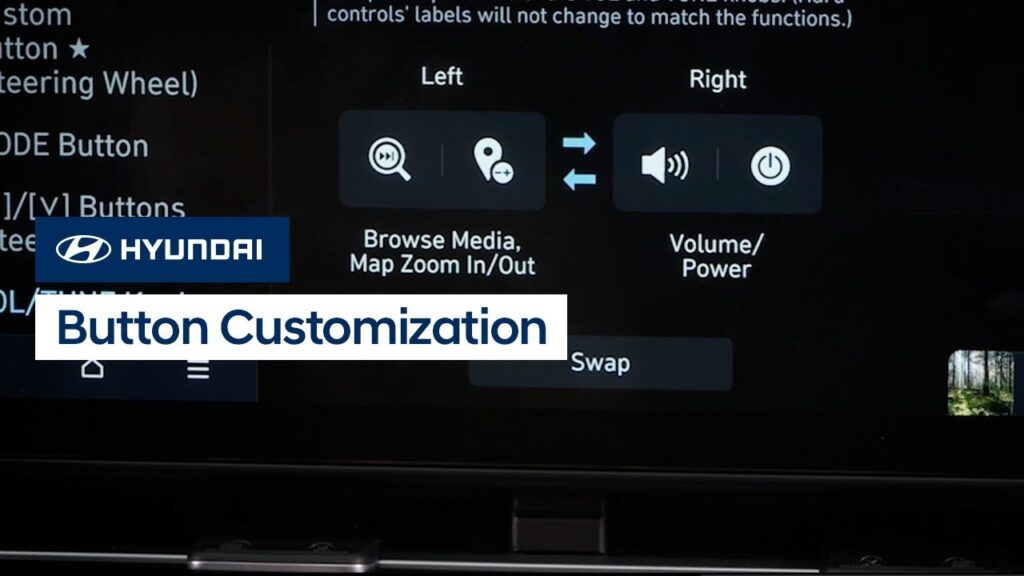
Some of the control buttons on your Hyundai’s touchscreen control panel can be customized for your convenience. Watch this video to learn how to customize the button functions.
Touchscreen Control Panel | Hyundai
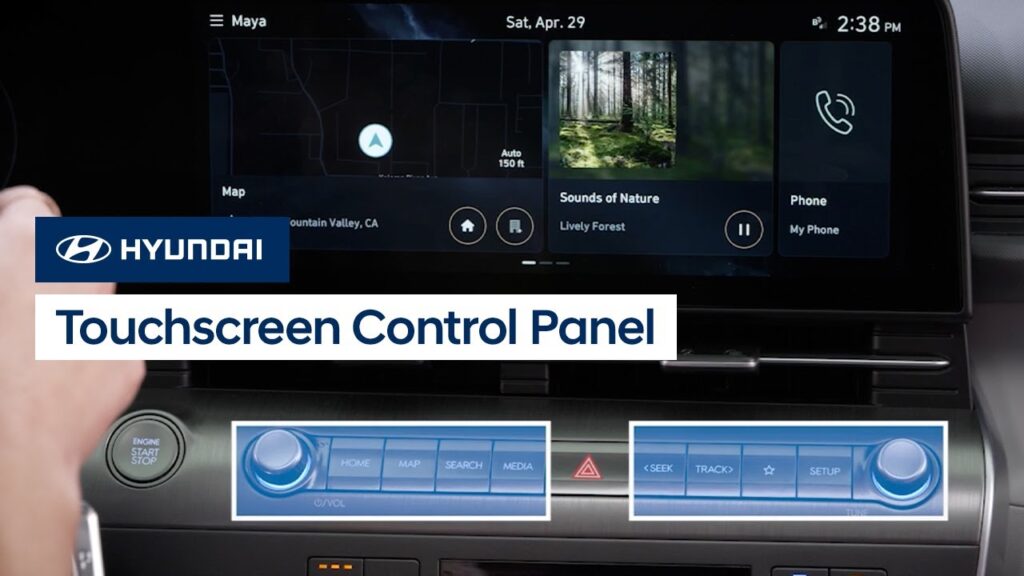
The touchscreen on your Hyundai features a control panel below the screen to quickly access certain functions. Watch this video to learn about the control panel and the different functions of it.
Drive Modes | KONA | Hyundai
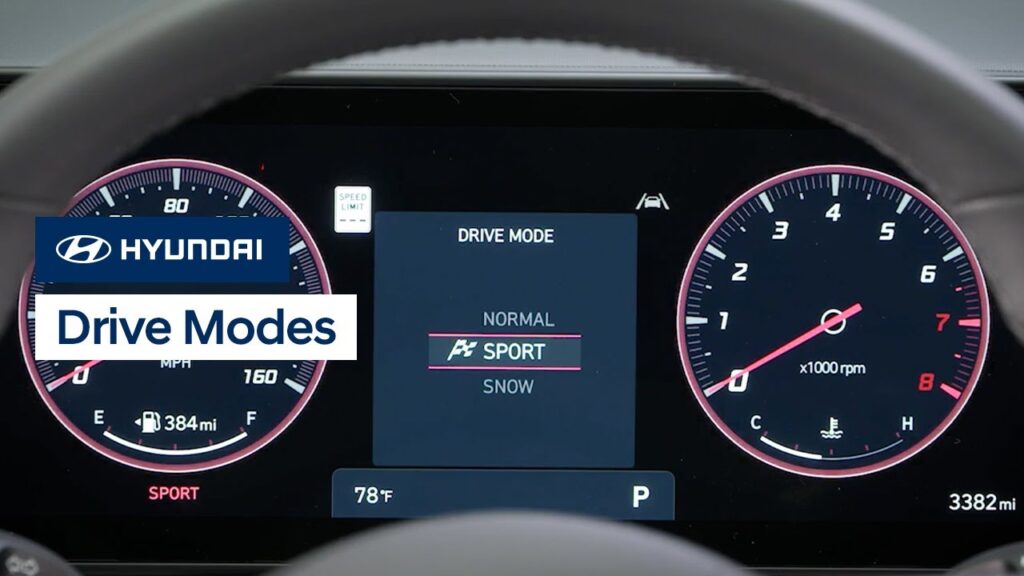
Your Hyundai KONA has selectable drive modes that allow you to change the vehicle’s driving characteristics to suit your needs. Watch this video to learn about the different modes as well as the AWD Lock feature for all-wheel-drive vehicles.
Using the Shift Lever | Hyundai
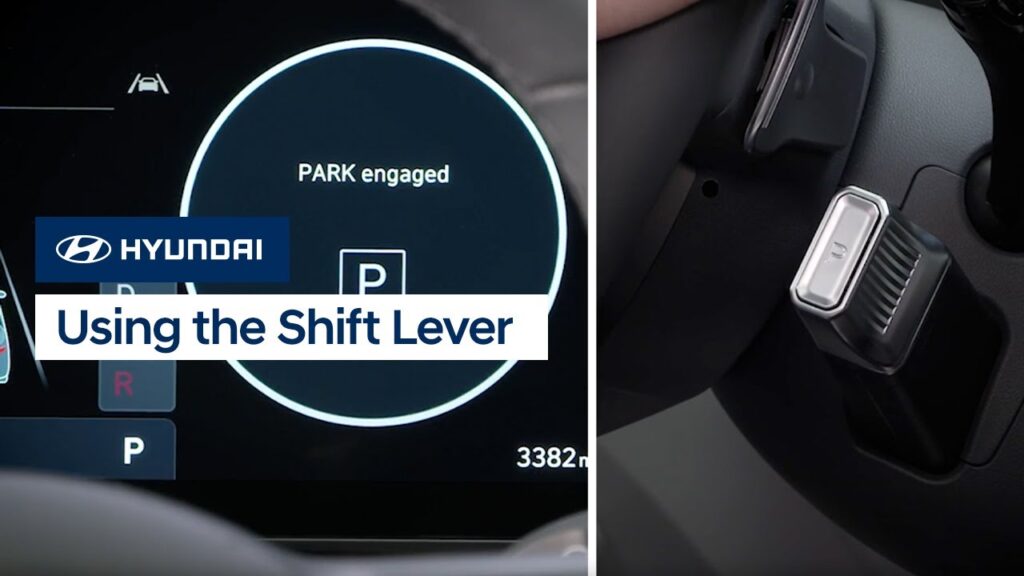
The shift lever on your Hyundai is easy to operate. Watch this video to learn how the lever works, as well as how to engage and have the vehicle remain in Neutral.
Quiet Mode | Hyundai
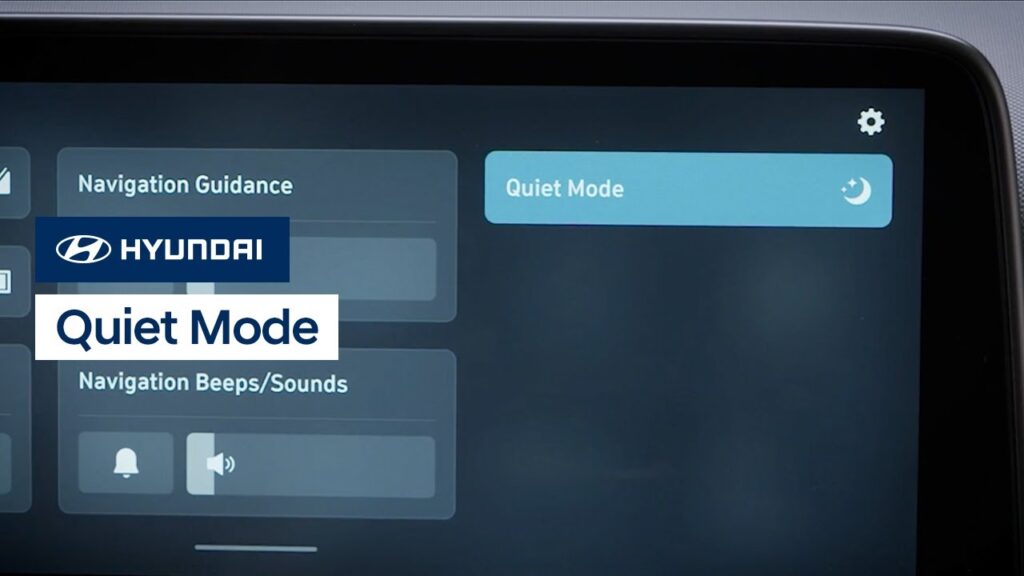
Your Hyundai’s available Quiet Mode feature helps to make relaxing in your Hyundai easier. Watch this video to learn how the system works and how to activate it.
Rear Window Wiper Controls | Hyundai
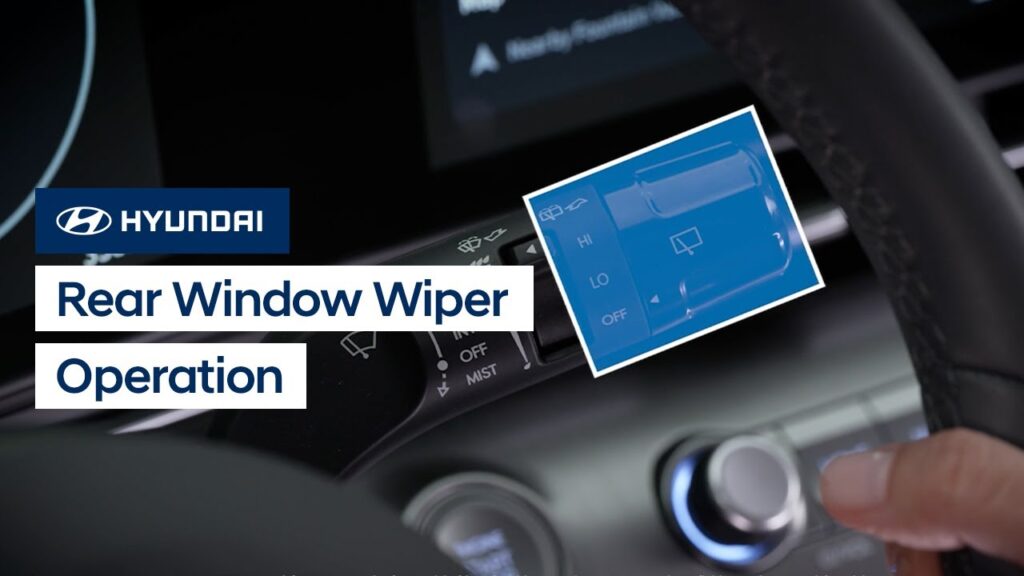
The rear window wiper on your Hyundai is easy to operate. Watch this video to learn about the system as well as the Auto Rear Wiper in Reverse feature.
How to Operate the Blind-Spot View Monitor | Hyundai
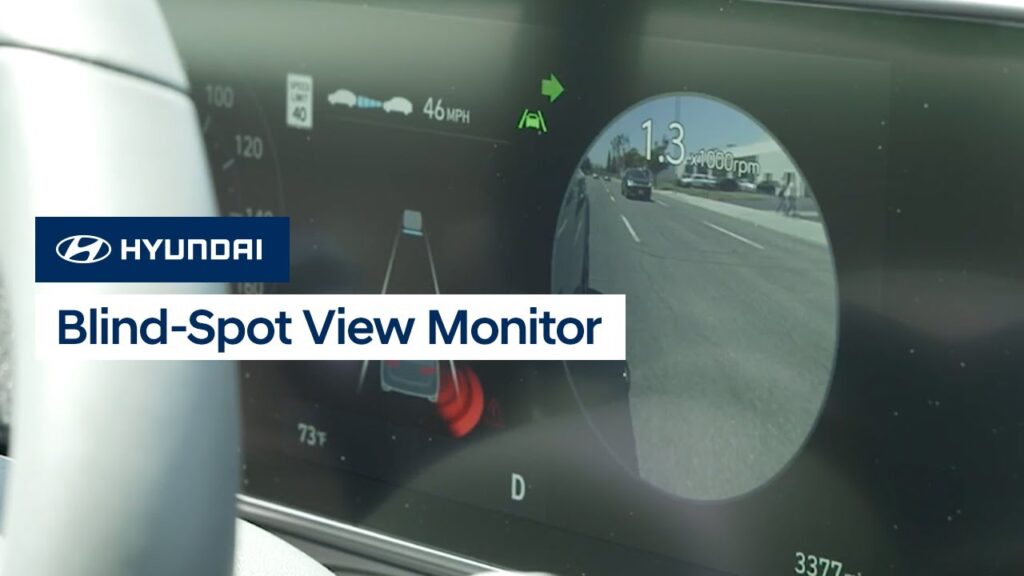
Hyundai’s available Blind-Spot View Monitor puts an image of your blind spot on the instrument cluster right in front of you, whenever you use your turn signal to change lanes. Watch this video to see how the system operates as well as how to turn it on and off.