

Operating the Navigation-Equipped Touchscreen | Hyundai
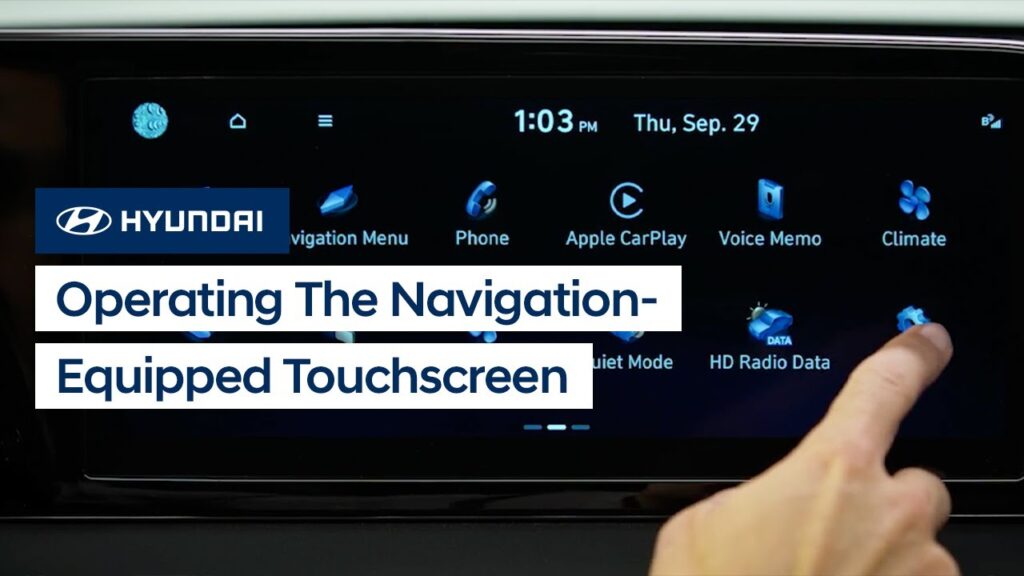
The color touchscreen with Navigation on your Hyundai incorporates easy, intuitive controls that can be configured as needed. This video will explain how to operate the touchscreen as well as some of the features available in it.
Conventional Cruise Control | Hyundai
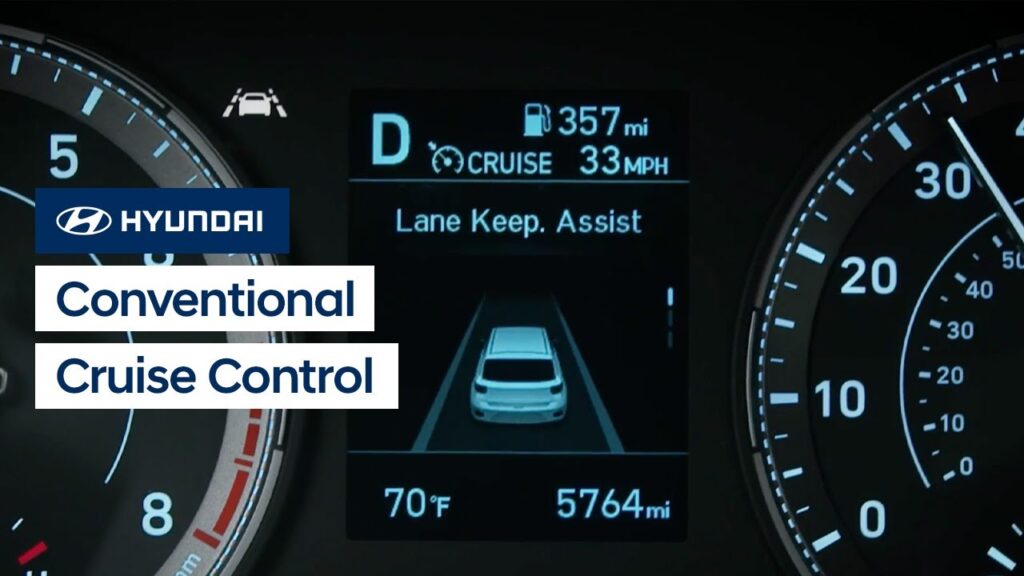
The Conventional Cruise Control system on your Hyundai helps you to maintain a constant speed when driving. This video will explain how the system operates as well as the different settings available for it.
Door Locks | Hyundai
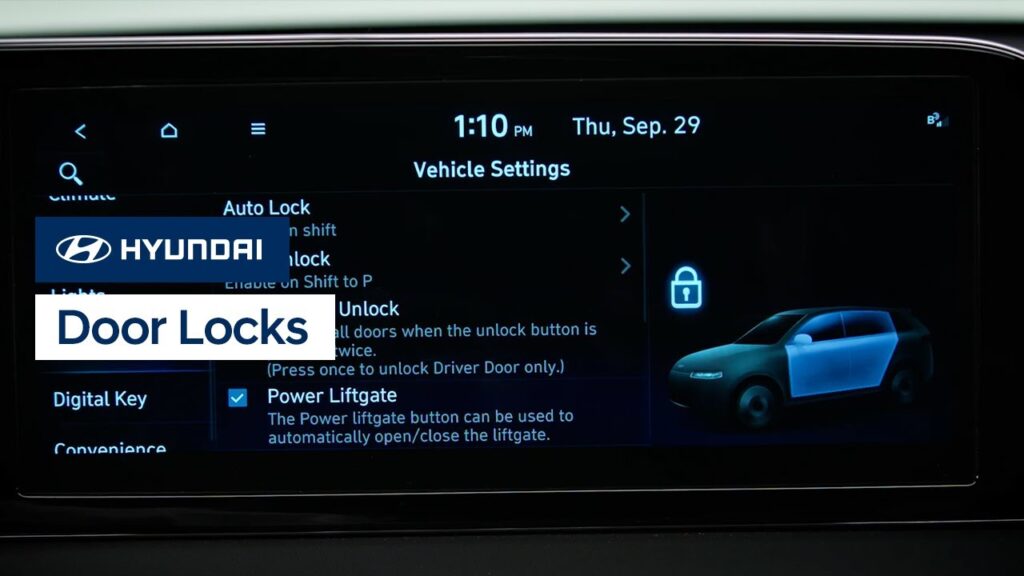
The Door Locks on your Hyundai can be customized, allowing them to either unlock just the driver’s door, or all four doors. This video will explain how the system operates as well as the different settings available for it.
USB Ports | Hyundai
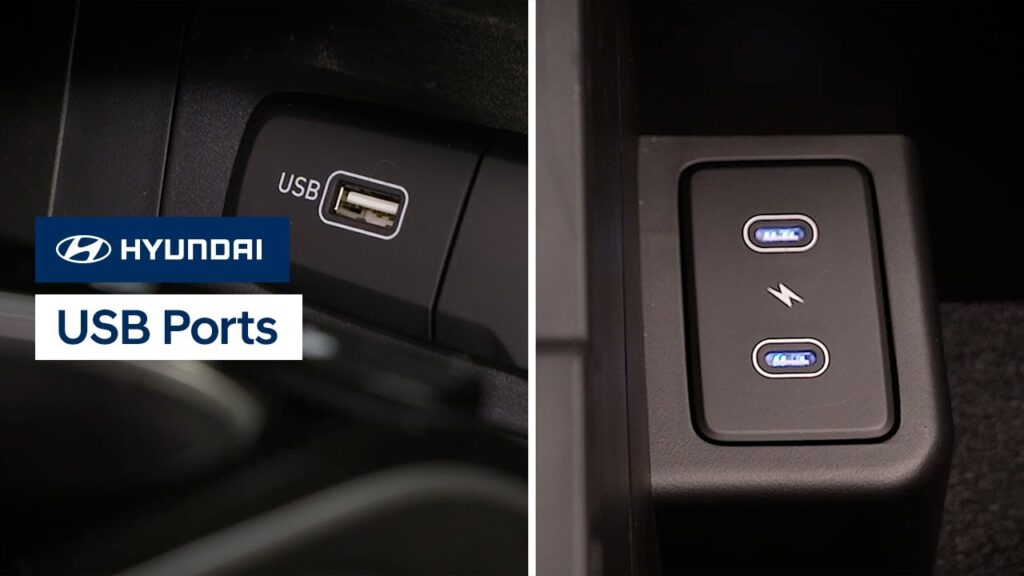
Your Hyundai has multiple USB ports which can allow you to charge your USB devices or use them to play media. Watch this video to learn the location of the different ports as well as how to tell which ports serve which functions.
Power Trunk | IONIQ 6 | Hyundai
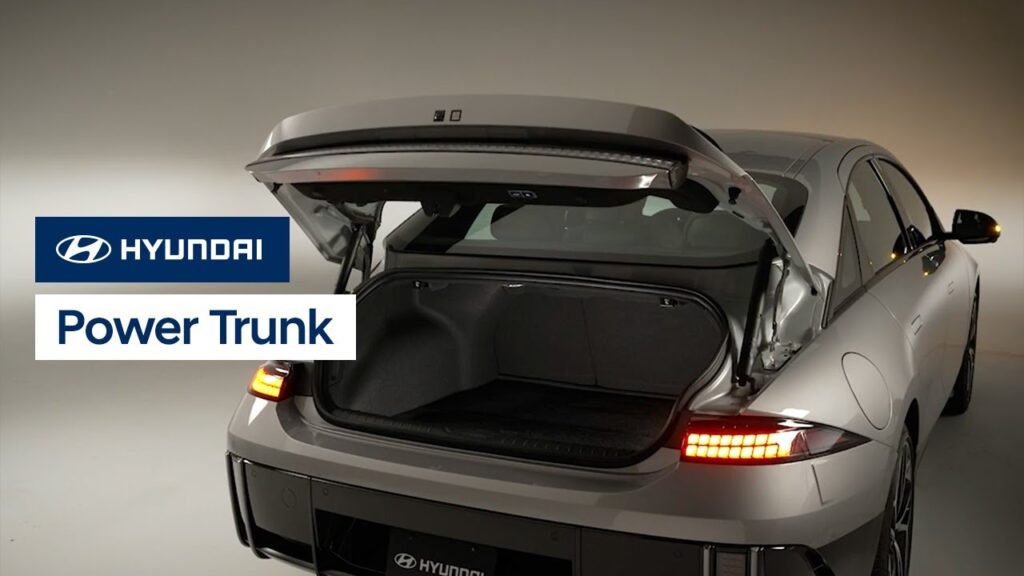
The Power Trunk on your Hyundai IONIQ allows for easy opening and closing using a variety of methods. This video will explain how it operates as well as the different settings available for it.
Interior Lights | IONIQ | Hyundai
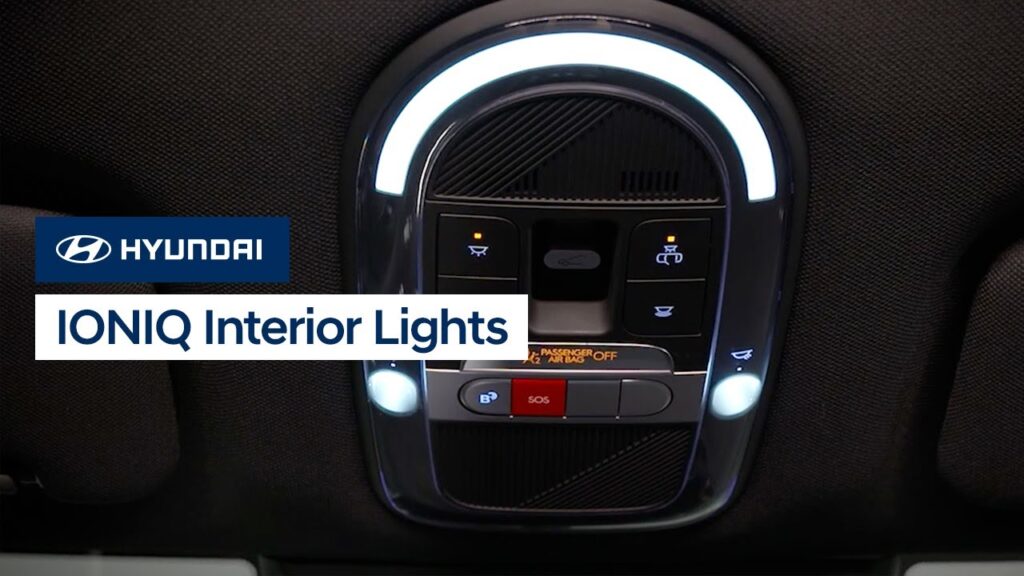
The interior light controls on your Hyundai IONIQ are easy to control via the roof-mounted switches. This video explains the functions of the switches and which lights they control.
Electric Vehicle Charge Management | Hyundai
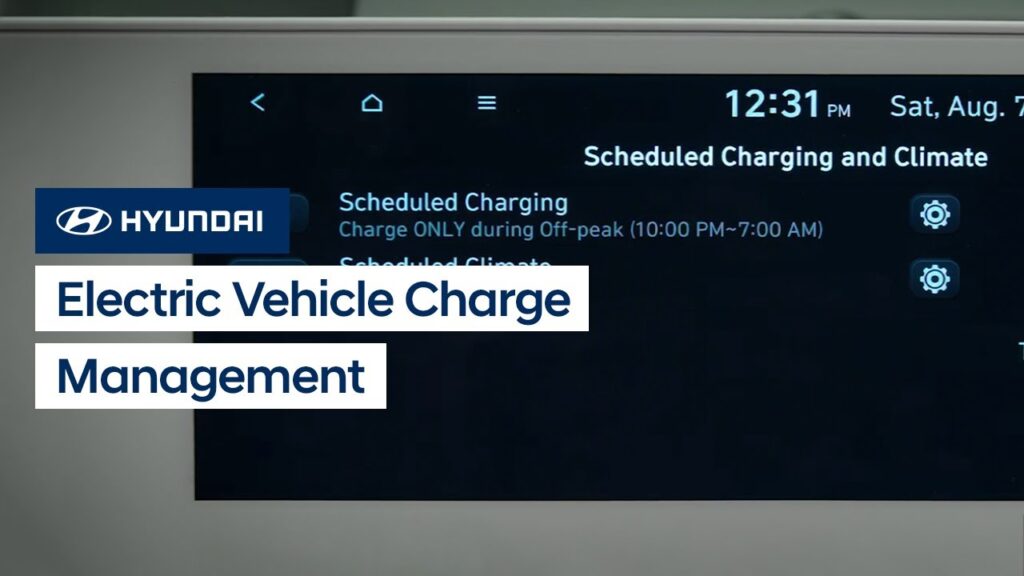
Your IONIQ allows you to schedule automatic battery charging and climate control. This video explains how to set the schedules to take advantage of off-peak charging as well as use scheduled climate control.
Drive Modes | Hyundai
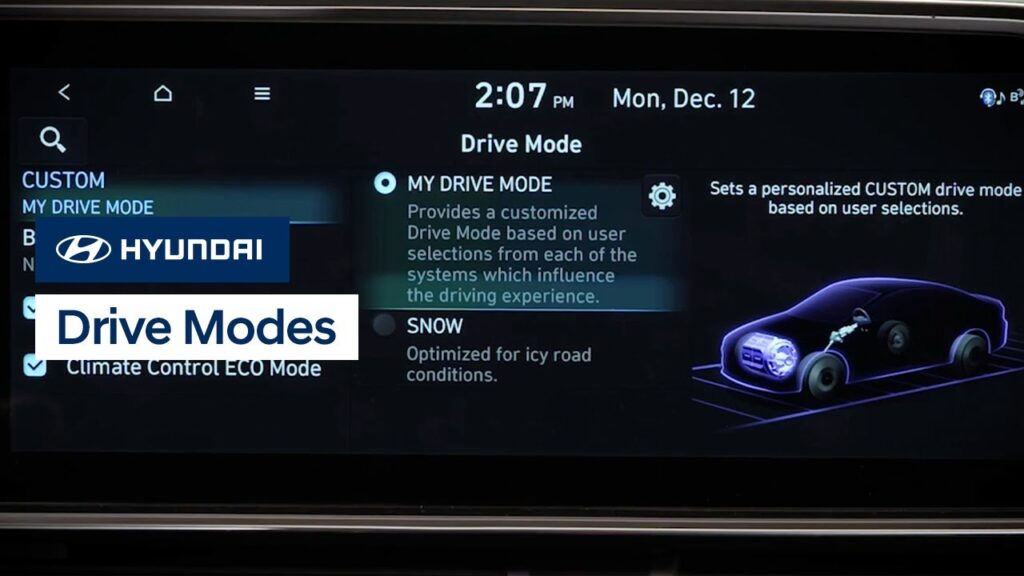
Your IONIQ 6 has selectable drive modes to allow you to change the vehicle driving characteristics to suit your needs. This video will explain the different modes, how to select them, and available settings to further customize them.
Forward Collision Avoidance Assist | Hyundai
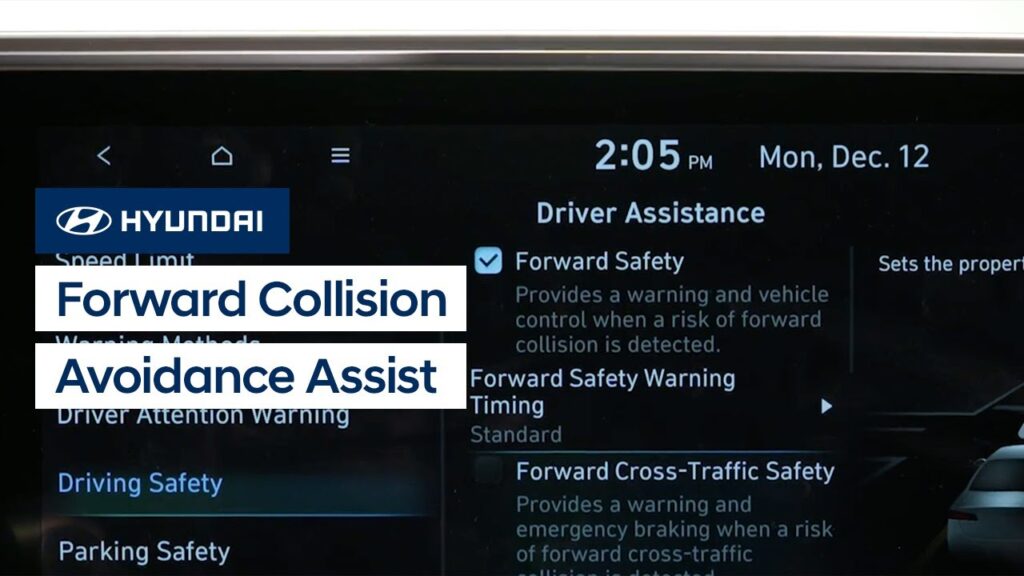
The Forward Collision-Avoidance Assist with Pedestrian Detection system in your IONIQ, or FCA, is designed to help monitor for possible collisions and, if imminent, warn the driver and apply emergency braking. This video explains how it operates, the different modes available, how to turn them on and off, and limitations of the system.
Charger Door and Port | Hyundai
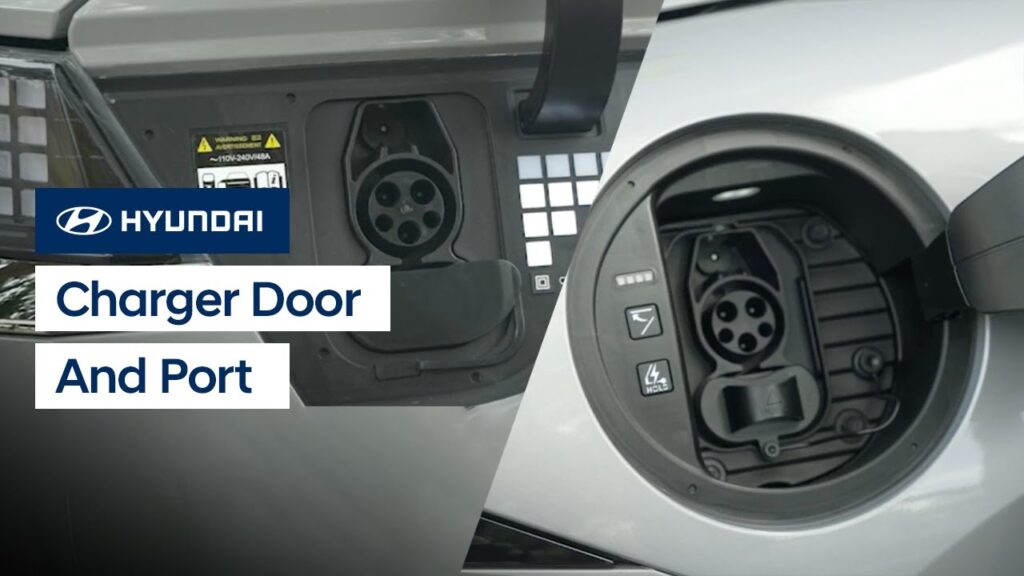
The charger door and port on your IONIQ have several unique features and settings to help make charging easier. This video will explain how to open and close the charger door, the charging status lamps, and how to set the connector locking mode.