

Lane Following Assist | Hyundai
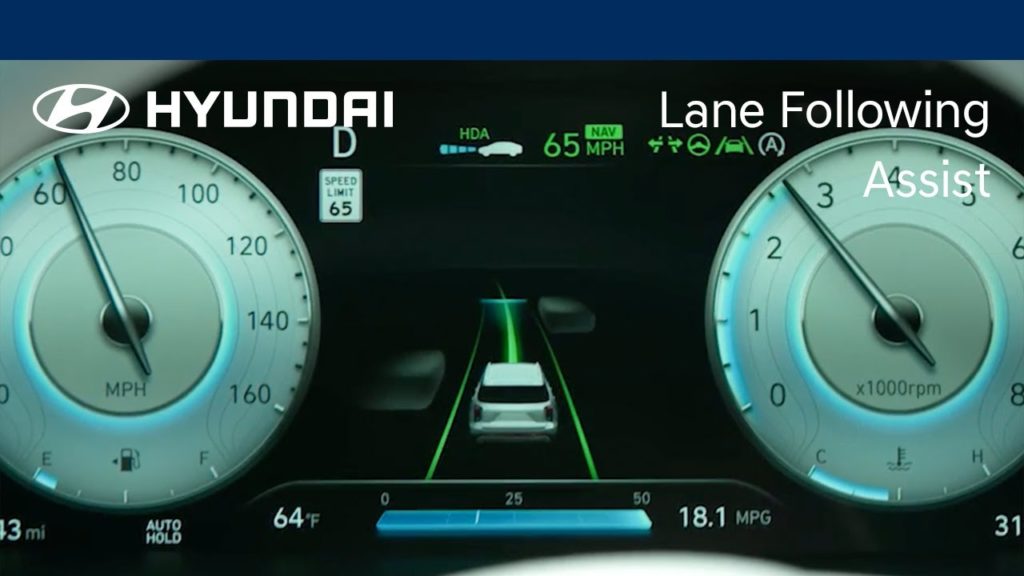
The available Lane Following Assist is designed to keep your Hyundai in the center of the lane as it drives. Watch this video to learn how to turn the system on and off as well as its limitations.
Highway Lane Change Assist | Hyundai
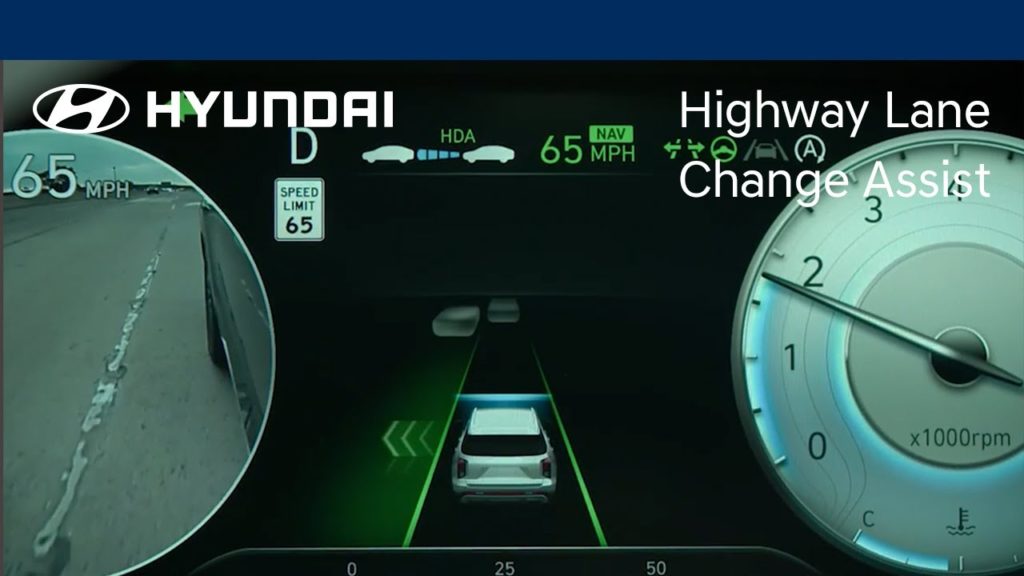
The available Highway Lane Change Assist on your Hyundai is designed to help the driver change lanes when driving on a highway. Watch this video to learn how to operate it, and how to turn the feature on and off, as well as its limitations.
Valet Mode | Bluelink® | Hyundai

The available Valet Mode allows you to protect your personal information when a valet or guest driver is operating your vehicle. Watch this video to learn how the feature works and how to turn it on and off.
Android Auto™ | Hyundai
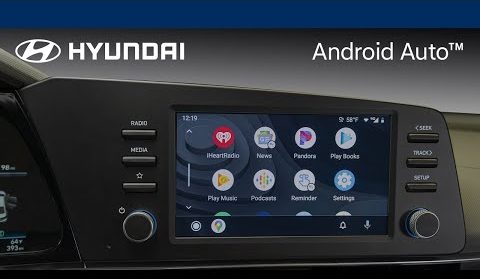
Hyundai offers two different methods to use Android Auto™ connectivity, depending on your model. Watch this video to learn how to connect with both wired and wireless connections.
Apple CarPlay® | Hyundai
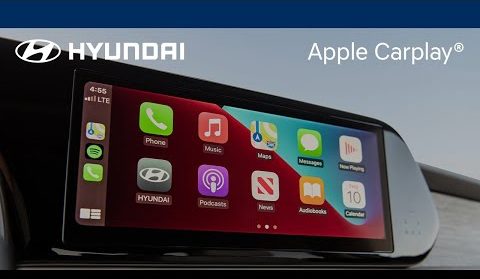
Hyundai offers two different methods to use Apple CarPlay® connectivity, depending on your model. Watch this video to learn how to connect with both wired and wireless connections.
Connected Routing and Last Mile Navigation | Bluelink® | Hyundai
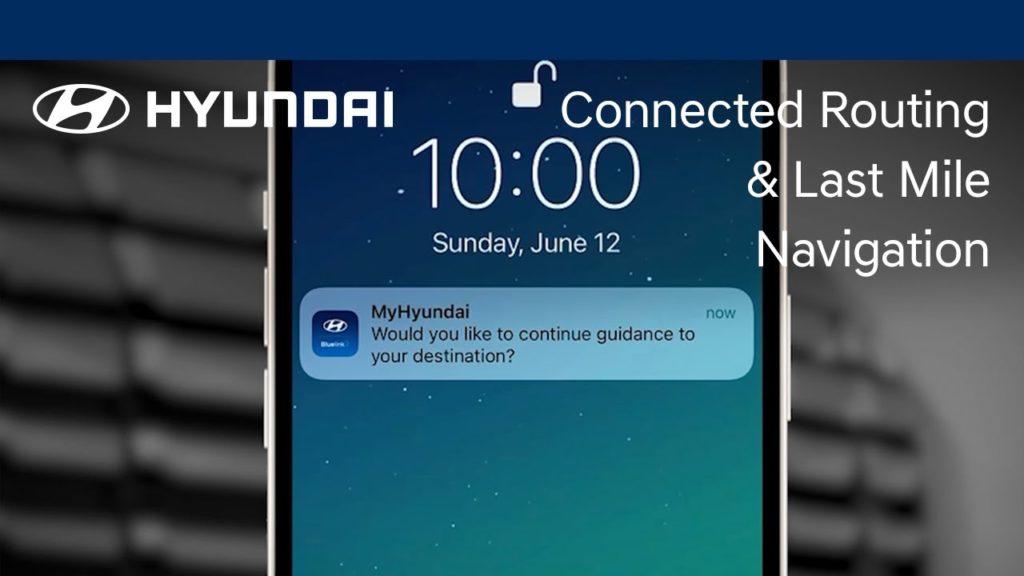
Hyundai’s available Connected Routing and Last Mile Navigation both provide powerful and convenient navigating for Bluelink® subscribers. Watch this video to learn how the features work and how to use them.
Amazon Alexa Integration | Bluelink® | Hyundai
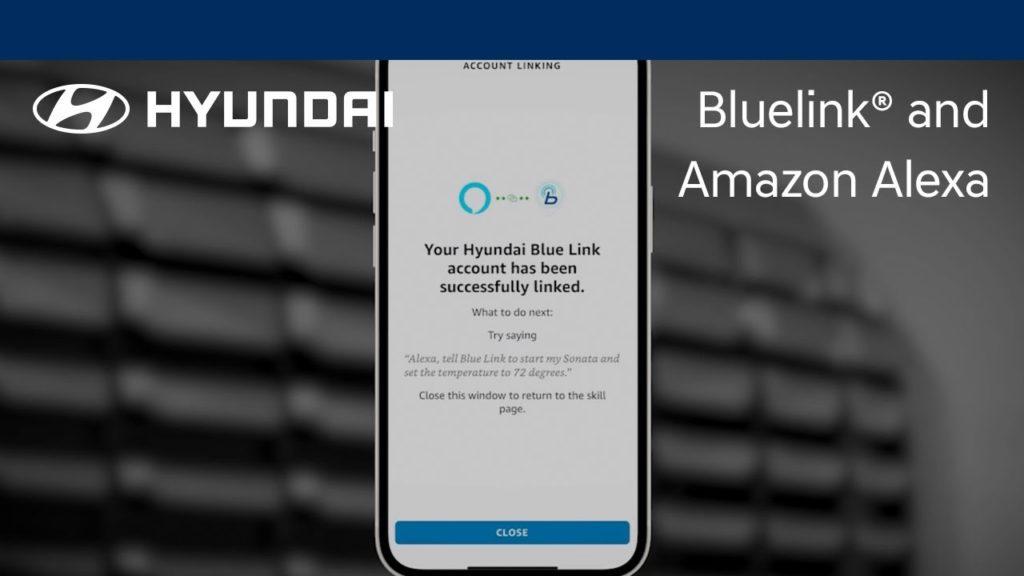
The Hyundai Bluelink® skill for Amazon Alexa allows you to perform multiple vehicle functions using Alexa-enabled devices. Watch this video to learn about how to use this feature.
Blind-Spot Collision Warning | Hyundai
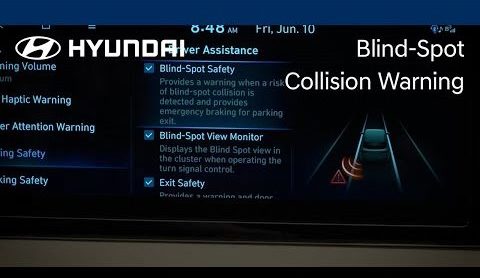
Hyundai’s available Blind-Spot Collision Warning feature can help detect imminent side collision risks and alert you to them. It can also help you to avoid collisions at low speeds, such as when exiting a parking space. Watch this video to learn how to turn the feature on and off as well as the limitations of it.
MapCare | Bluelink® | Hyundai
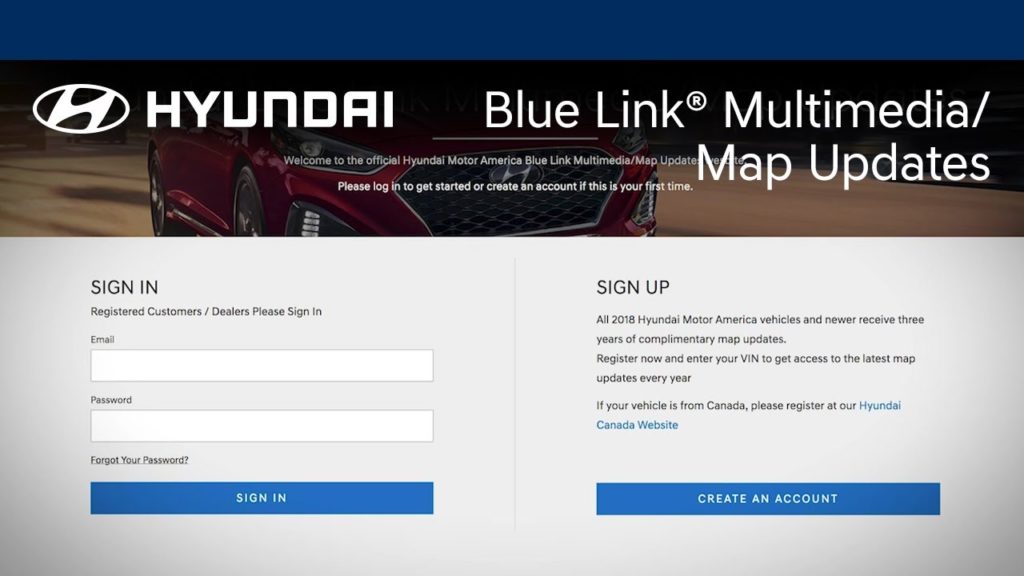
Did you know that you can update the maps on your navigation-equipped Hyundai? Watch this video to learn how to use your MyHyundai account to download and install map updates on your Hyundai.
Bed Storage | Hyundai
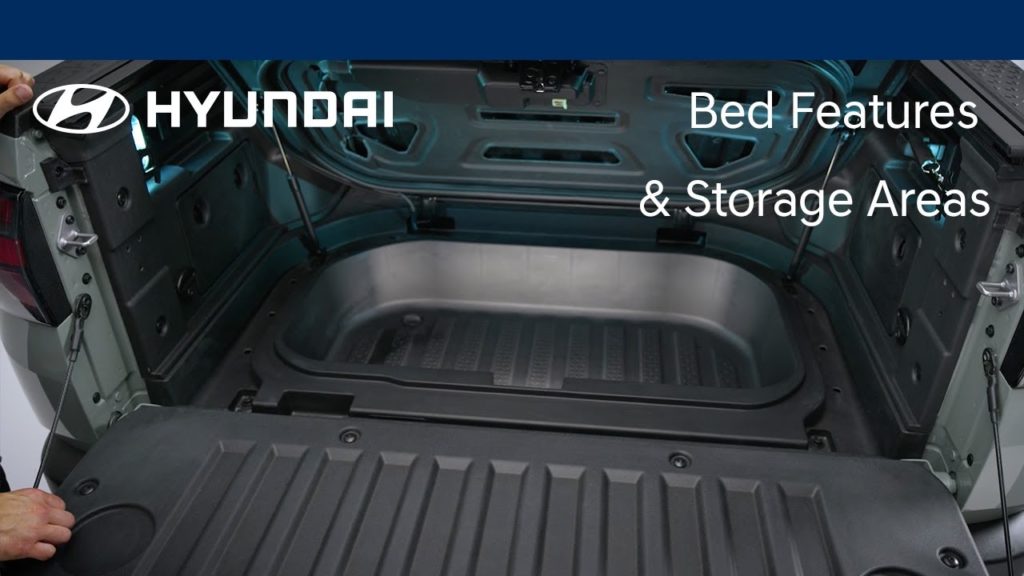
The open bed of your Hyundai has several useful features and storage areas. This video will provide an overview of them, including the underfloor storage box.