












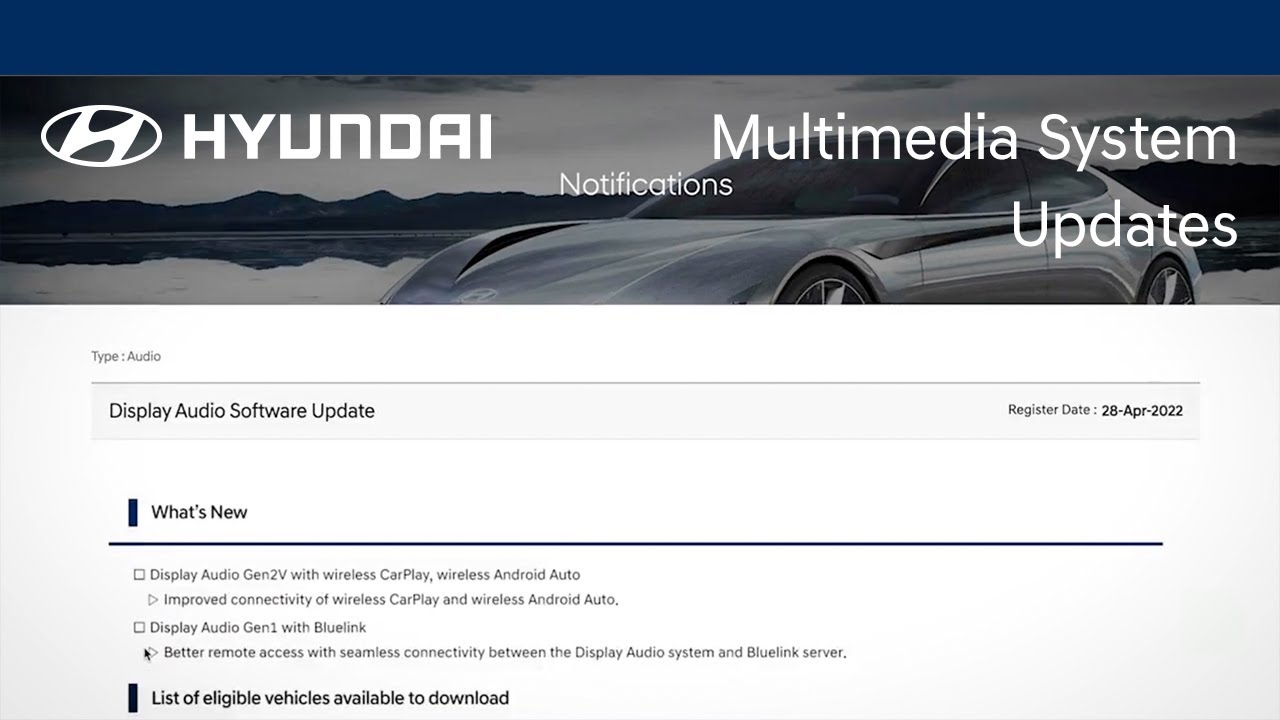
The multimedia system on your Hyundai can be easily updated, which allows you to add new or improved functionality to your Hyundai as it becomes available. Watch this video to learn how the feature works and how to turn it on and off.
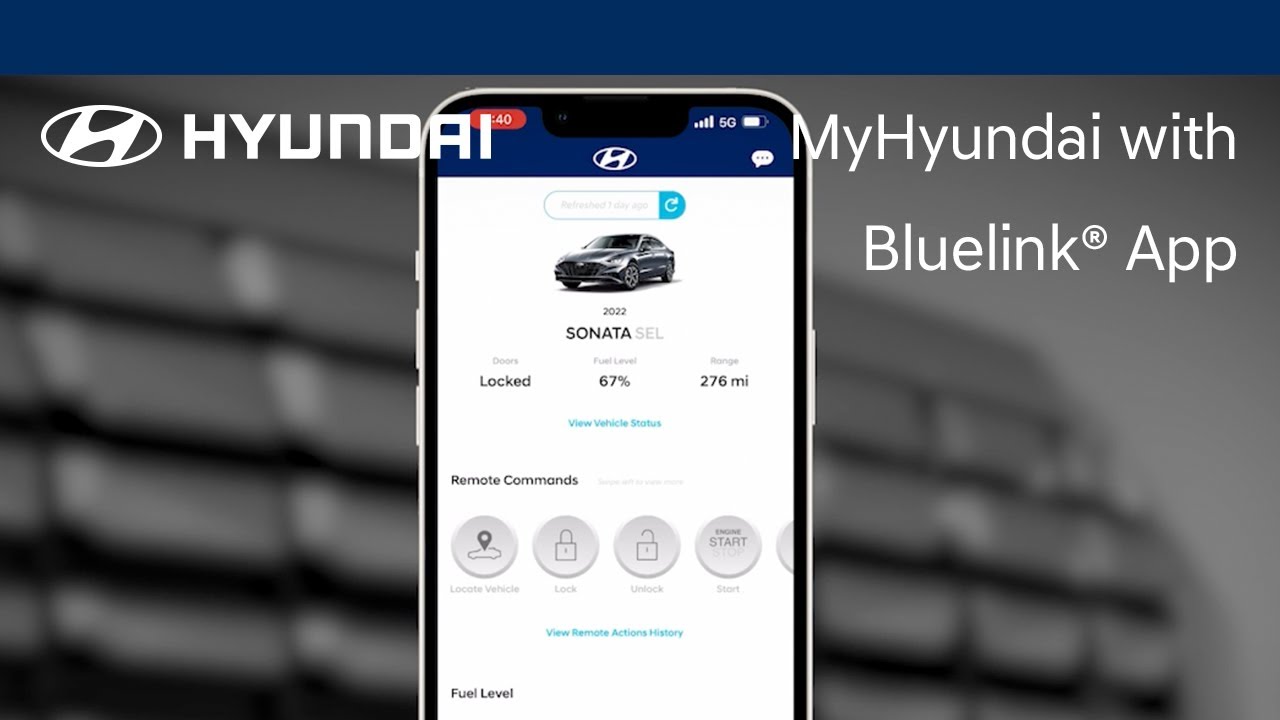
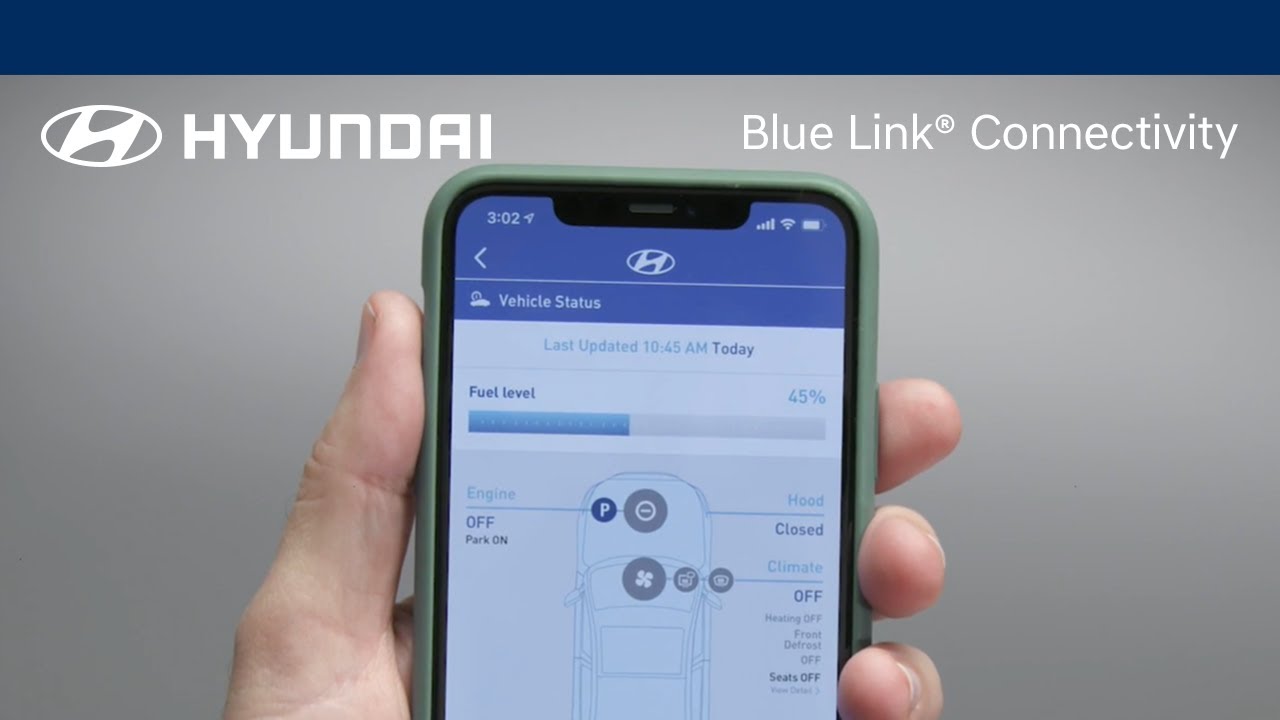
The available MyHyundai with Bluelink® app gives you the ability to control many aspects and features of your Hyundai. Watch this video to learn about these features and how to use them. Applicable models (if equipped): All models with a Bluelink® subscription.
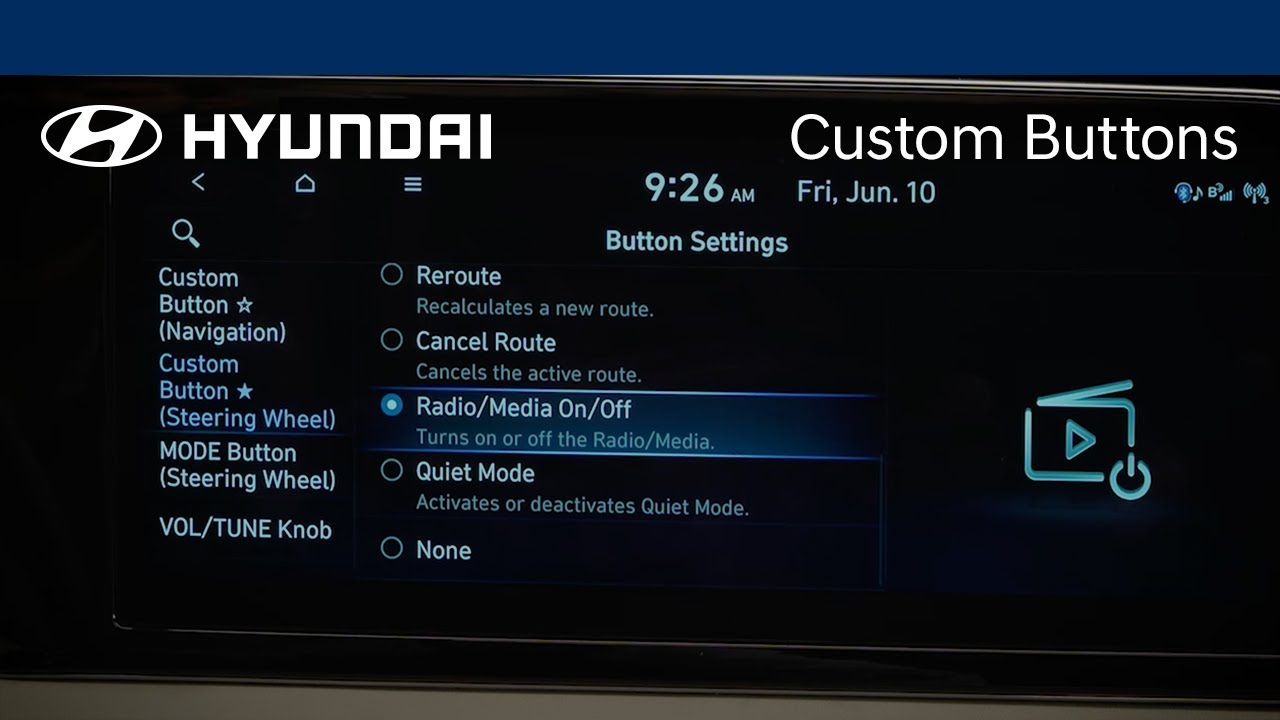
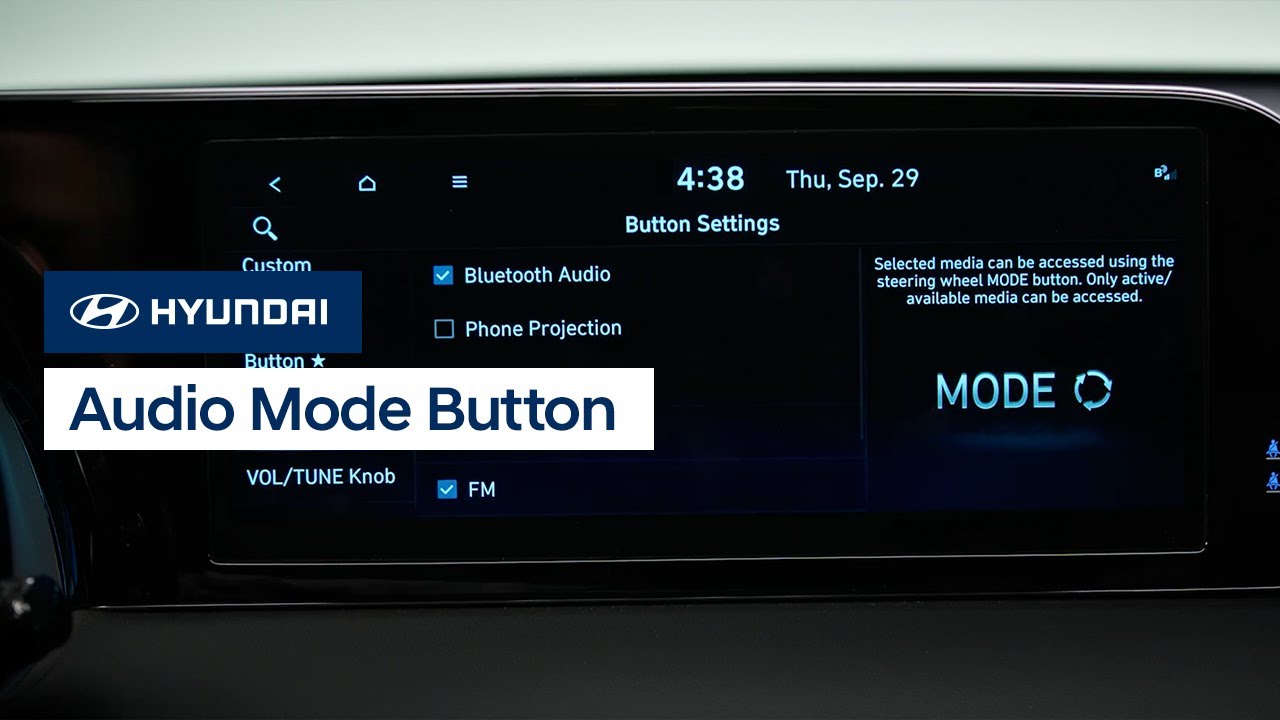
The Custom buttons on your Hyundai can be used to quickly access frequently used functions. Watch this video to learn how to program and use them.
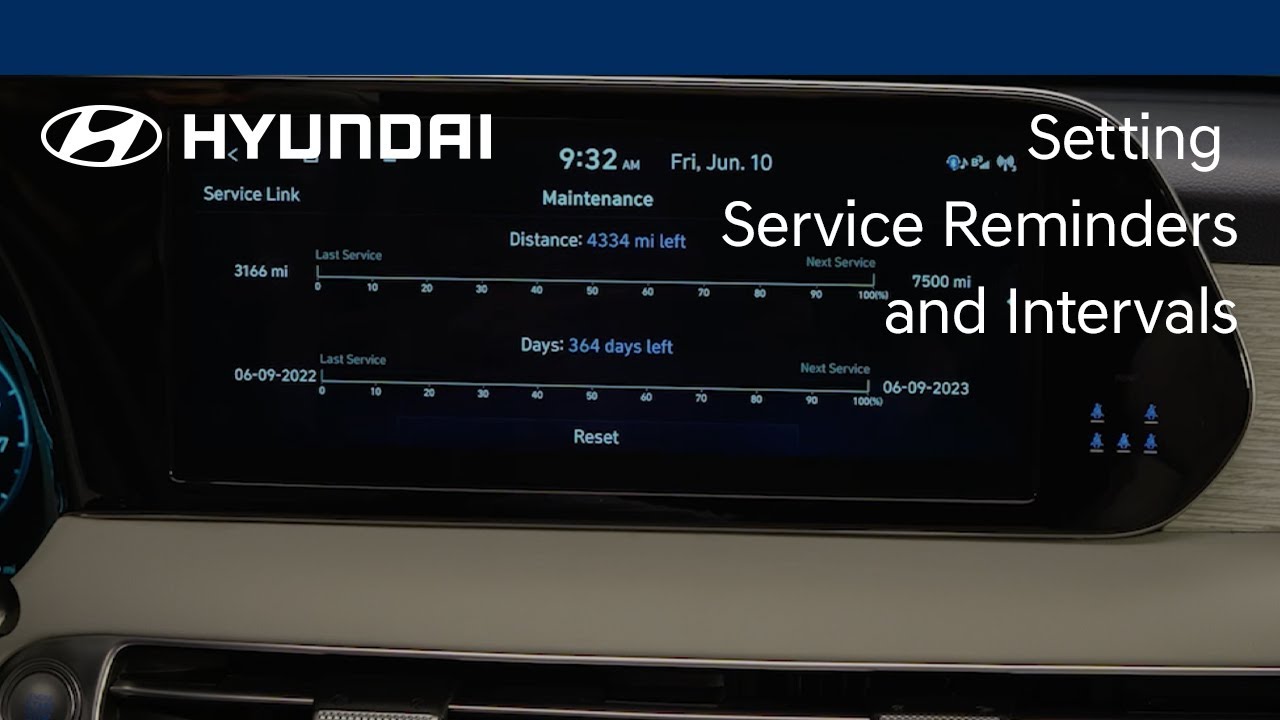
The Service Reminder feature on your Hyundai is an easy way to let you know when your vehicle needs service. Watch this video to learn how to adjust the service intervals and set the reminders.

Hyundai recommends that you have the wiper blades replaced at your Hyundai dealership. But should you choose to replace the wiper blades yourself, Hyundai recommends that you watch this video to learn the steps to do so.
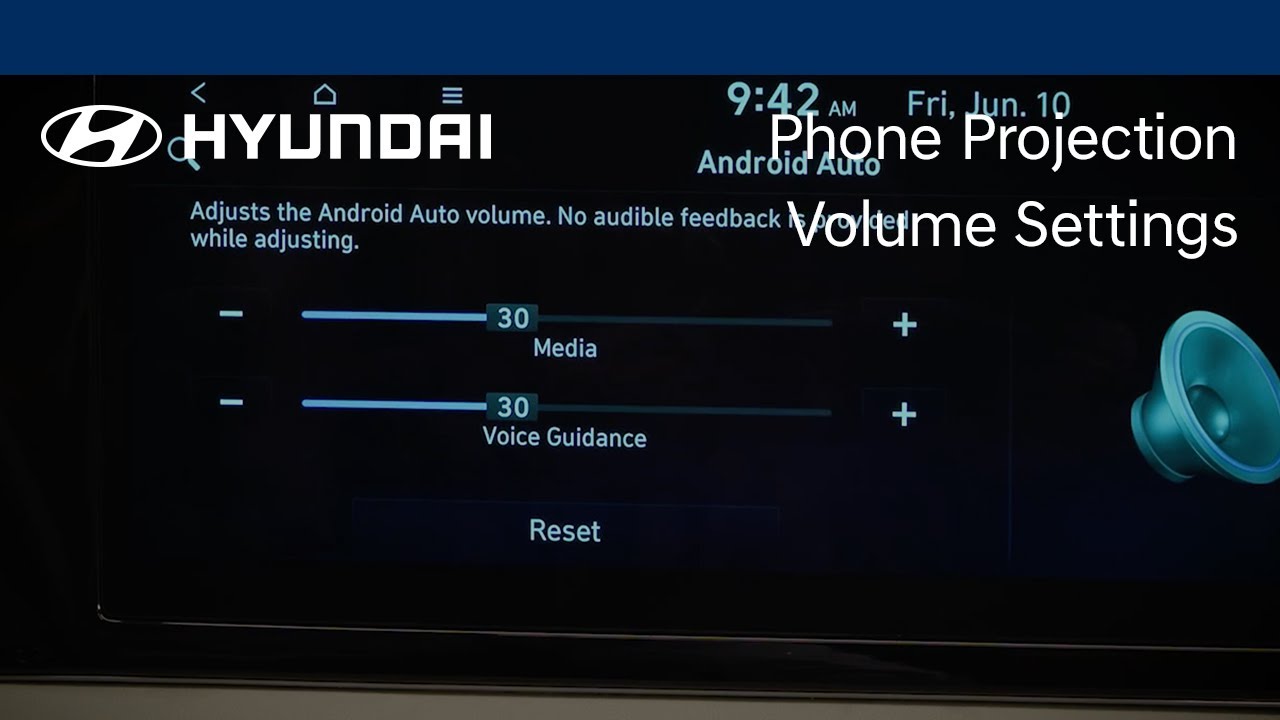
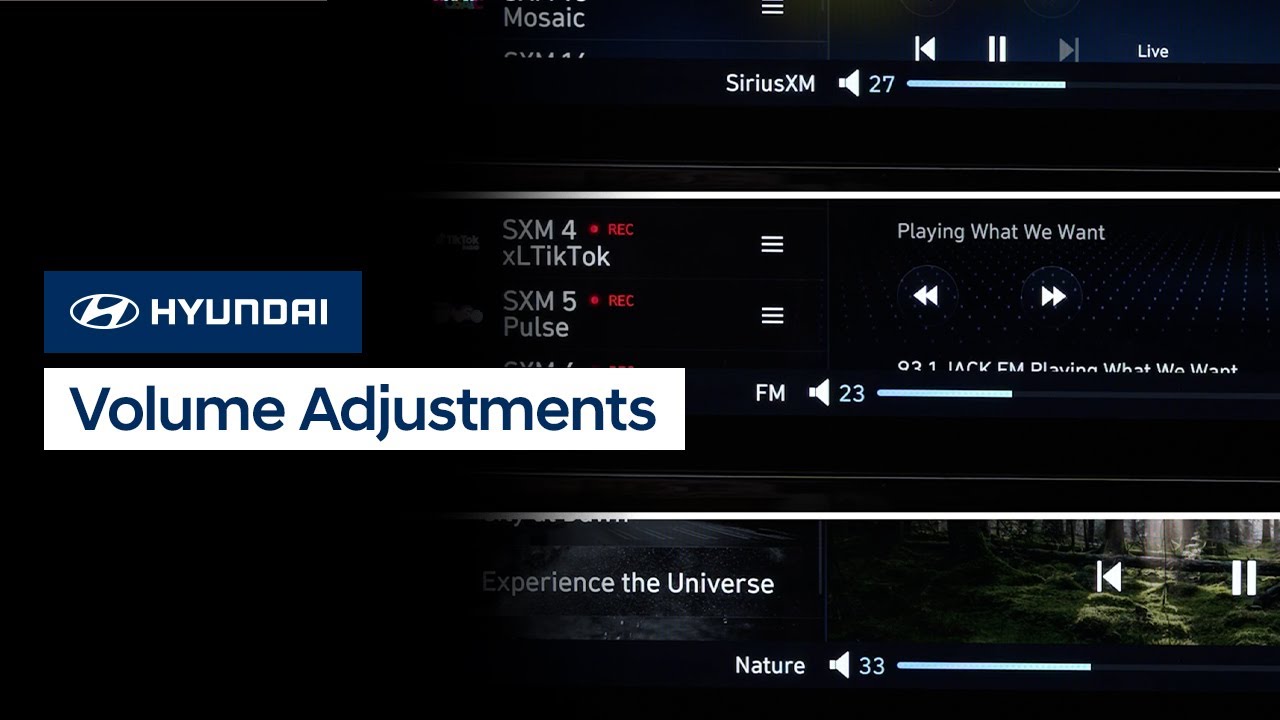
Your Hyundai can individually adjust volume levels for both Apple CarPlay® and Android Auto™. Watch this video to learn how to adjust these levels as well as how to set Bluetooth® devices for optimum volume levels.
The front seats of your Hyundai allow for extensive customization and ease of use. Watch this video to learn about the different controls and features as well as the available memory seat settings.
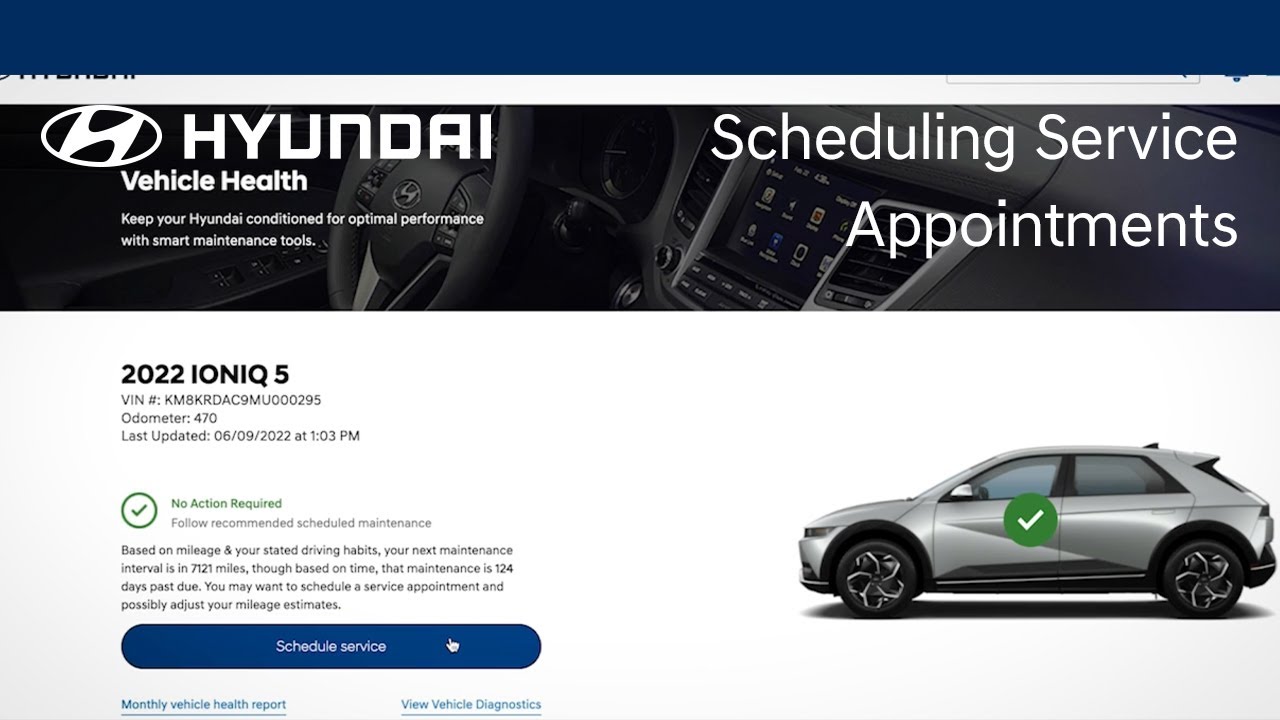
Hyundai’s Bluelink® allows you to schedule a vehicle service appointment quickly and easily from virtually anywhere. Watch this video to learn about how to use this feature.
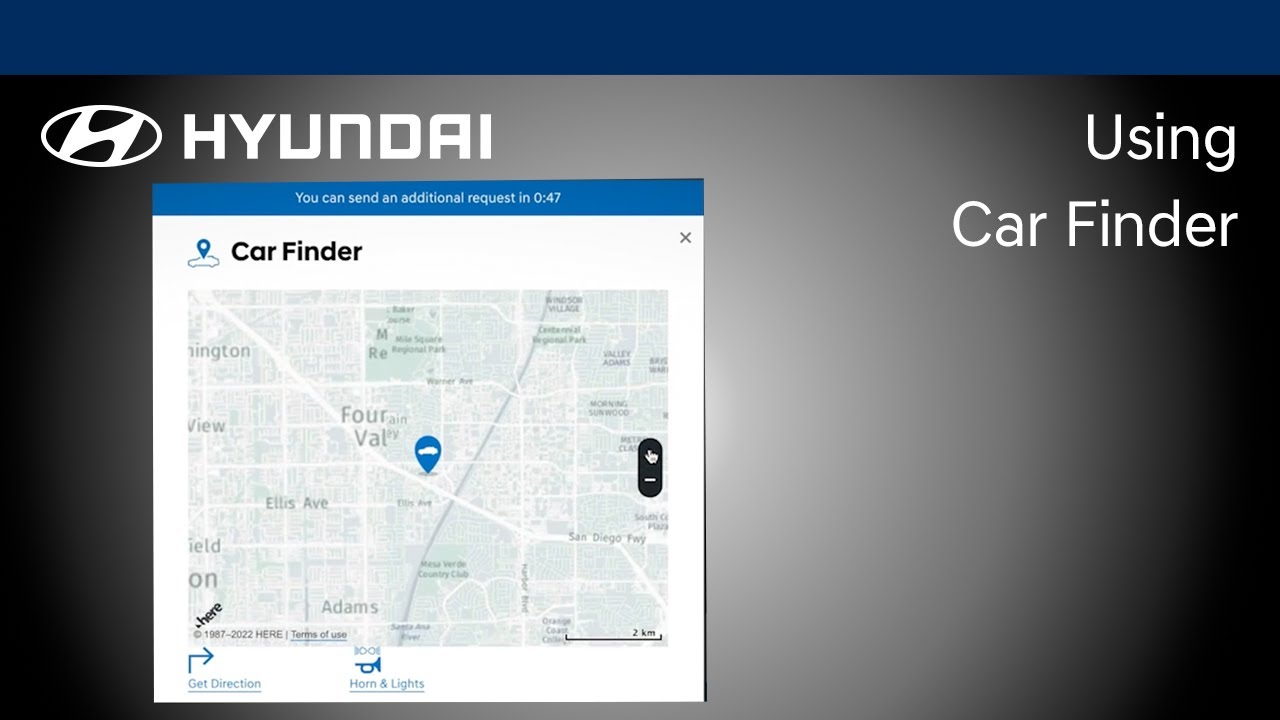
The Car Finder feature, available with select Bluelink® packages, allows you to locate your vehicle quickly, using either your mobile device or your computer. Watch this video to learn about how to use this feature.
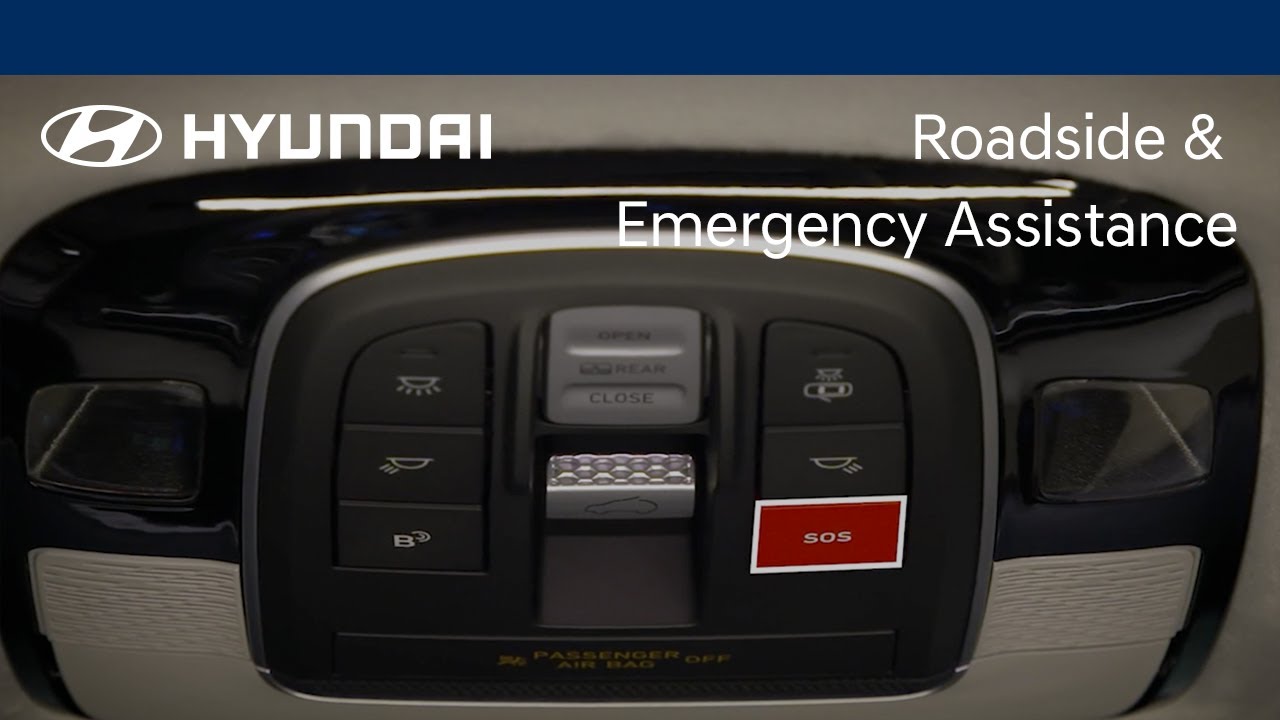
Your Bluelink® subscription allows you to enjoy multiple assistance services. These services help give you peace of mind through the knowledge that aid is available at the touch of a button—or even automatically. Watch this video to learn about these services and how to access them.
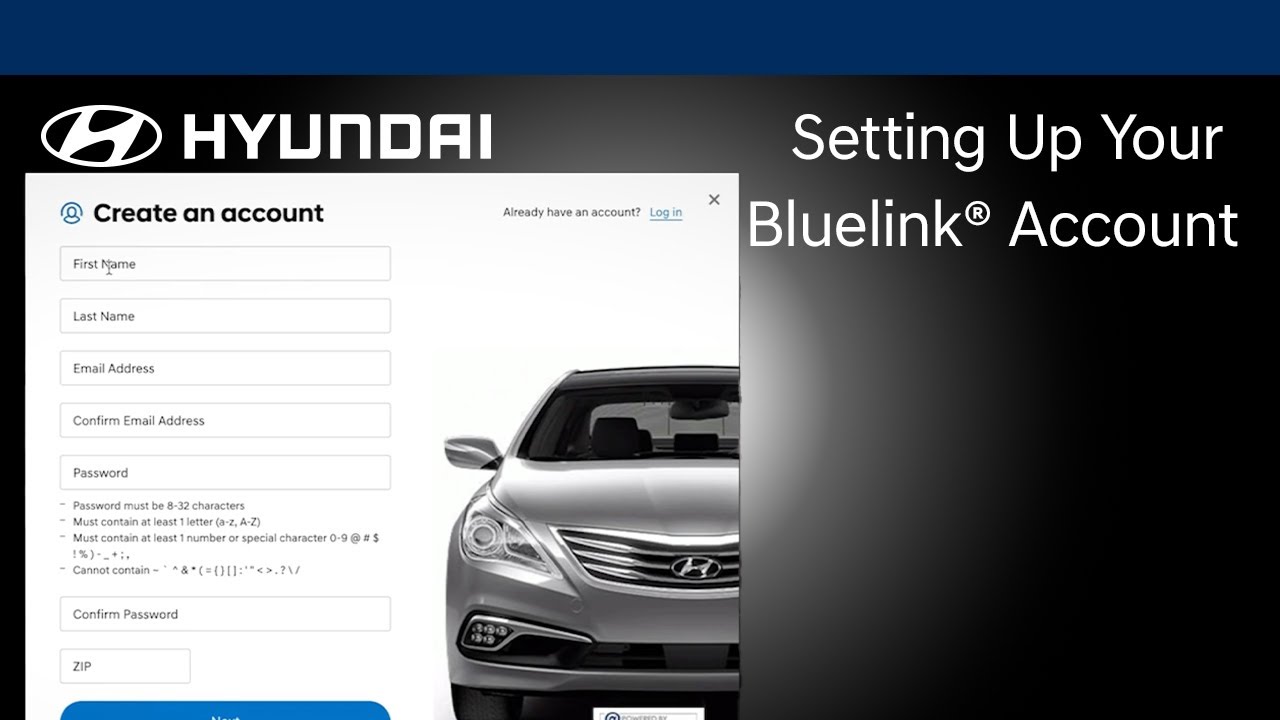
The Bluelink® connected car service, available on your Hyundai, gives you many valuable tools to increase comfort, convenience and safety. Watch this video to learn how to set up your Bluelink account.
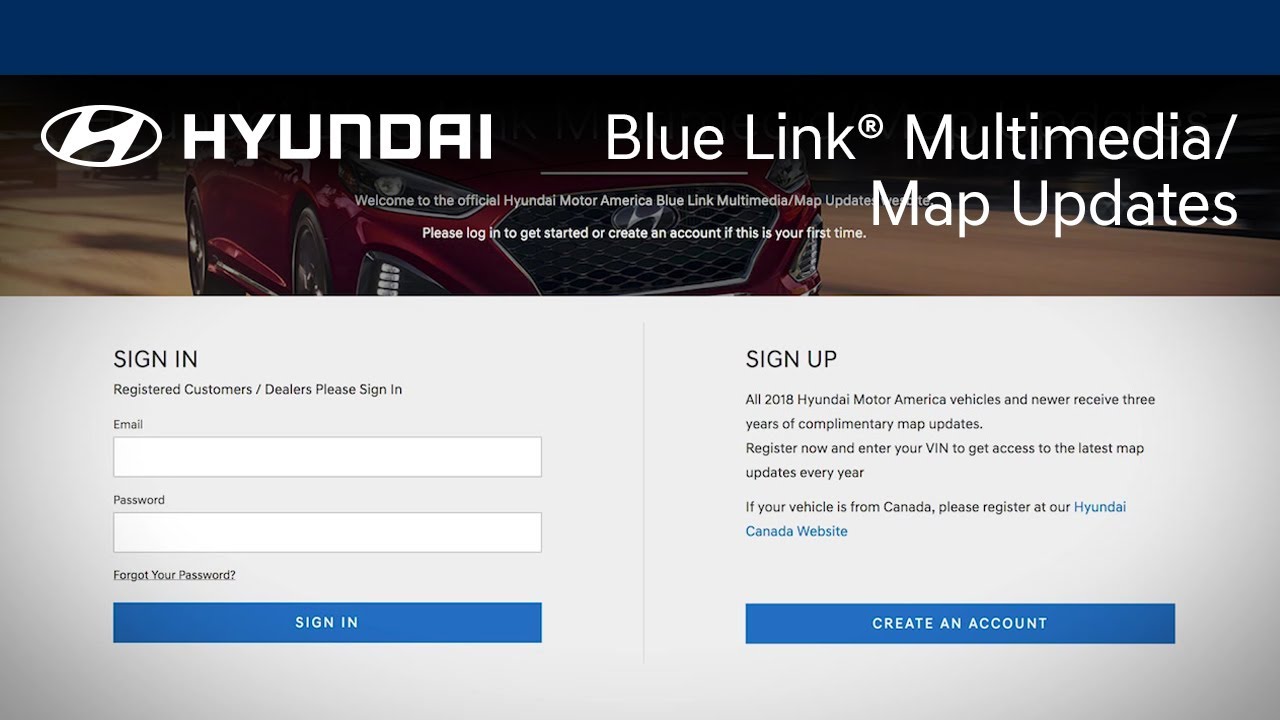
Did you know that you can update the maps on your navigation-equipped Hyundai? Watch this video to learn how to use your MyHyundai account to download and install map updates on your Hyundai.

Tracking your vehicle’s maintenance records is very important, as it helps ensure compliance with the vehicle’s warranty. This video will provide an overview of the different ways of retaining your vehicle’s maintenance history and records.
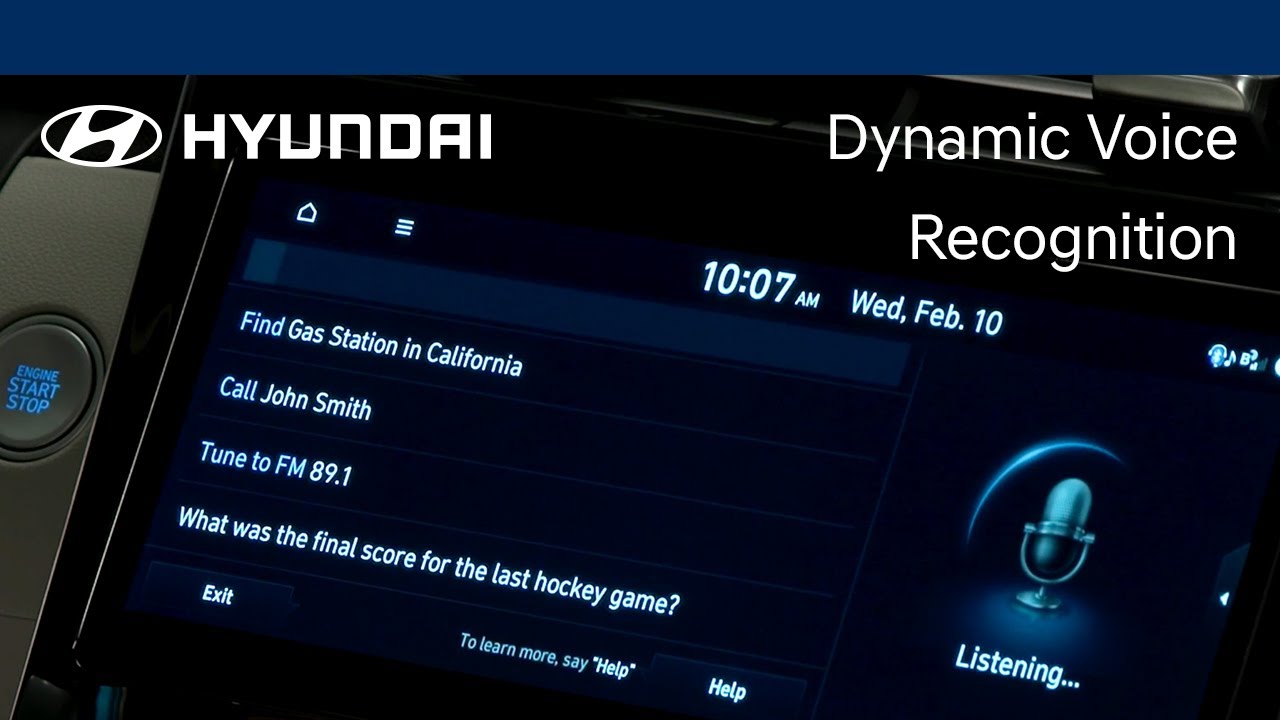
The Dynamic Voice Recognition system in your Hyundai allows you to use voice commands to control many vehicle features, navigate to points of interests, and even obtain stock, weather, and sports information. Watch this video to learn the different available functions as well as how to use them.

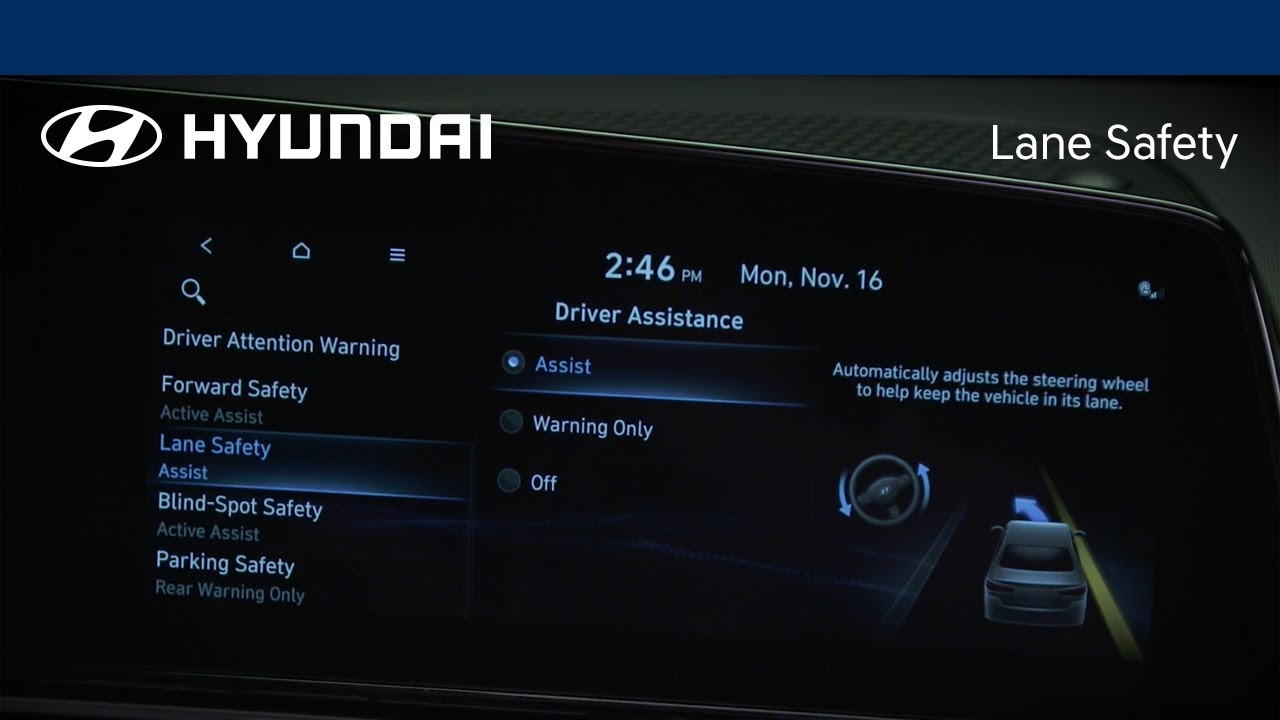
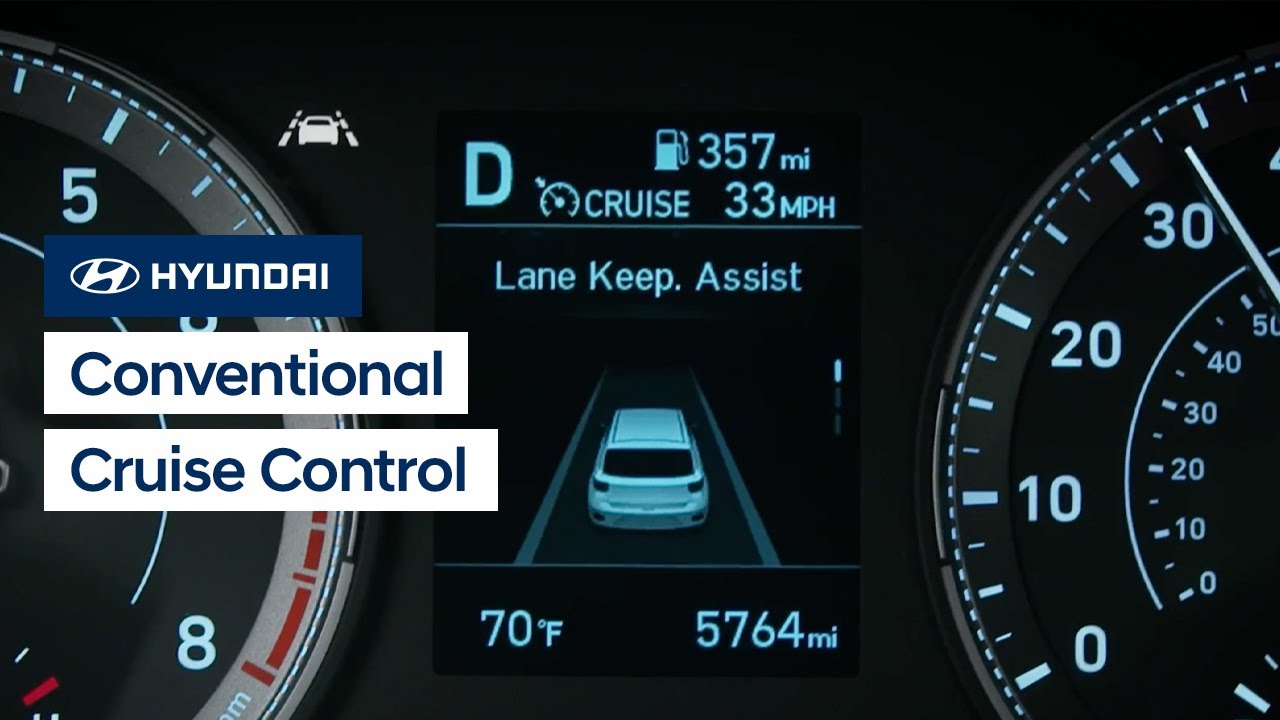
The available Lane Keeping Assist system on your Hyundai helps detect lane markers on the road and assists the driver’s steering to help keep the vehicle within the lane.This video will explain how the system operates, the different settings, and limitations of the system.
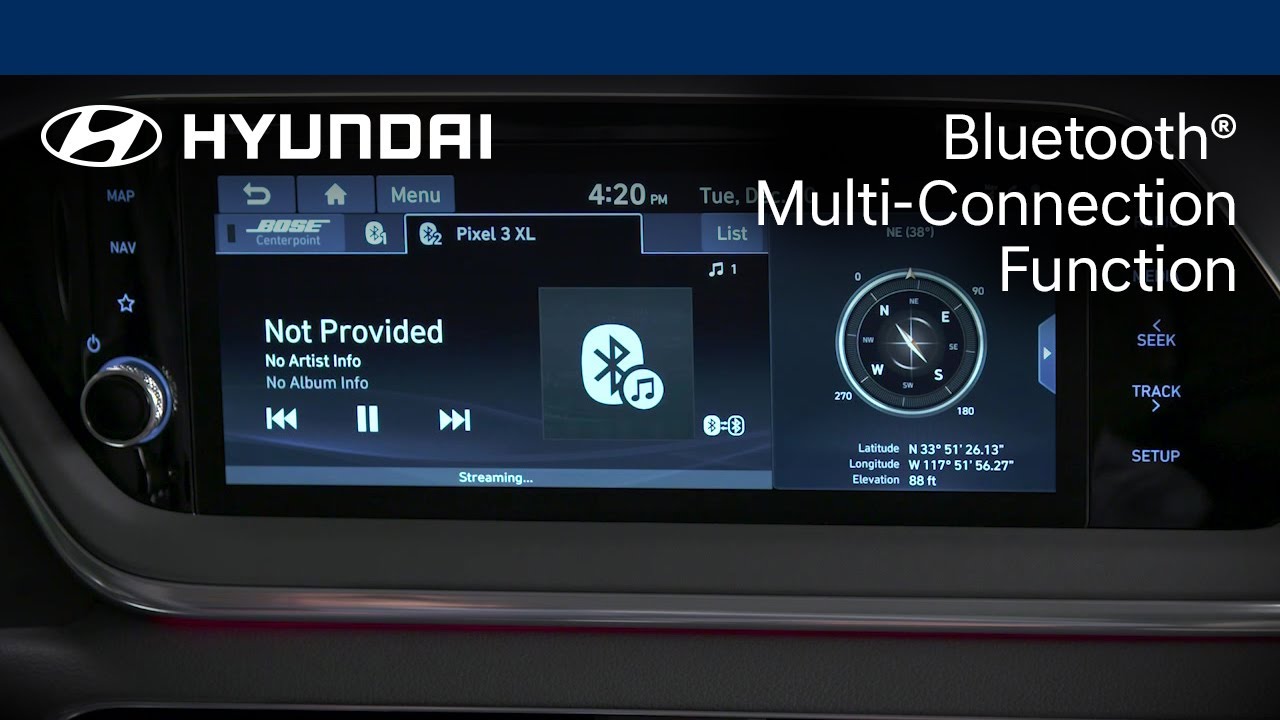
Did you know that your Hyundai can have two Bluetooth® devices paired at the same time? Watch this video to see how this features works, how to switch between devices and how to pair the devices.
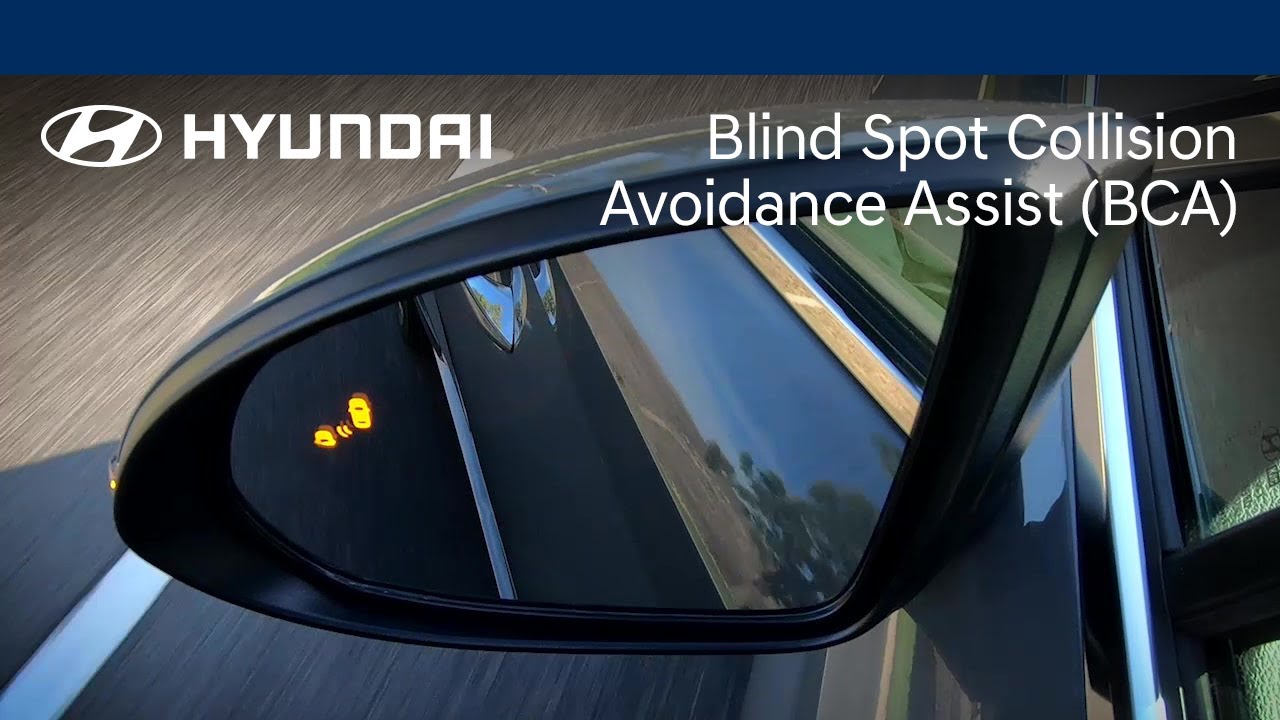
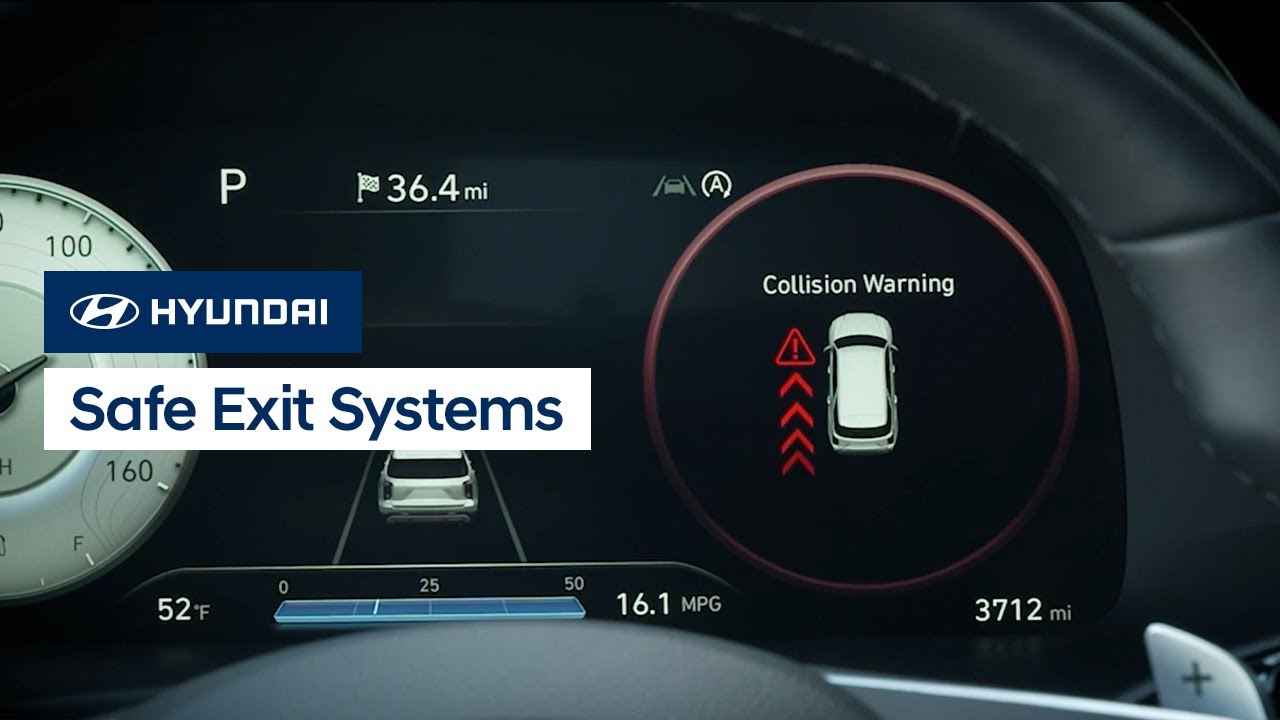
This video highlights how Hyundai's Blind Spot Collision-Avoidance Assist feature can help detect imminent side collision risks and help avoid an impact or minimize damage. You’ll also learn how to adjust Blind Spot Collision-Avoidance Assist alerts and response times.

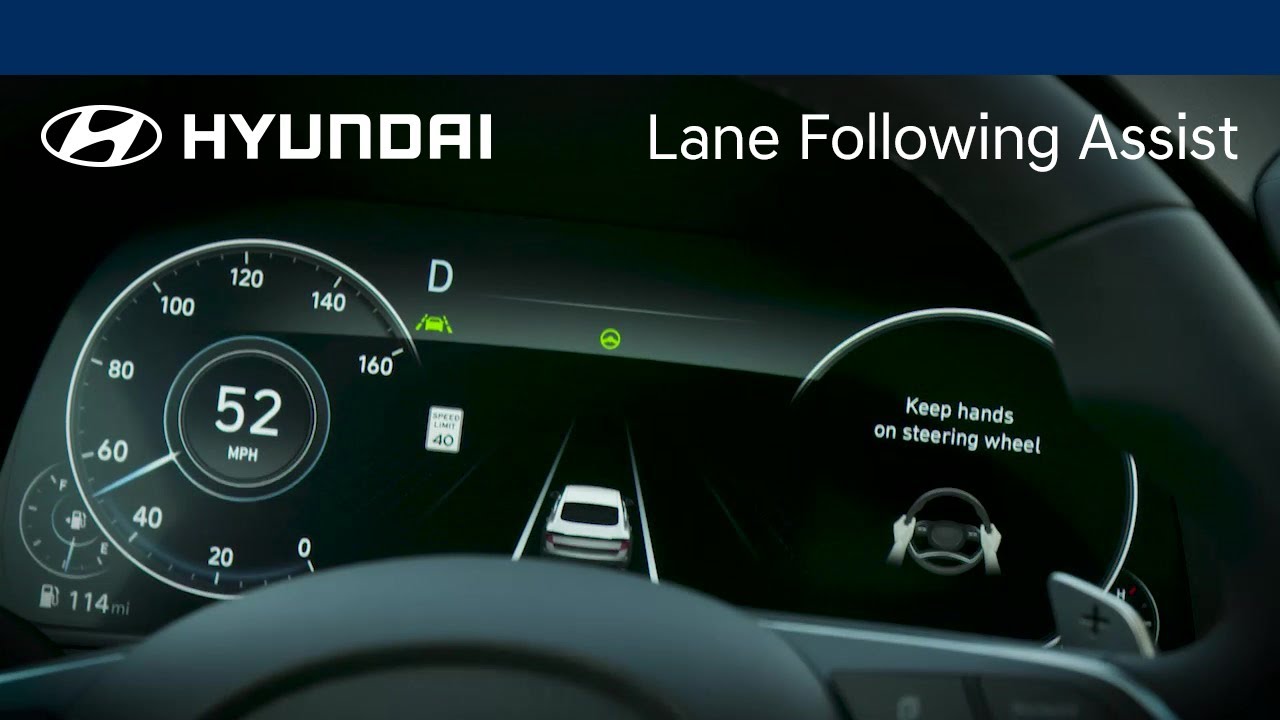
Want to know how to use the available Lane Following Assist feature in your Hyundai? This video highlights how the system can detect lane markings and help keep you in your lane.
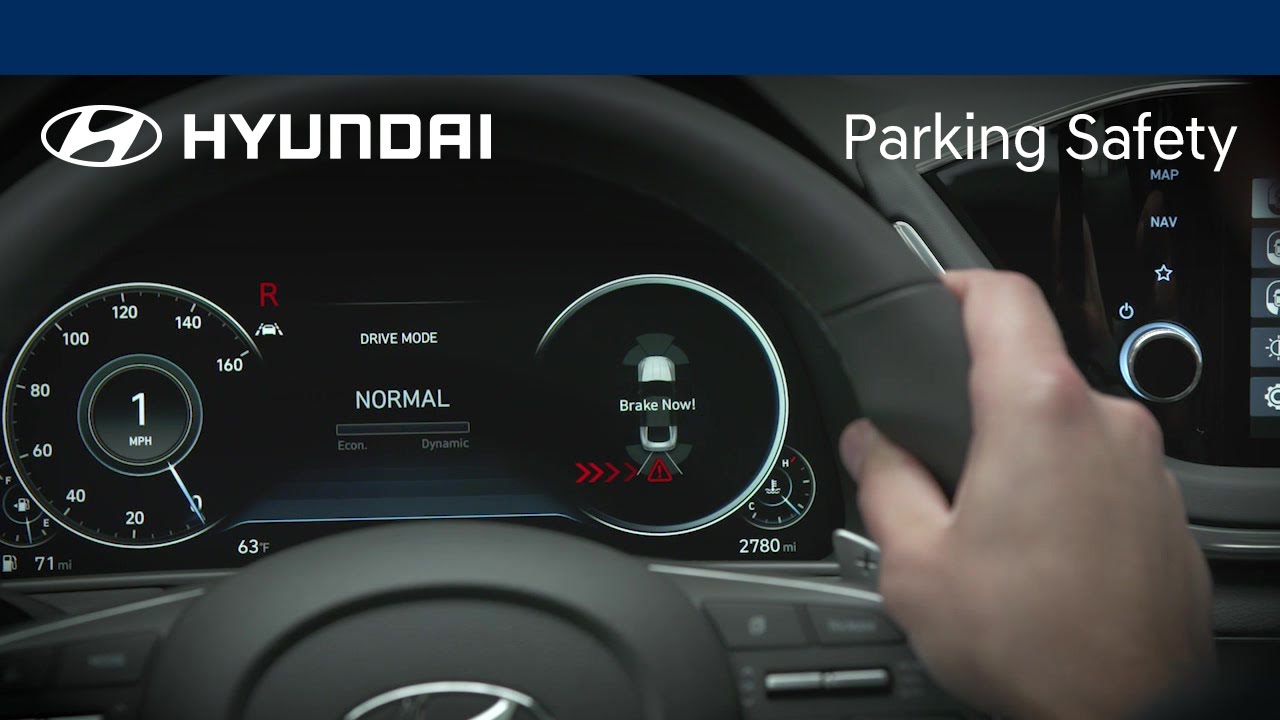
Want to understand how to use your Hyundai’s Parking Safety features? This video highlights how these systems can help automatically detect imminent rear collisions and help avoid an impact or minimize damage.
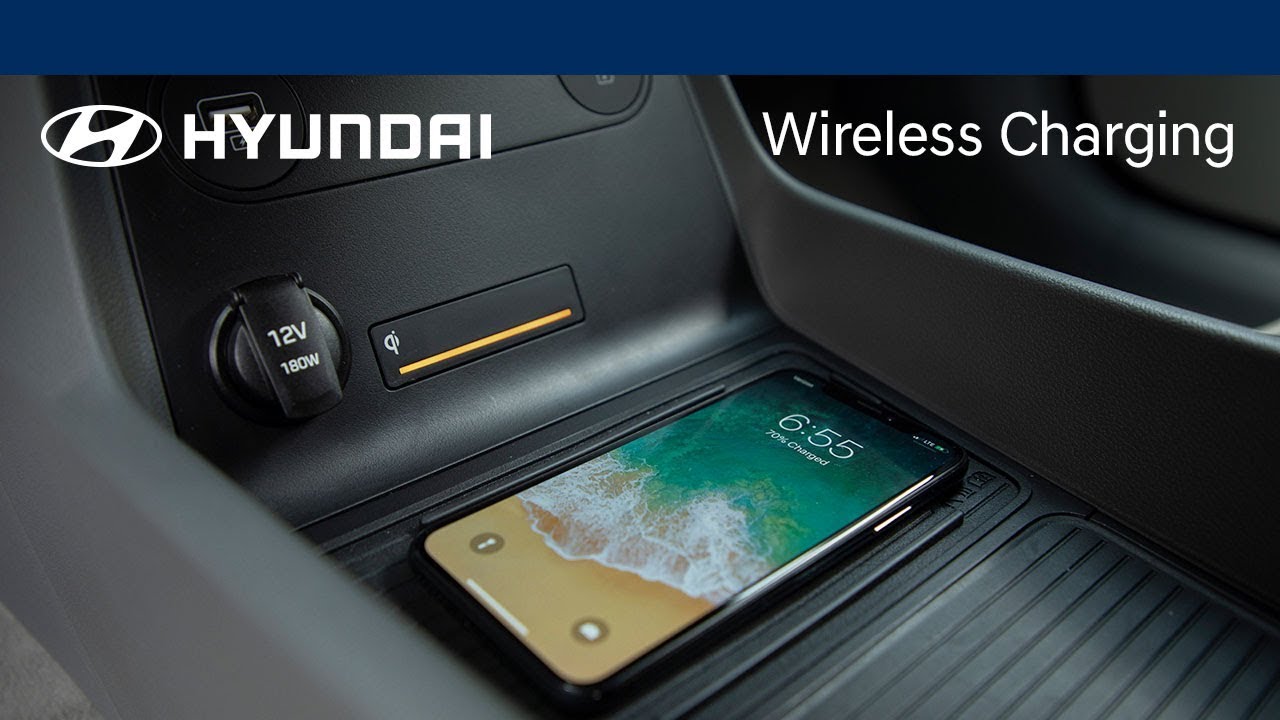
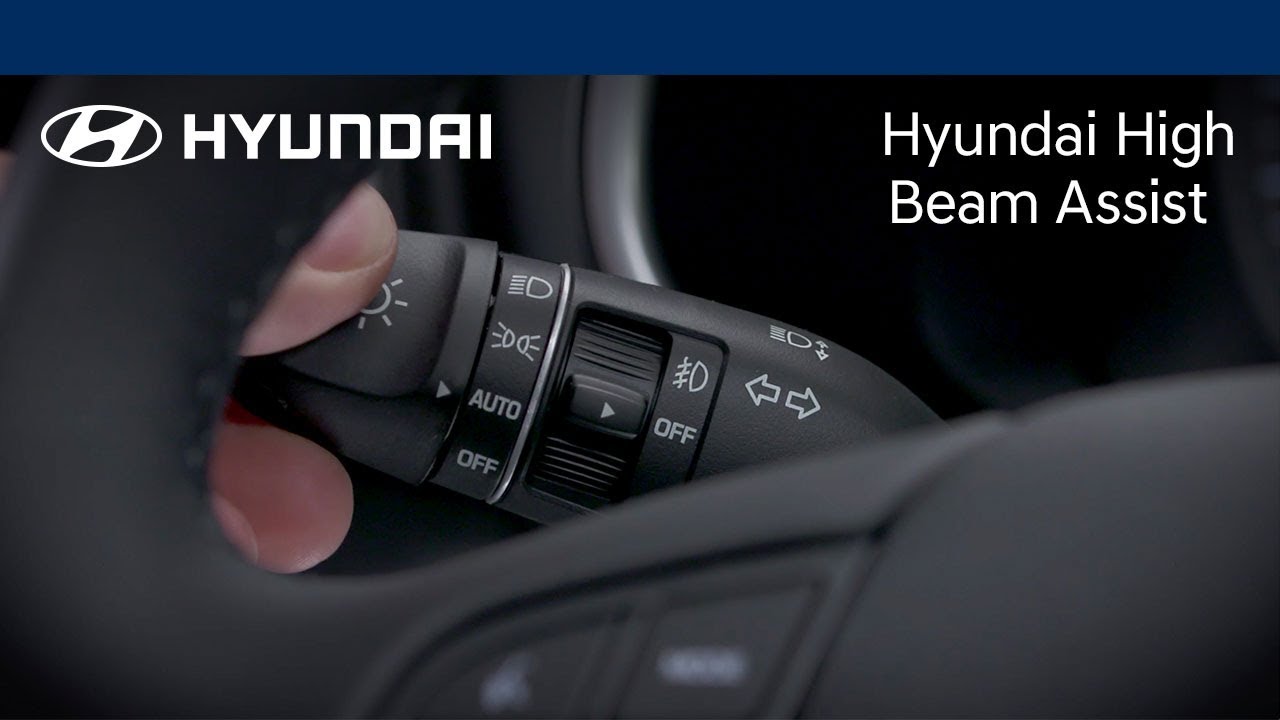
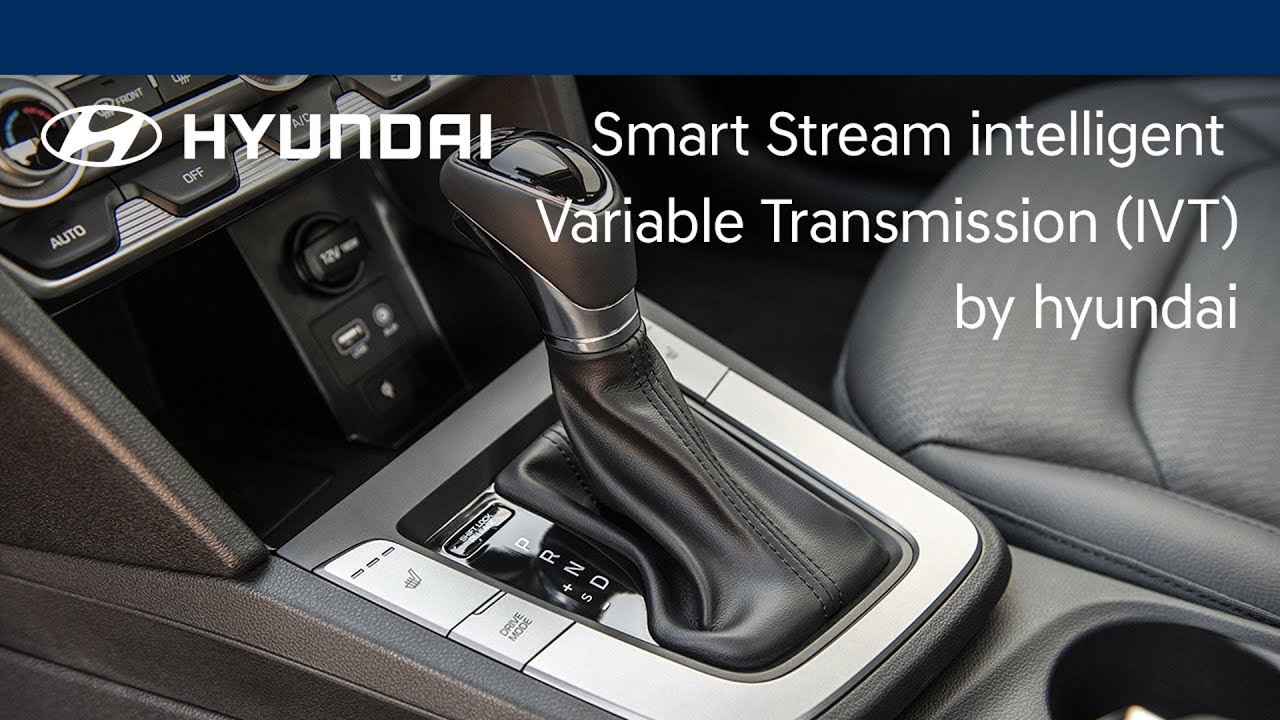
Want to understand the benefits of Hyundai’s Smart Stream Intelligent Variable Transmission? This video highlights how the IVT is designed to improve fuel economy and deliver a smooth, responsive driving experience.
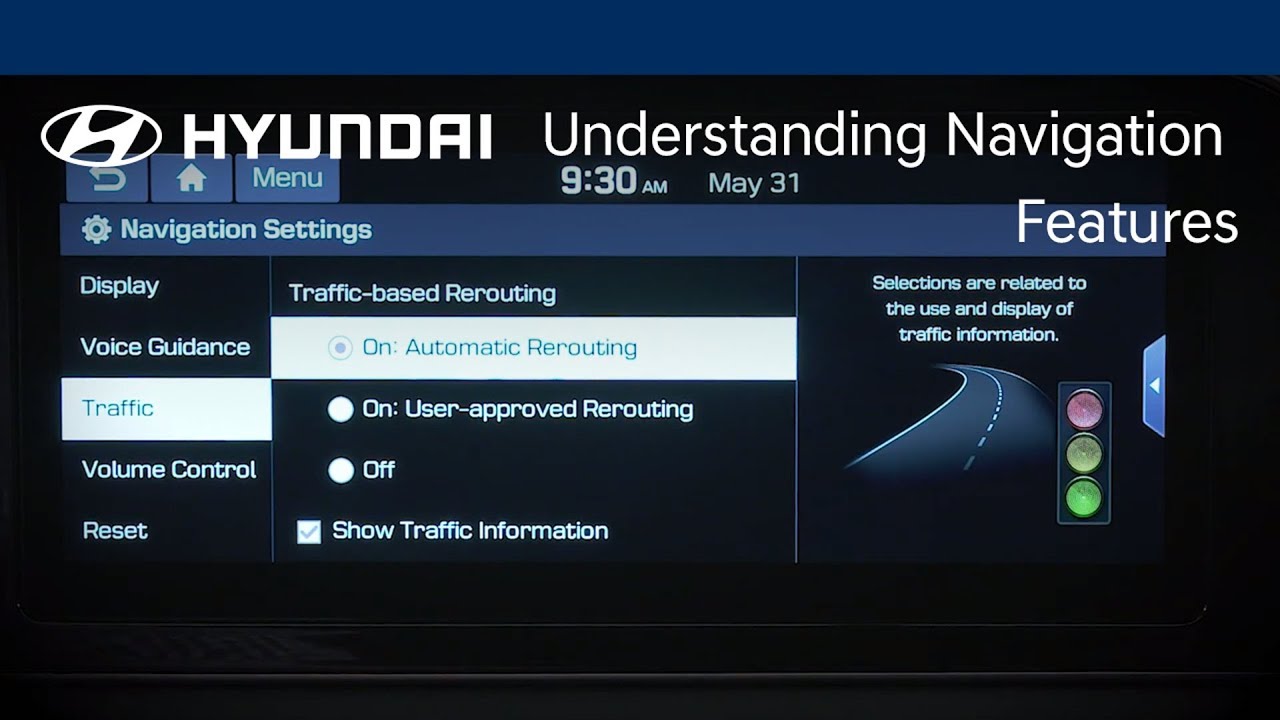
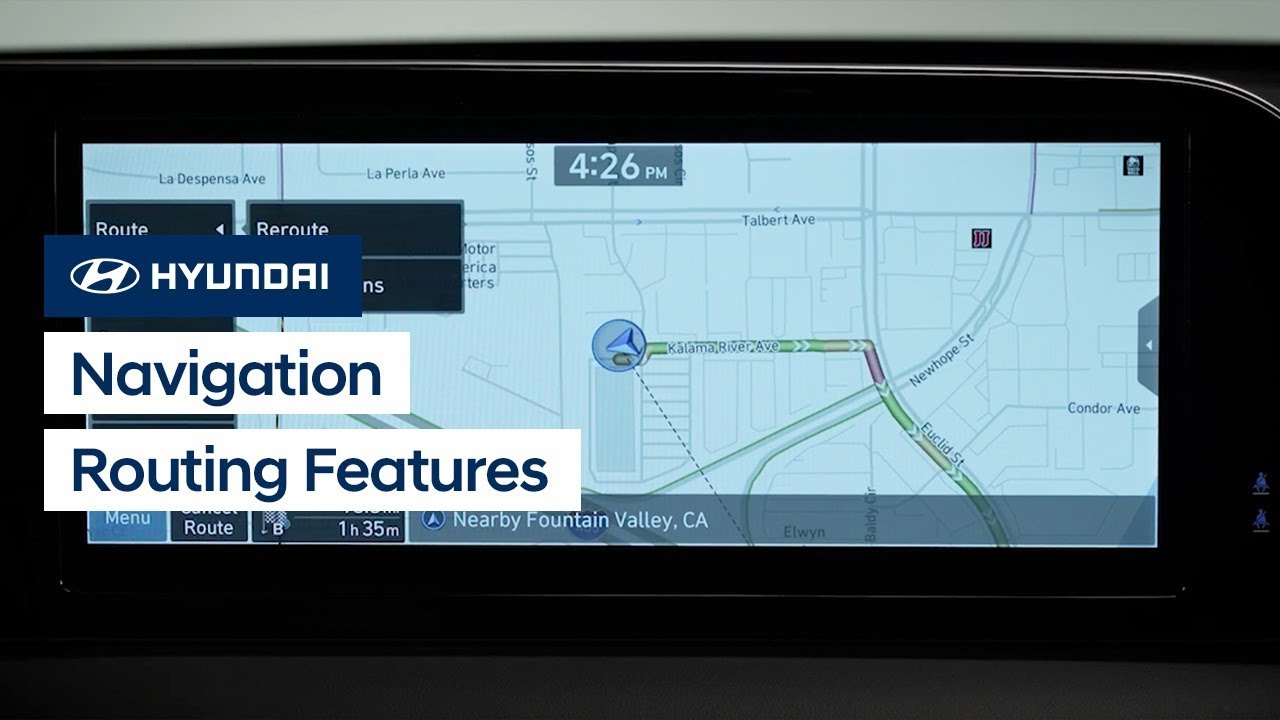
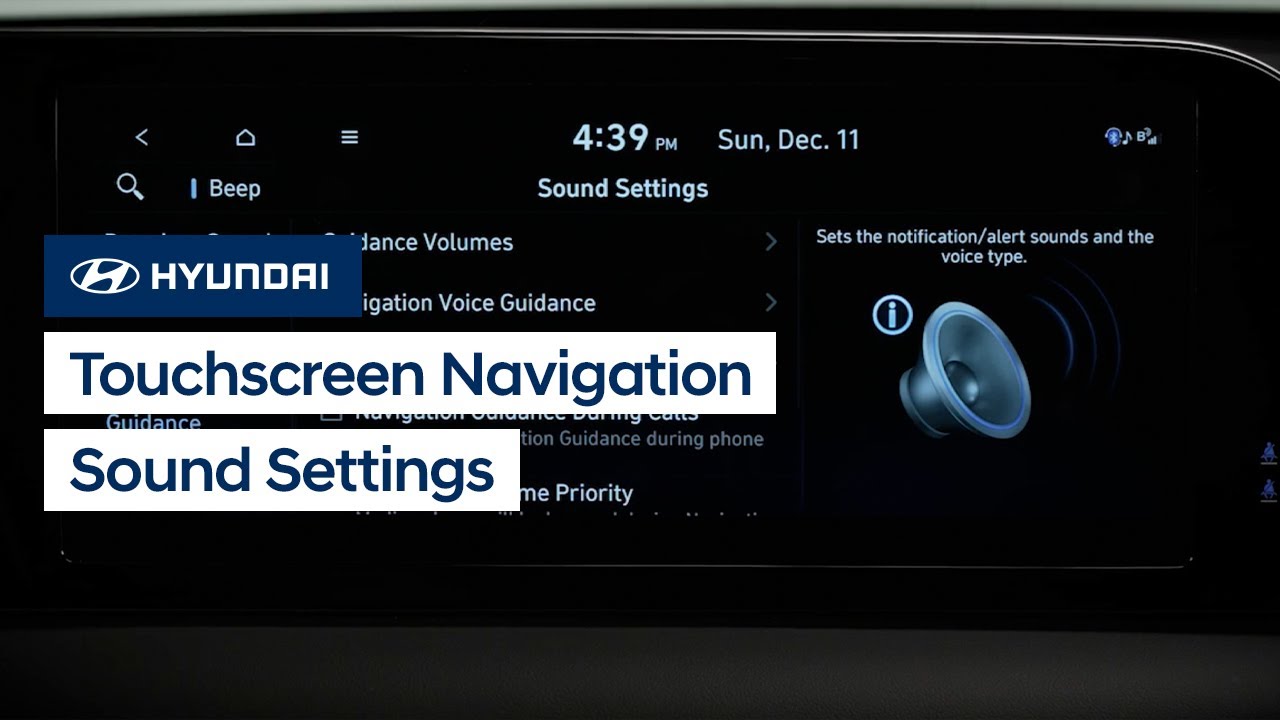
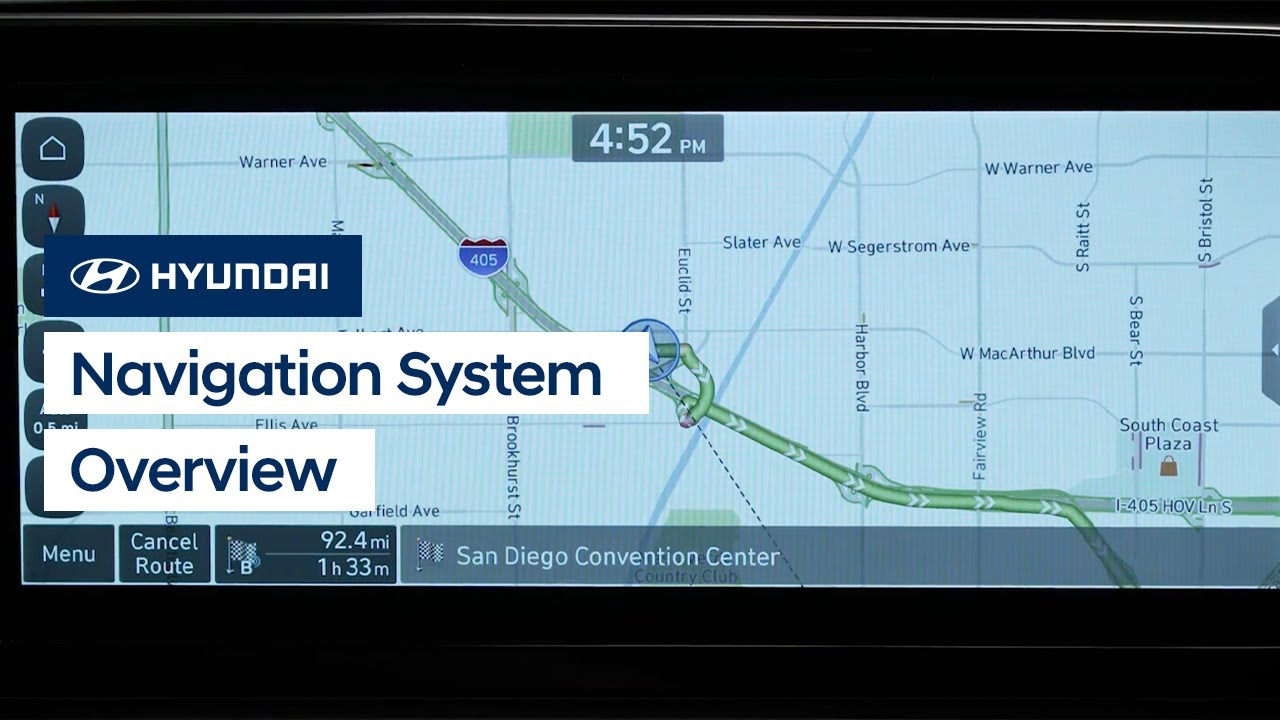
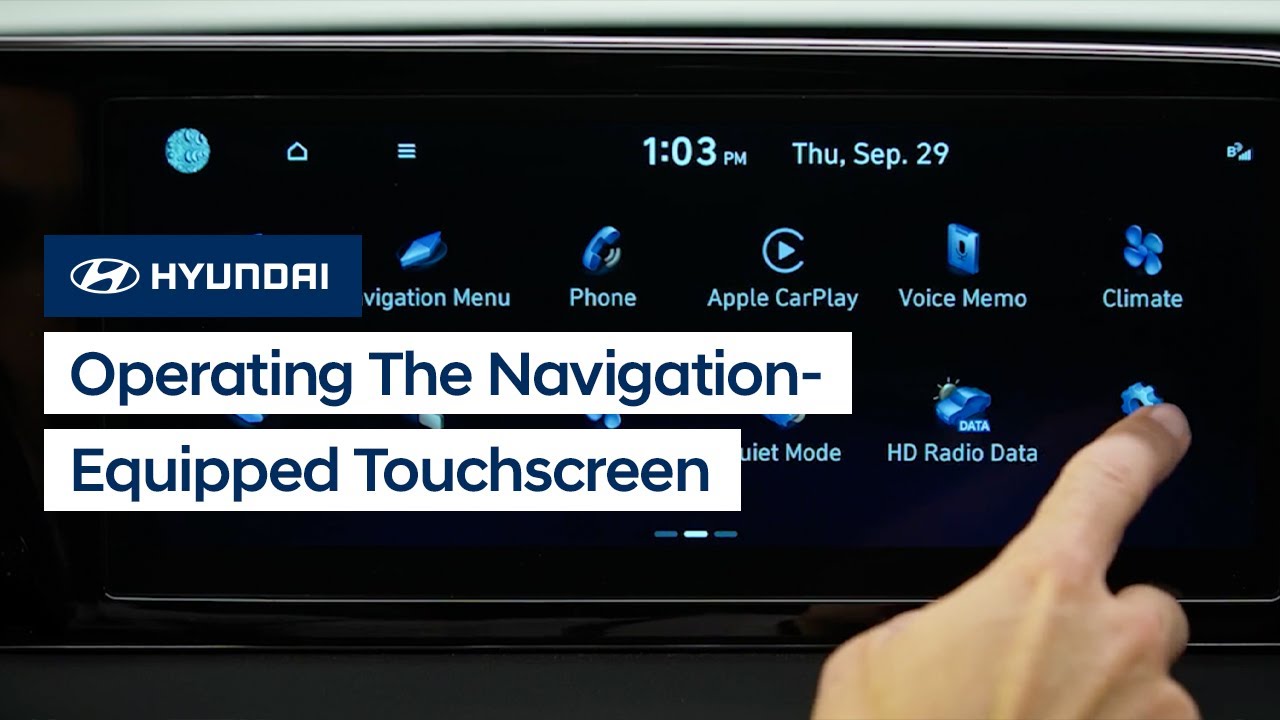
Want to know how to get the most out of your navigation system in your Hyundai? This video shares convenient navigation system tips to help ensure safe arrival at your destination. You’ll learn how to display your current map position, show traffic information, set up automatic traffic re-routing, and more.