


Your 2023 ELANTRA N How-To Videos

Sort

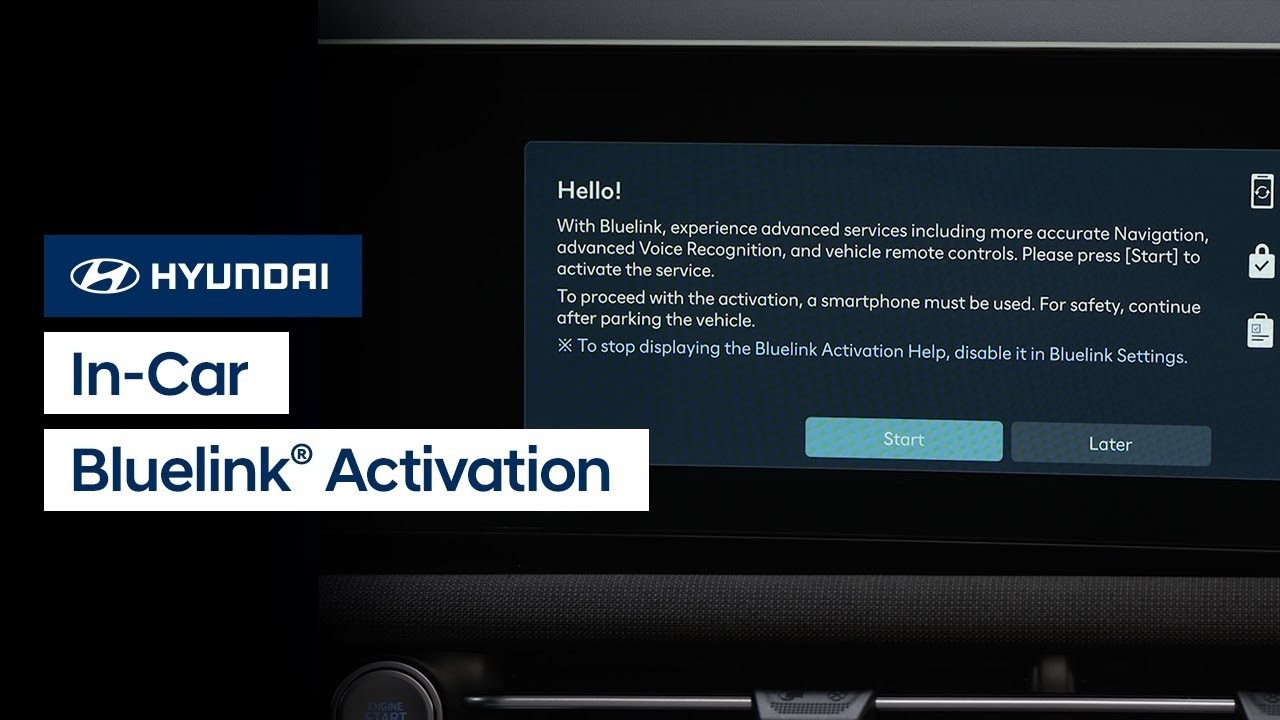
Did you know that you can quickly and easily activate Bluelink service in your new or preowned Hyundai? Watch this video to learn how to add the many benefits of Bluelink to your Hyundai ownership. Applicable Vehicles: All 2020 and later Bluelink-equipped Hyundai vehicles 00:00 – Intro 0:23 – Activation Screen 0:43 – Activation Process […]
Bluelink® Connected Services
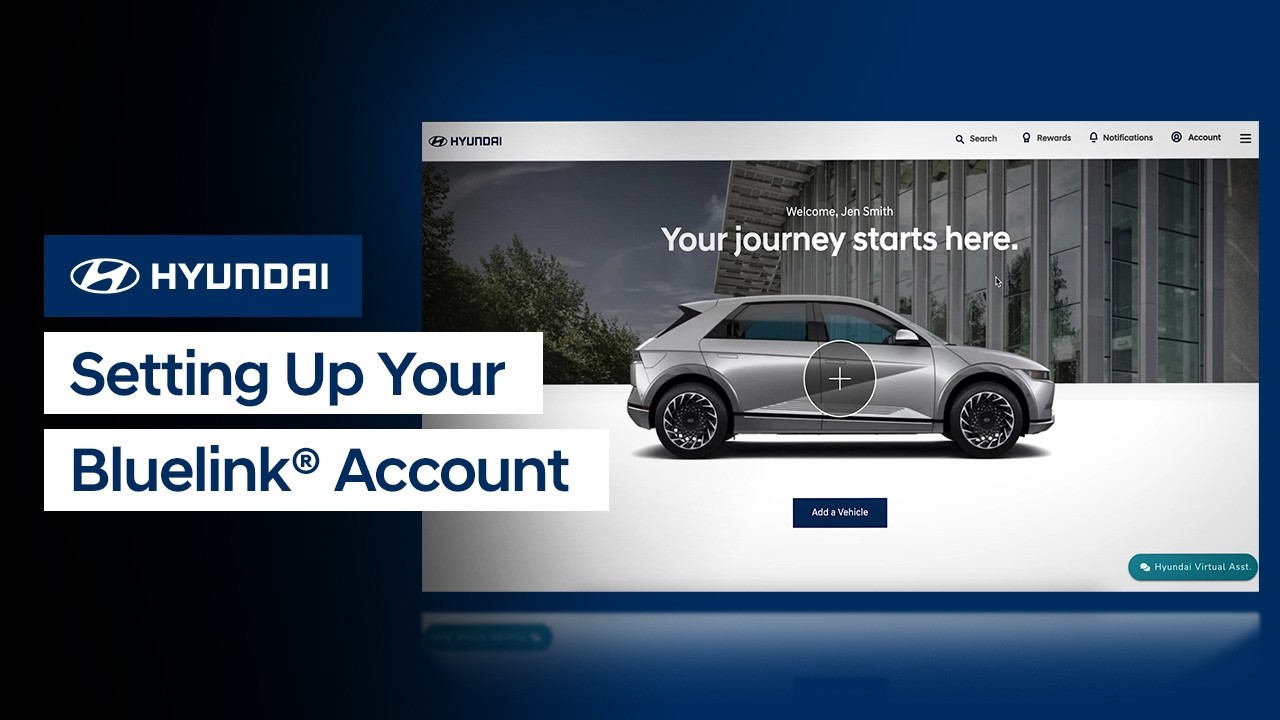
The Bluelink® connected car service, available on your Hyundai, gives you many valuable tools to increase comfort, convenience and safety. Watch this video to learn how to set up your Bluelink account.
Bluelink® Connected Services
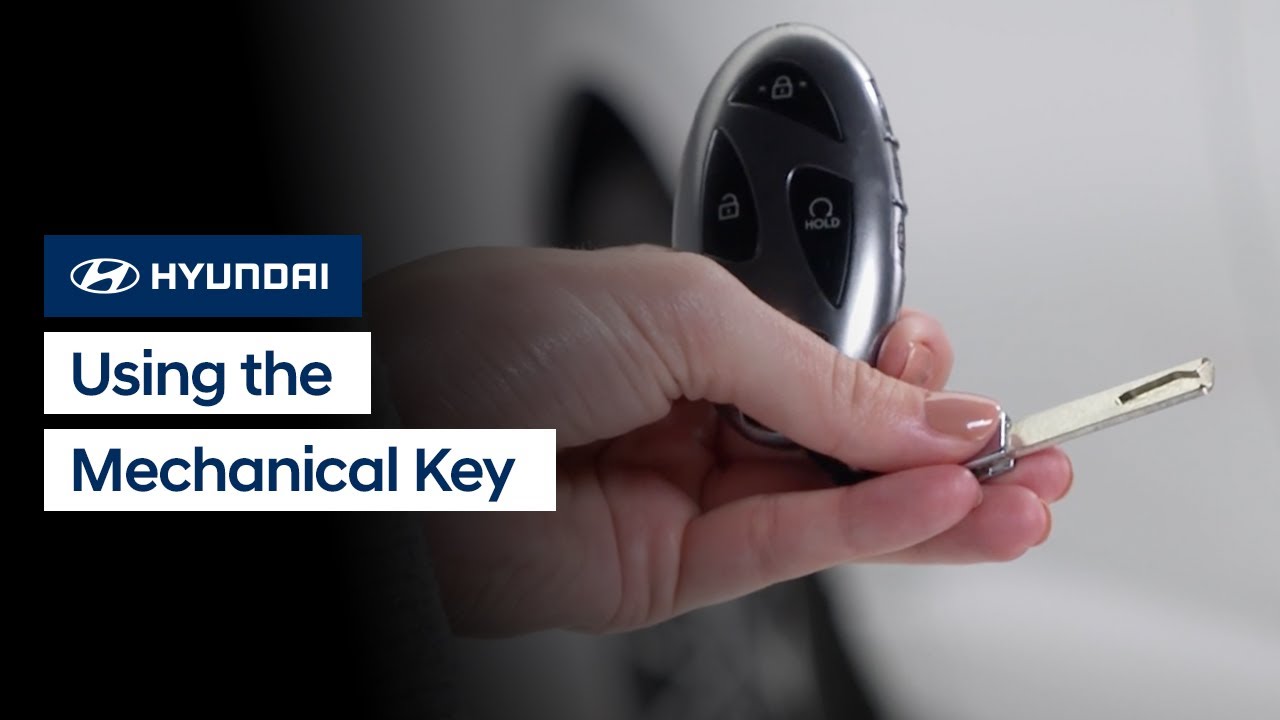
Are you looking for a way to lock or unlock your Hyundai without using the key fob? This video explains how to use the mechanical key to lock or unlock your Hyundai.
Keys-Doors-Windows
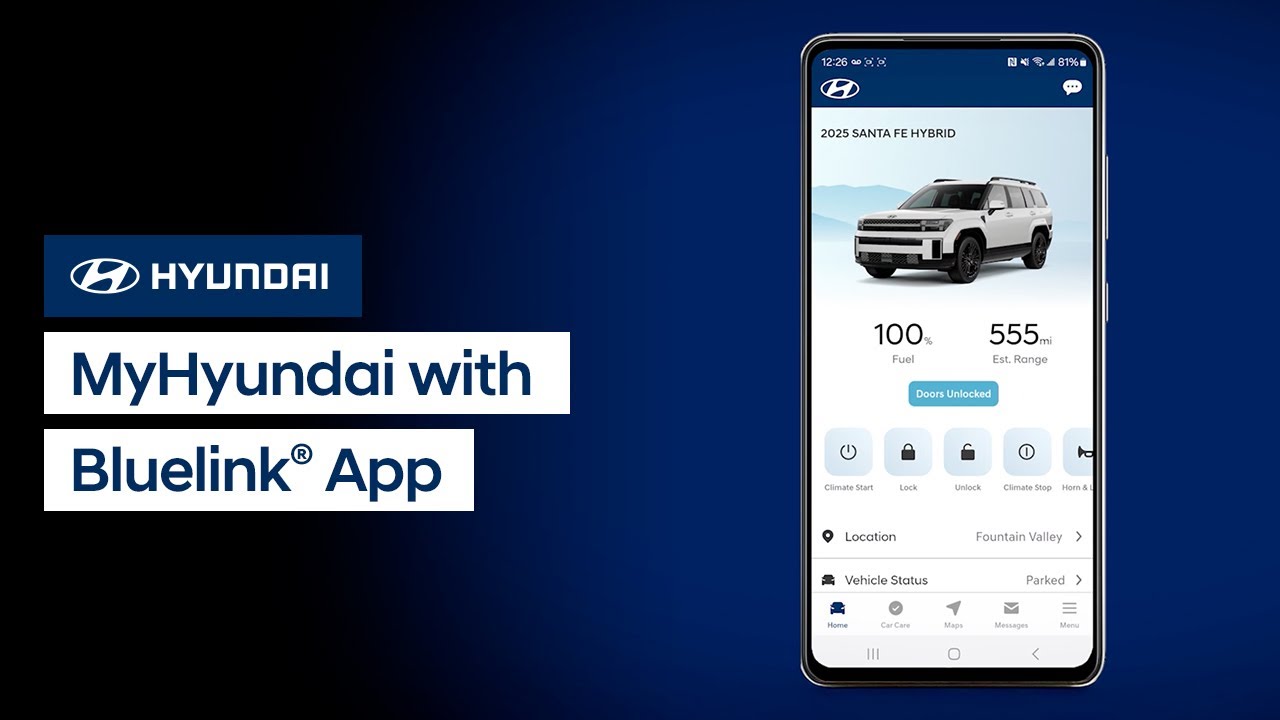
The available MyHyundai with Bluelink® app gives you the ability to control many aspects and features of your Hyundai. Watch this video to learn about these features and how to use them.
Bluelink® Connected Services
Hyundai recommends that you have the wiper blades replaced at your Hyundai dealership. But should you choose to replace the wiper blades yourself, Hyundai recommends that you watch this video to learn the steps to do so. Applicable models (if equipped): All 2018+ models 00:00 – Introduction 0:37 – Determining Wiper Design 0:49 – Hidden […]
Keys-Doors-WindowsService
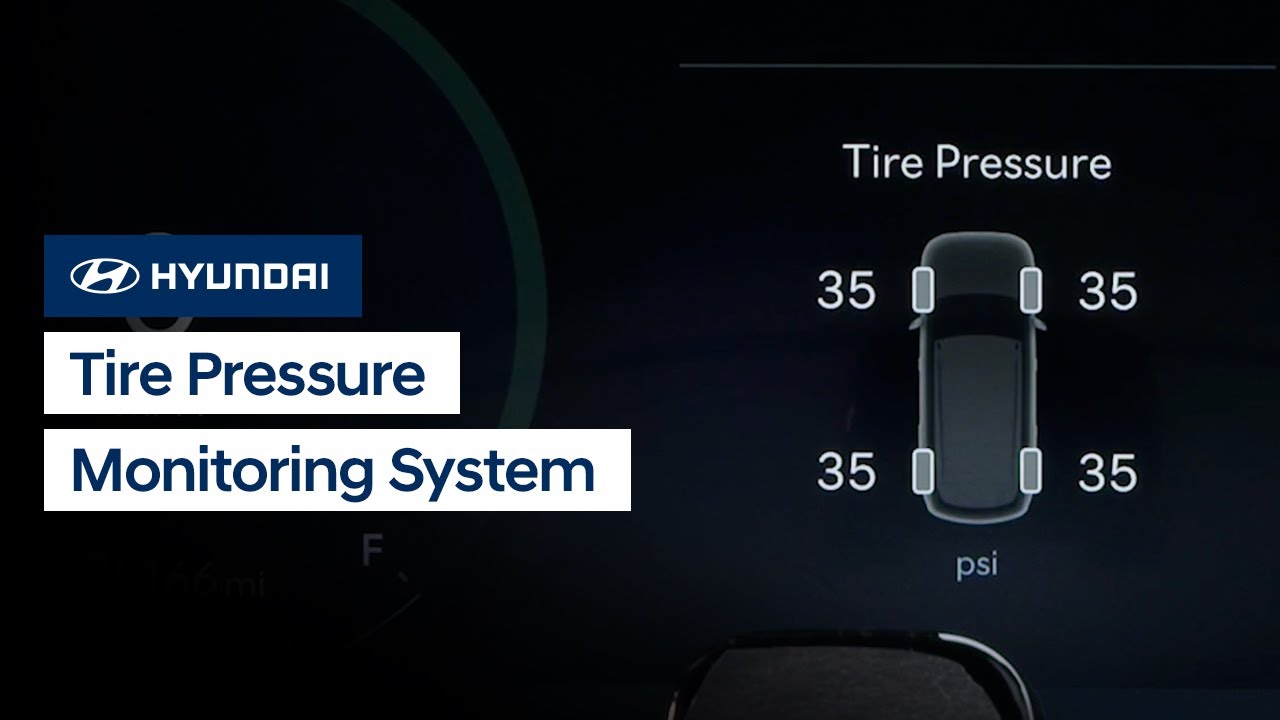
The Tire Pressure Monitoring System, or TPMS, on your Hyundai is designed to keep you informed about the pressure of your tires. Watch this video to learn how the system works, how to view the tire pressures, what to do if the pressures need adjusting, and how to change the units the pressure is displayed […]
DrivingSafetyService
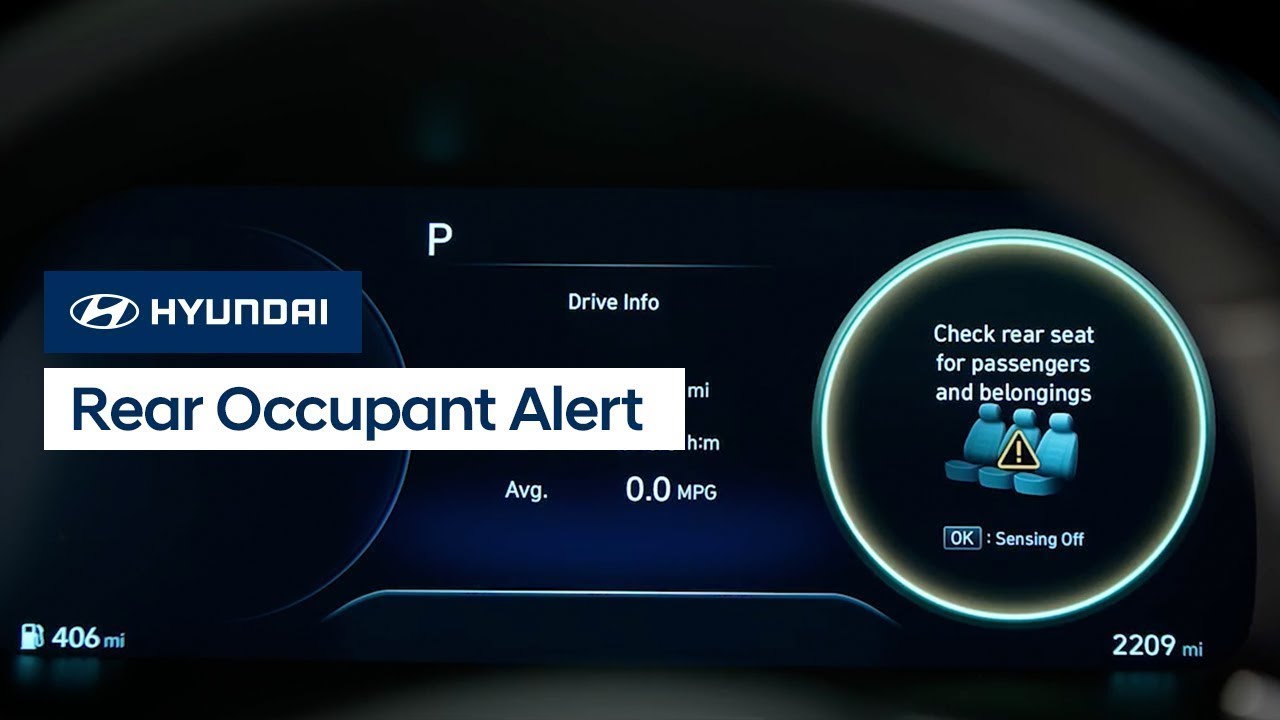
The Rear Occupant Alert system in your Hyundai is designed to help prevent the driver from leaving the vehicle with an occupant in the rear seat. This video will explain the two types of systems, how they operate, and how to disable them if needed.  
InteriorSafety
The Door Locks on your Hyundai can be customized, allowing them to either unlock just the driver’s door, or all four doors. This video will explain how the system operates as well as the different settings available for it.
ExteriorKeys-Doors-Windows

Your Hyundai can individually adjust volume levels for both Apple CarPlay® and Android Auto™. Watch this video to learn how to adjust these levels as well as how to set Bluetooth® devices for optimum volume levels.
Multimedia Controls
Need to start Bluelink service on your preowned Hyundai vehicle, but it’s still showing as registered to the previous owner? Watch this video to learn how to start the transfer process.
Bluelink® Connected Services
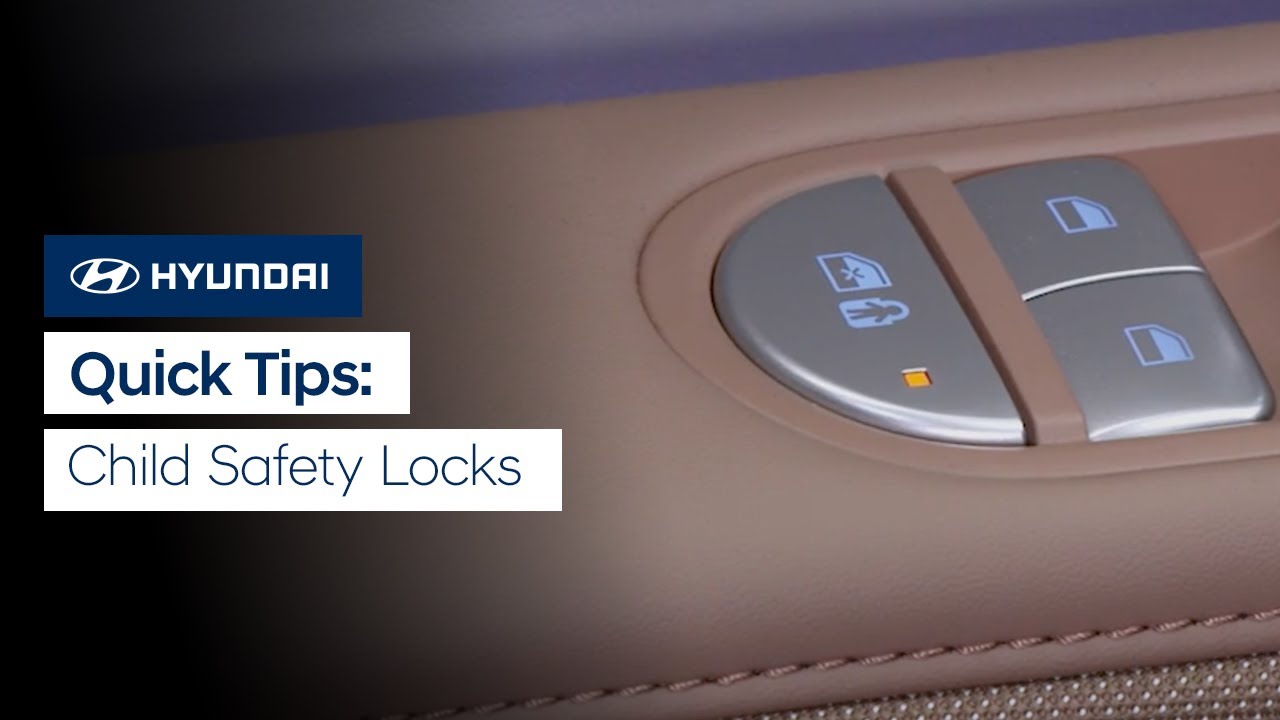
The Child Safety Locks on your Hyundai are to help prevent children seated in the rear from accidentally opening the rear doors. Watch this video to learn about the two types of child safety lock systems as well as how to operate them.
Keys-Doors-Windows
Need to reset the touchscreen in your Hyundai? Watch this video to learn how to do so quickly and easily.
Features-Controls-Display
Different Hyundai models will have different methods of opening and closing the fuel door. This video explains each type of fuel door opening and closing system.
Exterior
The interior light controls on your Hyundai are easy to control via the roof-mounted switches. This video explains the functions of the switches and which lights they control.
Features-Controls-DisplayInterior
Did you know that Hyundai offers a touch-up paint pen that is perfectly matched to the paint of your Hyundai? Watch this video to learn how to use the pen to help fix minor scratches and scrapes to the clear coat or to the paint.
Exterior
Did you know that Hyundai offers two types of safe exit systems: Safe Exit Warning and Safe Exit Assist. Both are designed to help occupants when exiting the vehicle. Watch this video to learn how the different systems operate as well as how to disable them if needed.
Keys-Doors-WindowsSafety
The available Remote Start or Remote Climate Start feature on your Hyundai can be controlled in multiple ways. This video explains how to use Remote Start with the Smart Key, Digital Key Premium, or with the MyHyundai App.
Bluelink® Connected ServicesKeys-Doors-Windows
Winter weather often means foggy or frost-covered front windshields, but clearing the windshield in your Hyundai is easy. This video explains how to use the windshield defrost and defogging system, as well as ways to help prevent condensation on the windshield.
Climate Controls
The Hyundai Complimentary Maintenance program is one of the most comprehensive in the industry. This video will provide an overview of the program for model year 2020 through 2024 vehicles purchased new on or after February 1, 2020, including which services are included and when you should bring your vehicle in for service.
Service
MyHyundai’s communication with your vehicle takes place through the Bluelink® system using cellular networks. This video will explain how to optimize your connection as well as provide tips on how to speed up the connection process.
Bluelink® Connected Services
Your Bluelink® subscription allows you to enjoy multiple assistance services. These services help give you peace of mind through the knowledge that aid is available at the touch of a button—or even automatically. Watch this video to learn about these services and how to access them.
Bluelink® Connected ServicesSafetyService
Did you know that Hyundai’s Bluelink® service offers Vehicle Safeguard Alerts? Vehicle Safeguard Alerts are a set of features that can provide you notifications about your vehicle. The notifications can be for when your vehicle exceeds a certain speed, is driven after a certain time, or beyond a certain distance. Watch this video to learn […]
Bluelink® Connected Services
Hyundai’s Bluelink® allows you to schedule a vehicle service appointment quickly and easily from virtually anywhere. Watch this video to learn about how to use this feature.
Bluelink® Connected ServicesService
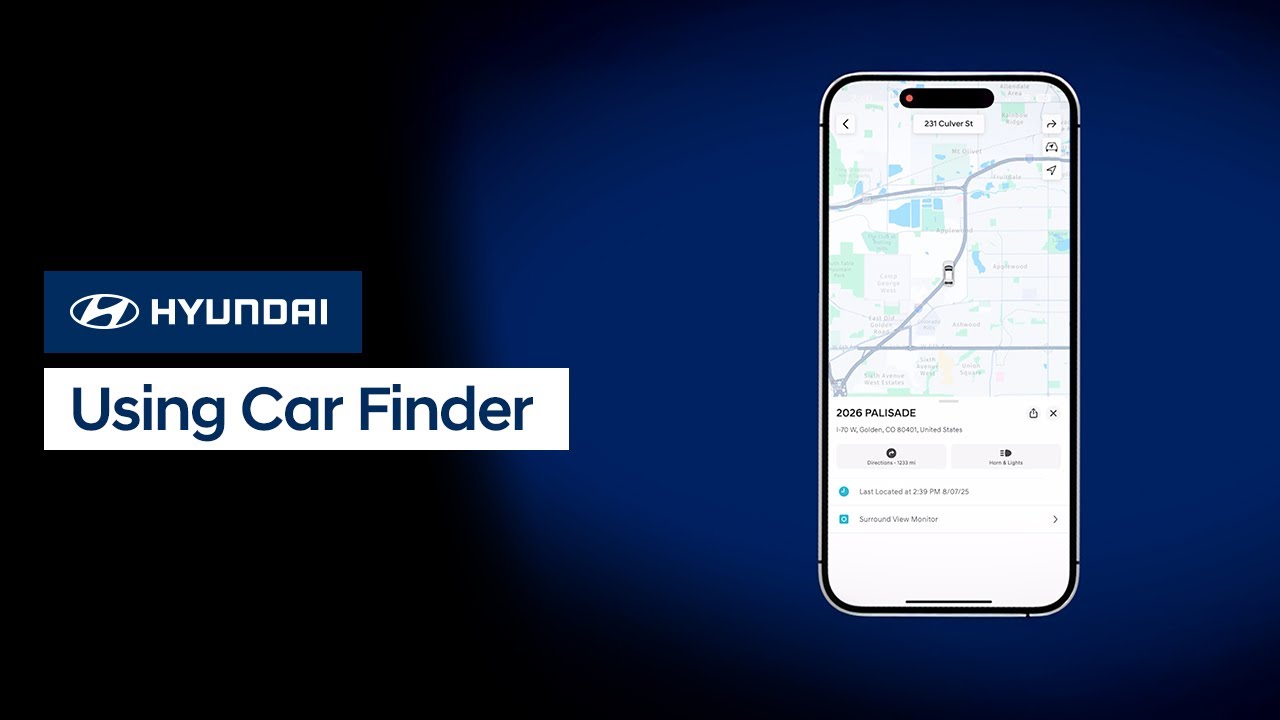
The Car Finder feature, available with select Bluelink® packages, allows you to locate your vehicle quickly, using either your mobile device or your computer. Watch this video to learn about how to use this feature.
Bluelink® Connected Services
The available seat warmers and air ventilation on your Hyundai are easy to control. This video explains how to use the features as well as the available steering wheel warmers.
Climate ControlsFeatures-Controls-Display
Owning a Hyundai just became more rewarding with the Hyundai Rewards program. As a Hyundai Rewards member, you can enjoy exclusive rewards and opportunities simply for being a Hyundai owner. These include discounts on services, such as Bluelink, and even savings on your next Hyundai purchase. Watch this video to learn more about Hyundai Rewards.
Bluelink® Connected Services
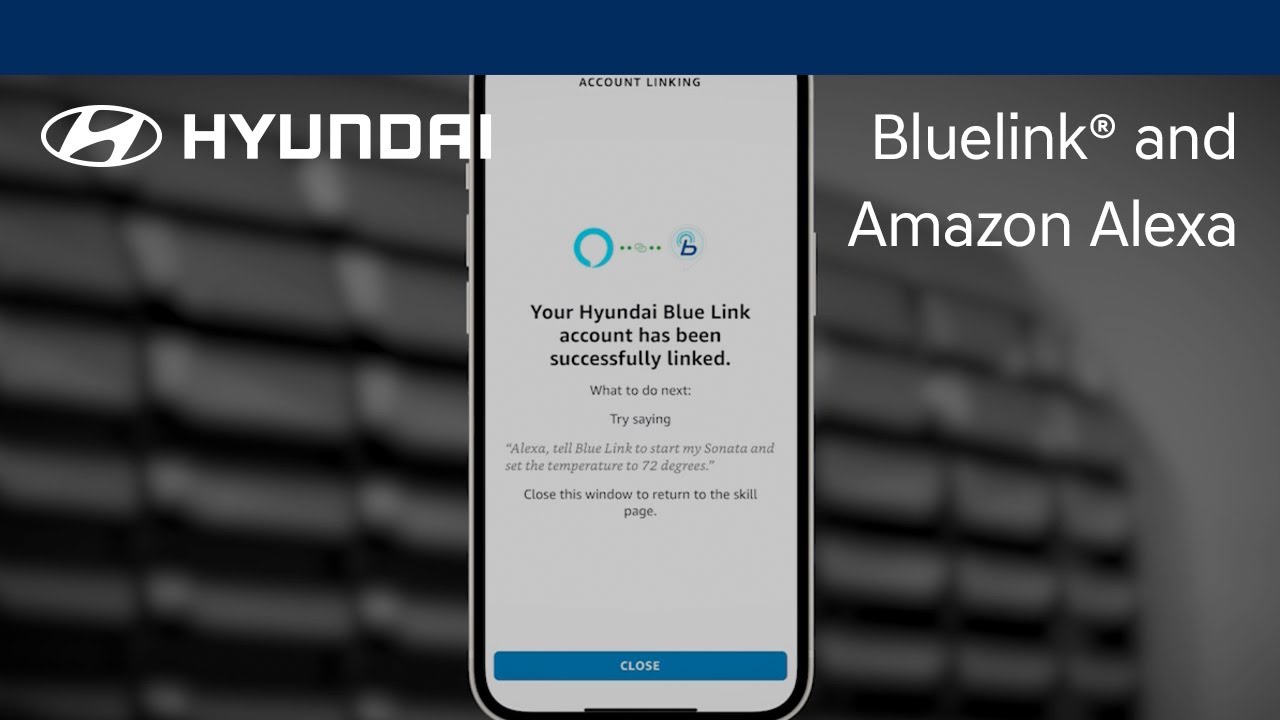
The Hyundai Bluelink® skill for Amazon Alexa allows you to perform multiple vehicle functions using Alexa-enabled devices. Watch this video to learn about how to use this feature.
Bluelink® Connected Services
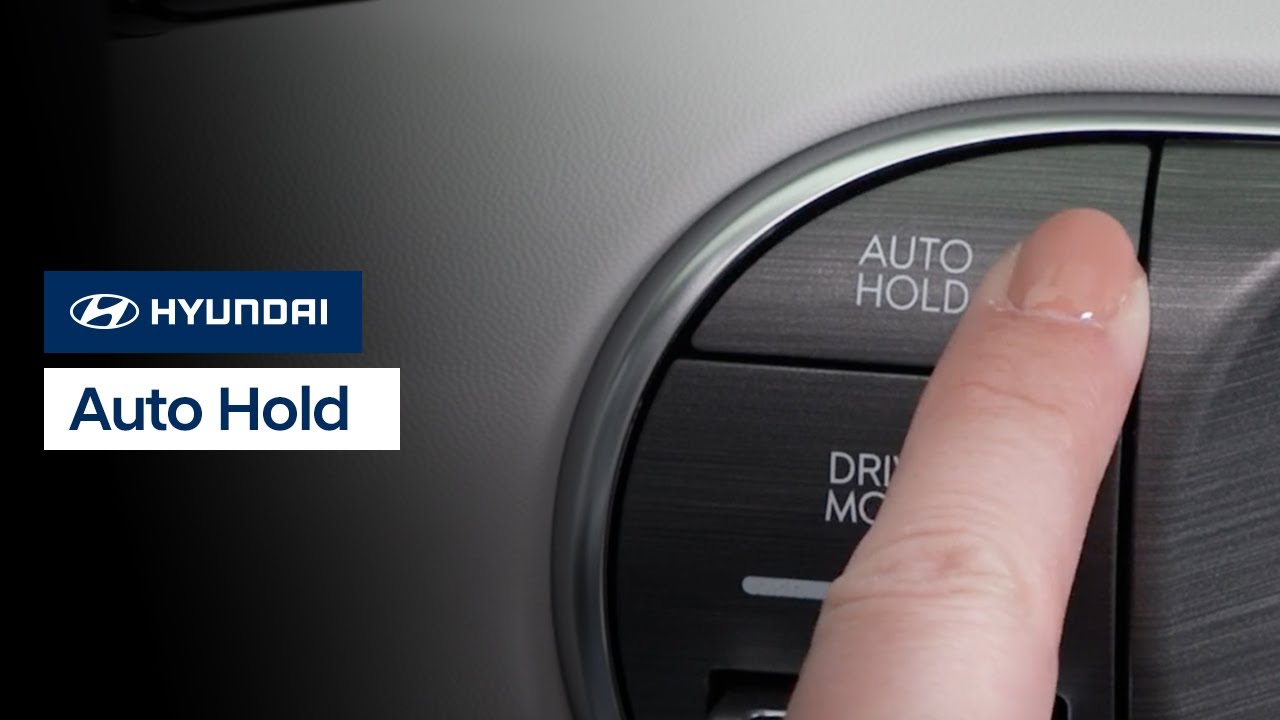
The available Auto Hold feature in your Hyundai helps maintain the vehicle in a standstill even if the driver is no longer pressing the brake pedal. Watch this video to learn how the feature works as well as how to turn it on and off.
Driving
Scheduling your next vehicle service is as easy as the press of a button. Watch this video to learn how to schedule vehicle service appointments using the available Bluelink® feature in your Hyundai.
Bluelink® Connected ServicesService
Did you know you can quickly check and update the status of your Hyundai vehicle? Watch this video to learn how to do so with the MyHyundai with Bluelink app.
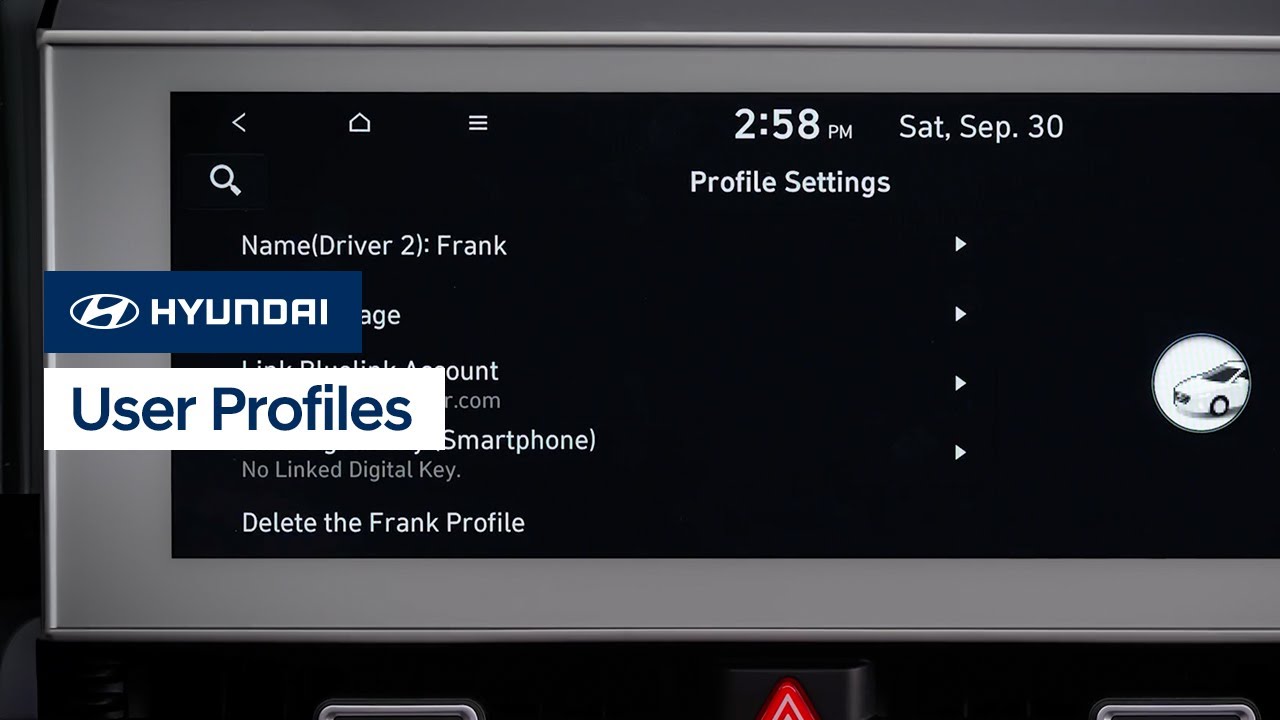
Your Hyundai offers the ability to save multiple user profiles. This means that each driver can have the vehicle customized to them each time they get into the vehicle. Watch this video to learn how to set up and customize each user profile and what settings it can store.
Bluelink® Connected Services
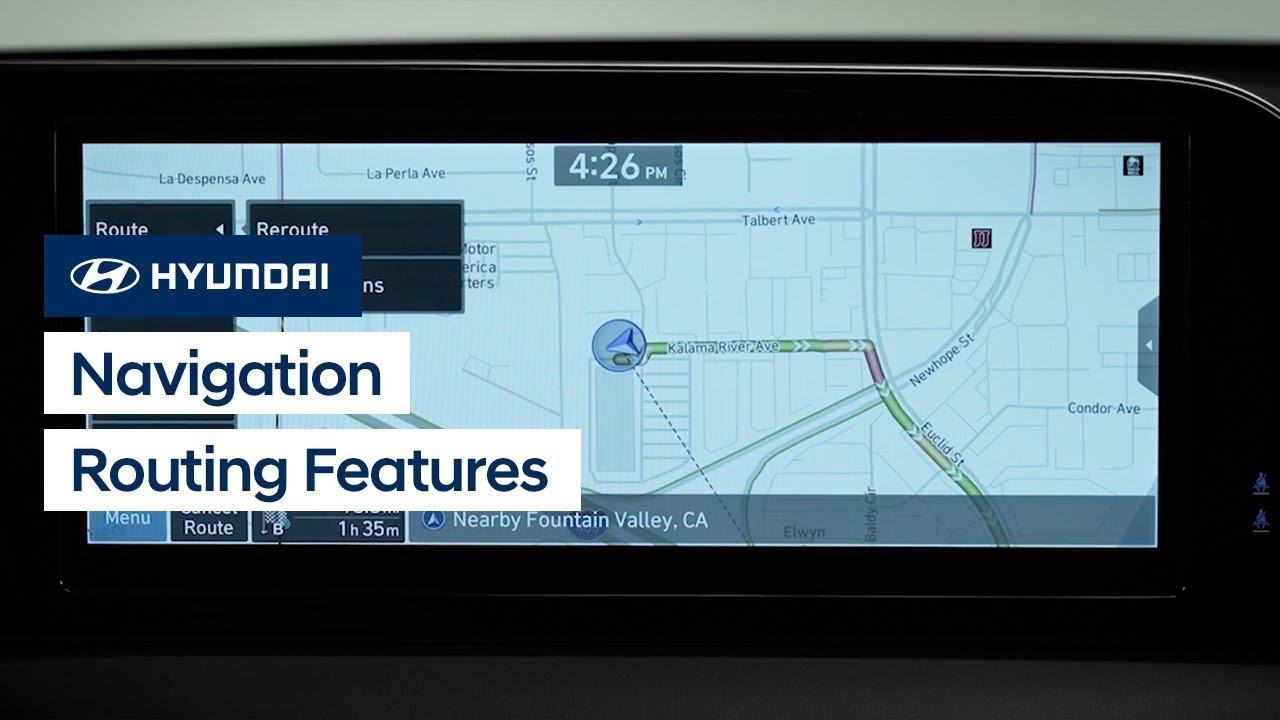
The available touchscreen navigation system on your Hyundai allows you to quickly set route guidance for your daily destinations. This video explains the basic operation of the guidance system and how to control it.
Navigation
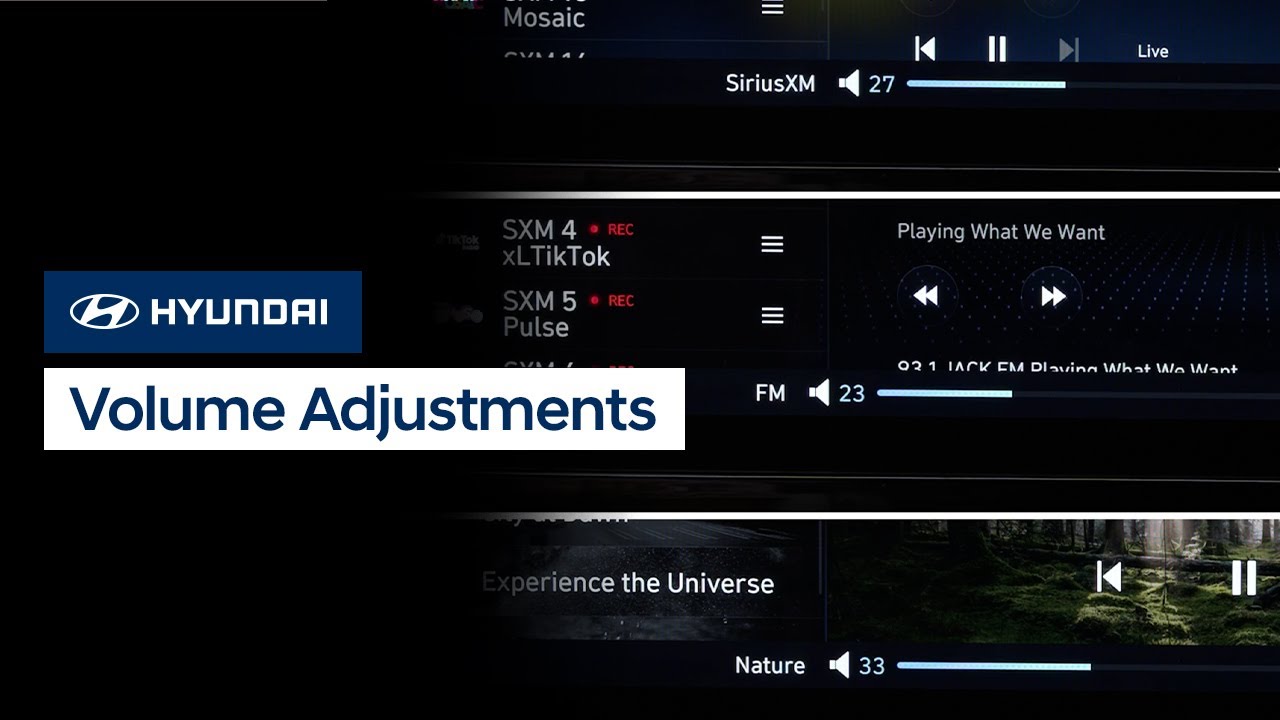
The volume settings on your Hyundai are specific to each audio source, ensuring that different sources can all be set to their individual comfort level. This video will explain how to operate this system as well as other available volume settings.
Multimedia Controls
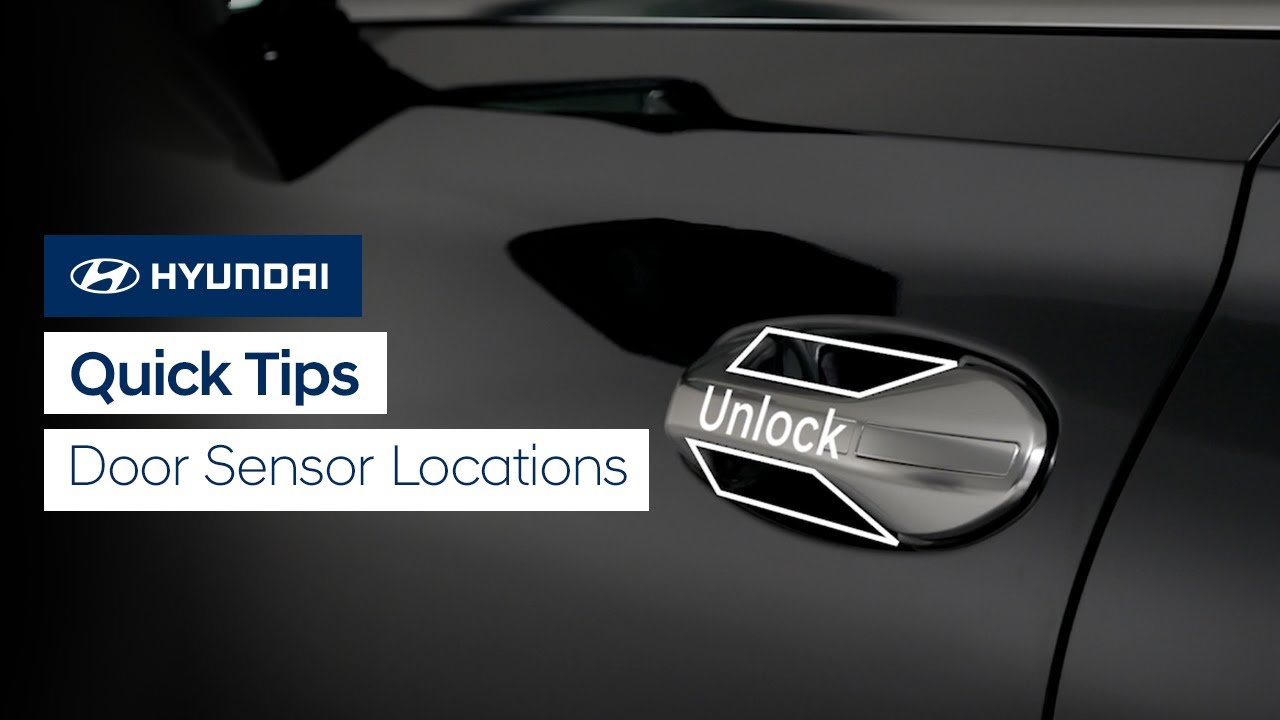
Watch this video for quick tips on locating and using the door lock and unlock sensors on your Hyundai.
Keys-Doors-Windows
Watch this video for quick tips on using the available Smart Trunk in your Hyundai SONATA or ELANTRA.
Exterior
Model shown in video is for demonstration purposes only. Availability and functionality on your vehicle may vary. Want to learn how to get the most out of the automatic climate control system on your Hyundai? Watch this video to learn about the new features on the system as well as recommended settings to keep you […]
Climate Controls
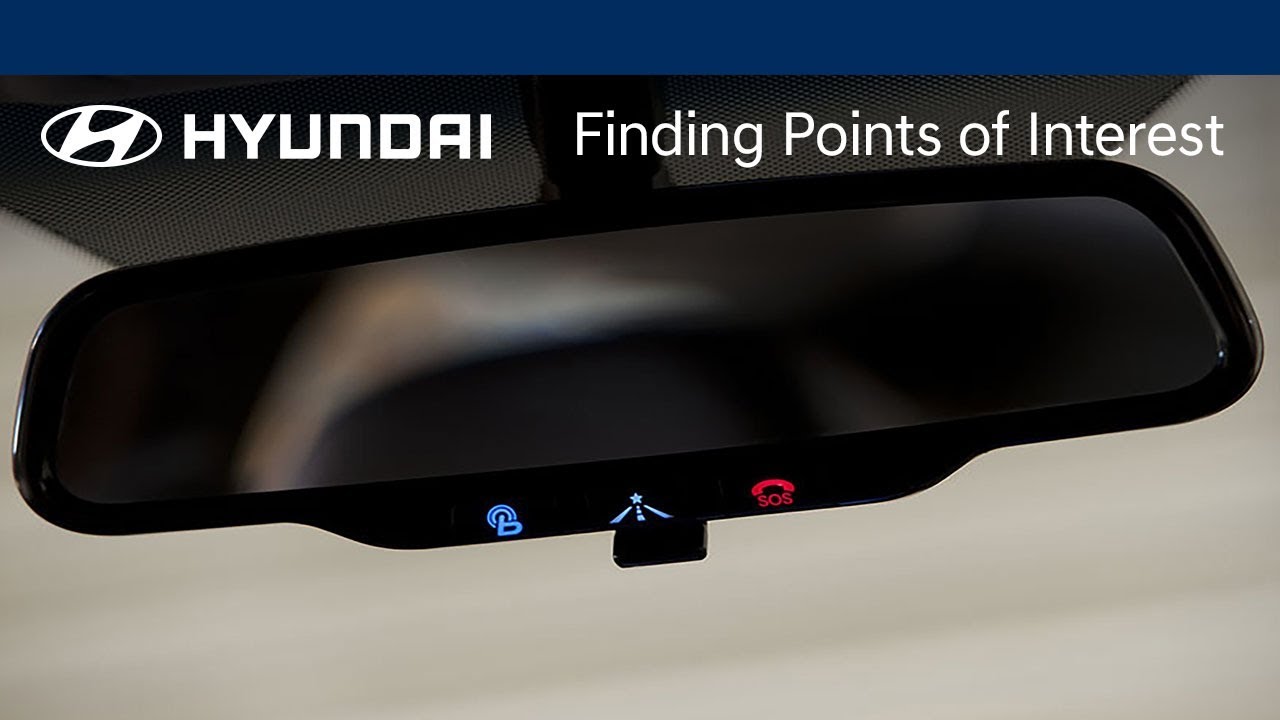
Model shown in video is for demonstration purposes only. Availability and functionality on your vehicle may vary. Interested in finding points of interest in your Hyundai using voice commands? This video explains the different ways you can search by voice in your Hyundai. It also outlines the difference between Blue Link-supported searches and searches using […]
Features-Controls-Display
Model shown in video is for demonstration purposes only. Availability and functionality on your vehicle may vary. Want to know how to use your Hyundai’s Forward Collision-Avoidance Assist feature? This video highlights how the system can help automatically detect imminent collision risks and help avoid an impact or minimize damage. You’ll also learn how to […]
Safety
Model shown in video is for demonstration purposes only. Availability and functionality on your vehicle may vary. Your DCT-equipped Hyundai N model has special features that enable you to maximize performance and enjoyment from your vehicle. This video will explain the available N Grin Shift, N Power Shift, and N Track Sense Shift features and […]
Engine/Transmission
Checking the engine oil level on your Hyundai is quick and easy. Join two-time IMSA championship-winning driver Taylor Hagler as she shows you how to check the engine oil level, step-by-step.
Engine/TransmissionService
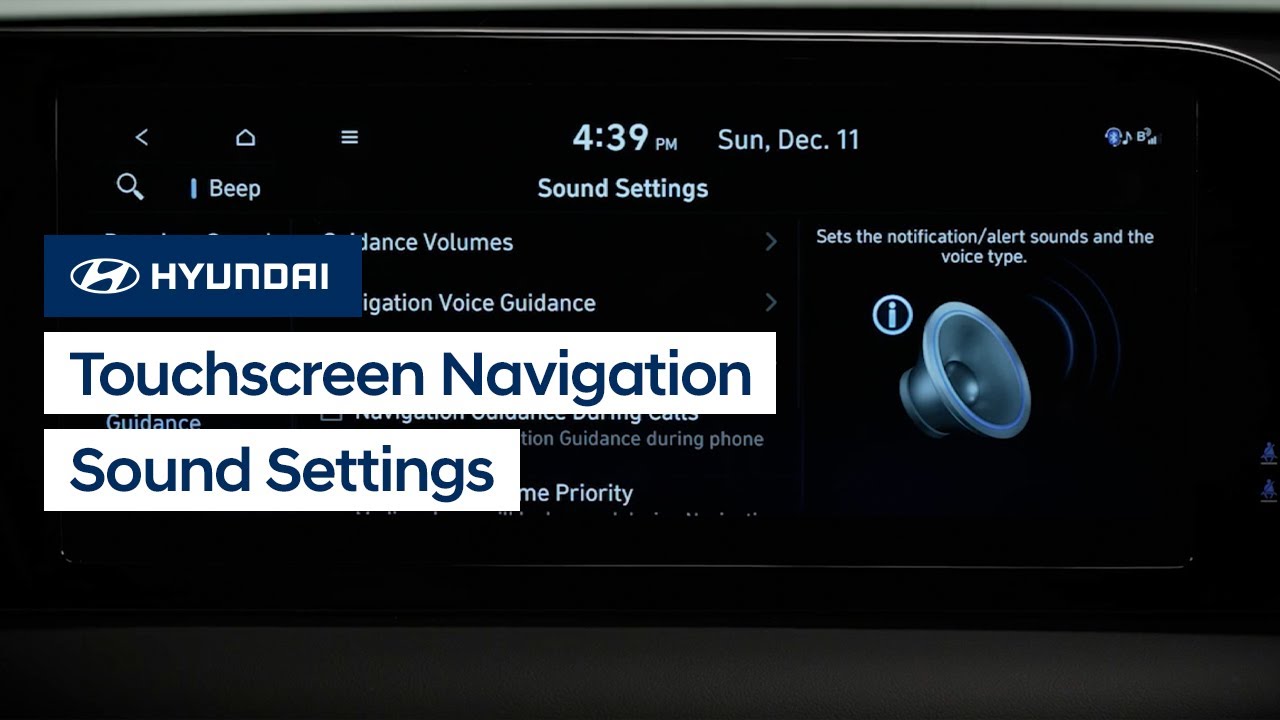
The sound settings on your Touchscreen Navigation-equipped Hyundai are easily adjusted and configured. This video provides an overview of the different settings, such as position, tone, guidance volume, driver assistance alerts, and others.
Multimedia Controls
The available Rear Cross-Traffic Collision-Avoidance Assist system on your Hyundai helps reduce the risk of collision by using radar sensors to monitor approaching traffic when in reverse. This video explains how the system works, how to turn it on and off, and limitations of the system.
Safety
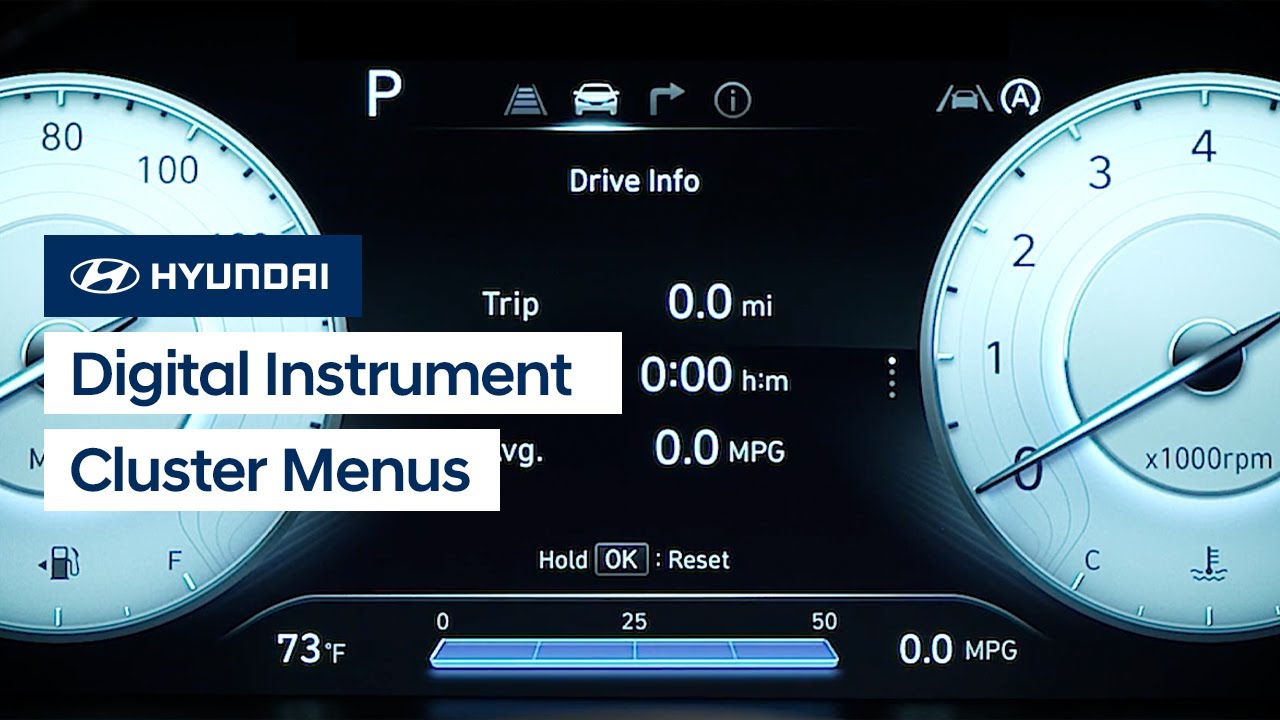
Your Hyundai provides quick and easy access to many useful settings and information screens via the Instrument Cluster menus on the digital display. This video explains how to access the different screens and settings, as well as the functions of each of them.
Instrument Cluster
The cabin air filter on your Hyundai is critical to maintaining comfort inside your vehicle. Watch this video to learn how to remove the air filter and check its condition as well as how to replace it.
Climate ControlsService
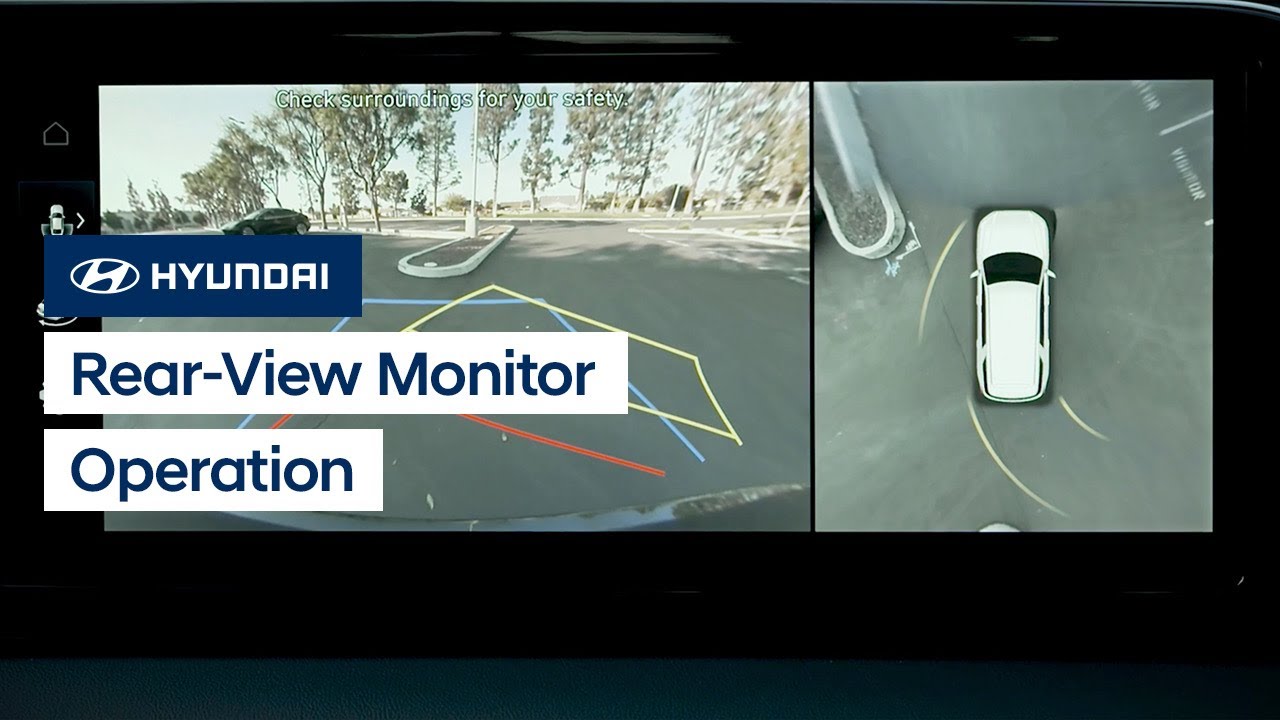
The Rear-View Monitor feature on your Hyundai is a supplemental system that uses a camera to provide a view of the area behind your vehicle. This video explains how the system works as well, how to turn it on and off manually, and limitations of the system.
Features-Controls-DisplaySafety
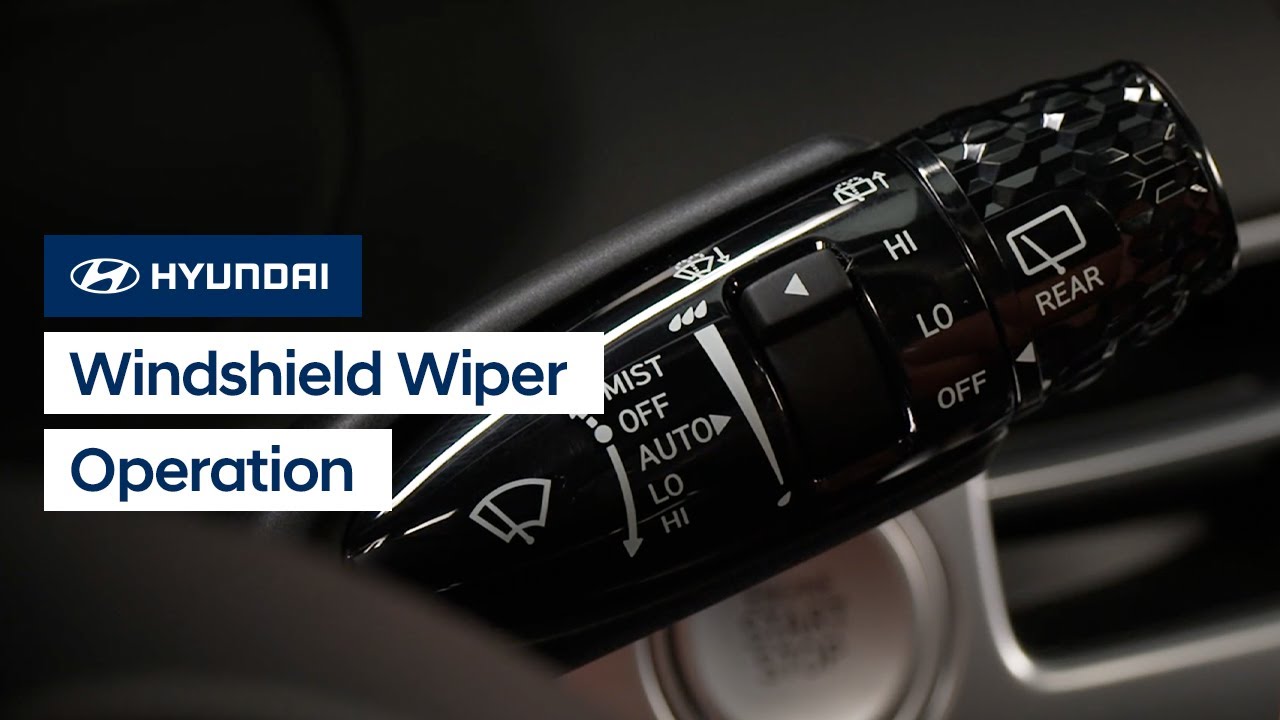
The front windshield wipers on your Hyundai offer multiple features to help maintain visibility during wet weather. This video explains the different interval and auto settings as well as the park feature.
Features-Controls-Display
The manual seat controls on your Hyundai allow for quick and easy adjustment of your seating position. This video explains the location of the controls as well as how to use them.
Features-Controls-DisplayInterior
The available sunroof on your Hyundai is operated by a control switch on the overhead console. This video explains the different operations for the sunroof control as well as how to open and close the sunshades.
InteriorKeys-Doors-Windows
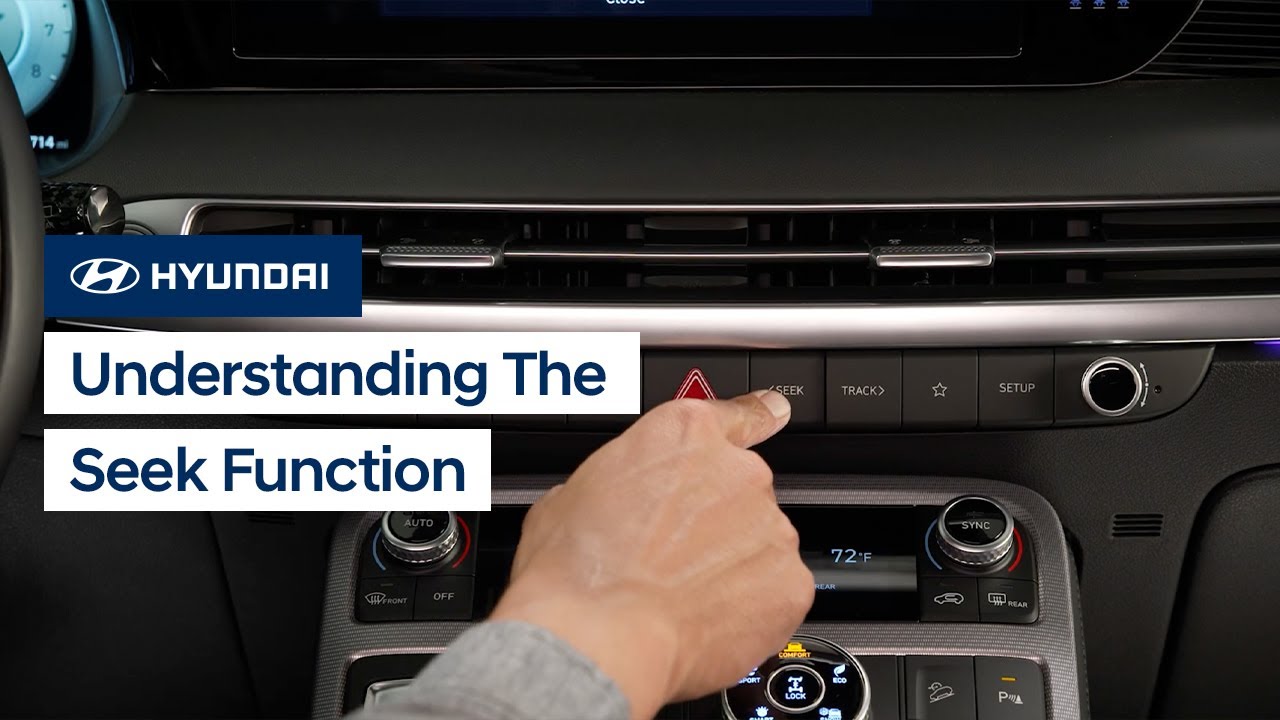
The Seek buttons on your Hyundai allow you to effortlessly jump between radio stations or songs in a playlist. This video explains how they operate different depending on media, as well as how to change the function of the steering wheel seek buttons.
Features-Controls-DisplayMultimedia Controls
Some of the multimedia control buttons on your Hyundai have secondary functions that you can access. This video explains the different functions for the controls as well as how to access them.
Features-Controls-DisplayMultimedia ControlsNavigation
The air vents on your Hyundai can be moved to adjust the direction of airflow. But did you know that they can also be individually closed? This video will explain the different closure methods and how to use them.
Climate ControlsInterior
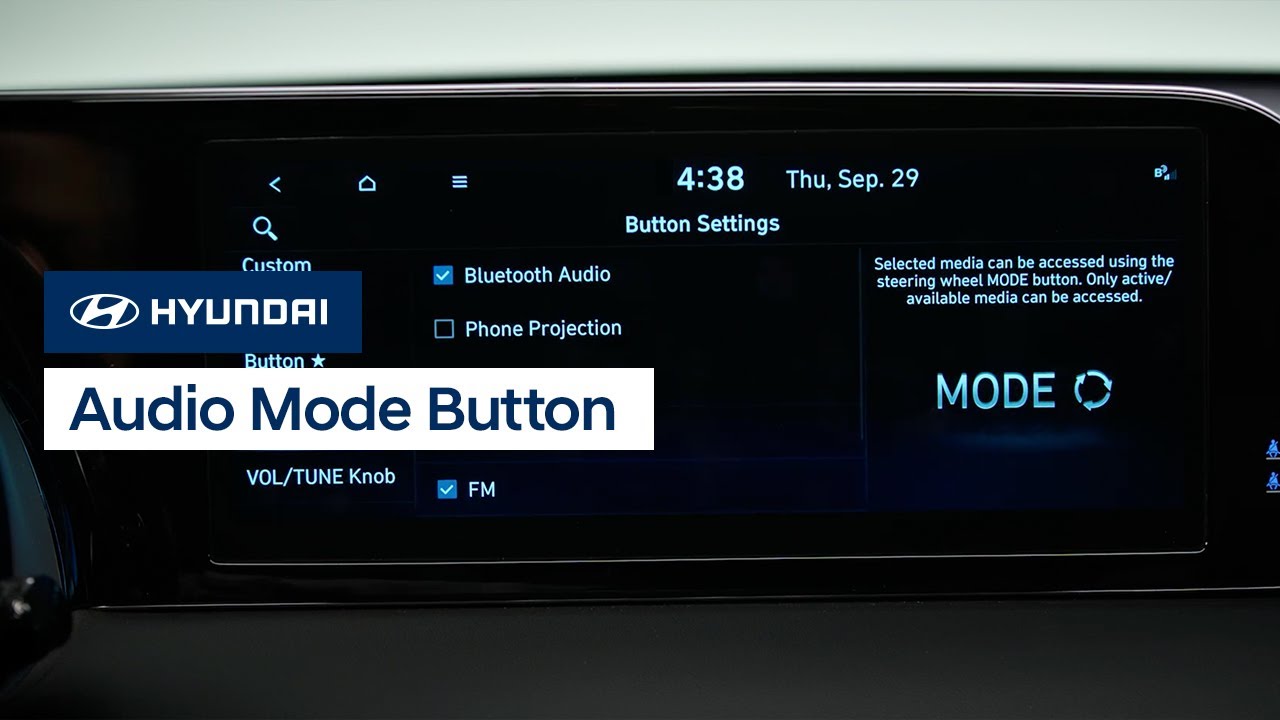
The Audio Mode button on your Hyundai allows you to easily switch between audio sources. This video will explain how to select the audio sources to switch between as well as how to use the button.
Features-Controls-DisplayMultimedia Controls
Your Hyundai ELANTRA has several different convenient ways you can use to open the trunk. This video will explain the different methods, including the Smart Trunk feature and how to operate it.
ExteriorFeatures-Controls-Display
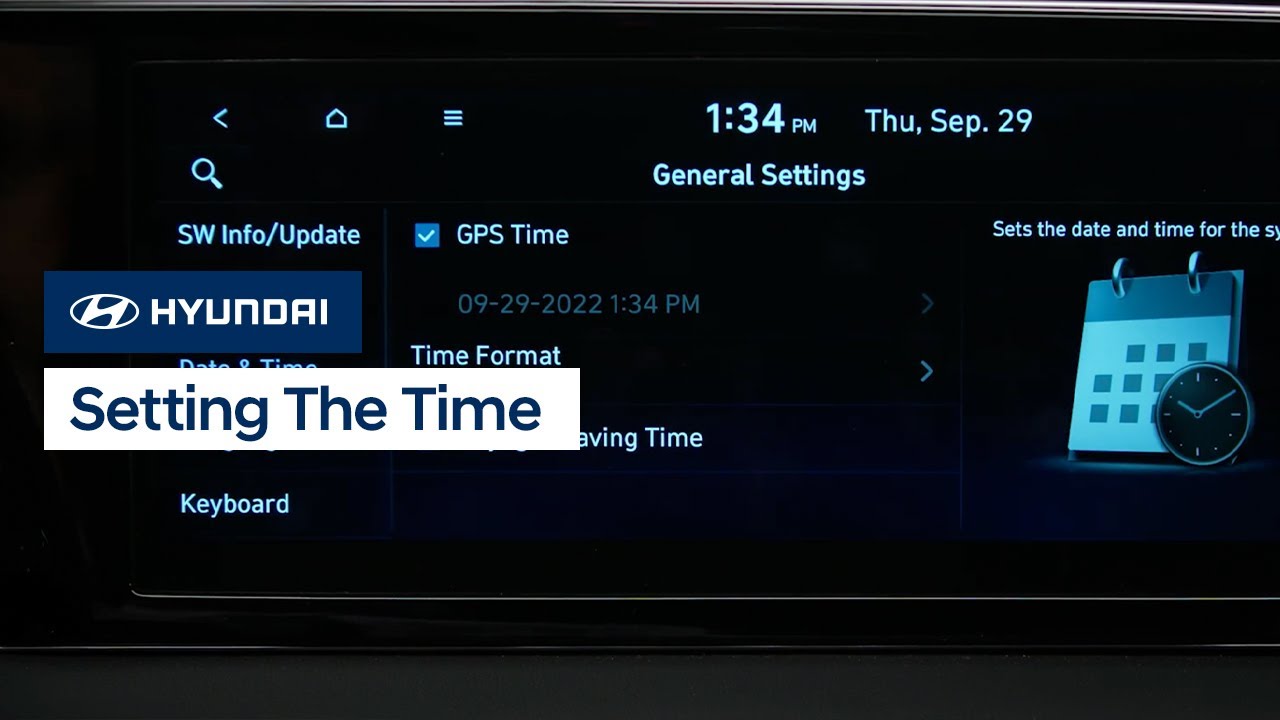
The date and time settings on your Hyundai can be set quickly and easily via the touchscreen. This video will explain how to set the date and time, as well as how to use the split-screen feature to show the clock on screen on certain models.
Multimedia Controls
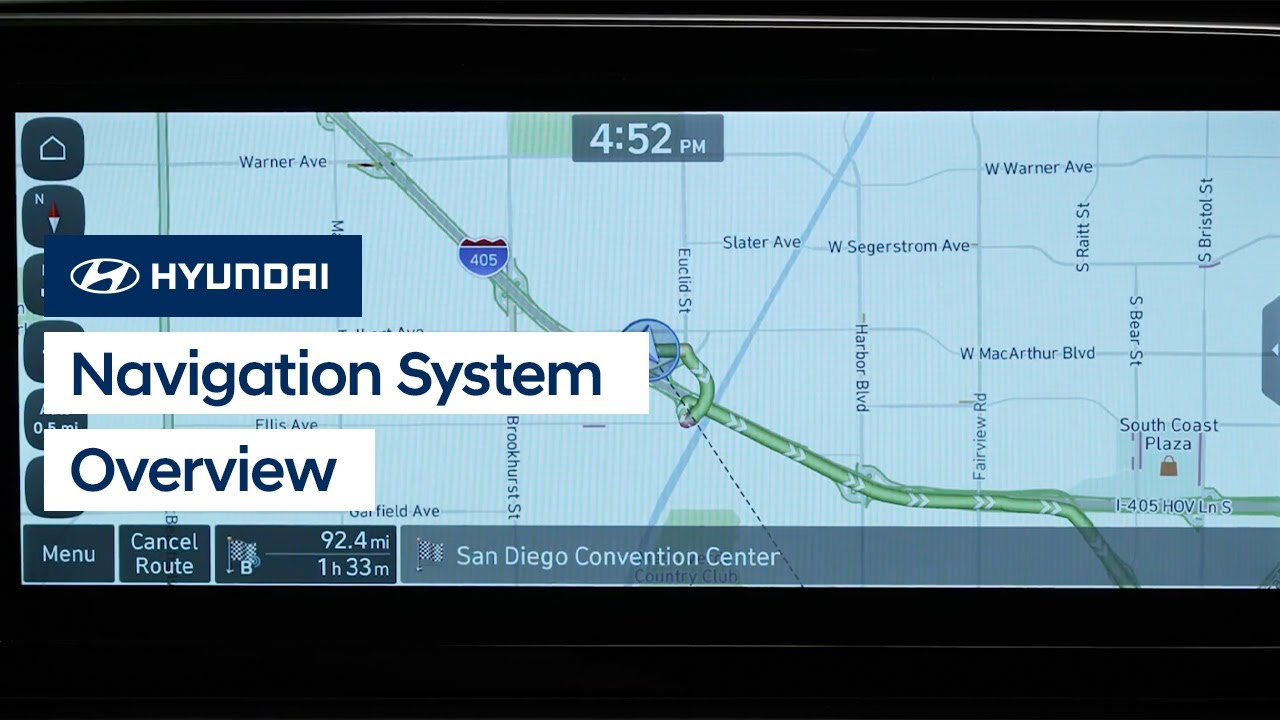
The Navigation system on your Hyundai is extremely powerful and offers many features that can help you on your journey. This video will explain the basic features of the Navigation system as well as how to operate them.
Multimedia ControlsNavigation
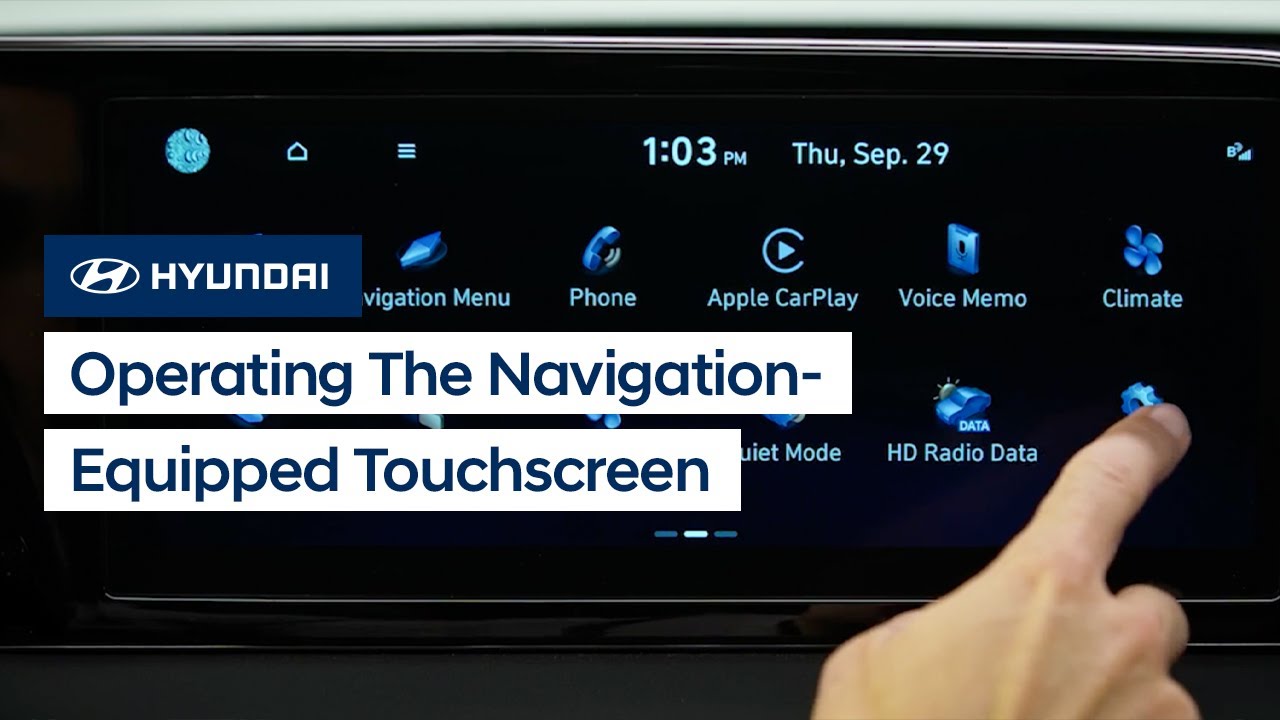
The color touchscreen with Navigation on your Hyundai incorporates easy, intuitive controls that can be configured as needed. This video will explain how to operate the touchscreen as well as some of the features available in it.
Multimedia Controls
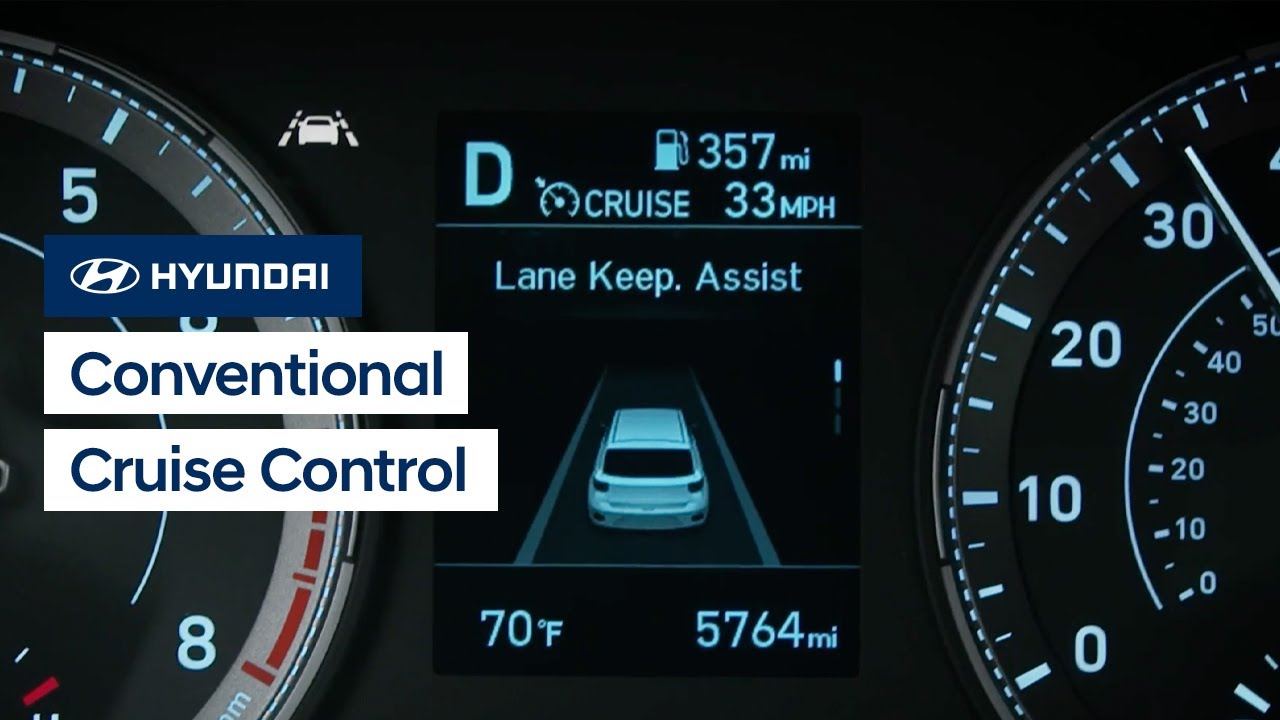
The Conventional Cruise Control system on your Hyundai helps you to maintain a constant speed when driving. This video will explain how the system operates as well as the different settings available for it.
DrivingFeatures-Controls-Display
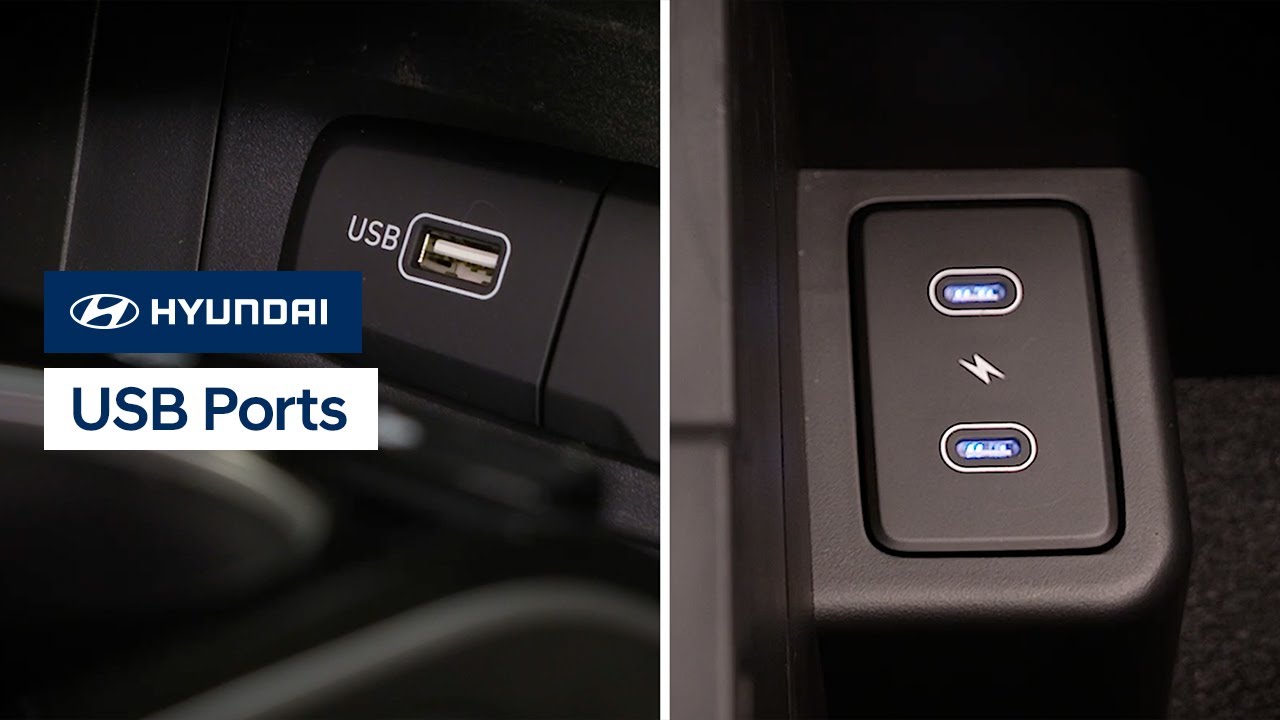
Your Hyundai has multiple USB ports which can allow you to charge your USB devices or use them to play media. Watch this video to learn the location of the different ports as well as how to tell which ports serve which functions.
Features-Controls-DisplayMultimedia Controls

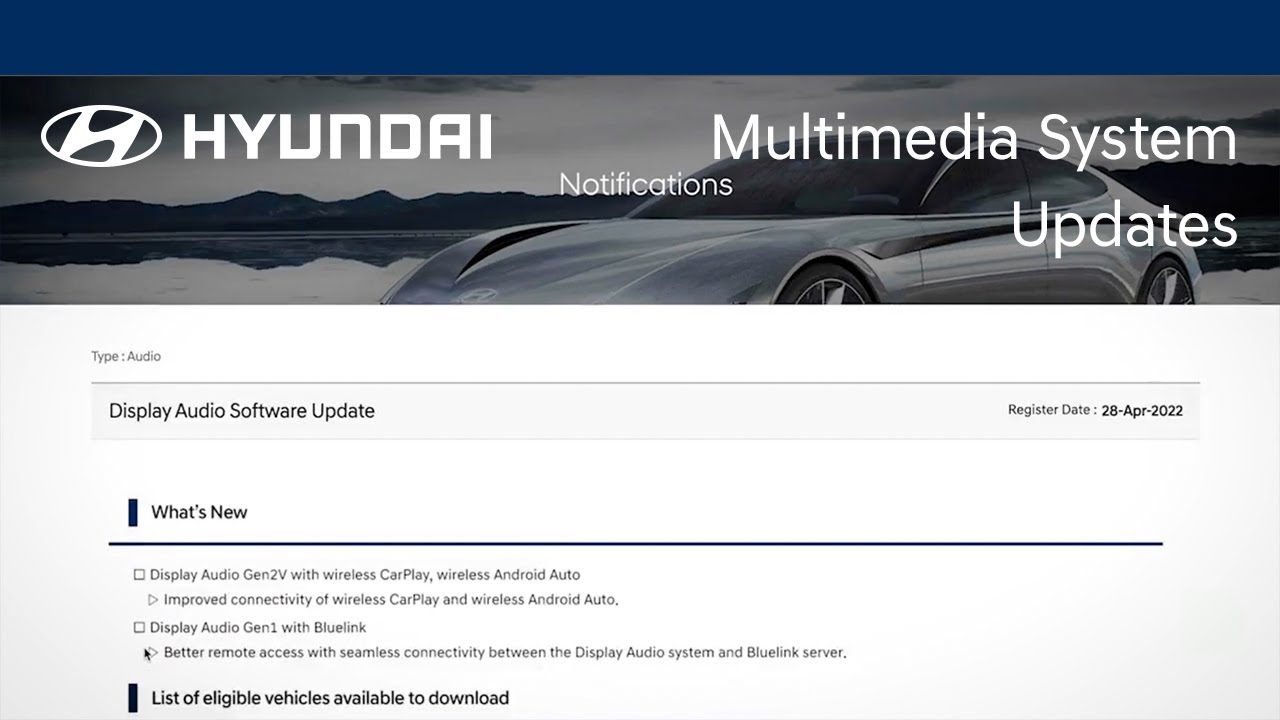
The multimedia system on your Hyundai can be easily updated, which allows you to add new or improved functionality to your Hyundai as it becomes available. Watch this video to learn how the feature works and how to turn it on and off.
Bluelink® Connected ServicesFeatures-Controls-Display

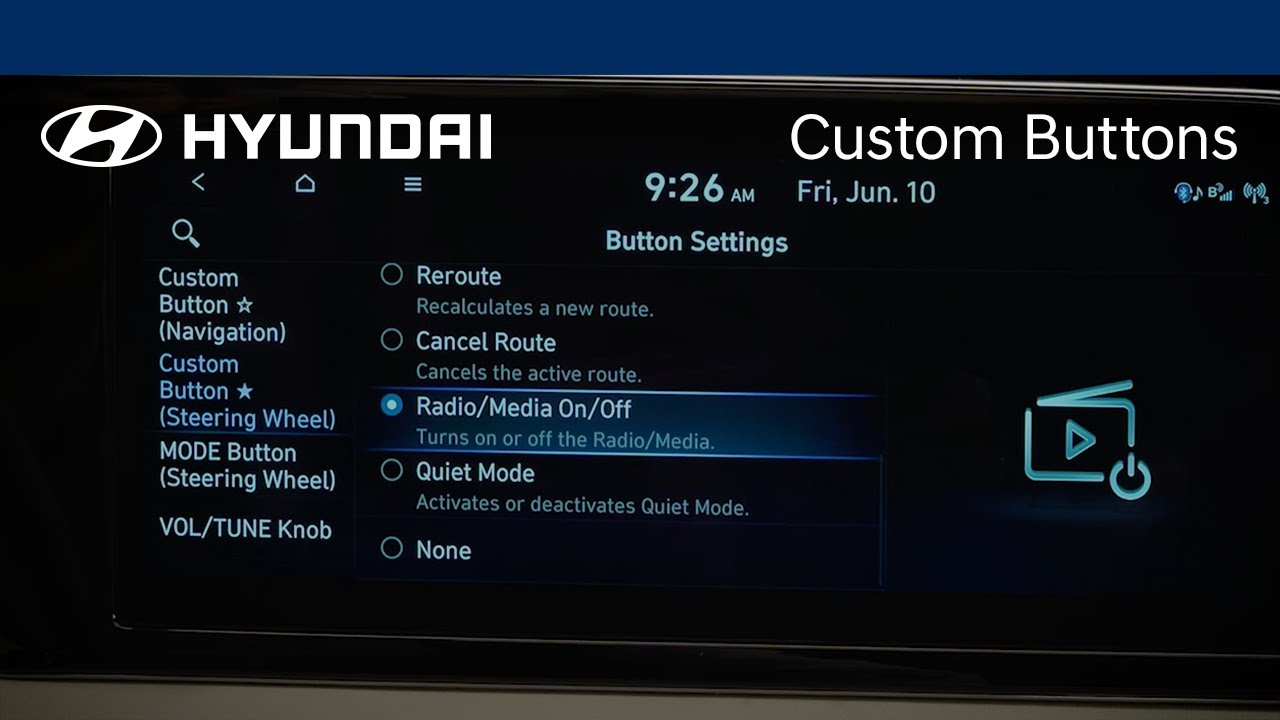
The Custom buttons on your Hyundai can be used to quickly access frequently used functions. Watch this video to learn how to program and use them.
Features-Controls-Display

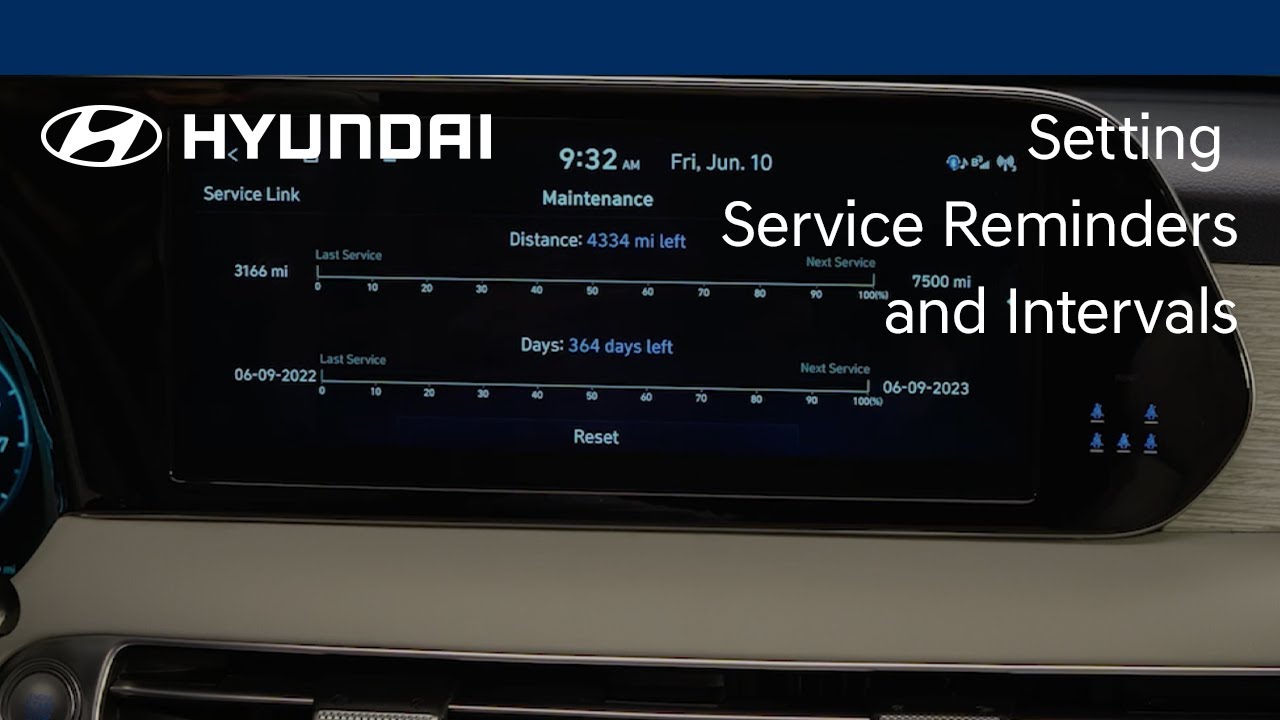
The Service Reminder feature on your Hyundai is an easy way to let you know when your vehicle needs service. Watch this video to learn how to adjust the service intervals and set the reminders.
Bluelink® Connected ServicesFeatures-Controls-DisplayInstrument Cluster
Hyundai offers two different methods to use Android Auto™ connectivity, depending on your model. Watch this video to learn how to connect with both wired and wireless connections.
Multimedia Controls
Hyundai offers two different methods to use Apple CarPlay® connectivity, depending on your model. Watch this video to learn how to connect with both wired and wireless connections.
Multimedia Controls

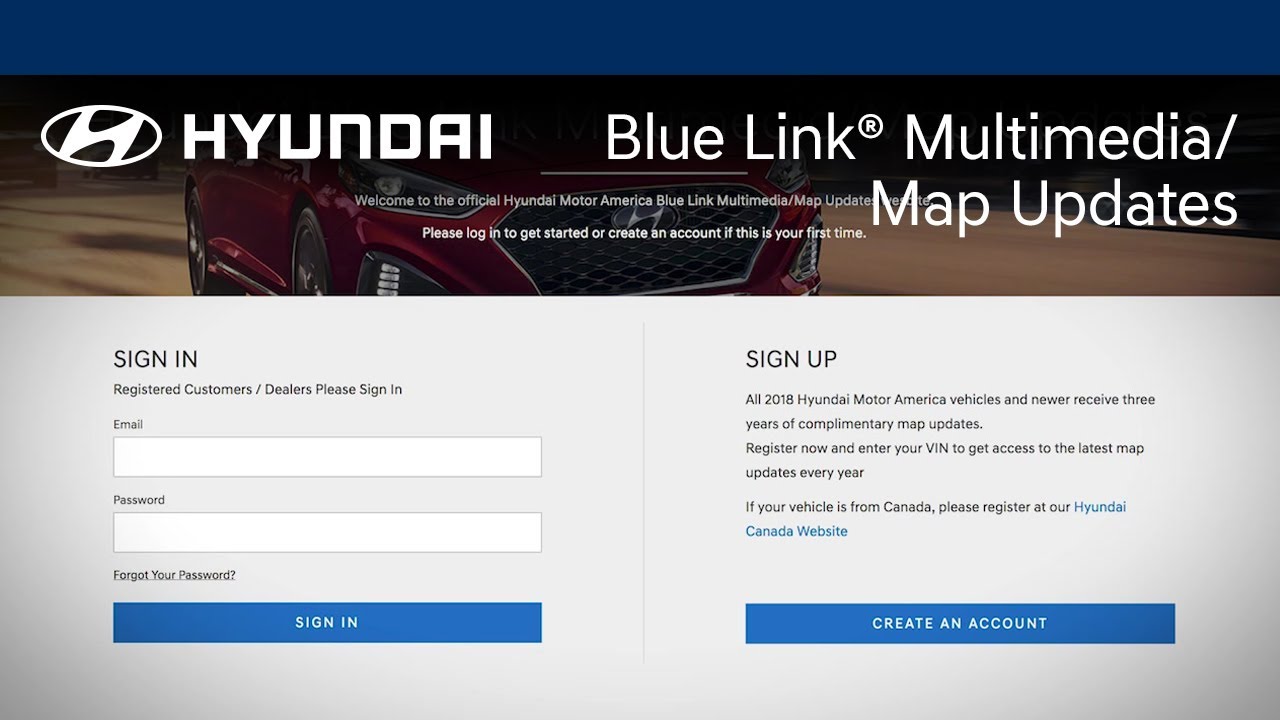
Did you know that you can update the maps on your navigation-equipped Hyundai? Watch this video to learn how to use your MyHyundai account to download and install map updates on your Hyundai.

Bluelink® Connected ServicesNavigation

The Performance Options menu on your Hyundai N model allows you to customize multiple performance features on your vehicle. This video explains how to set up and use the available Shift Light, Active Sound Design, and Automatic Creep Mode features.
DrivingFeatures-Controls-Display

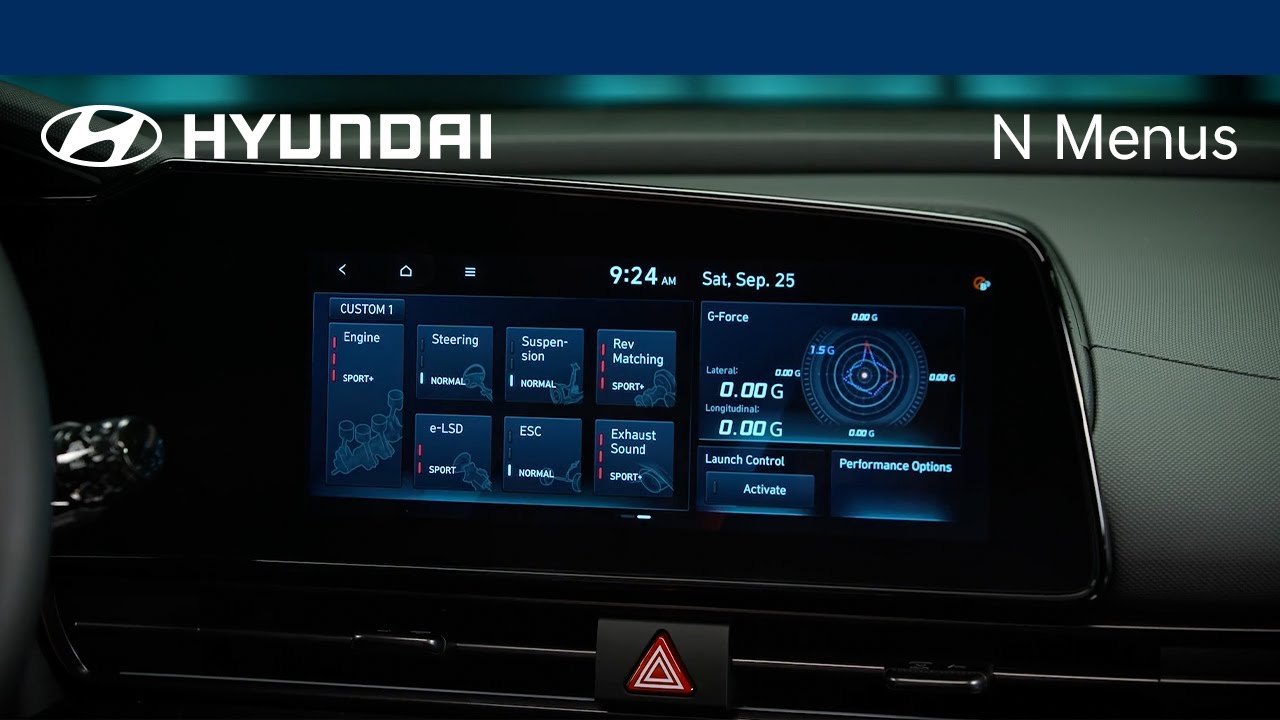
The N Menus on your Hyundai N model give you the ability to configure drive and performance options as well as view real-time information about your vehicle. This video explains the different options as well as how to scroll through the information modes.

DrivingFeatures-Controls-Display

The Sport Menu on your Hyundai N model provides you with features and information to help you enjoy your vehicle to the fullest. This video explains how to show engine-related performance information, the G-Force meter, and how to operate the Lap Timer.
DrivingFeatures-Controls-Display

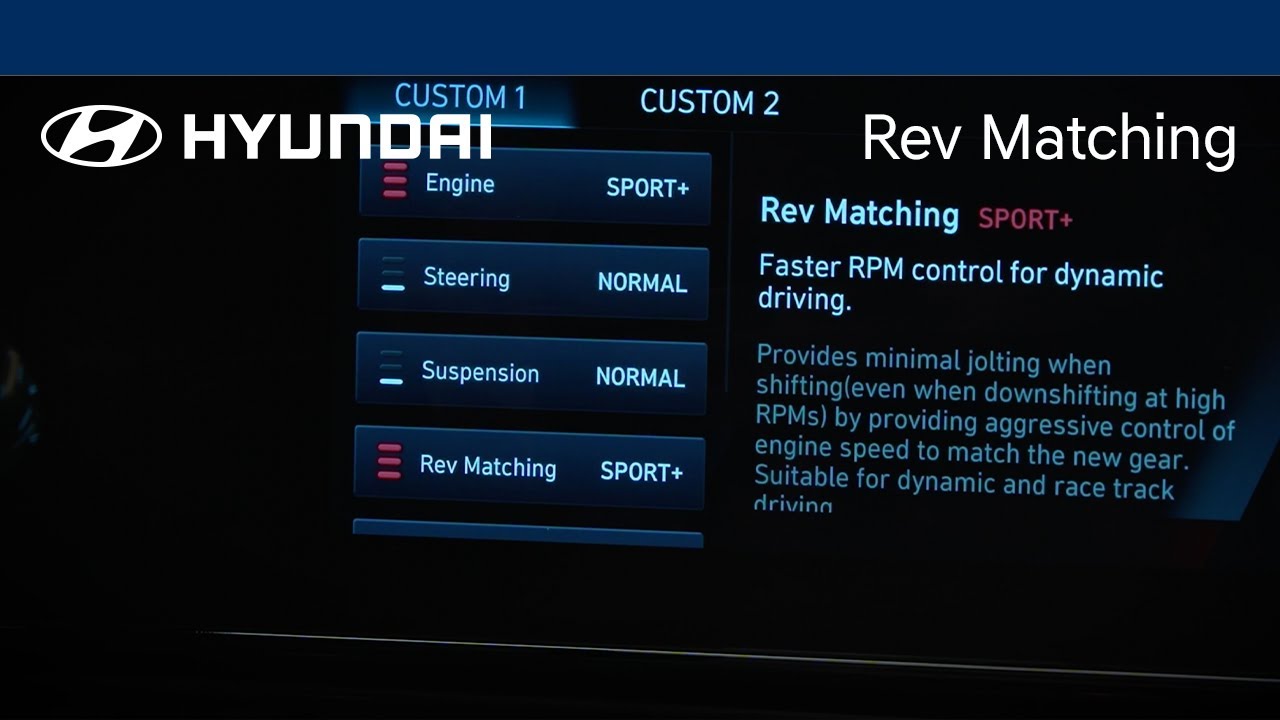
The Rev Matching feature on your manual transmission-equipped Hyundai N model helps optimize gear downshifts by automatically matching the speed of the engine to the transmission. This video explains how to turn the feature on and off, how to customize the settings for it, and how to use it.
DrivingFeatures-Controls-Display

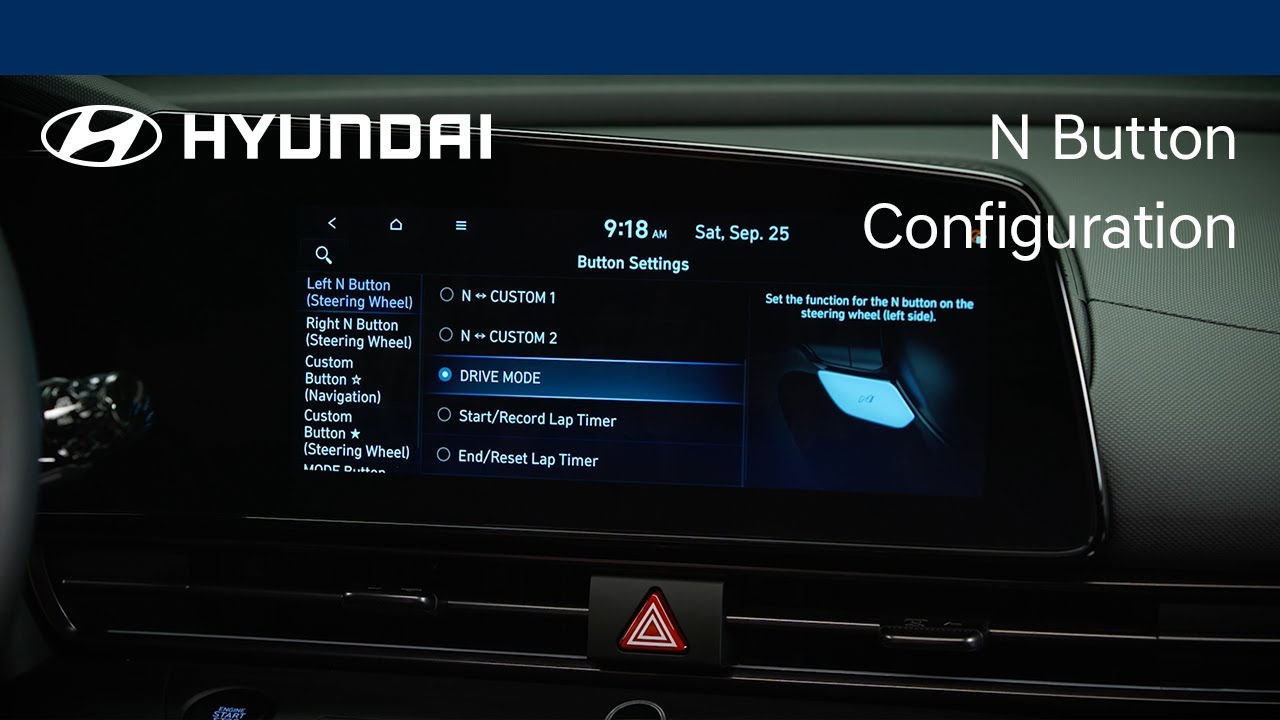
The N Buttons on your Hyundai N model allow you to quickly access or controls different drive modes or features. This video explains how to configure them and use them.
DrivingFeatures-Controls-Display

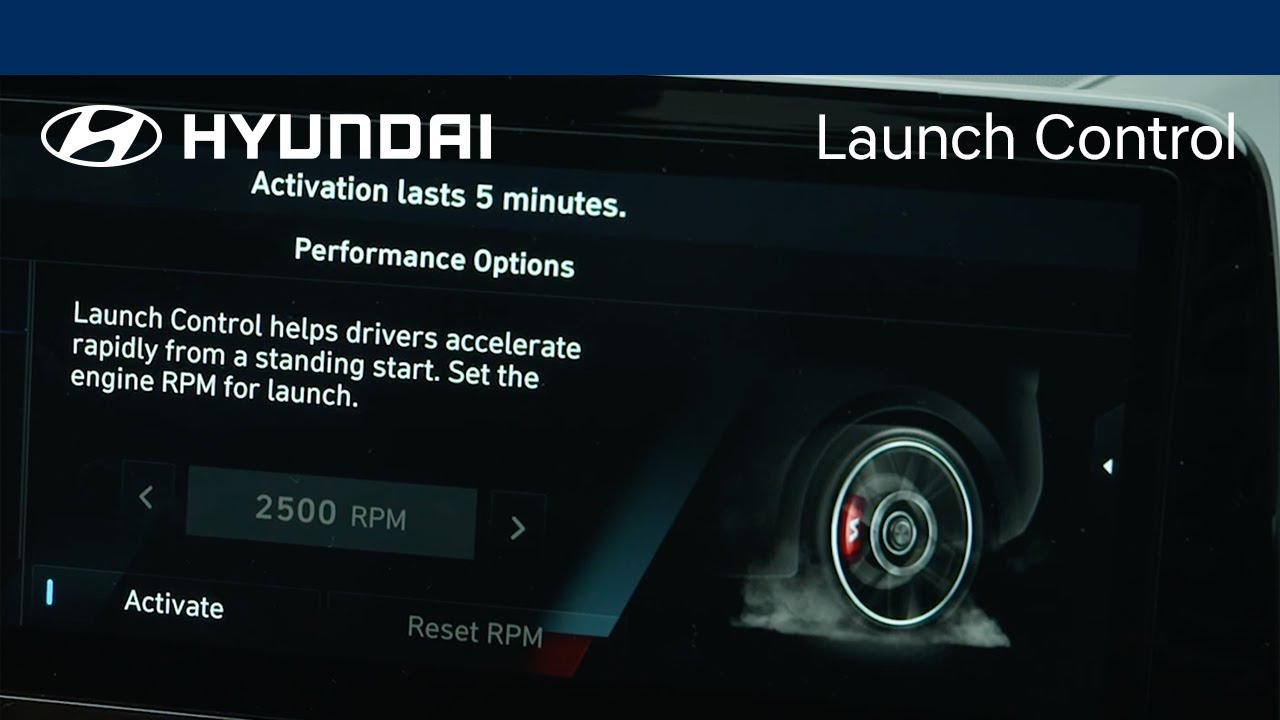
The Launch Control system on your Hyundai N model helps reduce wheelspin during hard acceleration from a standing start. This video explains how the system works, how to turn it on and off, and the limitations of the system.

DrivingFeatures-Controls-Display

The high performance brakes on your Hyundai N are designed to deliver outstanding performance on both the road and the track. This video will outline the proper care and usage that will help ensure optimal performance and longevity of the system.
DrivingExterior

Your Hyundai N model offers selectable Drive Modes to allow you to customize your vehicles performance to suit the road and your mood. This video explains how to select between the preset Drive Modes as well as how to configure custom Drive Modes.

Driving
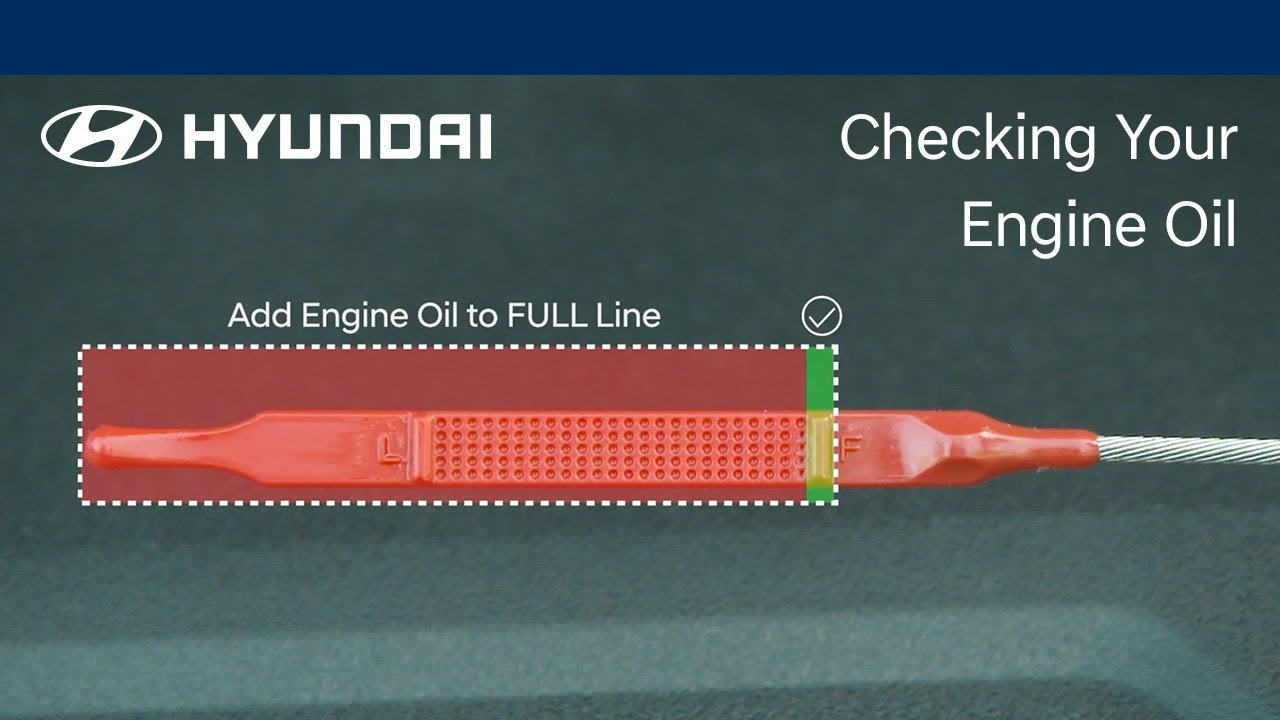
Checking your oil level regularly is necessary to help keep your Hyundai operating properly. This video will explain how to check the engine oil as well as how to add oil when needed.
Engine/TransmissionService

Tracking your vehicle’s maintenance records is very important, as it helps ensure compliance with the vehicle’s warranty. This video will provide an overview of the different ways of retaining your vehicle’s maintenance history and records.
Service

The available Forward/Reverse Parking Distance Warning system on your Hyundai assists the driver during parking by alerting them to objects in front or behind the vehicle. This video will explain the operation of the system as well as the different settings available for it.

Safety

Did you know that you can adjust the center console cupholders on your Hyundai to two different depths? This video will explain how this useful feature works and how to adjust them.
Interior

The available Lane Keeping Assist system on your Hyundai helps detect lane markers on the road and assists the driver’s steering to help keep the vehicle within the lane.This video will explain how the system operates, the different settings, and limitations of the system.
DrivingSafety

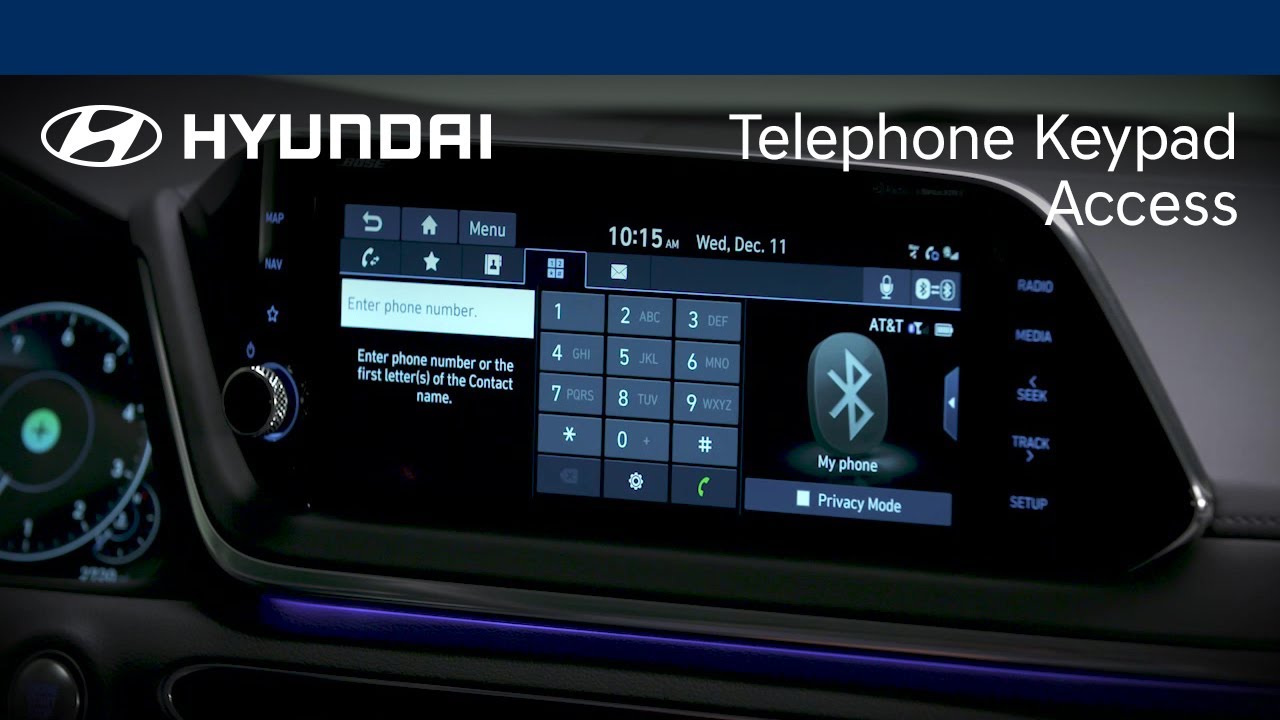
Do you ever need to access the telephone keypad on the touchscreen system in your Hyundai? Watch this video to learn how to access it as well as the limitations of the system.
Features-Controls-Display

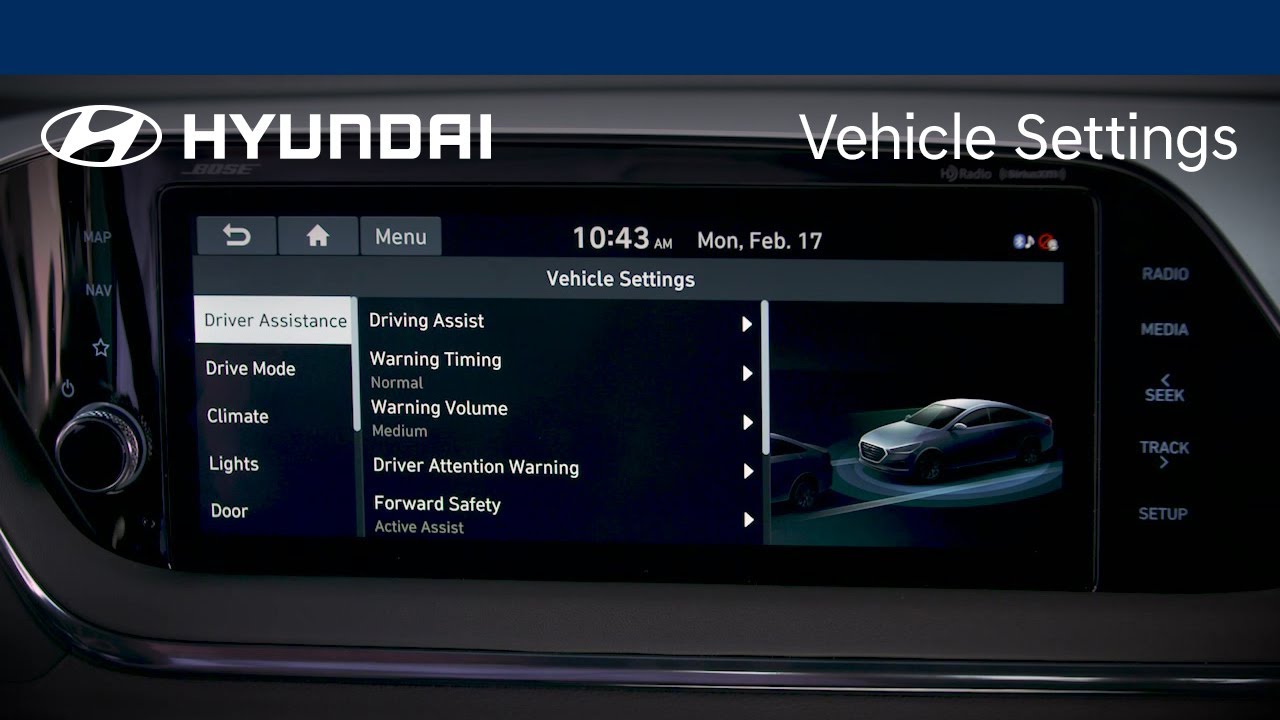
Your Hyundai has multiple vehicle settings that can be personalized to your liking. Watch this video to learn how to access them, what they can do and how to adjust them.
Features-Controls-DisplayMultimedia Controls

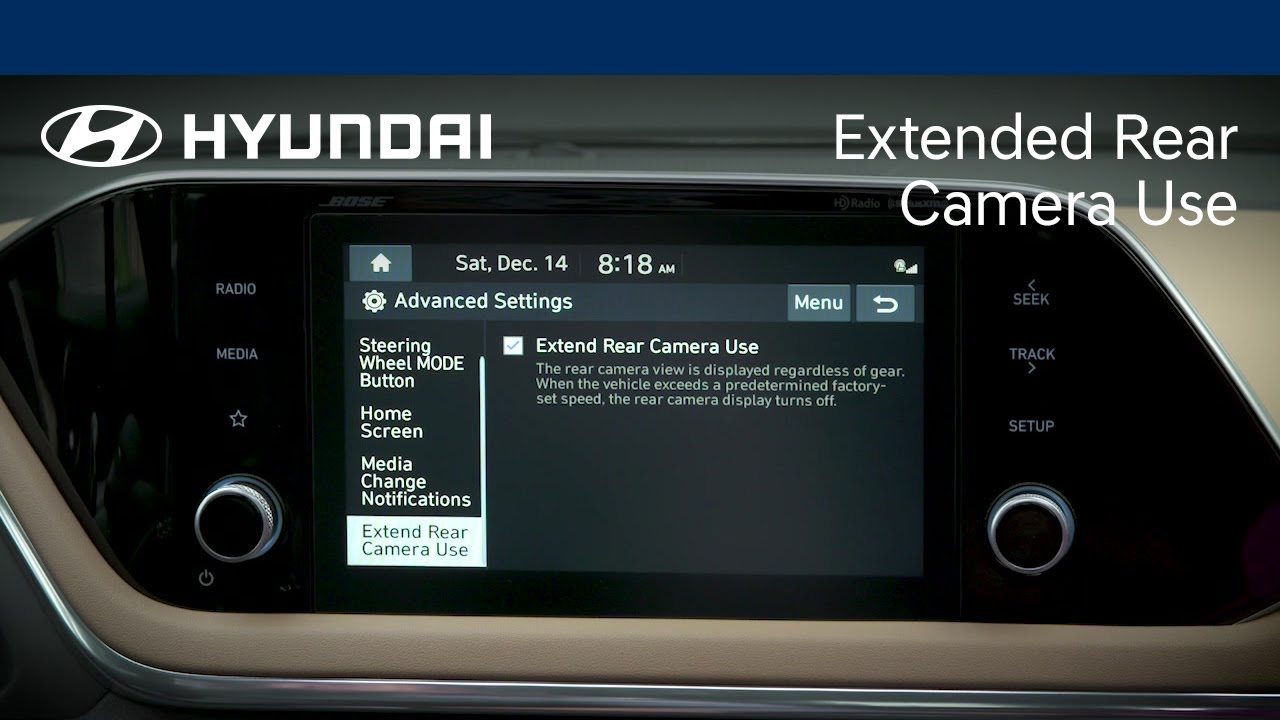
The rear camera on your Hyundai has multiple settings. Watch this video to learn how to switch the camera view to best suit your driving needs.
Features-Controls-Display
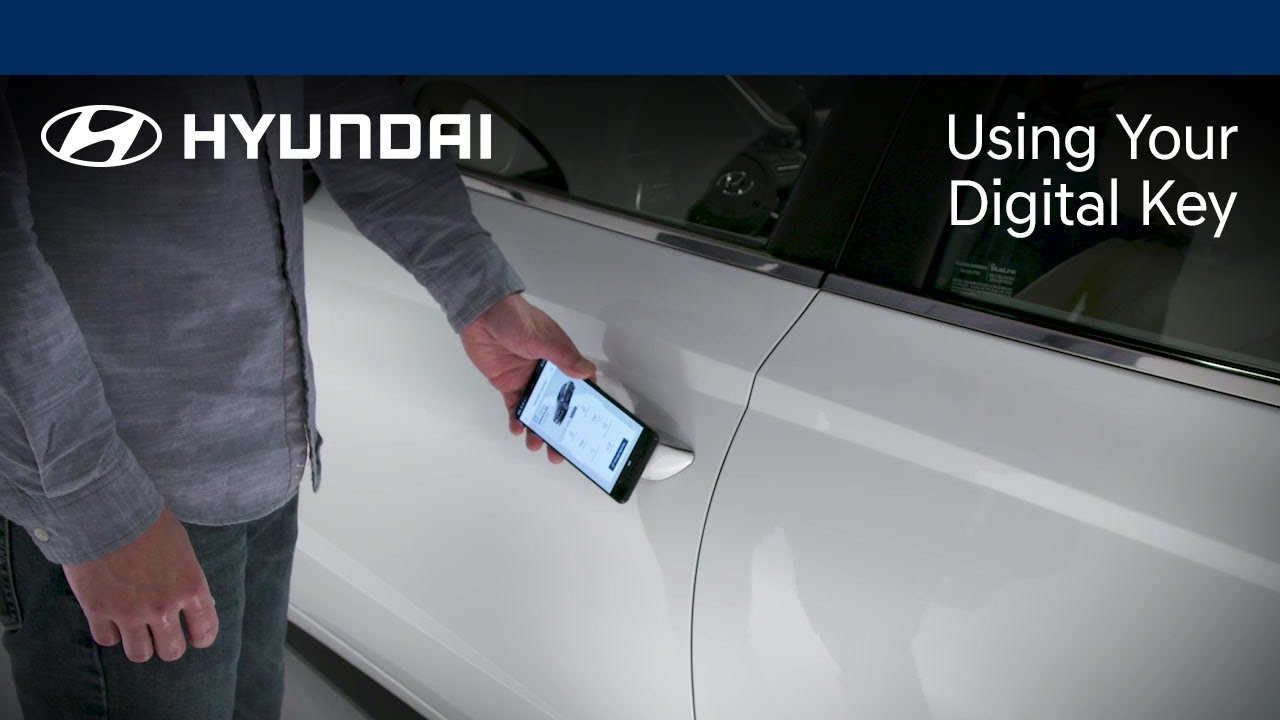
The Digital Key in your Hyundai is extremely useful. This video will explain the functions of Digital Key with your vehicle as well as how to share Digital Keys with your friends and family.
Bluelink® Connected ServicesKeys-Doors-Windows
Creating the Digital Key for your Hyundai is quick and easy. This video will explain what is necessary to use the Digital Key app as well as how to set up the system.
Bluelink® Connected ServicesKeys-Doors-Windows
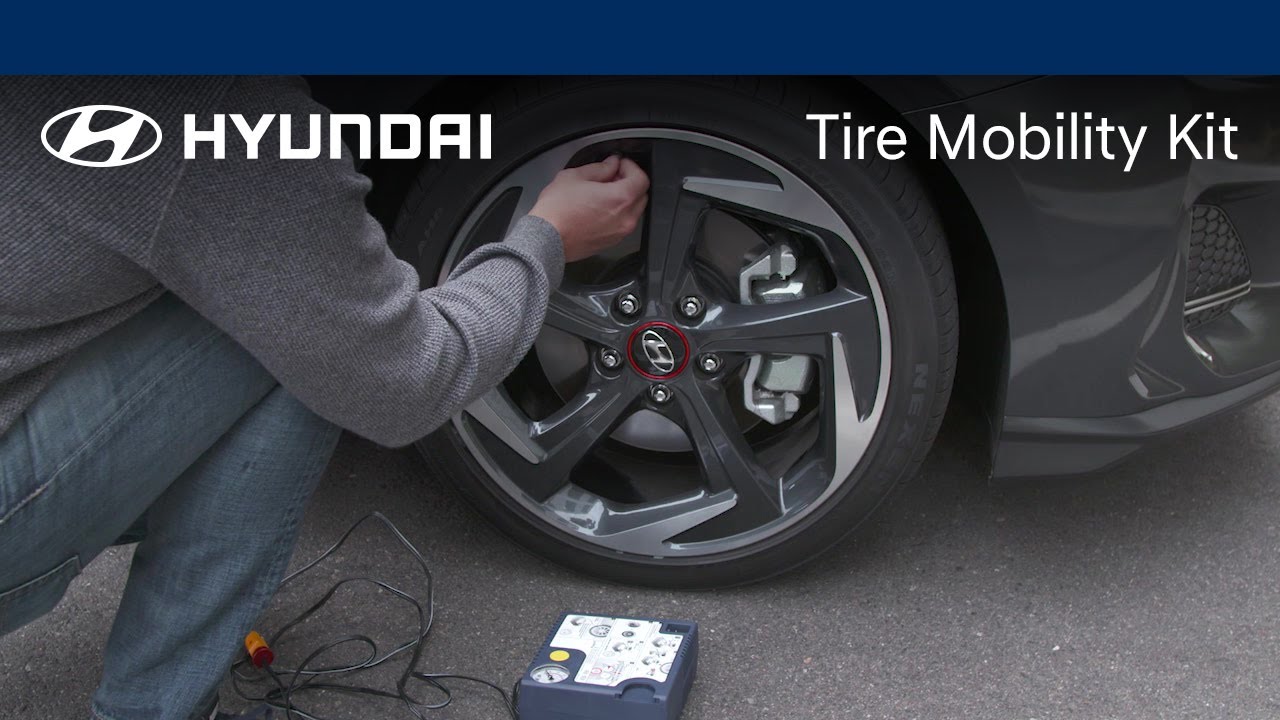
Got a flat tire? You may discover that your Hyundai has a Tire Mobility Kit where your spare tire would be. Learn how easy this kit is to use to quickly repair small punctures.
Service
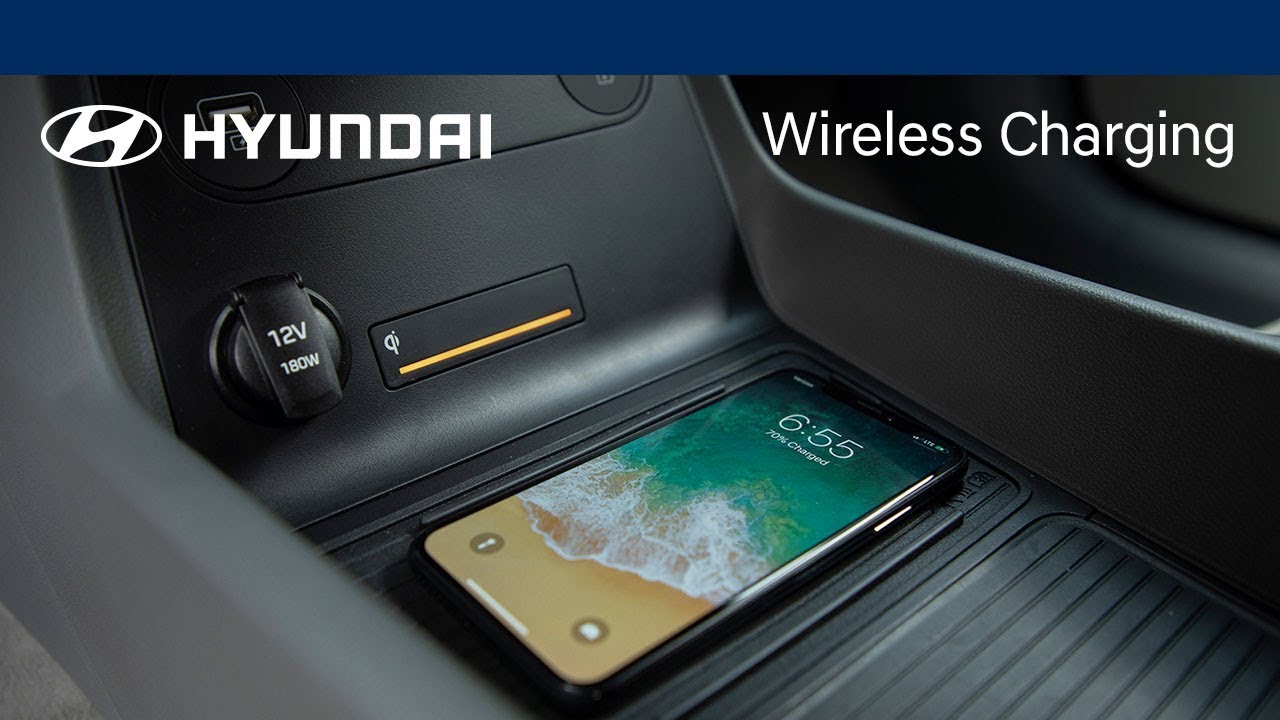
Want to know how to locate the available wireless charging pad in your Hyundai? This video identifies where to place your Qi-enabled phone to keep your device charged up – no cord needed.
Features-Controls-Display
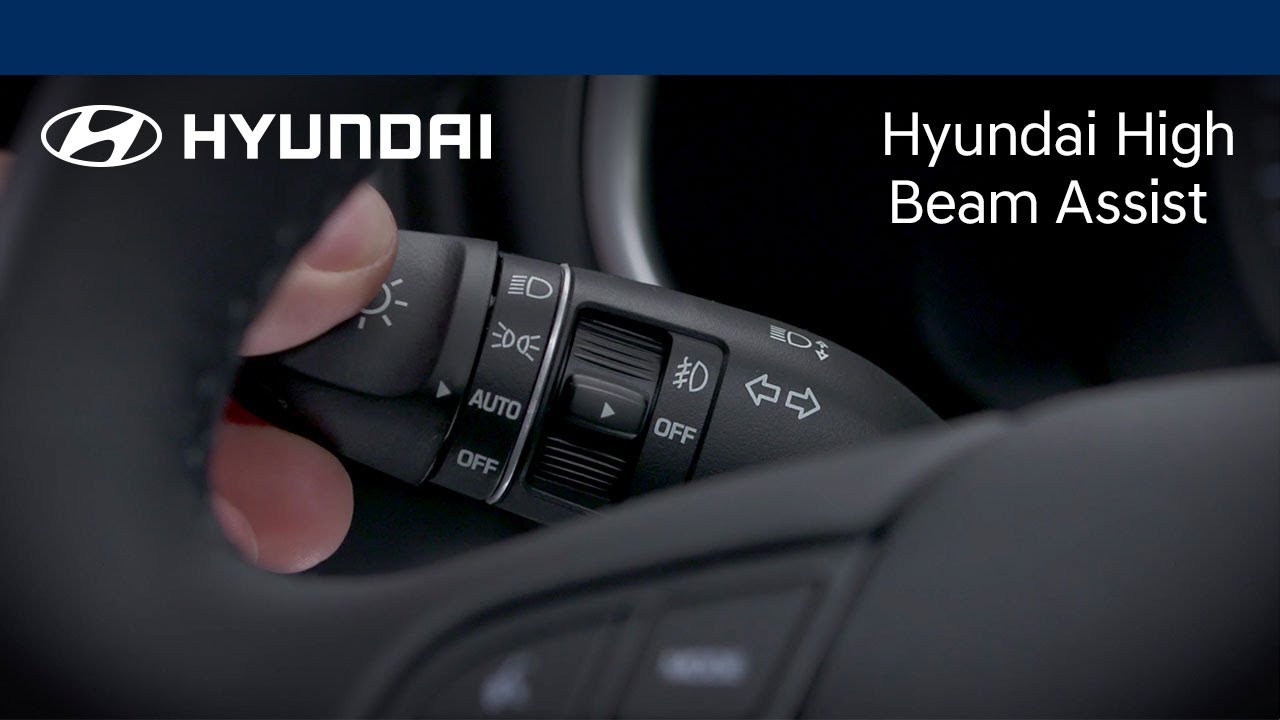
Want to know how to use the available High Beam Assist feature in your Hyundai vehicle? This video highlights how your headlights can automatically switch between high and low beams in response to oncoming traffic.
Features-Controls-Display

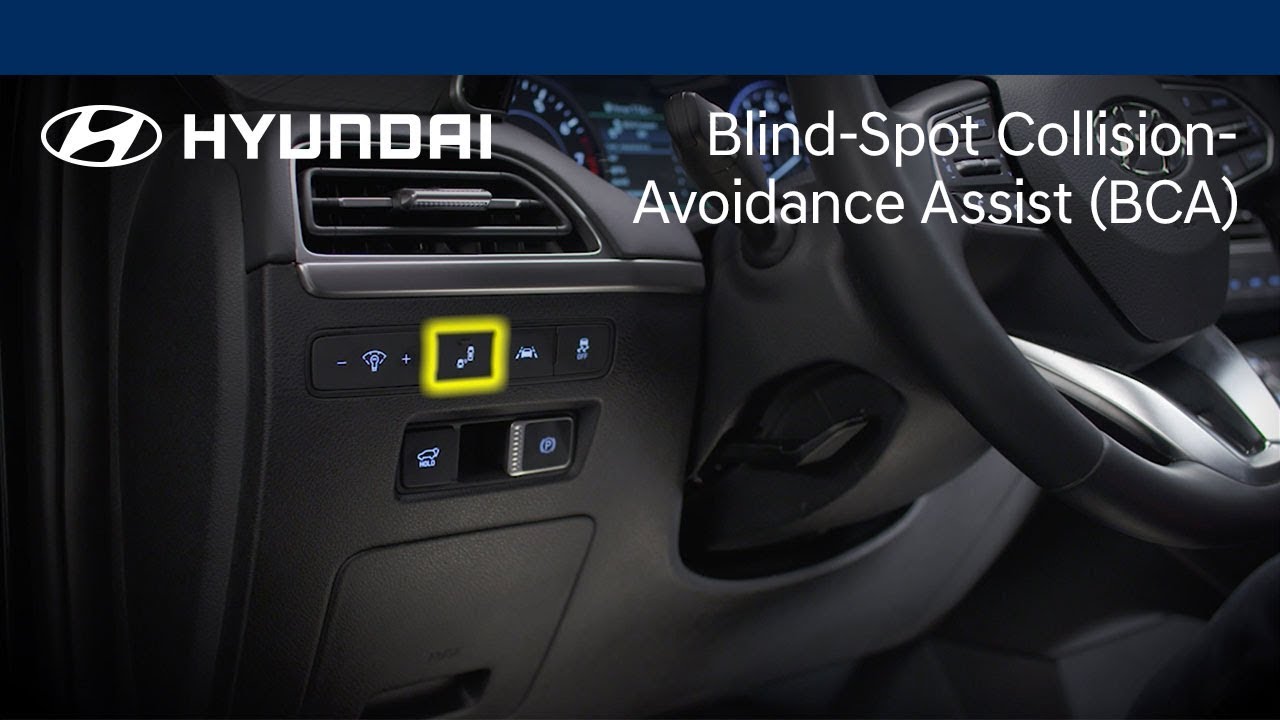
Want to know how to use Hyundai’s Blind-Spot Collision-Avoidance Assist feature? This video highlights how the system can help automatically detect imminent side collision risks and help avoid an impact or minimize damage. You’ll also learn how to adjust Blind-Spot Collision-Avoidance Assist alerts and response times.

DrivingSafety