









The multimedia system on your Hyundai can be easily updated, which allows you to add new or improved functionality to your Hyundai as it becomes available. Watch this video to learn how the feature works and how to turn it on and off.

The Custom buttons on your Hyundai can be used to quickly access frequently used functions. Watch this video to learn how to program and use them.

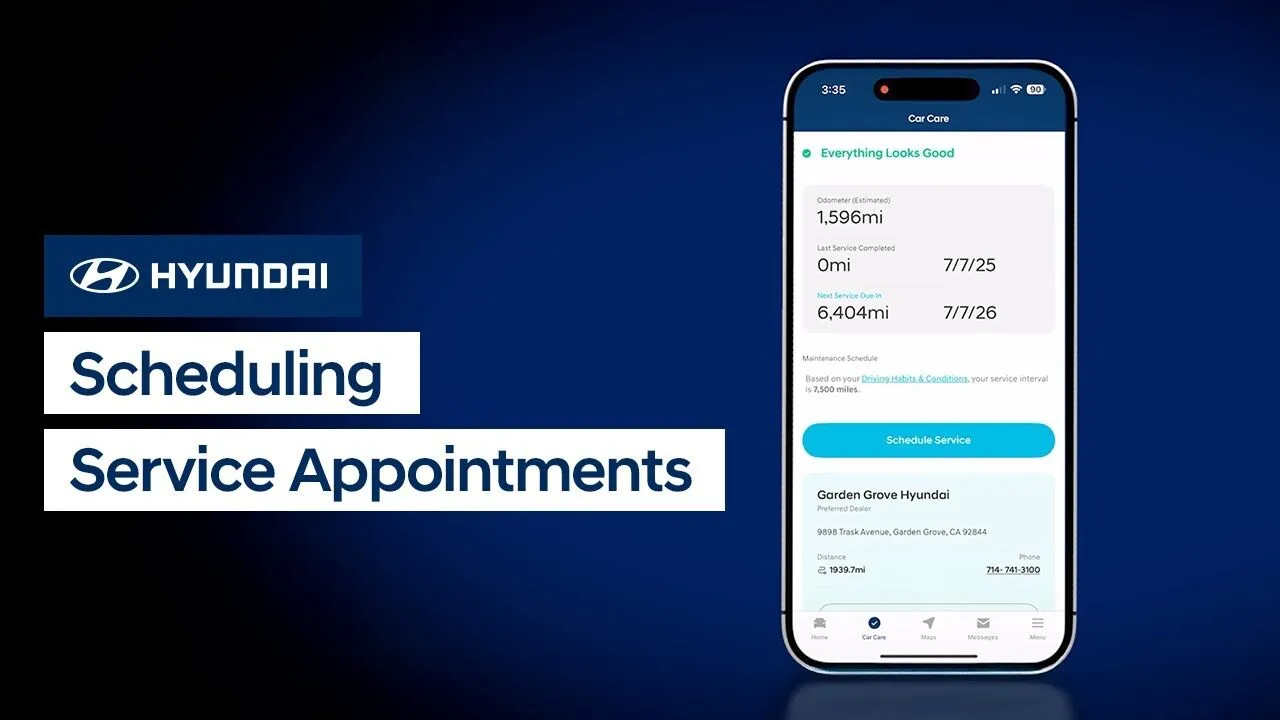
The Service Reminder feature on your Hyundai is an easy way to let you know when your vehicle needs service. Watch this video to learn how to adjust the service intervals and set the reminders.

Your Hyundai can individually adjust volume levels for both Apple CarPlay® and Android Auto™. Watch this video to learn how to adjust these levels as well as how to set Bluetooth® devices for optimum volume levels.

The available TOW Mode on your Hyundai enables smoother driving when towing a trailer. Watch this video to learn how to turn it on and off, as well as how to adjust settings for it.

The available Ergo Motion Driver’s Seat in your Hyundai is designed to improve comfort and reduce fatigue during trips. Watch this video to learn about the different settings for it as well as how to turn it on and off.

The available Digital Center Mirror on your Hyundai can help you see clearly out the rear of the vehicle, even when your view from inside the vehicle is blocked.

The available Smart Cruise Control feature on your Hyundai has available convenience features that help make the system even more customizable. Watch this video to learn about the different modes and settings as well as how to customize them.

The available Lane Following Assist is designed to keep your Hyundai in the center of the lane as it drives. Watch this video to learn how to turn the system on and off as well as its limitations.

The available Highway Lane Change Assist on your Hyundai is designed to help the driver change lanes when driving on a highway. Watch this video to learn how to operate it, and how to turn the feature on and off, as well as its limitations.

The available Valet Mode allows you to protect your personal information when a valet or guest driver is operating your vehicle. Watch this video to learn how the feature works and how to turn it on and off.


Hyundai's available Blind-Spot Collision Warning feature can help detect imminent side collision risks and alert you to them. It can also help you to avoid collisions at low speeds, such as when exiting a parking space. Watch this video to learn how to turn the feature on and off as well as the limitations of it.

Did you know that you can update the maps on your navigation-equipped Hyundai? Watch this video to learn how to use your MyHyundai account to download and install map updates on your Hyundai.


Your Hyundai is equipped with a push-button shift console that is designed to save space without sacrificing control and convenience. This video explains how the push-button shift system and Electronic Parking Brake work.

Tracking your vehicle’s maintenance records is very important, as it helps ensure compliance with the vehicle’s warranty. This video will provide an overview of the different ways of retaining your vehicle’s maintenance history and records.


Want to know how to use the Drive Mode Integrated Control System on your Hyundai? This video highlights the performance benefits of each available driving mode and explains how to browse and select the best mode for your given route and road conditions.

Want to know how to make the most of your Hyundai’s center console? This video highlights the flexible utility of the center cupholder storage area.

Want to know how to control your Hyundai Palisade’s overhead vents? This video explains how to adjust the rear louvers and diffuser rings to focus or distribute airflow throughout the cabin.