



Owning a Hyundai just became more rewarding with the Hyundai Rewards program. As a Hyundai Rewards member, you can enjoy exclusive rewards and opportunities simply for being a Hyundai owner. These include discounts on services, such as Bluelink, and even savings on your next Hyundai purchase. Watch this video to learn more about Hyundai Rewards.

Owning a Hyundai just became more rewarding with the Hyundai Rewards program. As a Hyundai Rewards member, you can enjoy exclusive rewards and opportunities simply for being a Hyundai owner. These include discounts on services, such as Bluelink, and even savings on your next Hyundai purchase. Watch this video to learn how to enroll in […]
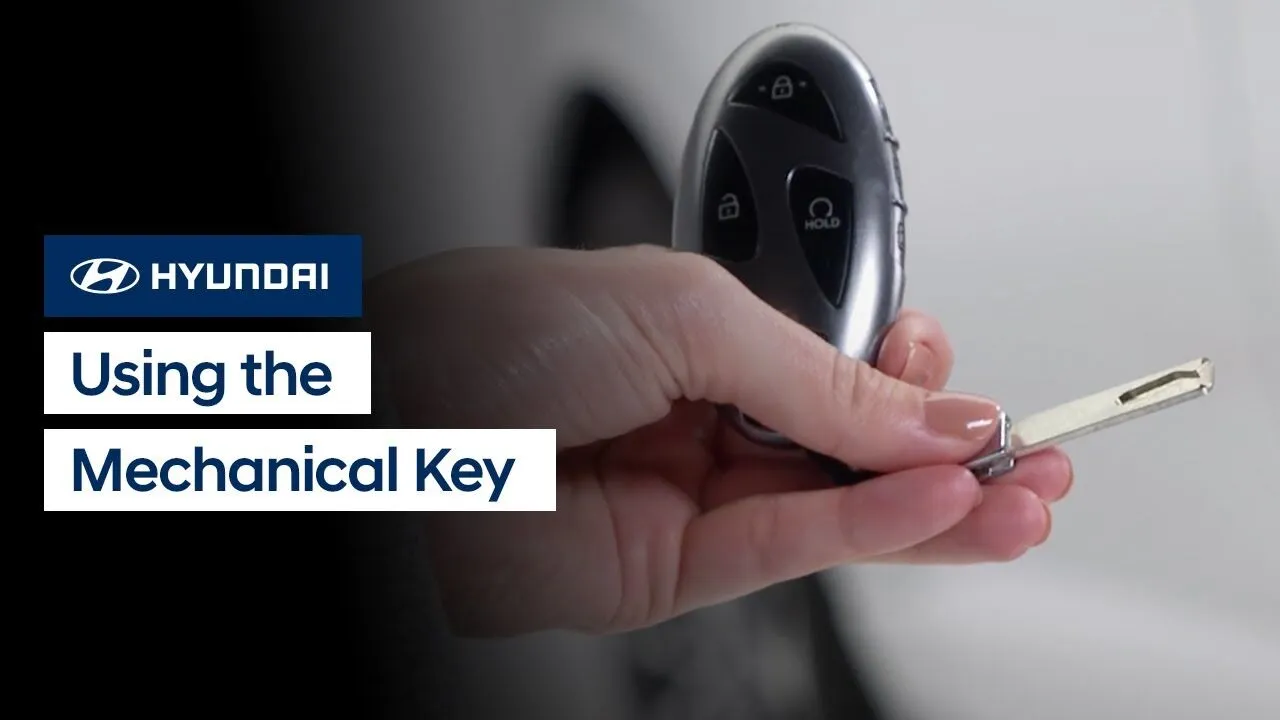
Are you looking for a way to lock or unlock your Hyundai without using the key fob? This video explains how to use the mechanical key to lock or unlock your Hyundai.
Keys-Doors-Windows
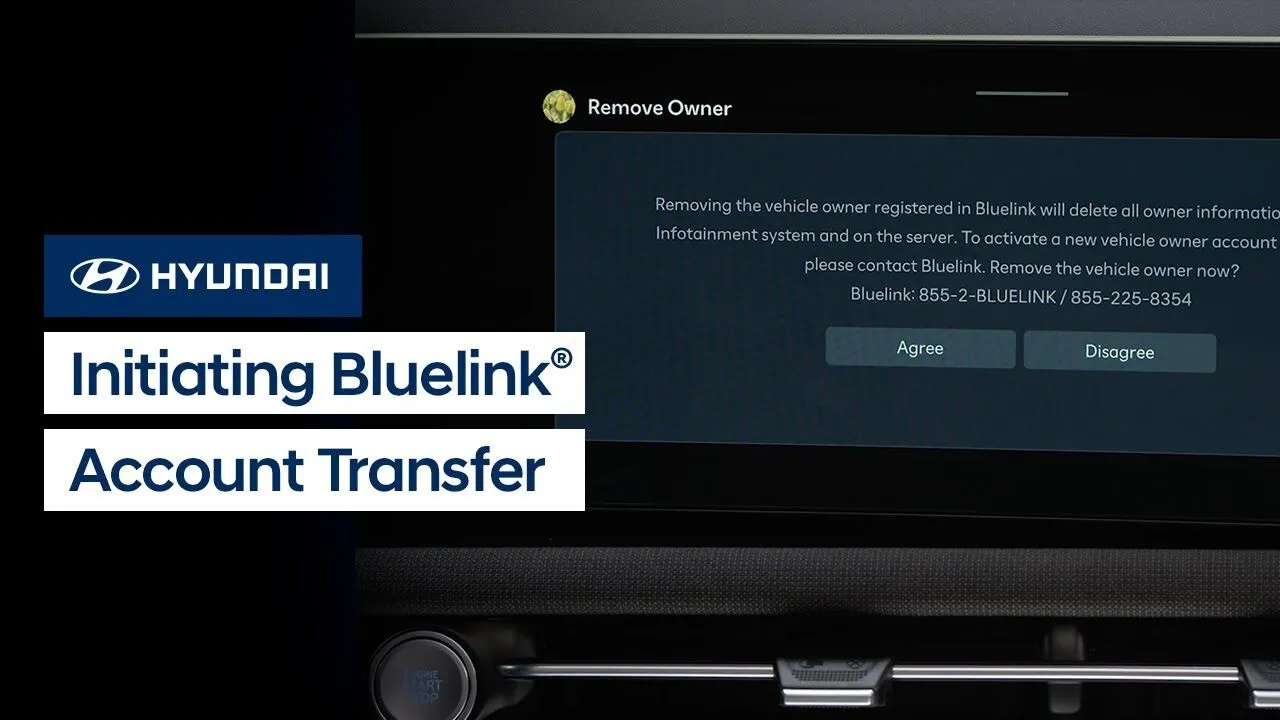
Need to start Bluelink service on your preowned Hyundai vehicle, but it’s still showing as registered to the previous owner? Watch this video to learn how to start the transfer process.
Bluelink
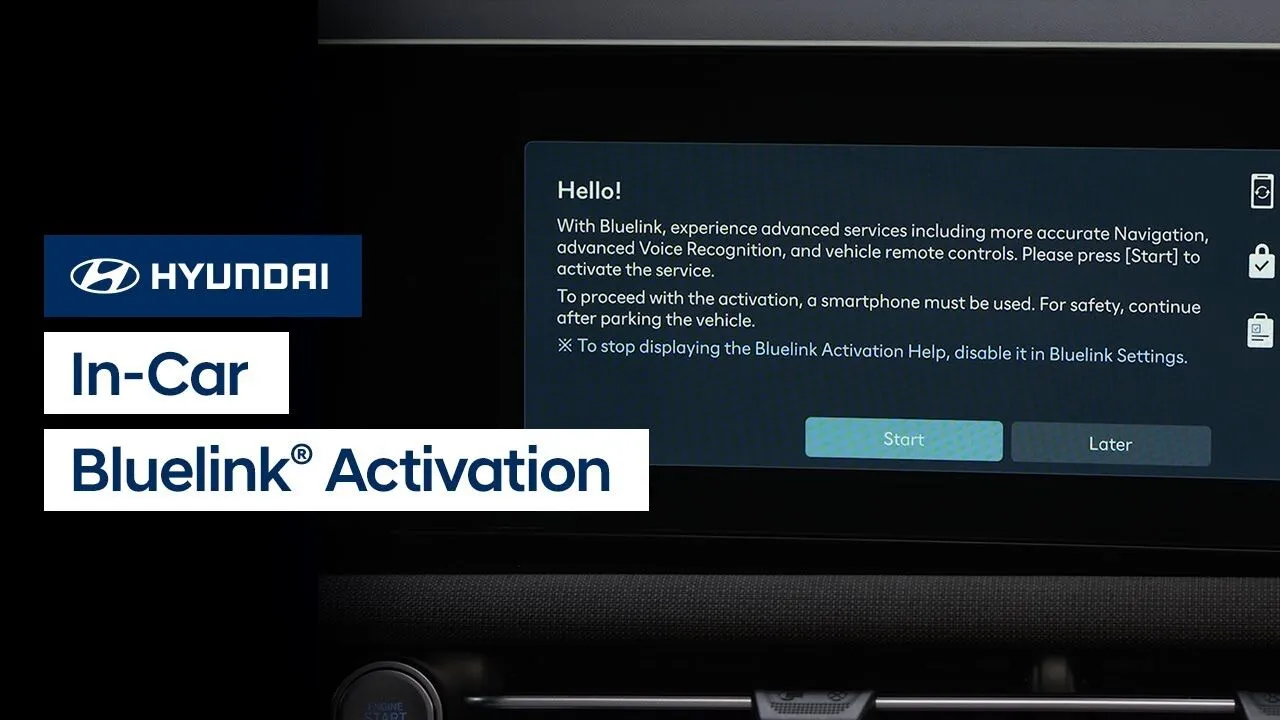
Did you know that you can quickly and easily activate Bluelink service in your new or preowned Hyundai? Watch this video to learn how to add the many benefits of Bluelink to your Hyundai ownership.
Bluelink
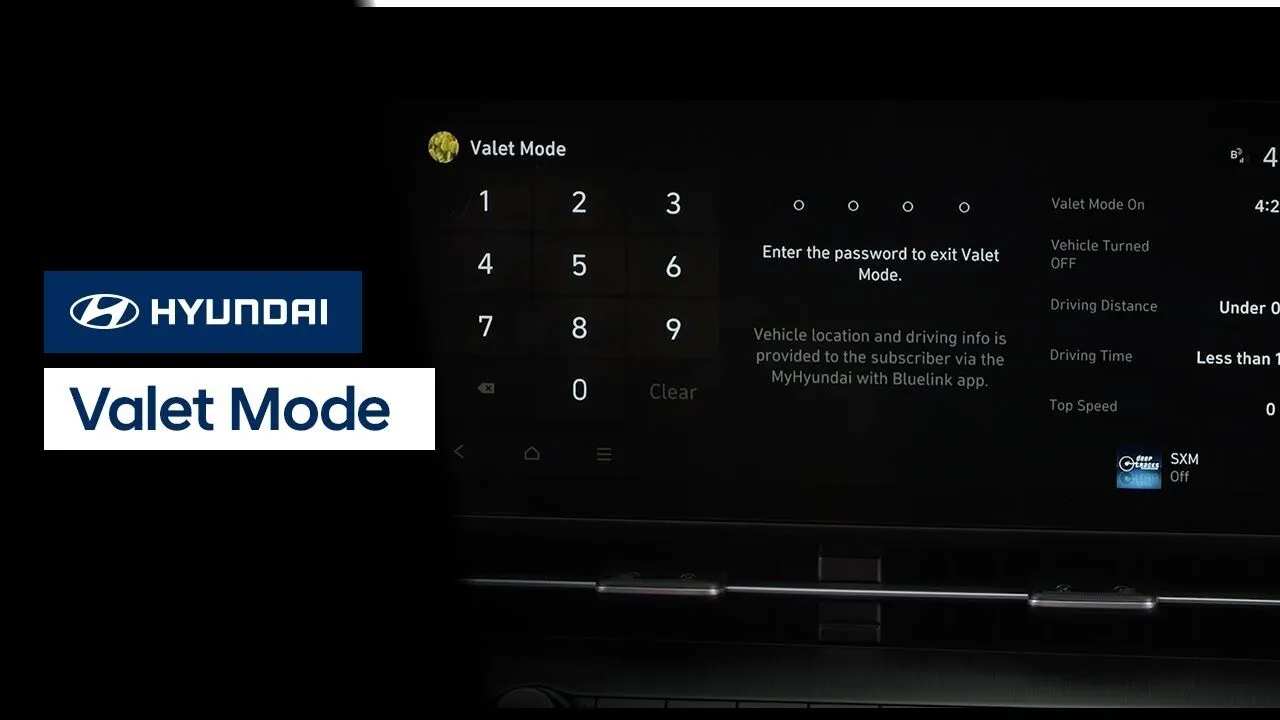
The available Valet Mode allows you to protect your personal information when a valet or guest driver is operating your vehicle. Watch this video to learn how the feature works and how to turn it on and off.
BluelinkFeatures-Controls-Display
Your Bluelink® subscription allows you to enjoy multiple assistance services. These services help give you peace of mind through the knowledge that aid is available at the touch of a button—or even automatically. Watch this video to learn about these services and how to access them.
BluelinkSafetyService
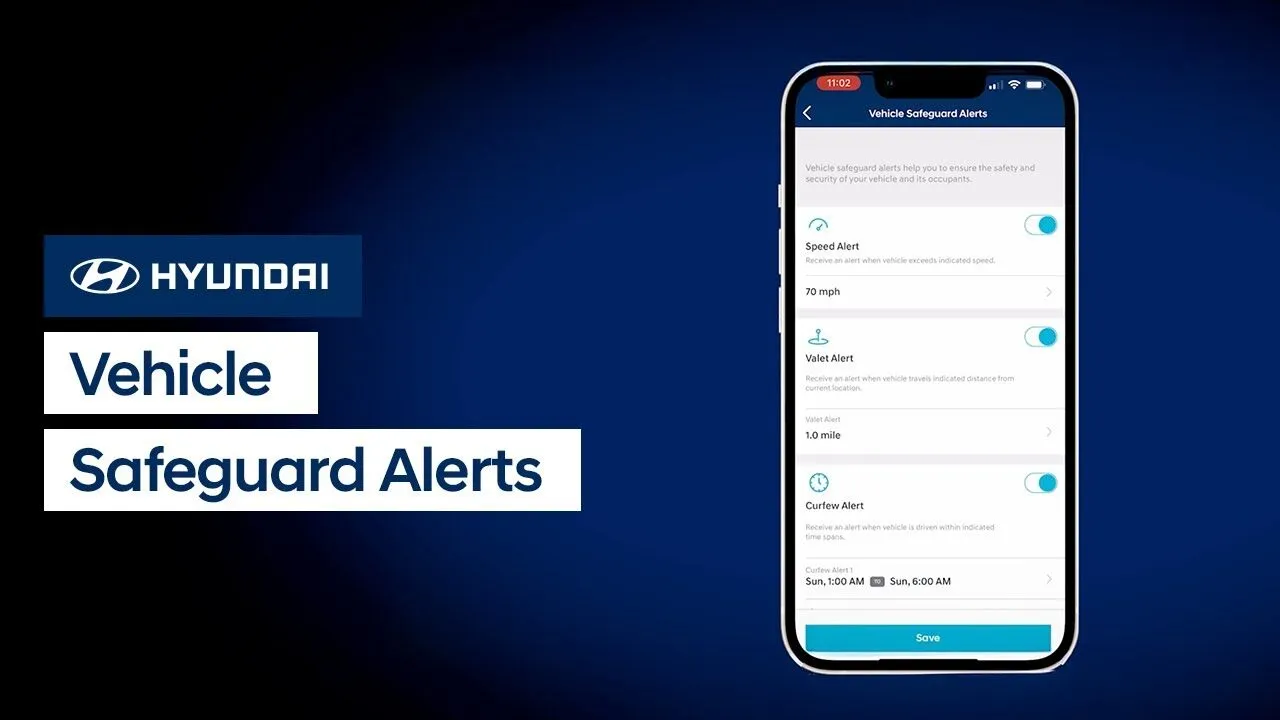
Did you know that Hyundai’s Bluelink® service offers Vehicle Safeguard Alerts? Vehicle Safeguard Alerts are a set of features that can provide you notifications about your vehicle. The notifications can be for when your vehicle exceeds a certain speed, is driven after a certain time, or beyond a certain distance. Watch this video to learn […]
Bluelink
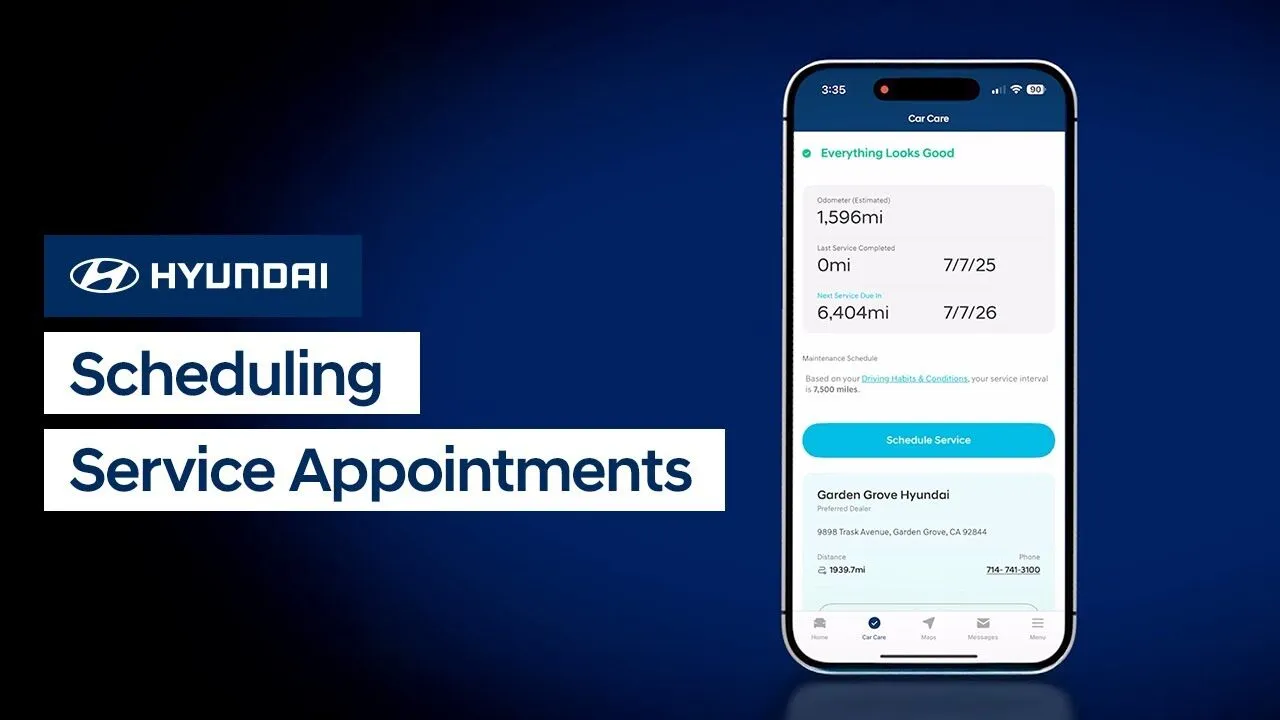
Hyundai’s Bluelink® allows you to schedule a vehicle service appointment quickly and easily from virtually anywhere. Watch this video to learn about how to use this feature.
BluelinkService
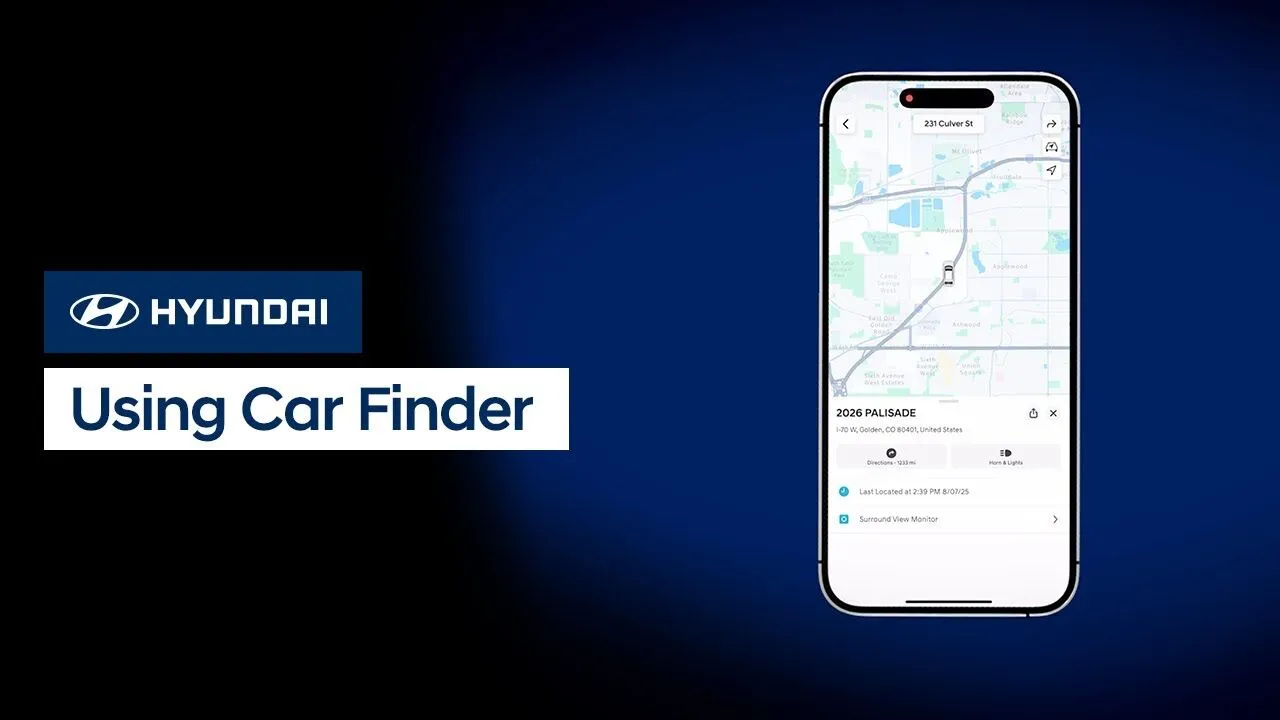
The Car Finder feature, available with select Bluelink® packages, allows you to locate your vehicle quickly, using either your mobile device or your computer. Watch this video to learn about how to use this feature.
Bluelink
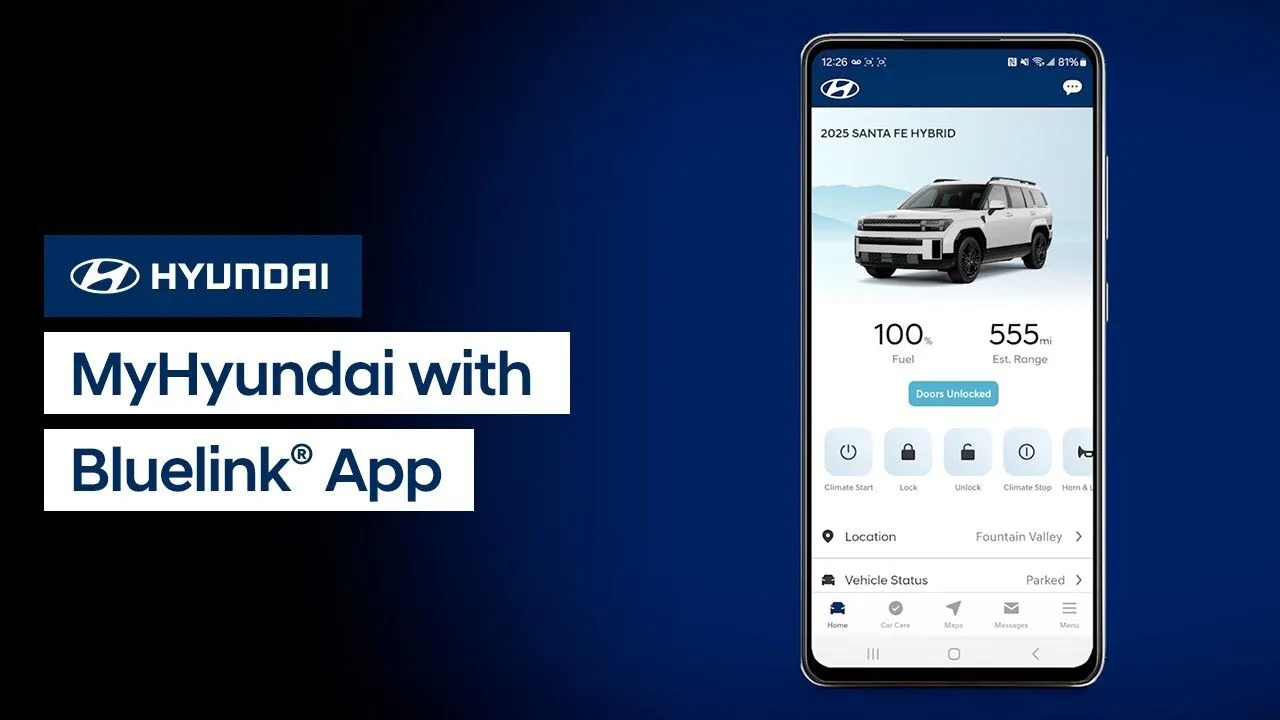
The available MyHyundai with Bluelink® app gives you the ability to control many aspects and features of your Hyundai. Watch this video to learn about these features and how to use them.
Bluelink

Hyundai recommends that you have the wiper blades replaced at your Hyundai dealership. But should you choose to replace the wiper blades yourself, Hyundai recommends that you watch this video to learn the steps to do so. Applicable models (if equipped): All 2018+ models 00:00 – Introduction 0:37 – Determining Wiper Design 0:49 – Hidden […]
Keys-Doors-WindowsService
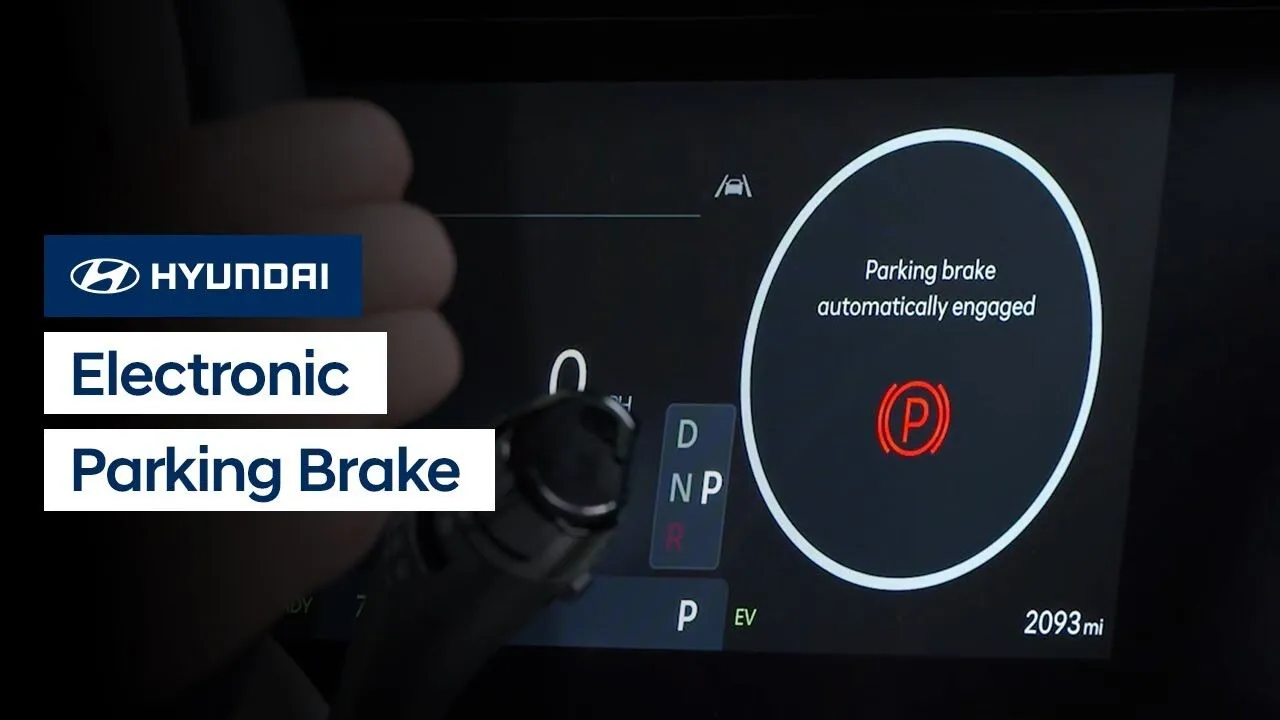
The Electronic Parking Brake on your Hyundai is engaged with a simple pull of a switch. Watch this video to learn the location of the electronic parking brake control switch as well as how the feature works.
DrivingFeatures-Controls-Display
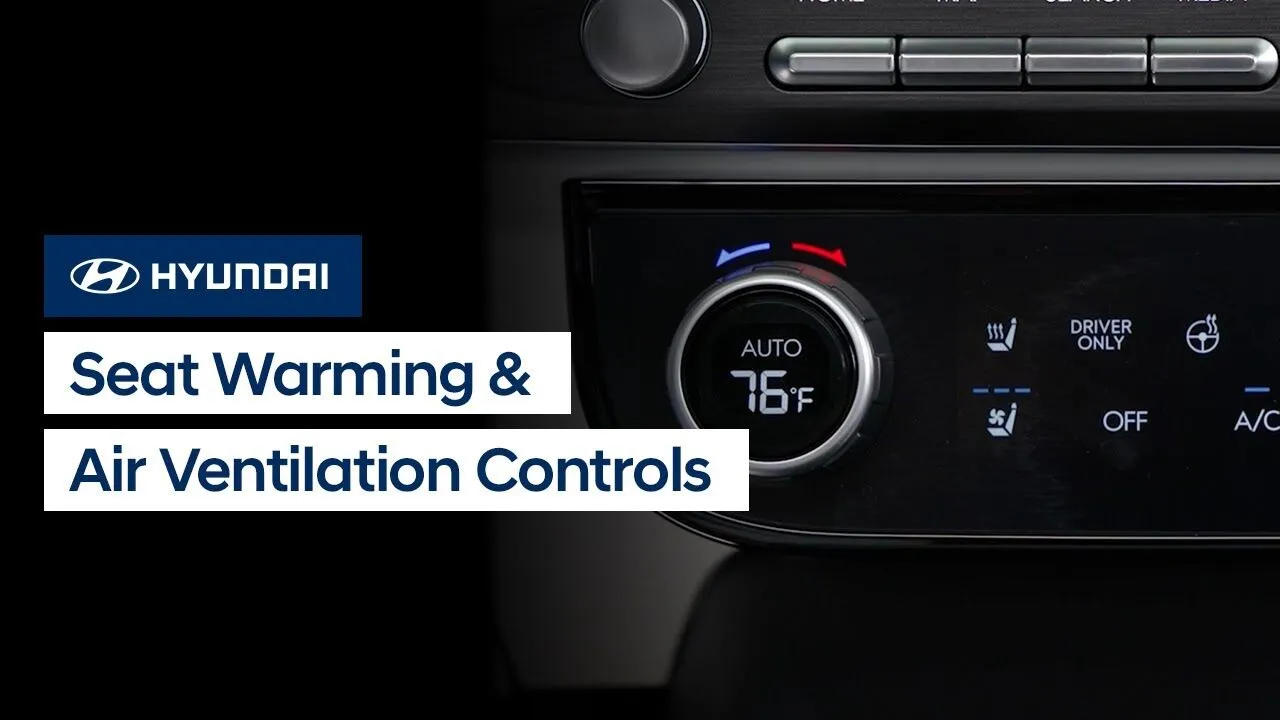
The available seat warmers and air ventilation on your Hyundai are easy to control. This video explains how to use the features as well as the available steering wheel warmers.
Climate ControlsFeatures-Controls-Display
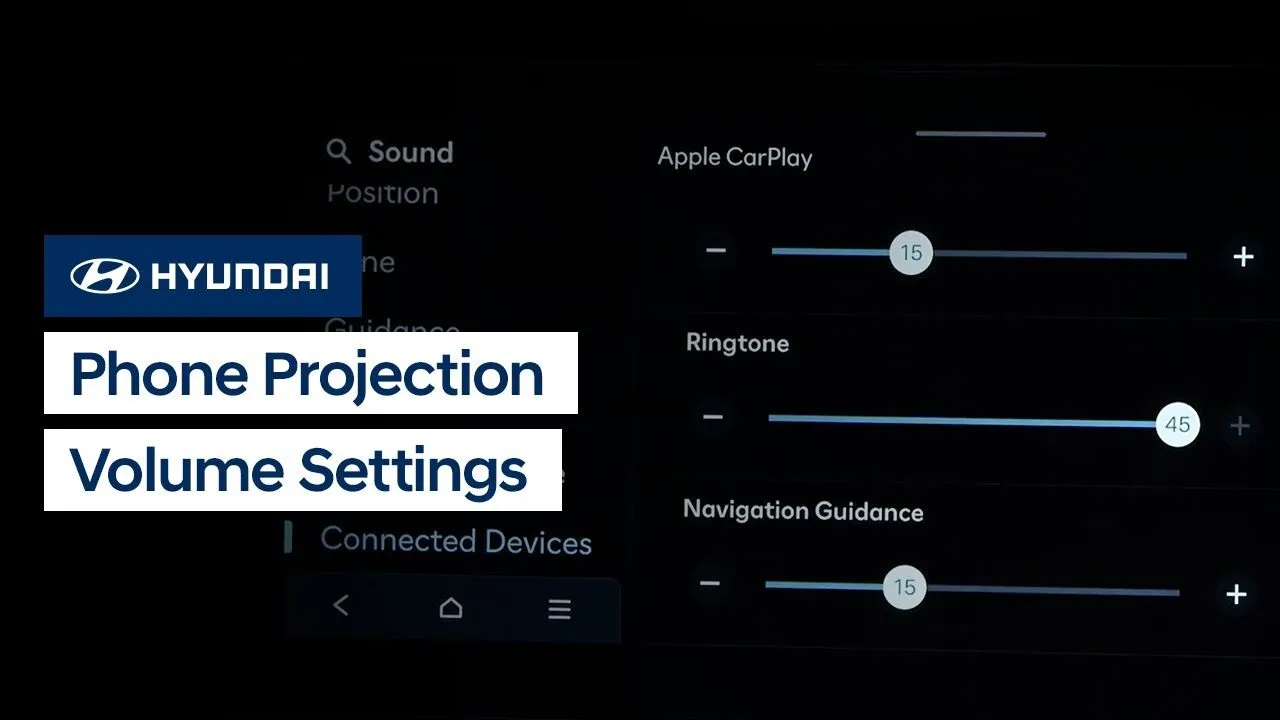
Did you know that your Hyundai can individually adjust volume levels for Apple CarPlay® and Android Auto™? Watch this video to learn how to set them, as well as to learn tips about setting Bluetooth® volume.
Multimedia Controls
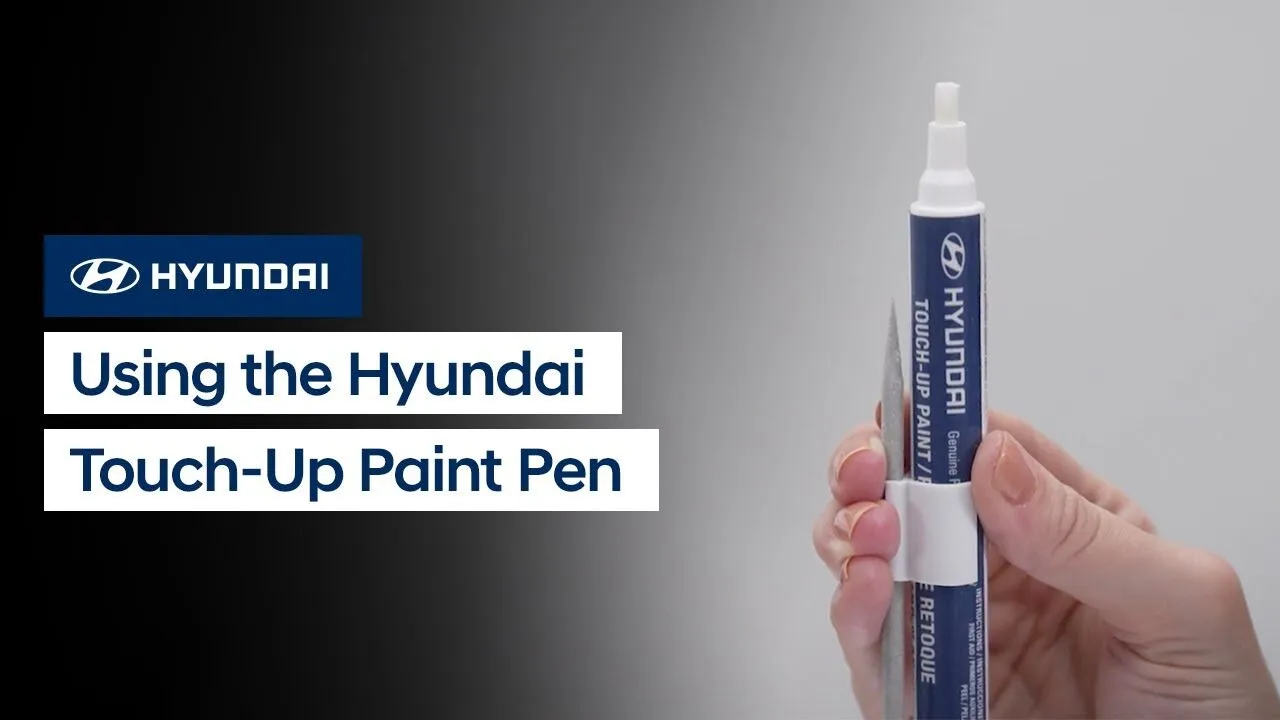
Did you know that Hyundai offers a touch-up paint pen that is perfectly matched to the paint of your Hyundai? Watch this video to learn how to use the pen to help fix minor scratches and scrapes to the clear coat or to the paint.
Exterior
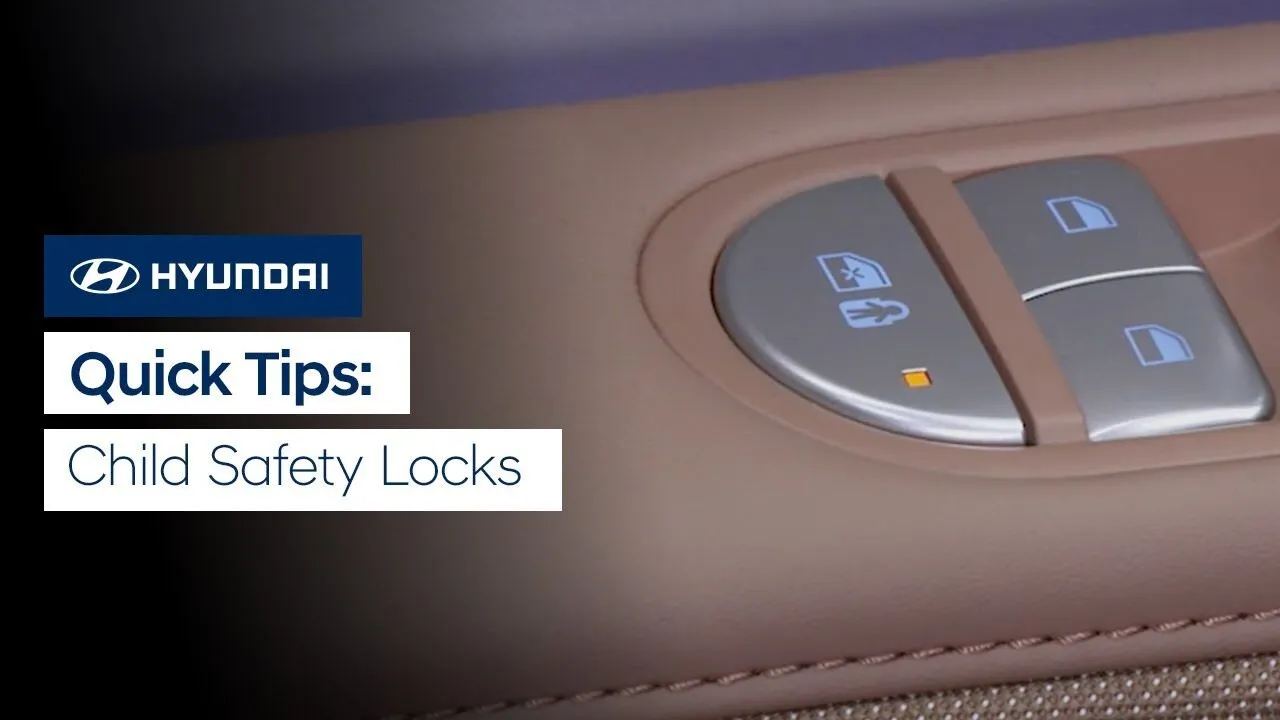
The Child Safety Locks on your Hyundai are to help prevent children seated in the rear from accidentally opening the rear doors. Watch this video to learn about the two types of child safety lock systems as well as how to operate them.
Keys-Doors-Windows
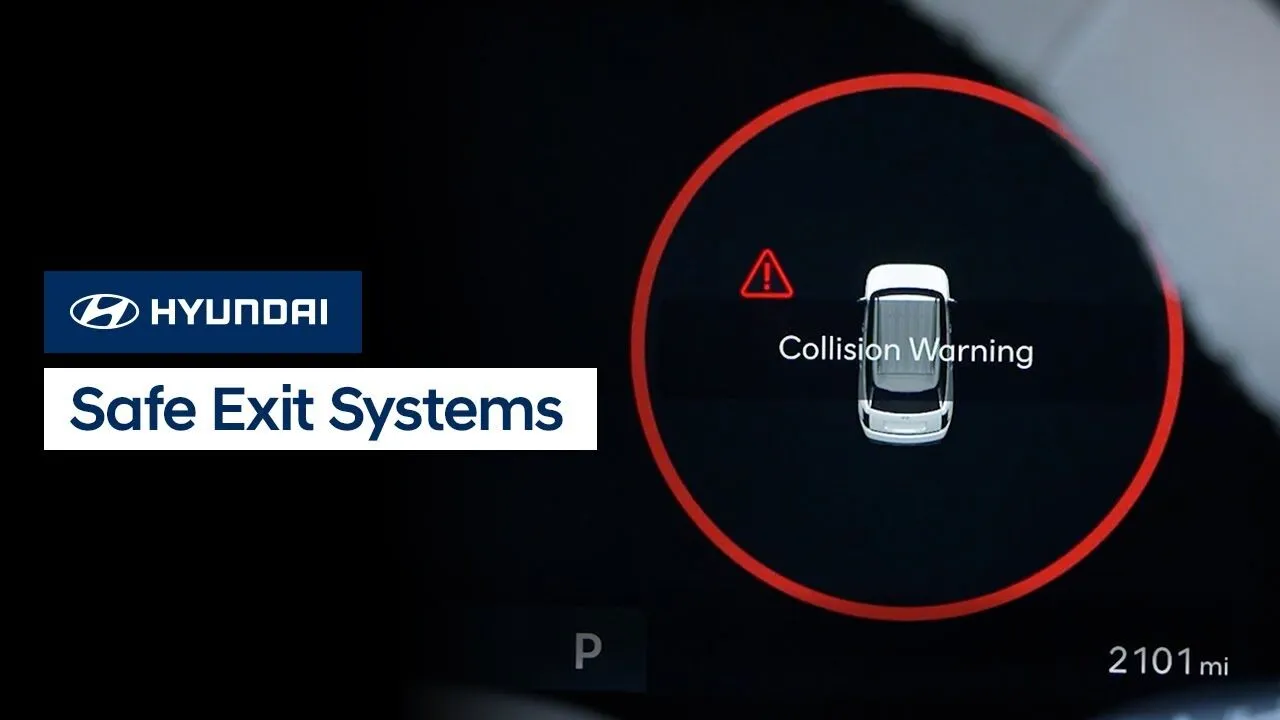
Did you know that Hyundai offers two types of safe exit systems: Safe Exit Warning and Safe Exit Assist. Both are designed to help occupants when exiting the vehicle. Watch this video to learn how the different systems operate as well as how to disable them if needed.
Keys-Doors-WindowsSafety
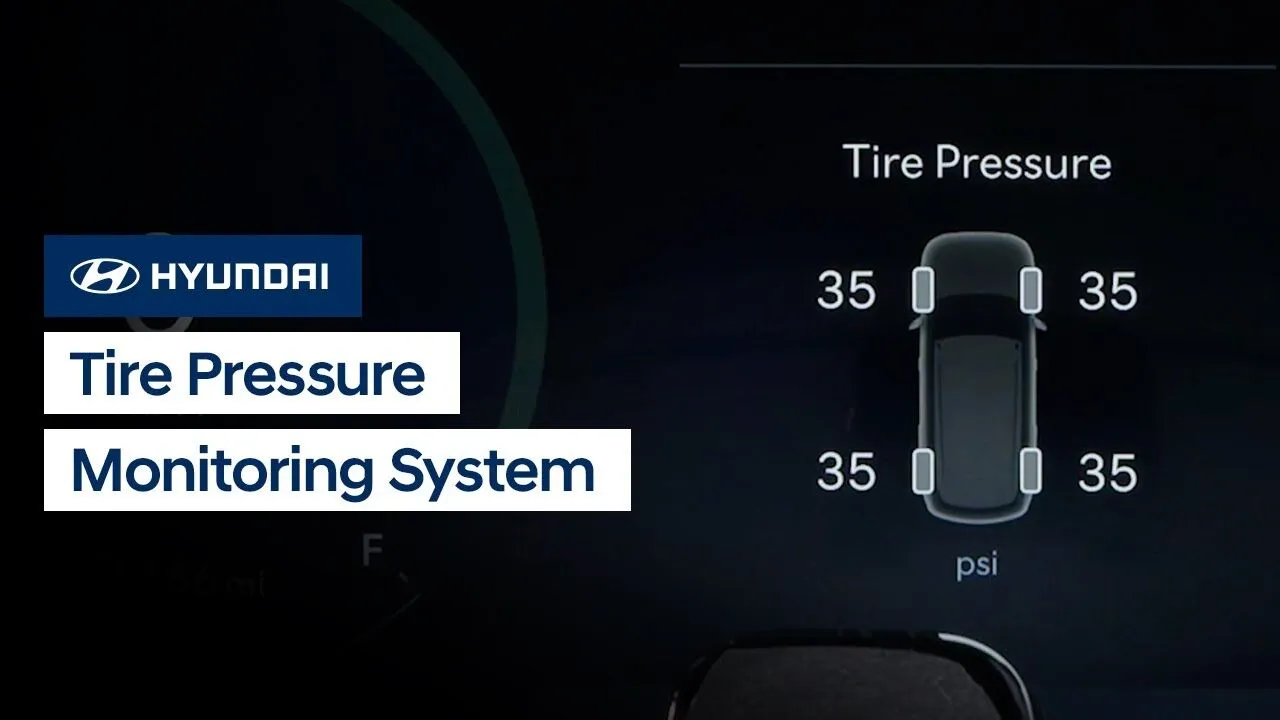
The Tire Pressure Monitoring System, or TPMS, on your Hyundai is designed to keep you informed about the pressure of your tires. Watch this video to learn how the system works, how to view the tire pressures, what to do if the pressures need adjusting, and how to change the units the pressure is displayed […]
DrivingSafetyService
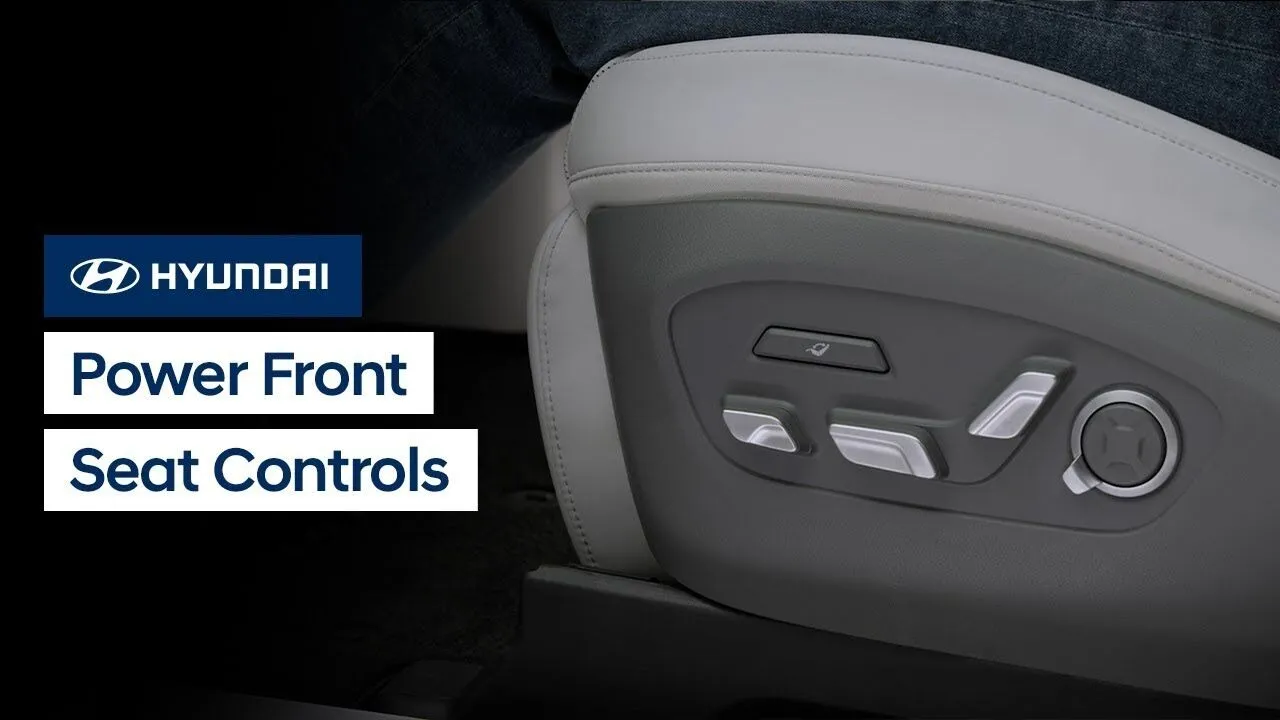
Model shown in video is for demonstration purposes only. Availability and functionality on your vehicle may vary. The front seats of your Hyundai allow for extensive customization and ease of use. Watch this video to learn about the different controls and features as well as the available memory seat settings. Applicable models (if equipped): ELANTRA […]
Features-Controls-Display
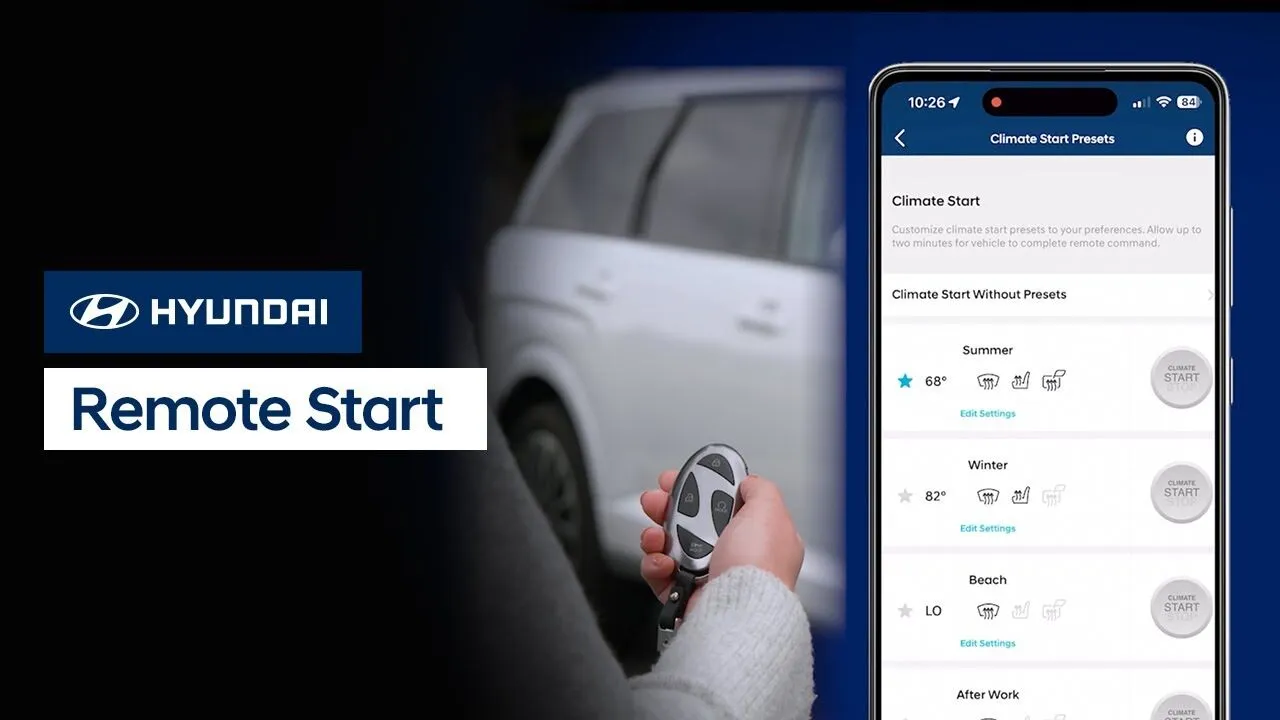
The available Remote Start or Remote Climate Start feature on your Hyundai can be controlled in multiple ways. This video explains how to use Remote Start with the Smart Key, Digital Key Premium, or with the MyHyundai App.
BluelinkKeys-Doors-Windows
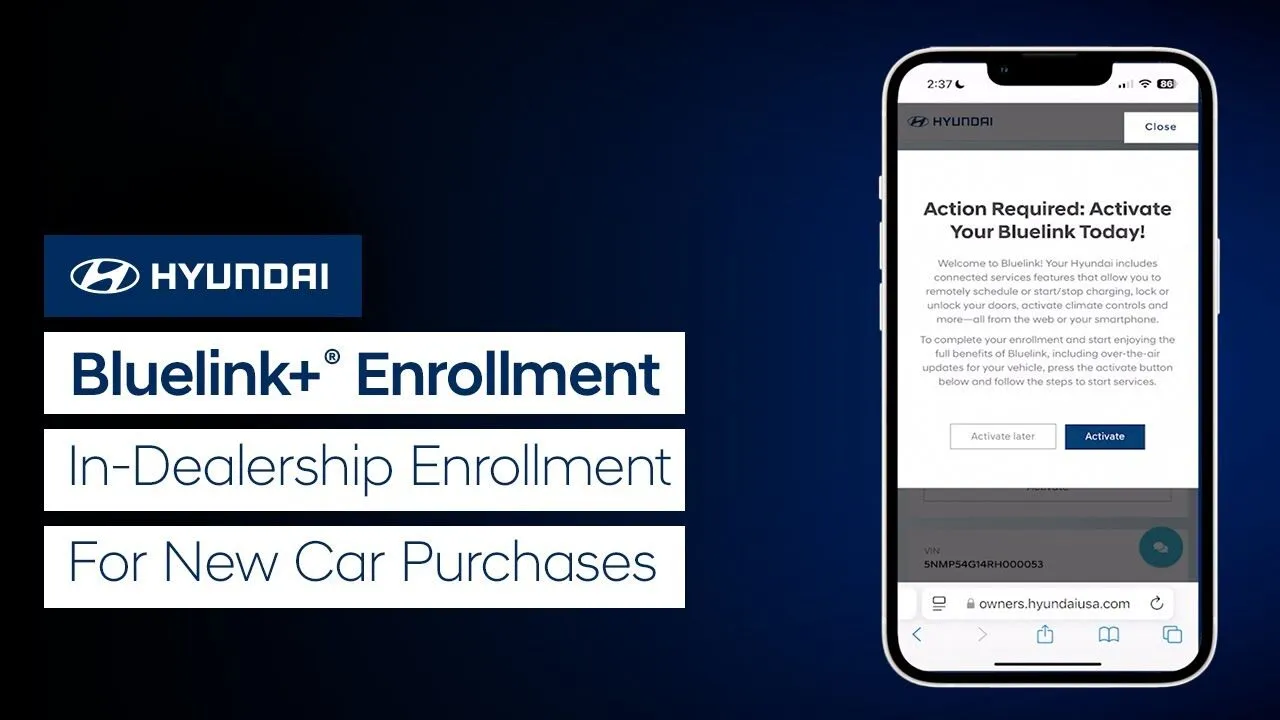
Did you know that every new Hyundai comes with complimentary Bluelink+® service? Watch this video to learn how to quickly enroll in Bluelink+ and enjoy all of the available convenient features of the service, including Remote Start with Climate Control, Remote Car Finder, and more.
Bluelink
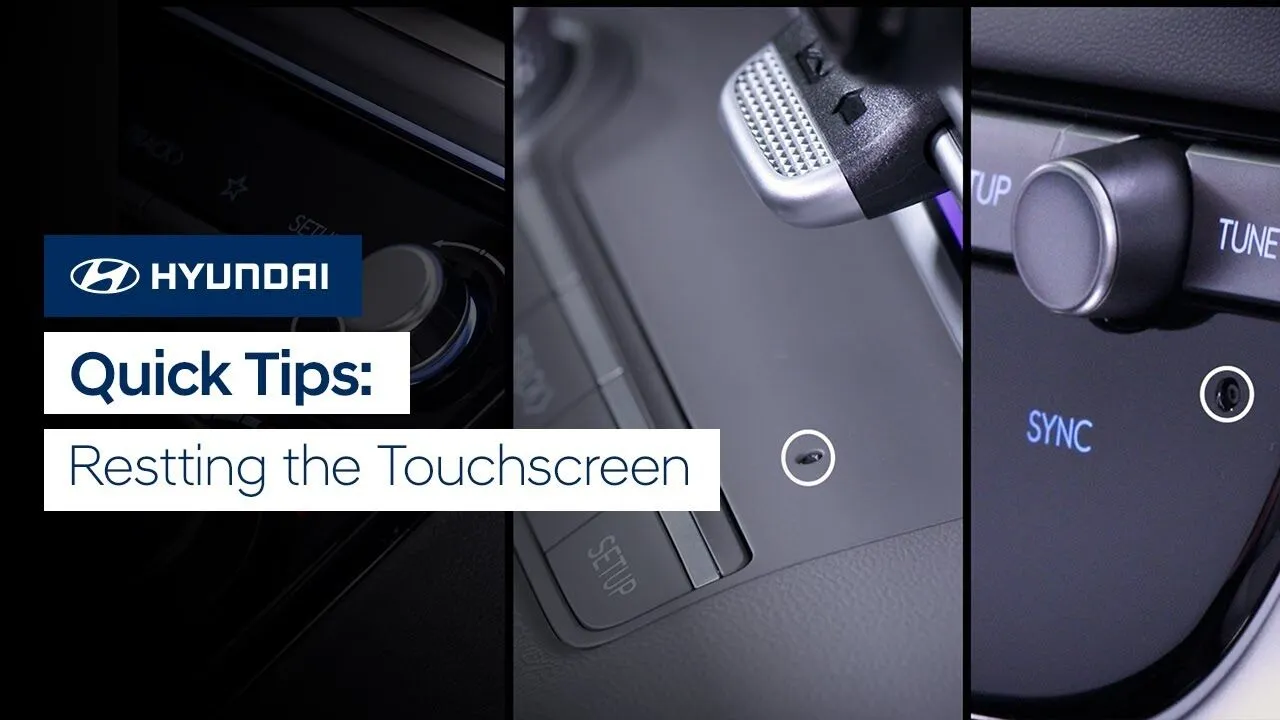
Need to reset the touchscreen in your Hyundai? Watch this video to learn how to do so quickly and easily.
Features-Controls-Display
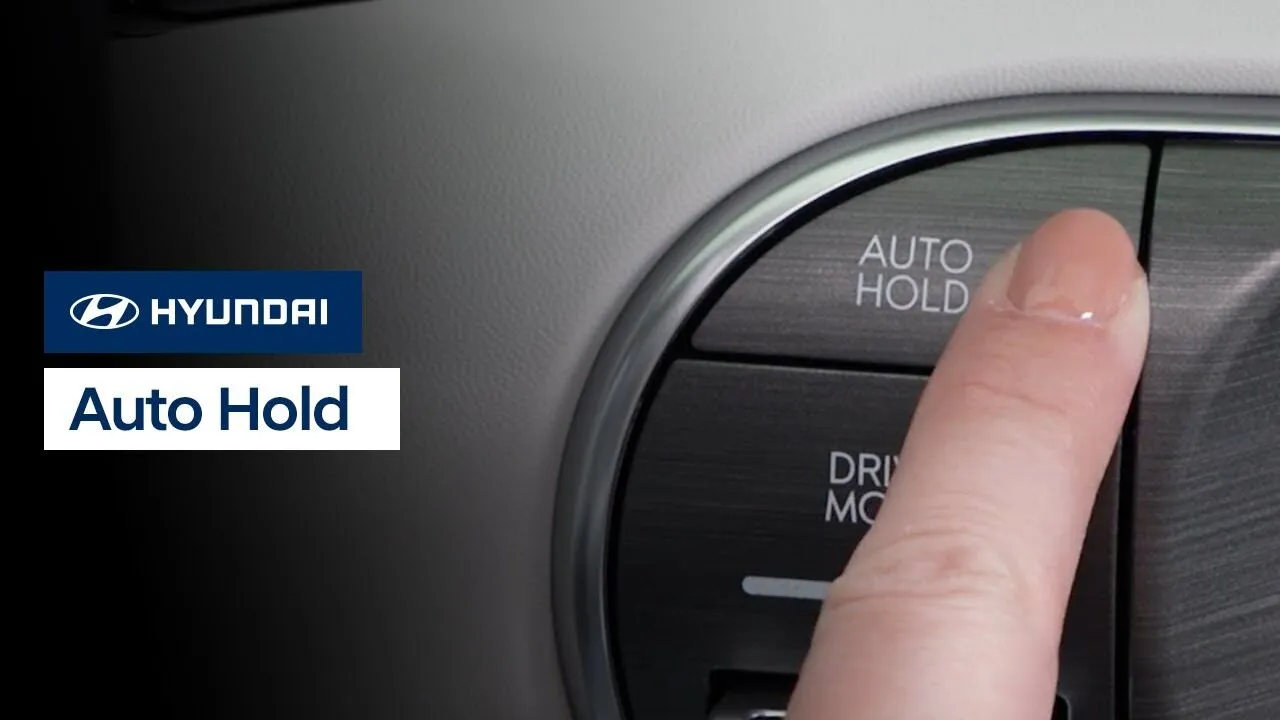
The available Auto Hold feature in your Hyundai helps maintain the vehicle in a standstill even if the driver is no longer pressing the brake pedal. Watch this video to learn how the feature works as well as how to turn it on and off.
Driving
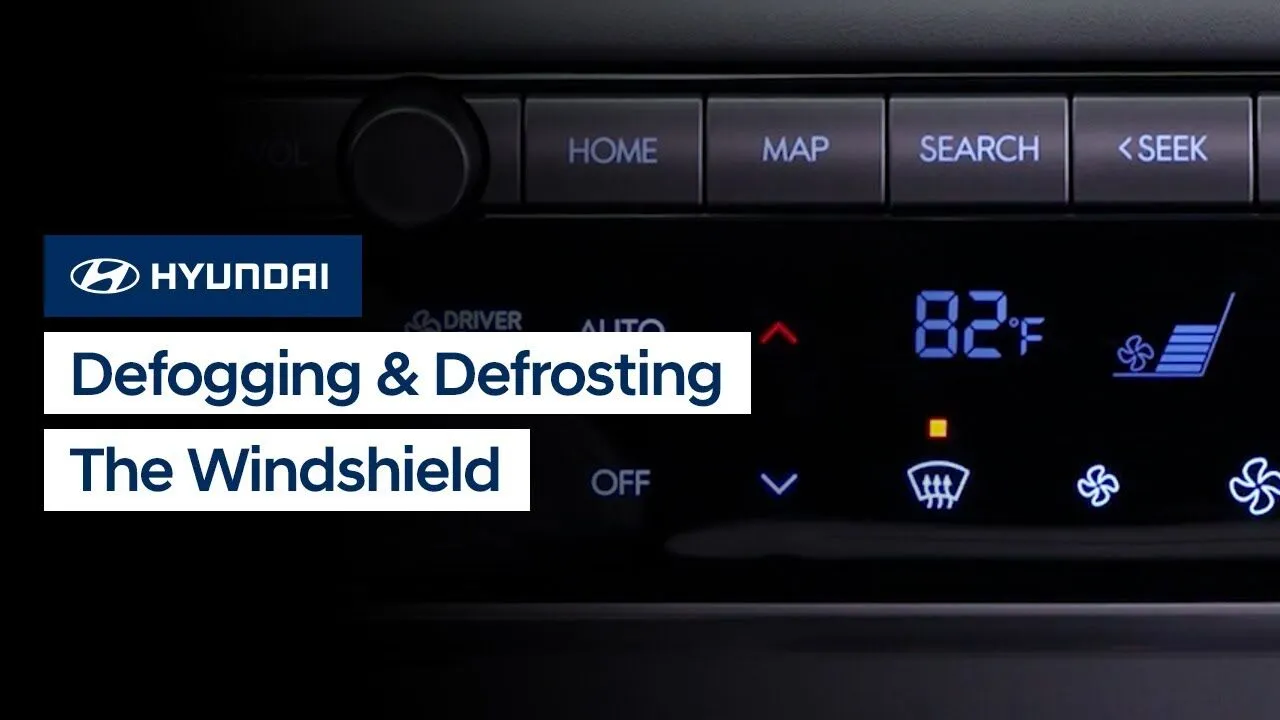
Winter weather often means foggy or frost-covered front windshields, but clearing the windshield in your Hyundai is easy. This video explains how to use the windshield defrost and defogging system, as well as ways to help prevent condensation on the windshield.
Climate Controls
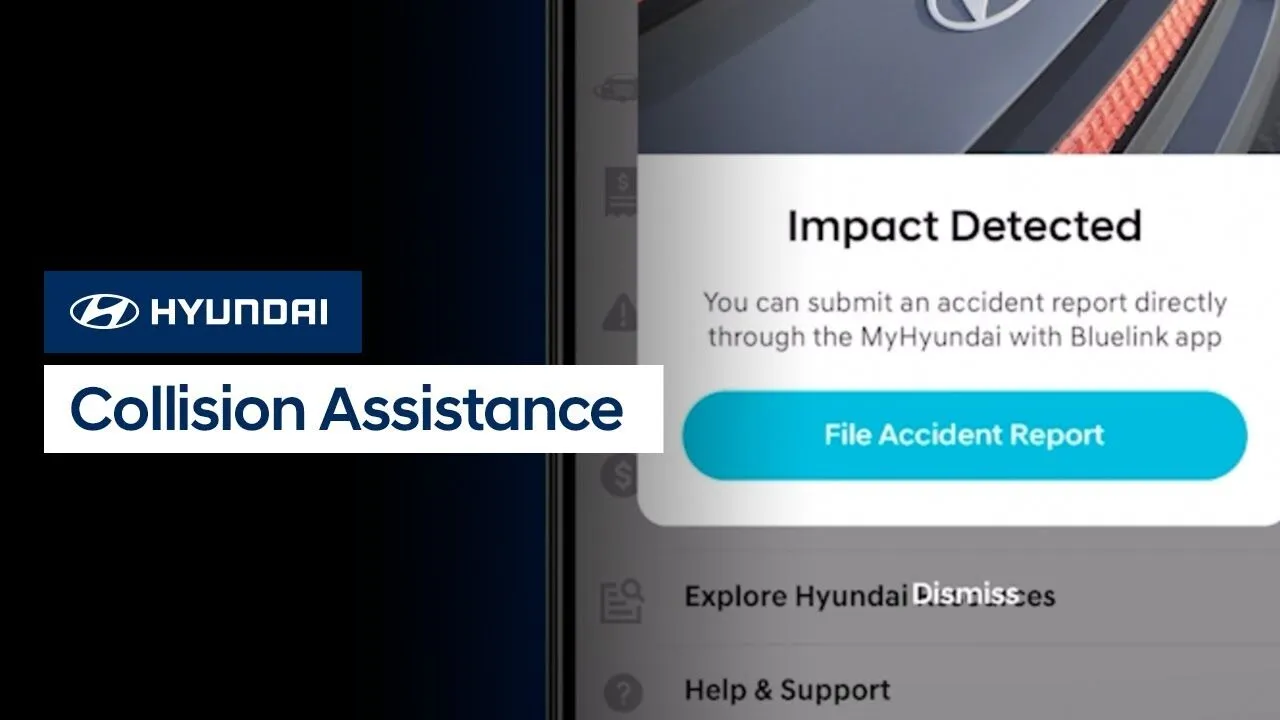
Hyundai’s new Collision Assistance program can provide valuable aid in the event of a collision. It can help provide emergency assistance, help you document collision details, and help you find a Hyundai certified repair facility, all through the MyHyundai with Bluelink app on your mobile device. Watch this video to learn how to enroll in […]
Bluelink

The Hyundai Complimentary Maintenance program is one of the most comprehensive in the industry. This video will provide an overview of the program for model year 2025 vehicles, including which services are included and when you should bring your vehicle in for service.
Service
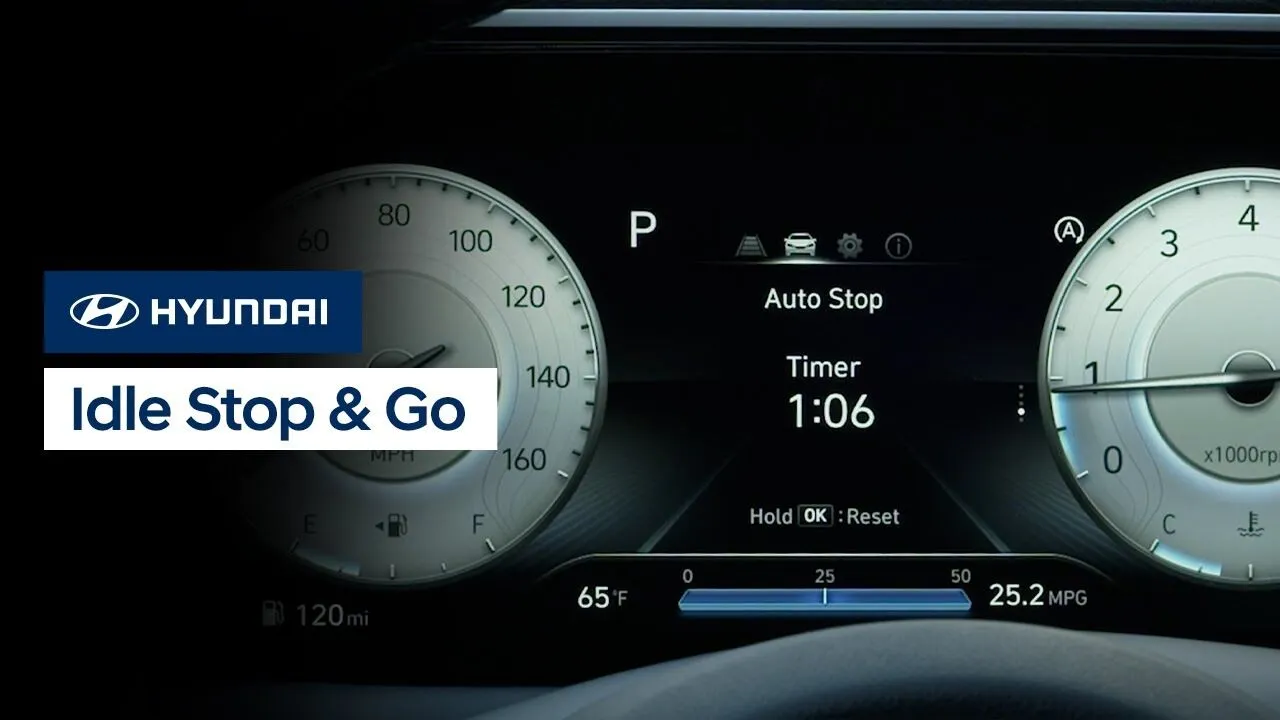
The Idle Stop and Go feature in your Hyundai helps reduce fuel consumption by automatically shutting down the engine when the vehicle is at a standstill. This video explains how the system works as well as how to turn it on and off manually, plus the Smart Idle Stop and Go system operation.
DrivingEngine/Transmission
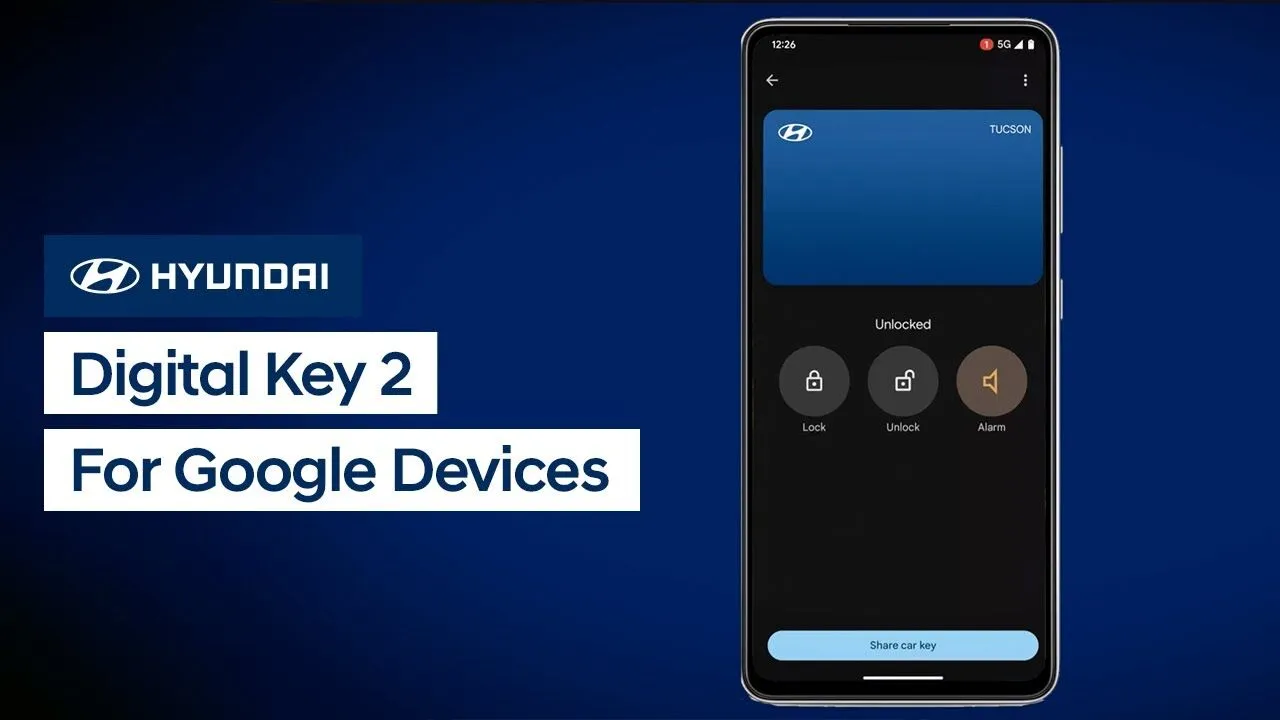
Hyundai’s available Digital Key 2 allows you to use your compatible mobile device to access and operate your vehicle. Watch this video to learn how to set up and use Digital Key 2 with a Google device.
Bluelink
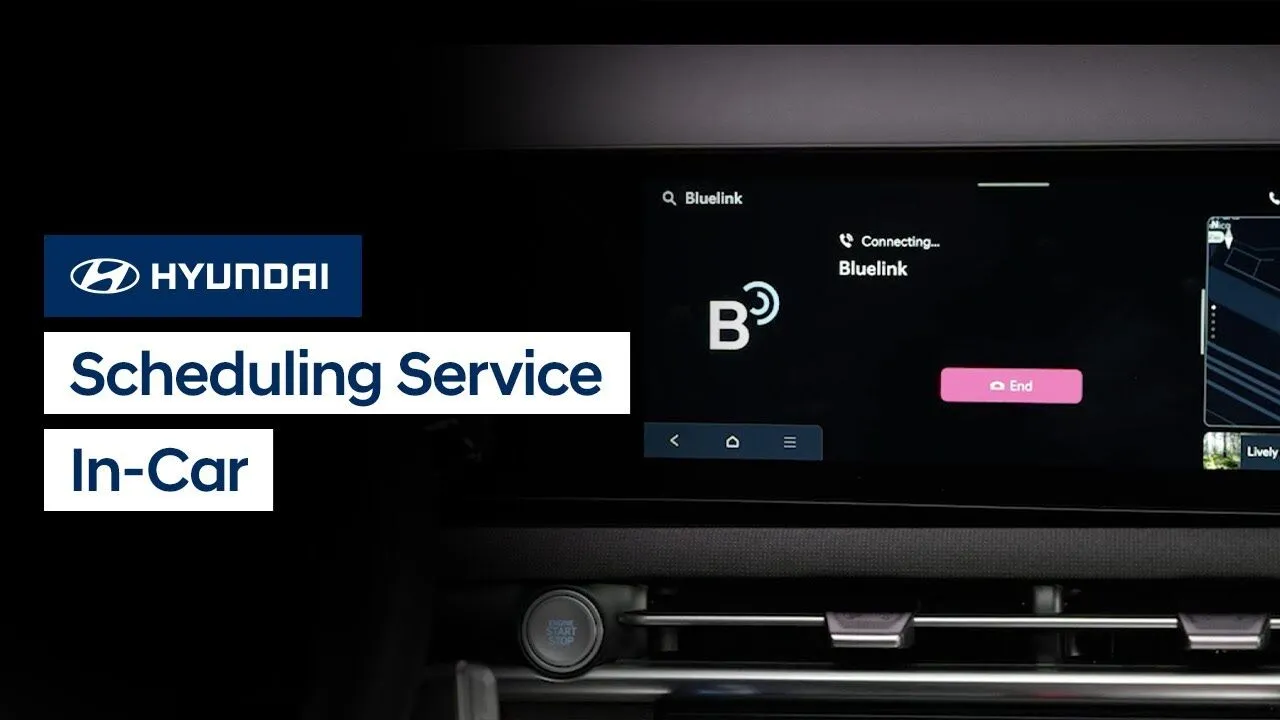
Scheduling your next vehicle service is as easy as the press of a button. Watch this video to learn how to schedule vehicle service appointments using the available Bluelink® feature in your Hyundai.
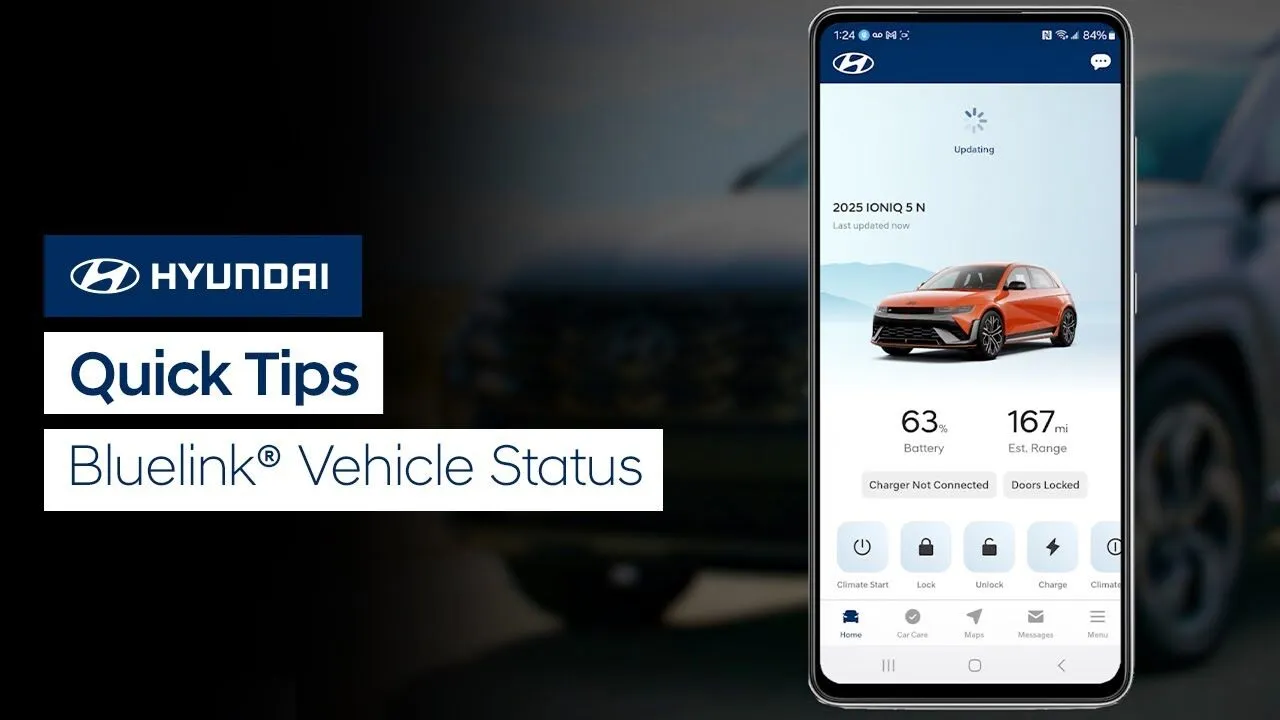
Did you know you can quickly check and update the status of your Hyundai vehicle? Watch this video to learn how to do so with the MyHyundai with Bluelink app.
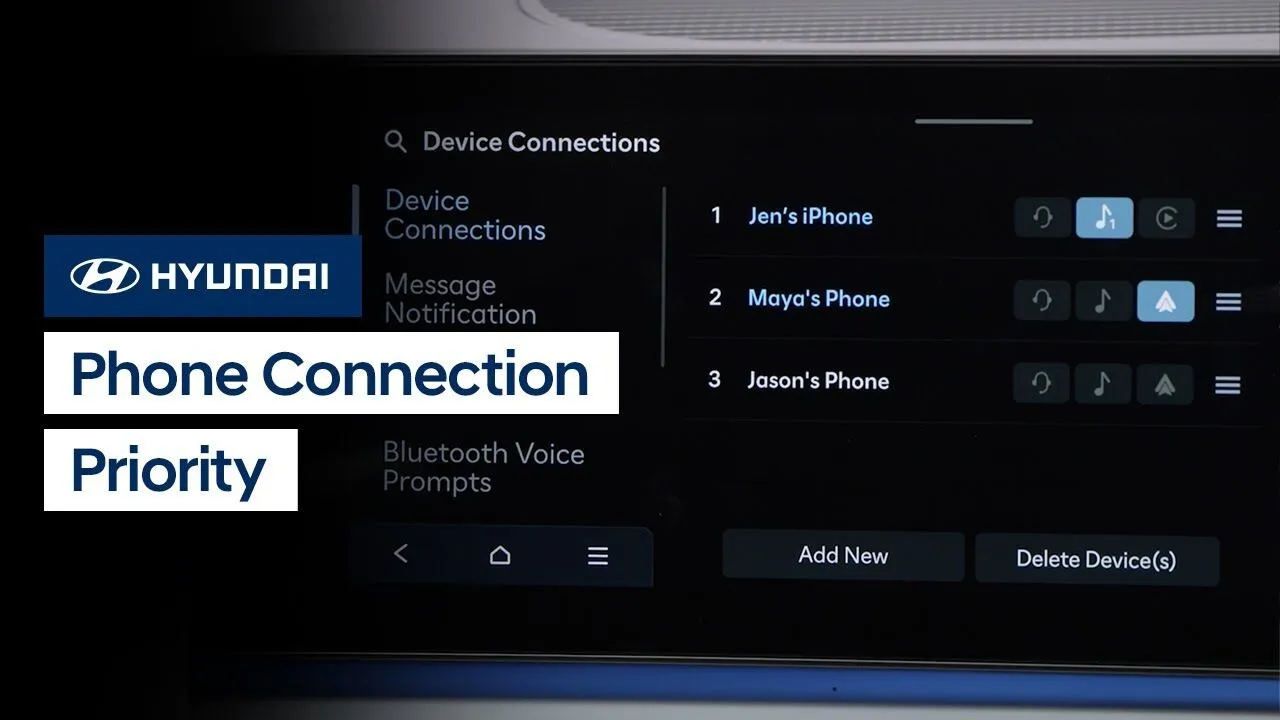
Your Hyundai allows you to quickly prioritize and change connections to multiple phones. Watch this video to learn how to change phone projection, Bluetooth® music streaming, and Bluetooth phone usage between phones.
Multimedia Controls
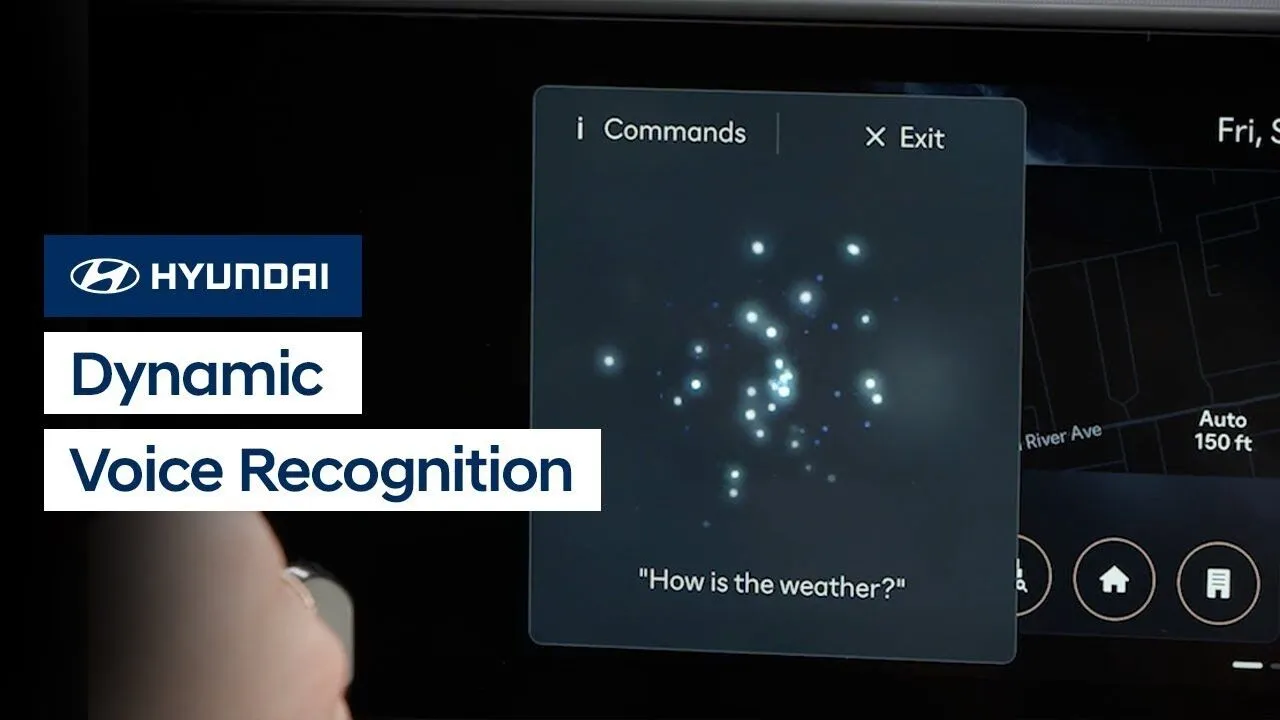
The Dynamic Voice Recognition system in your Hyundai allows you to use your voice and active Bluelink® account to control vehicle functions, find and navigate to points of interests, and even obtain stock, weather and sports information. Watch this video to learn how to use the system, including how to access the Help menu to […]
Bluelink
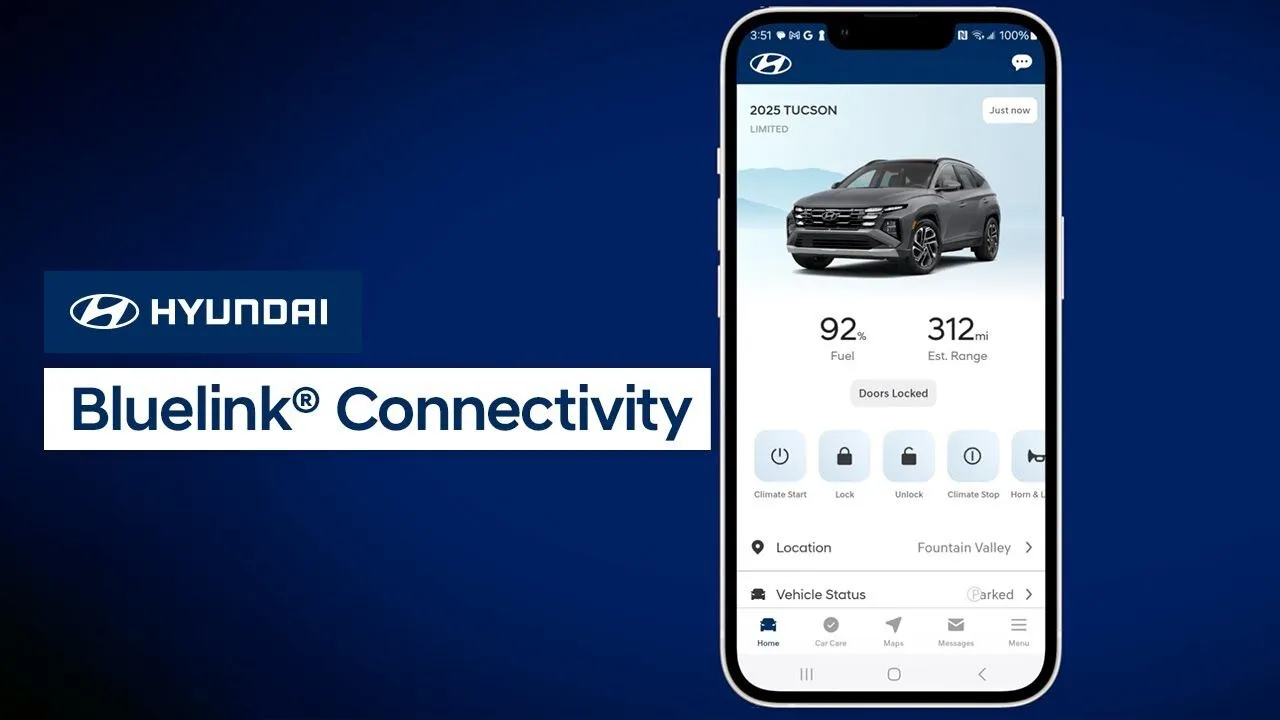
MyHyundai’s communication with your vehicle takes place through the Bluelink® system using cellular networks. This video will explain how to optimize your connection as well as provide tips on how to speed up the connection process.
Bluelink
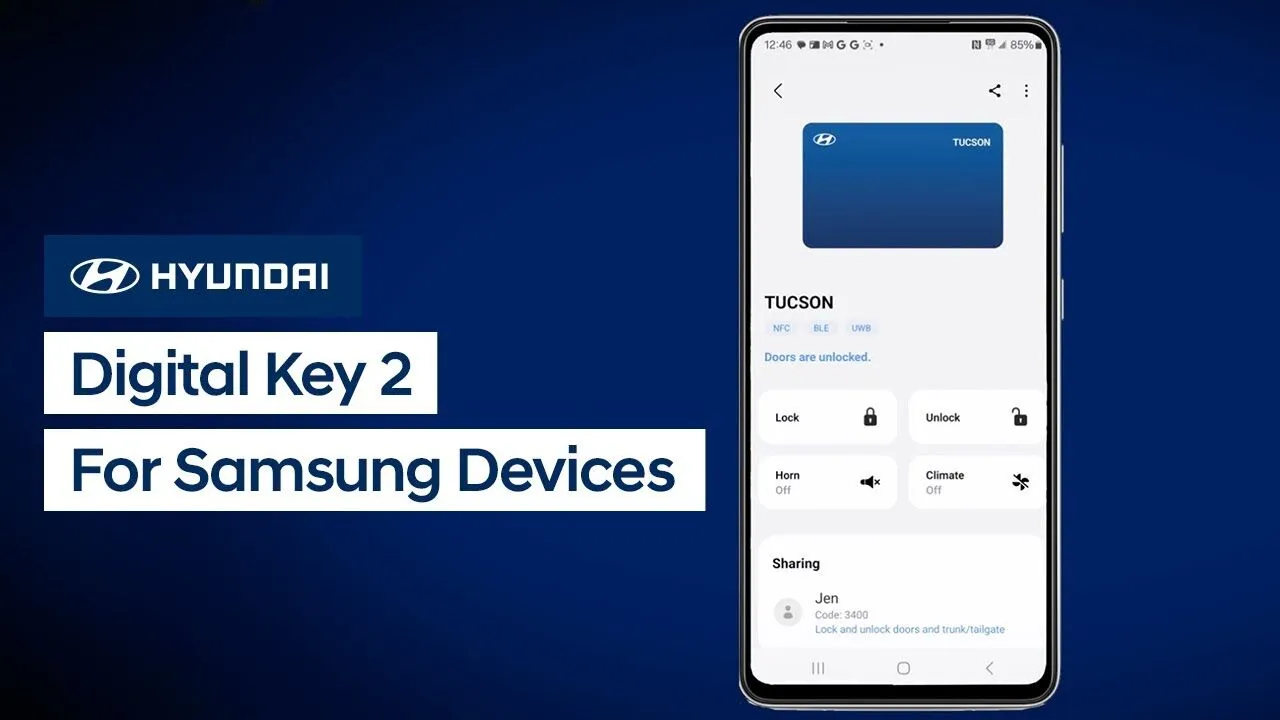
Hyundai’s available Digital Key 2 allows you to use your compatible mobile device to access and operate your vehicle. Watch this video to learn how to set up and use Digital Key 2 with a compatible Samsung phone.
BluelinkKeys-Doors-Windows
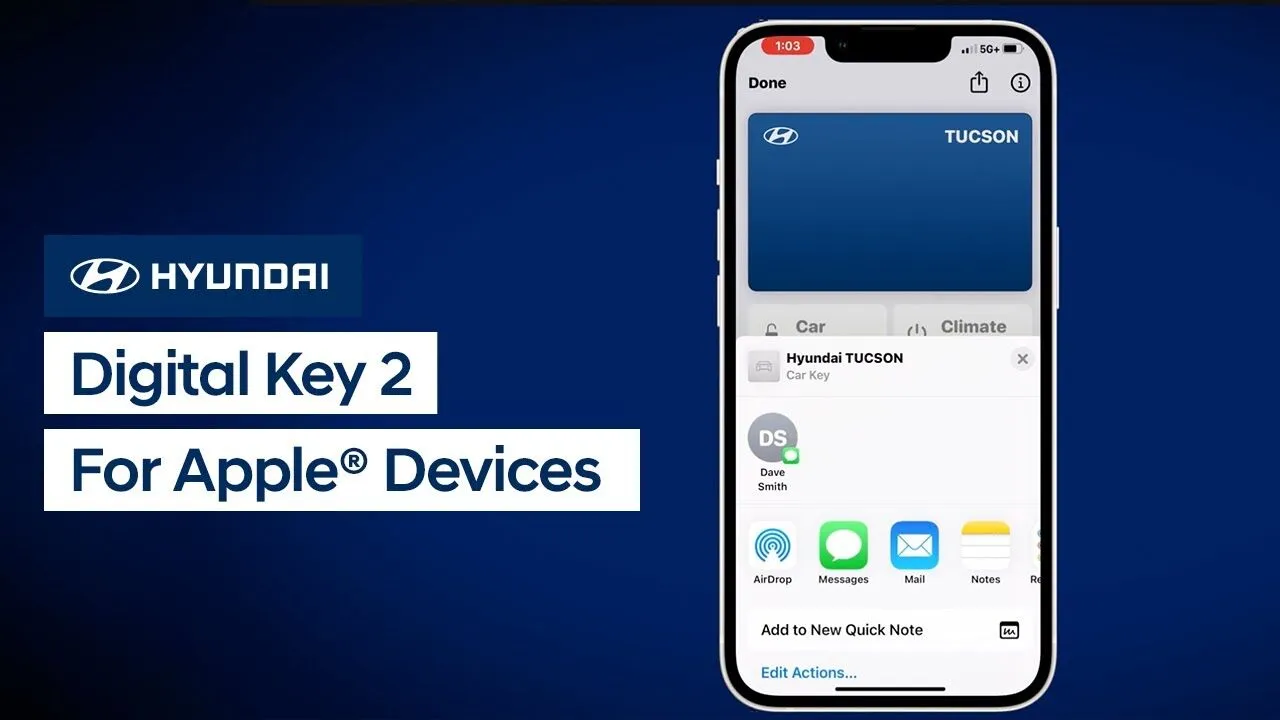
Hyundai’s available Digital Key 2 allows you to use your compatible mobile device to access and operate your vehicle. Watch this video to learn how to set up and use Digital Key 2 with an Apple iPhone or Apple Watch.
BluelinkKeys-Doors-Windows
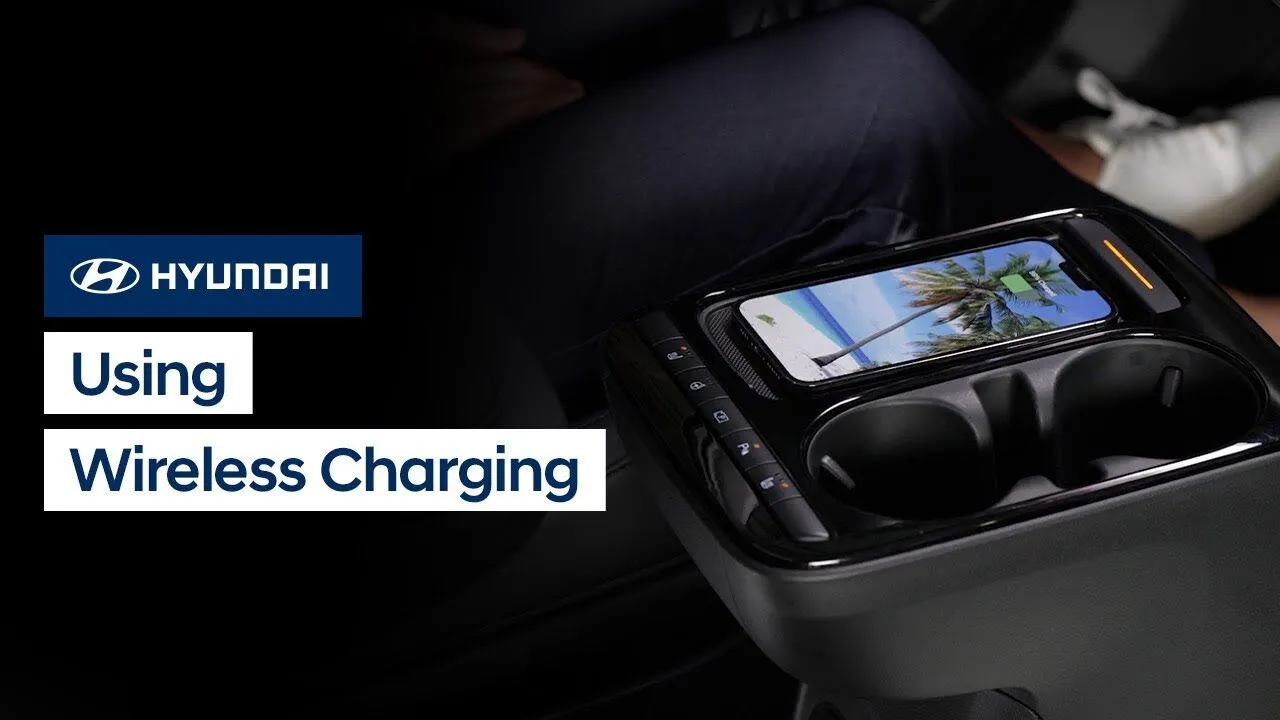
The available wireless charging feature in your Hyundai works with Qi-enabled mobile phones. Watch this video to learn how to use the feature.
Features-Controls-Display
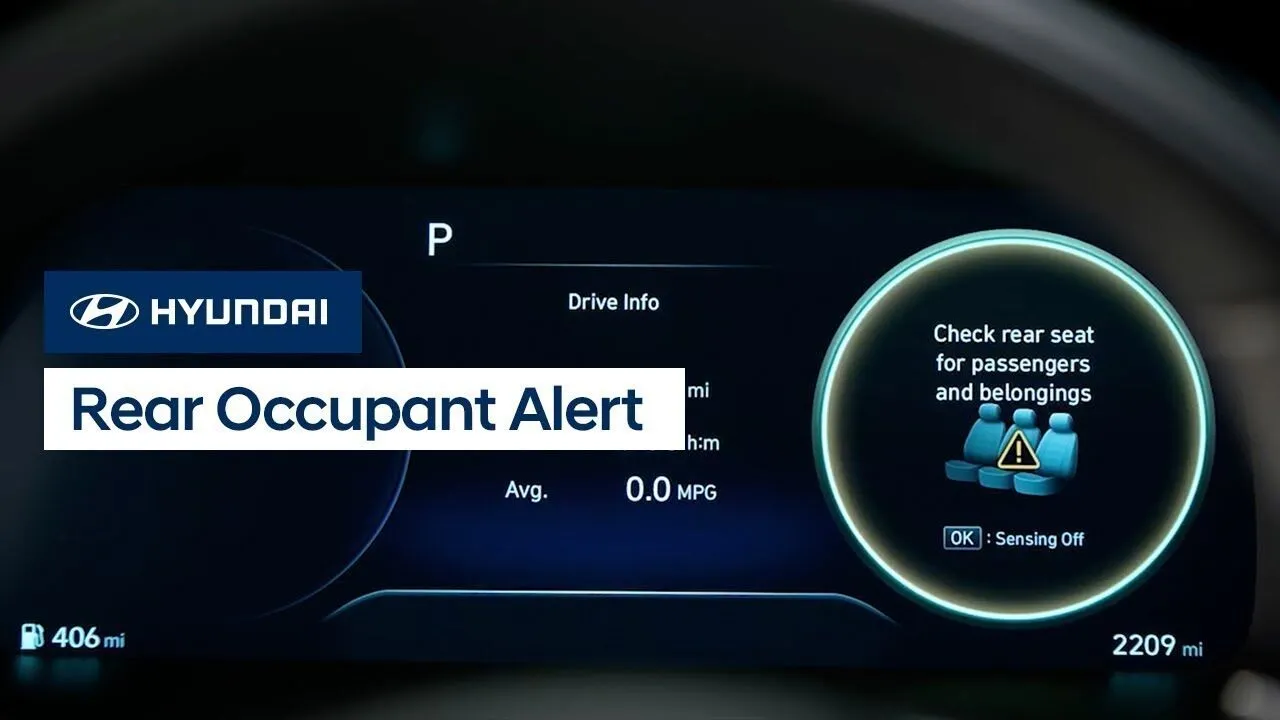
The Rear Occupant Alert system in your Hyundai is designed to help prevent the driver from leaving the vehicle with an occupant in the rear seat. This video will explain the two types of systems, how they operate, and how to disable them if needed.
InteriorSafety
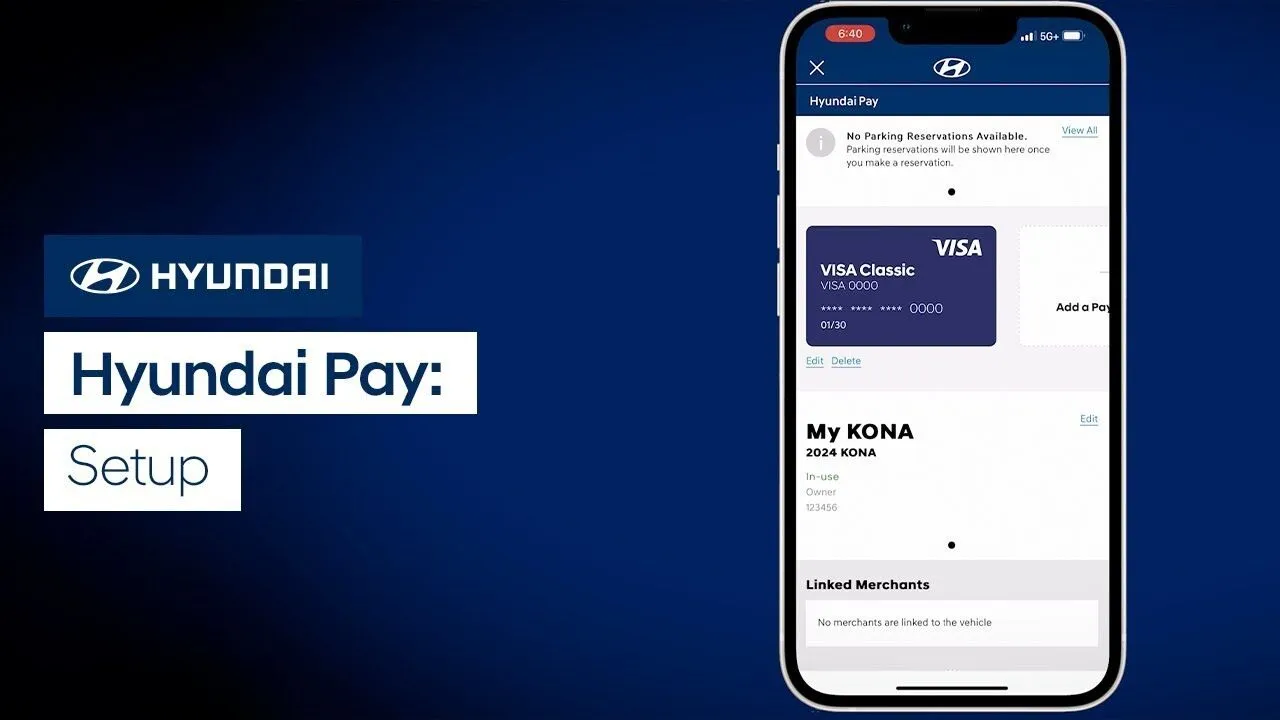
The available Hyundai Pay system gives you the ability to reserve and pay for parking, charging and more through the touchscreen of your Hyundai. Watch this video to learn how to enroll in Hyundai Pay.
Bluelink
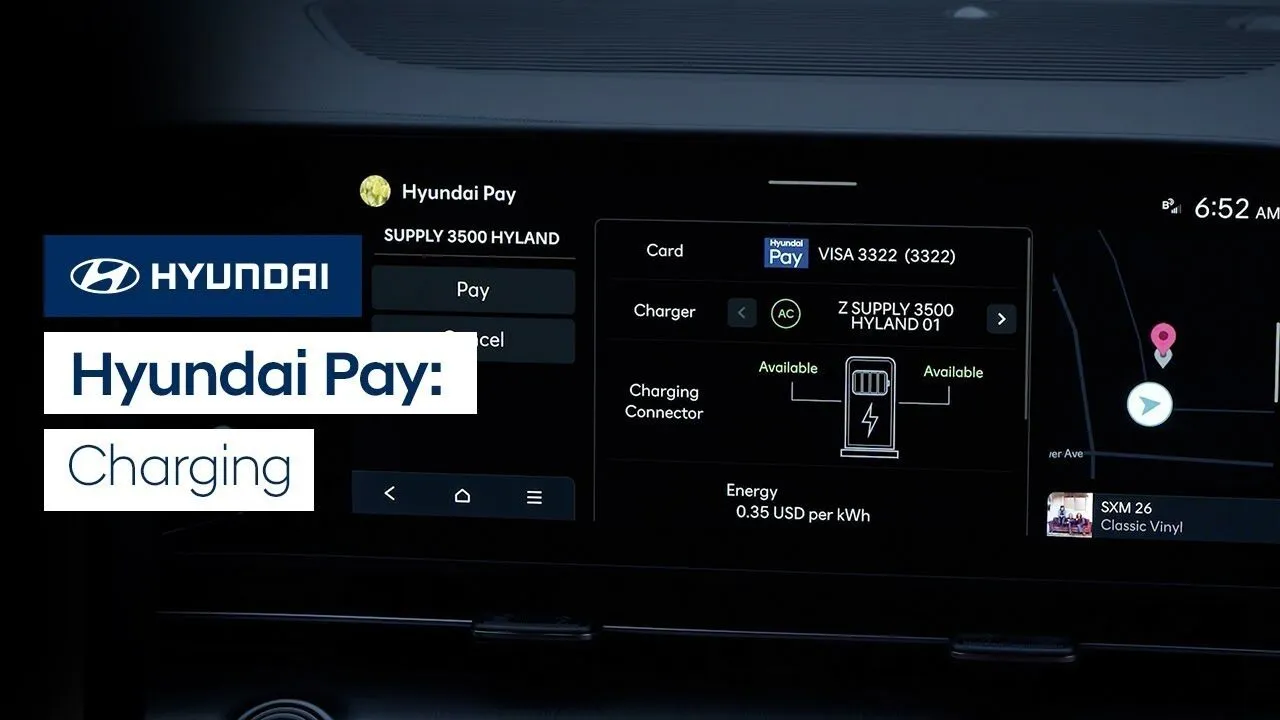
The available Hyundai Pay system gives you the ability to reserve and pay for parking, charging and more through the touchscreen of your Hyundai. Watch this video to learn how use Hyundai Pay to pay for charging your electric vehicle.
Bluelink
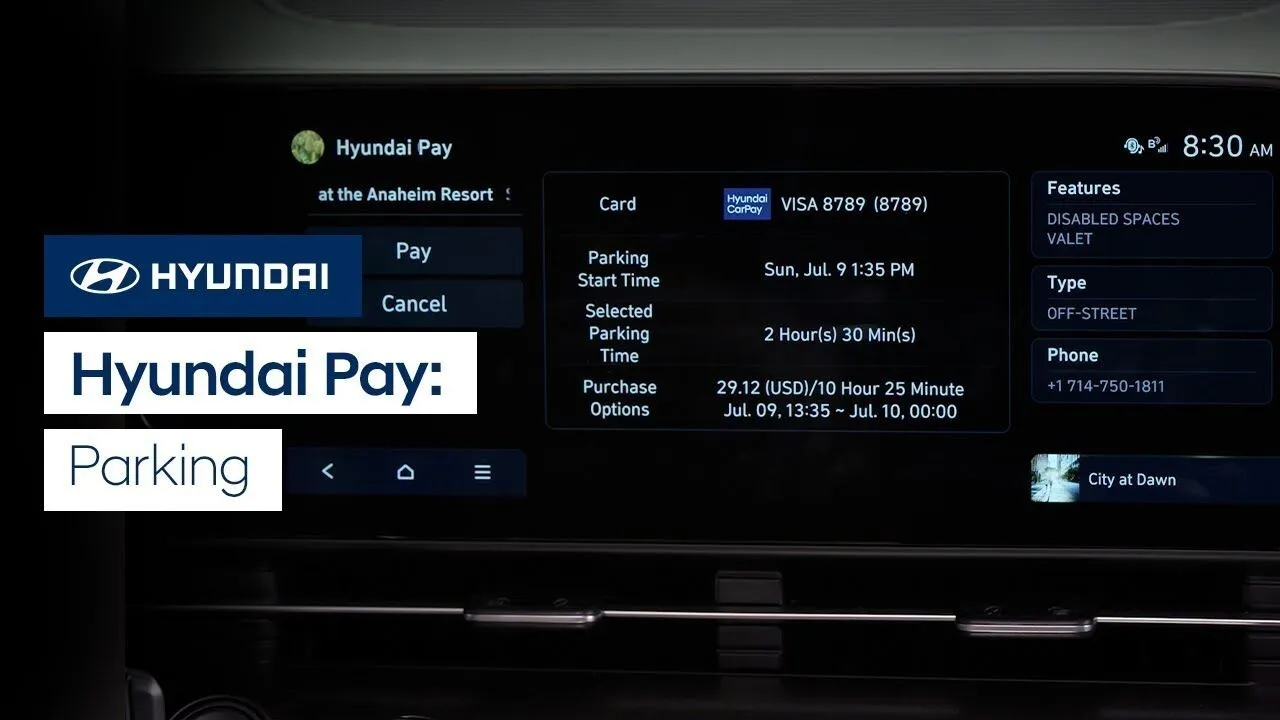
The available Hyundai Pay system gives you the ability to reserve and pay for parking, charging and more through the touchscreen of your Hyundai. Watch this video to learn how to use Hyundai Pay to reserve and pay for parking for your Hyundai.
Bluelink
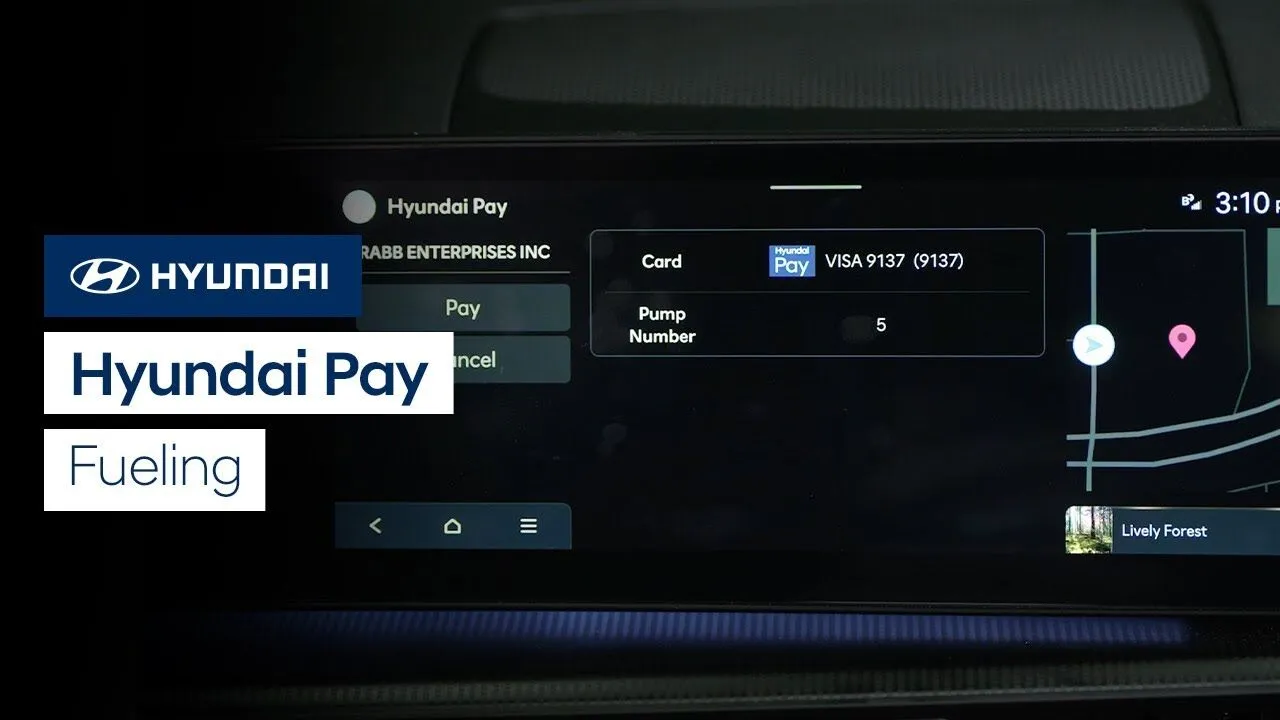
The available Hyundai Pay system gives you the ability to pay for fueling through the touchscreen of your Hyundai. Watch this video to learn how to use the system, including how to locate stations that participate in Hyundai Pay.
Bluelink
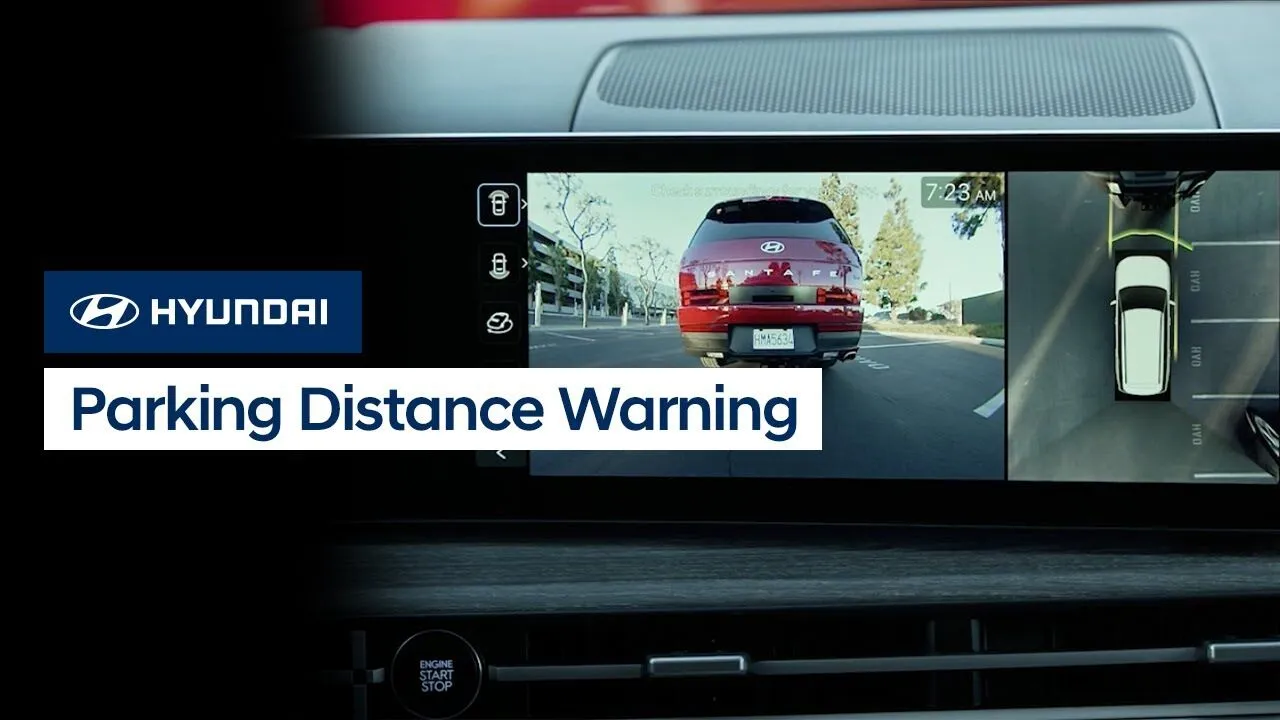
The available Parking Distance Warning system on your Hyundai is designed to detect and alert you to people, animals, or objects near the vehicle while driving at low speeds. Watch this video to learn how the system works, when it will operate automatically, and how to adjust the alert volumes.
Safety
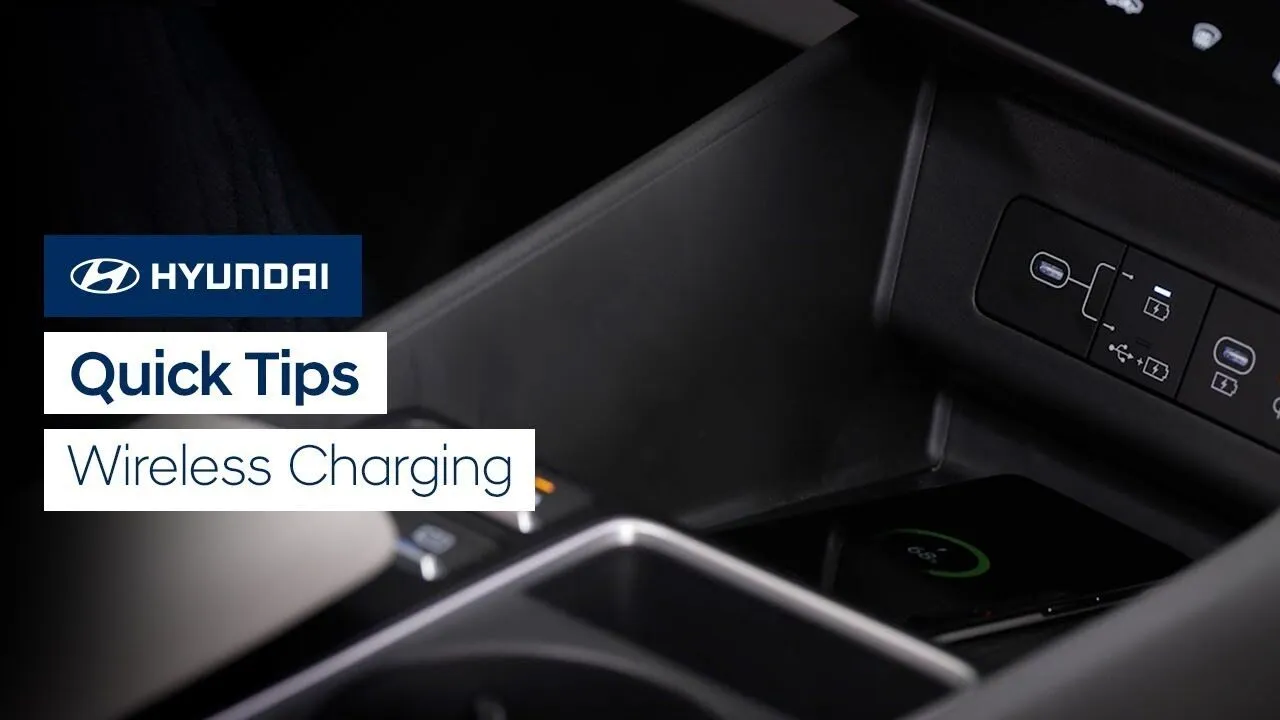
Watch this video for quick tips on using the available wireless charging feature in your Hyundai.
Features-Controls-Display
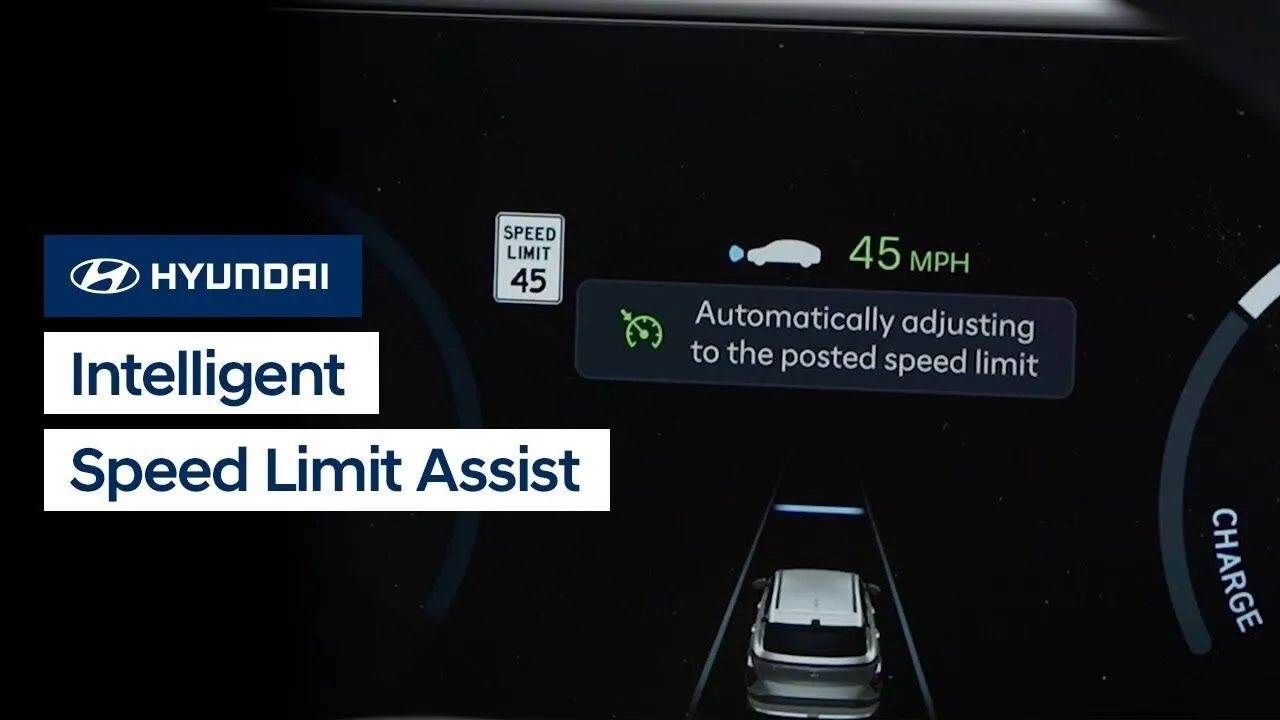
The available Intelligent Speed Limit Warning and Assist, or ISLA, system on your Hyundai is designed to monitor the posted speed limit, display it in the instrument cluster, and allow you to adjust your cruise control speed whenever the posted speed limit changes. This video will provide an overview of the system, how it works, […]
Driving
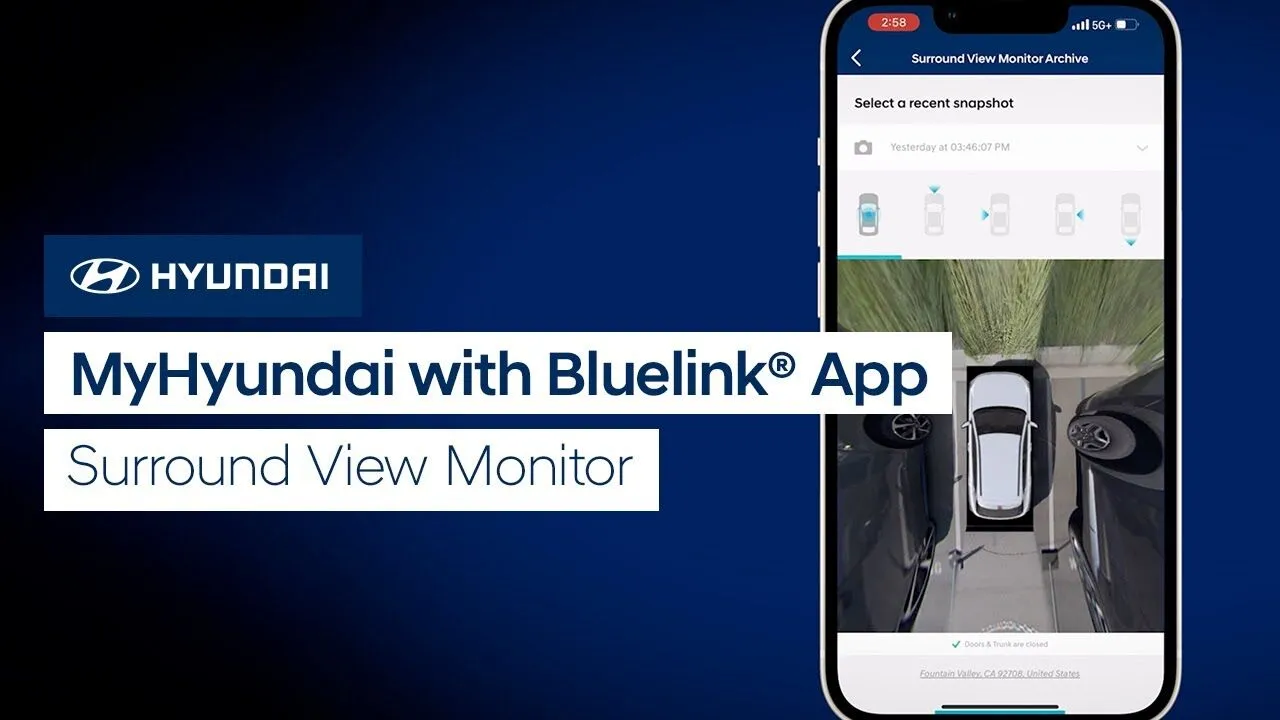
The Surround View Monitor feature on your Hyundai helps with parking by allowing the driver to see around the vehicle. But did you know that you can also use the Surround View Monitor on your MyHyundai with Bluelink app? Watch this video to learn how to use it, including how to download photos from the […]
Bluelink

Did you know that Hyundai’s Bluelink service offers Stolen Vehicle Recovery? This features can help police locate your vehicle in the unfortunate event of it being stolen. Watch this video to learn how the feature works.
Bluelink
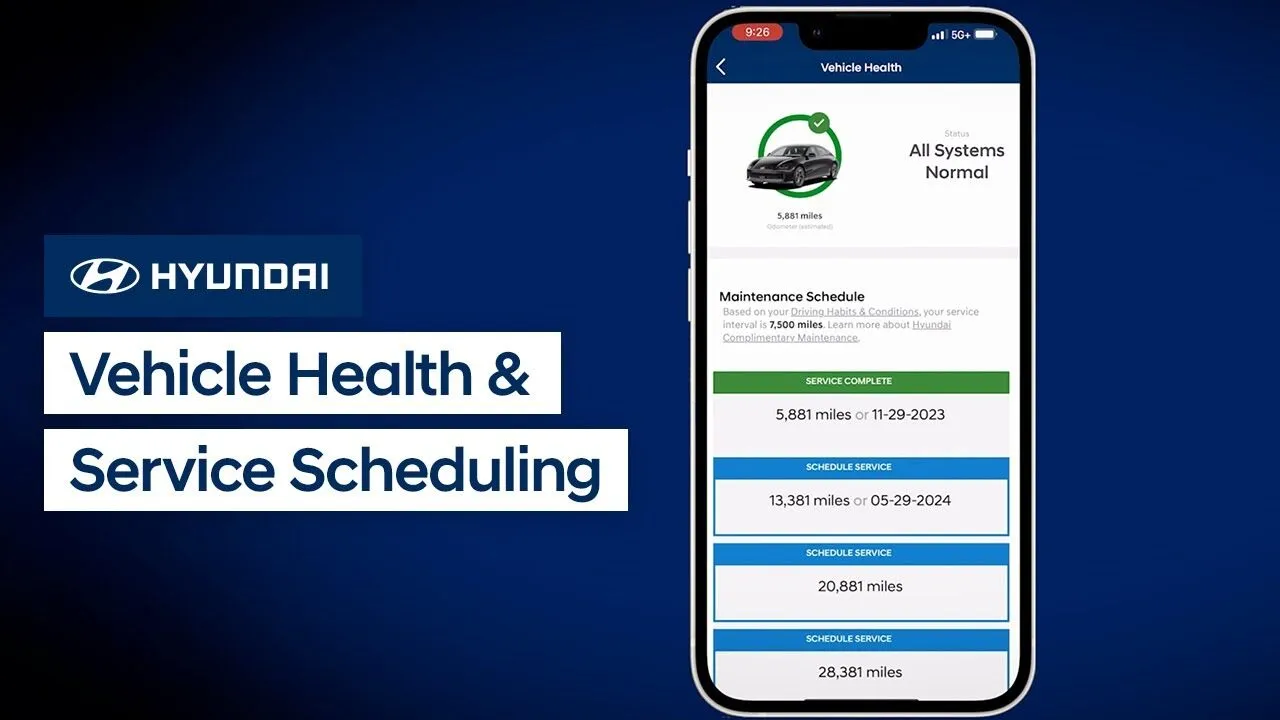
Did you know that the MyHyundai with Bluelink app has an extremely useful feature called Vehicle Health? This feature allows you to quickly and easily check your vehicle’s health and service history and even schedule a vehicle service appointment.Watch this video to learn more about these features and how to use them.
Bluelink
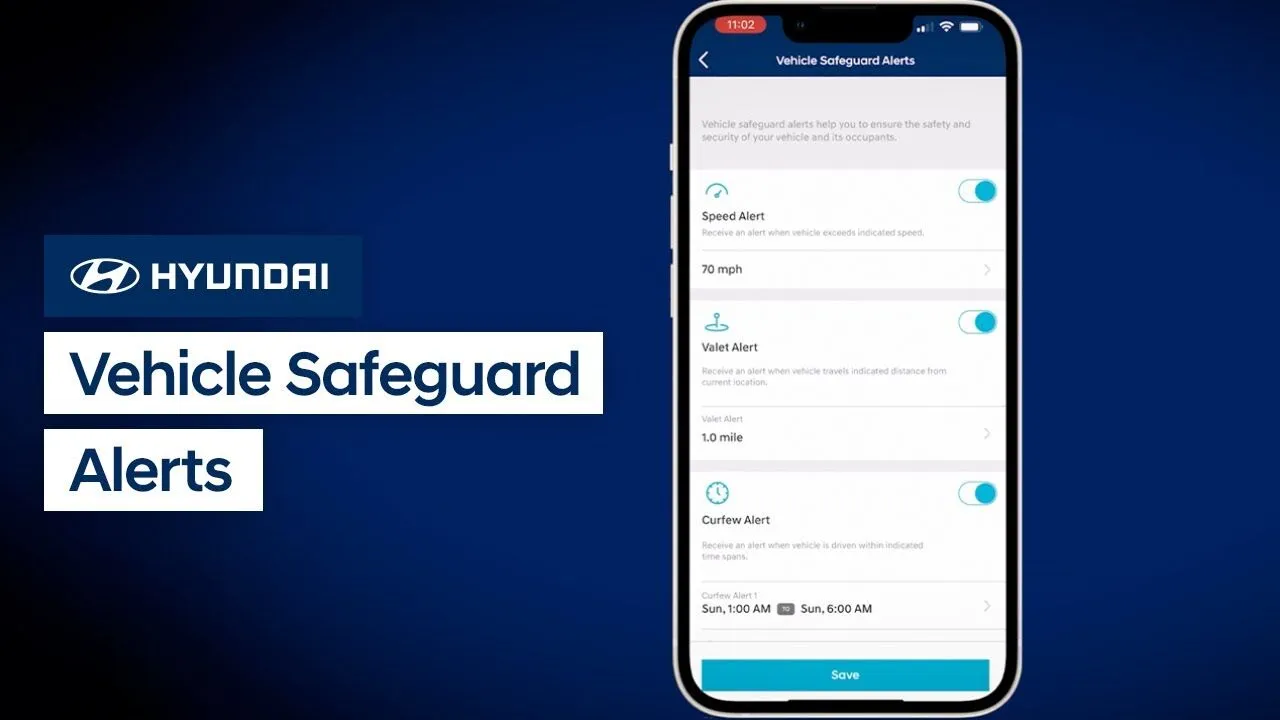
Did you know that Hyundai’s Bluelink service offers Vehicle Safeguard Alerts? Vehicle Safeguard Alerts are a set of features that can provide you notifications about your vehicle. The notifications can be for when your vehicle exceeds a certain speed, is driven after a certain time, or beyond a certain distance. Watch this video to learn […]
Bluelink
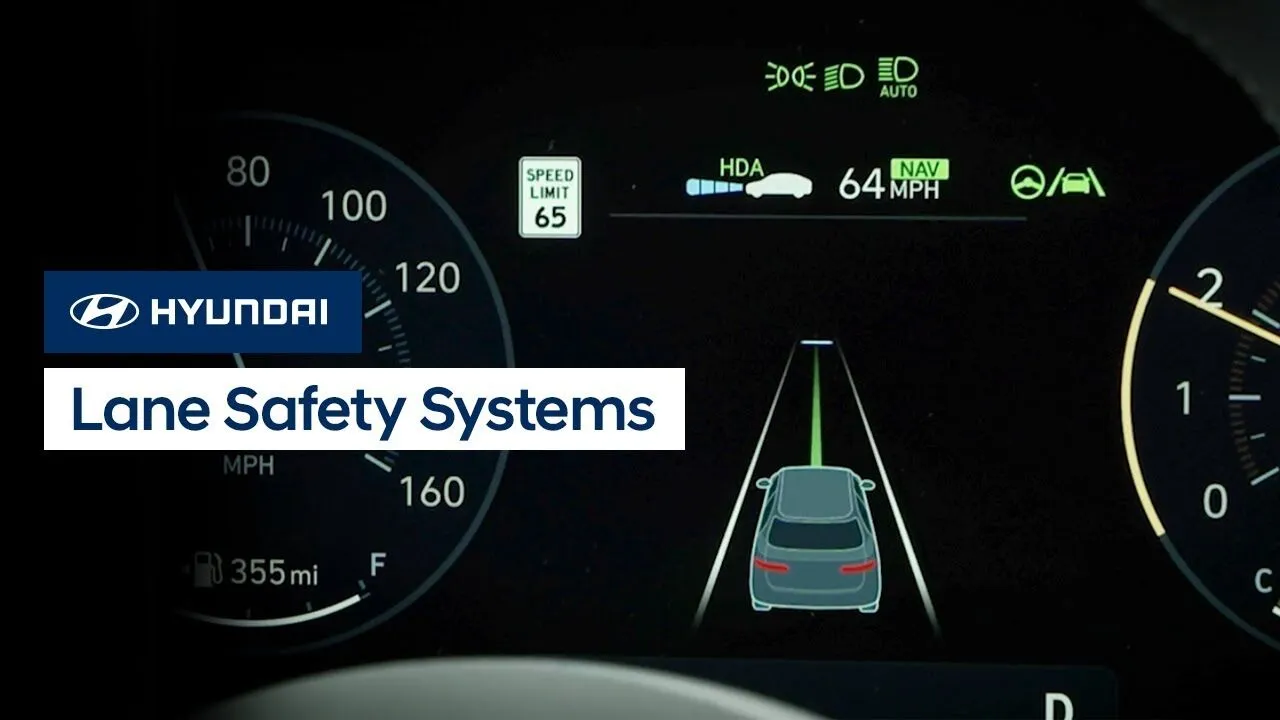
The Lane Safety systems in your Hyundai are comprised of two different available features: Lane Keeping Assist and Lane Following Assist. Watch this video to learn about the two systems, how they operate, and how to turn them on and off.
Safety
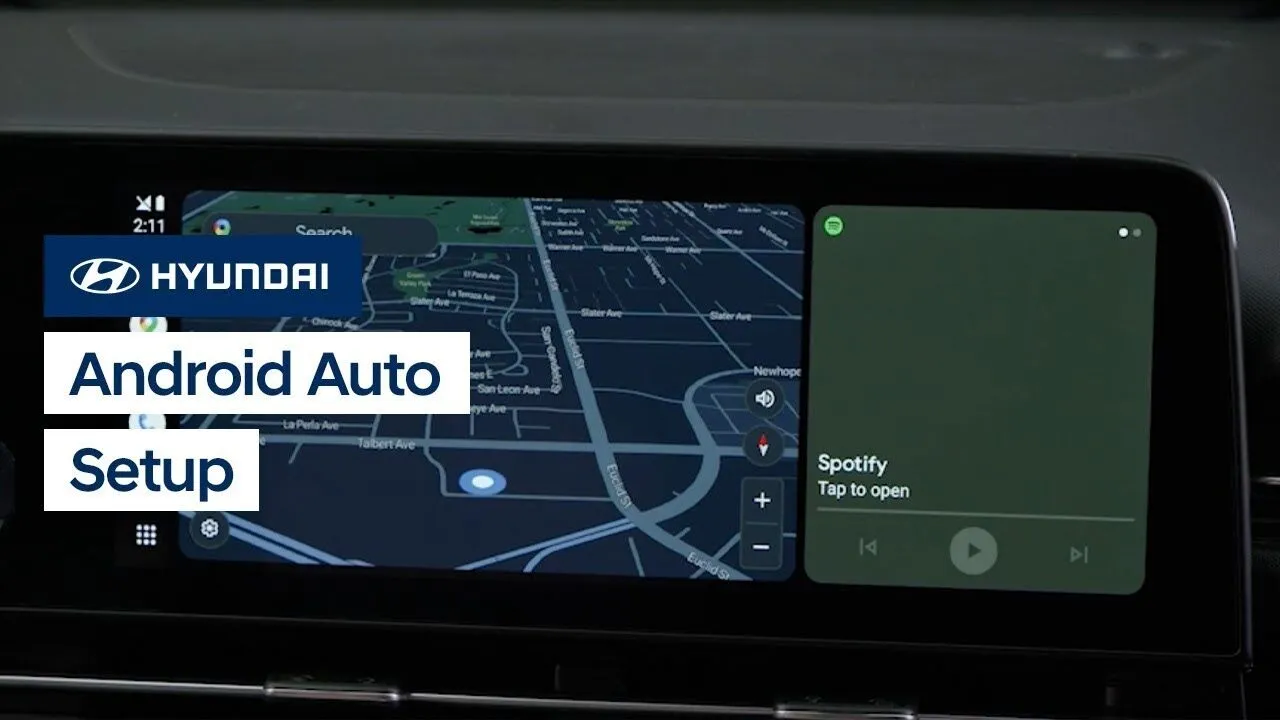
The new Hyundai touchscreen system allows for both wired and wireless Android Auto connections. Watch this video to learn how to use both types of connections.
Multimedia Controls
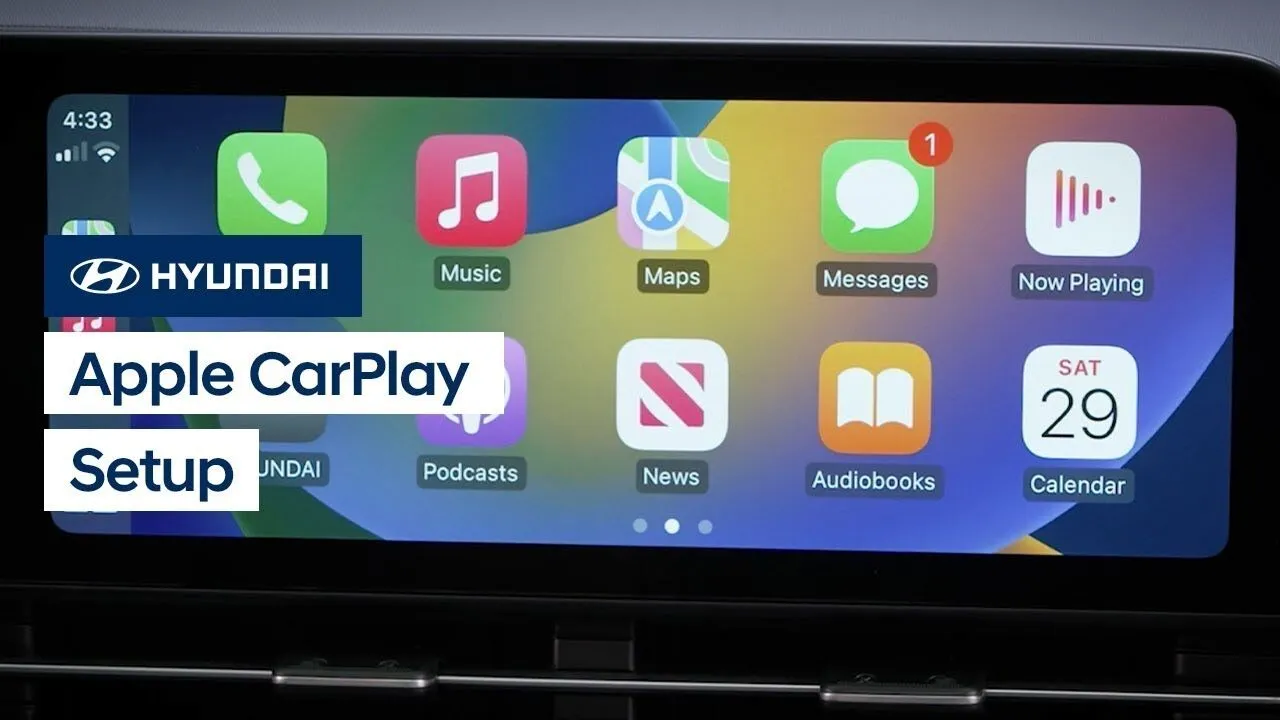
The new Hyundai touchscreen system allows for both wired and wireless Apple CarPlay connections. Watch this video to learn how to use both types of connections.
Multimedia Controls
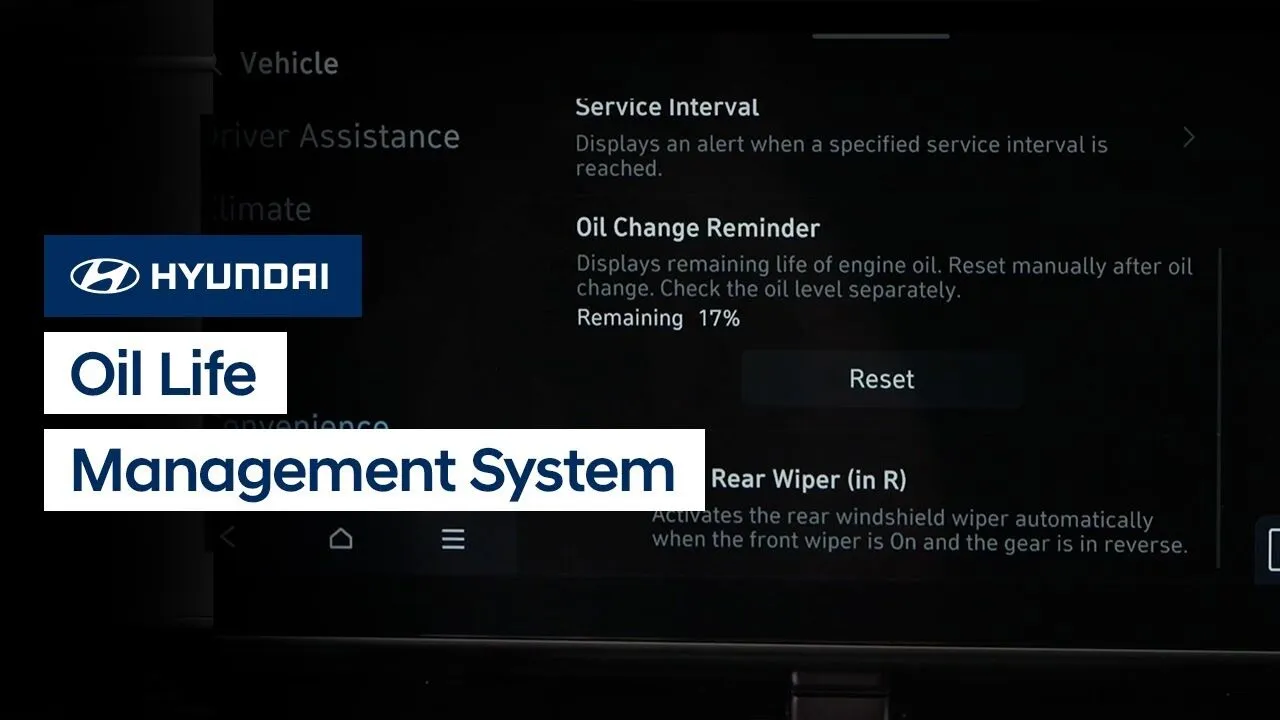
Your Hyundai is equipped with an Oil Life Management System which helps to predict engine oil life based on the vehicle driving history and provide alerts when it’s time to change the engine oil and filter. Watch this video to learn how it works and how to reset the feature.
Engine/Transmission
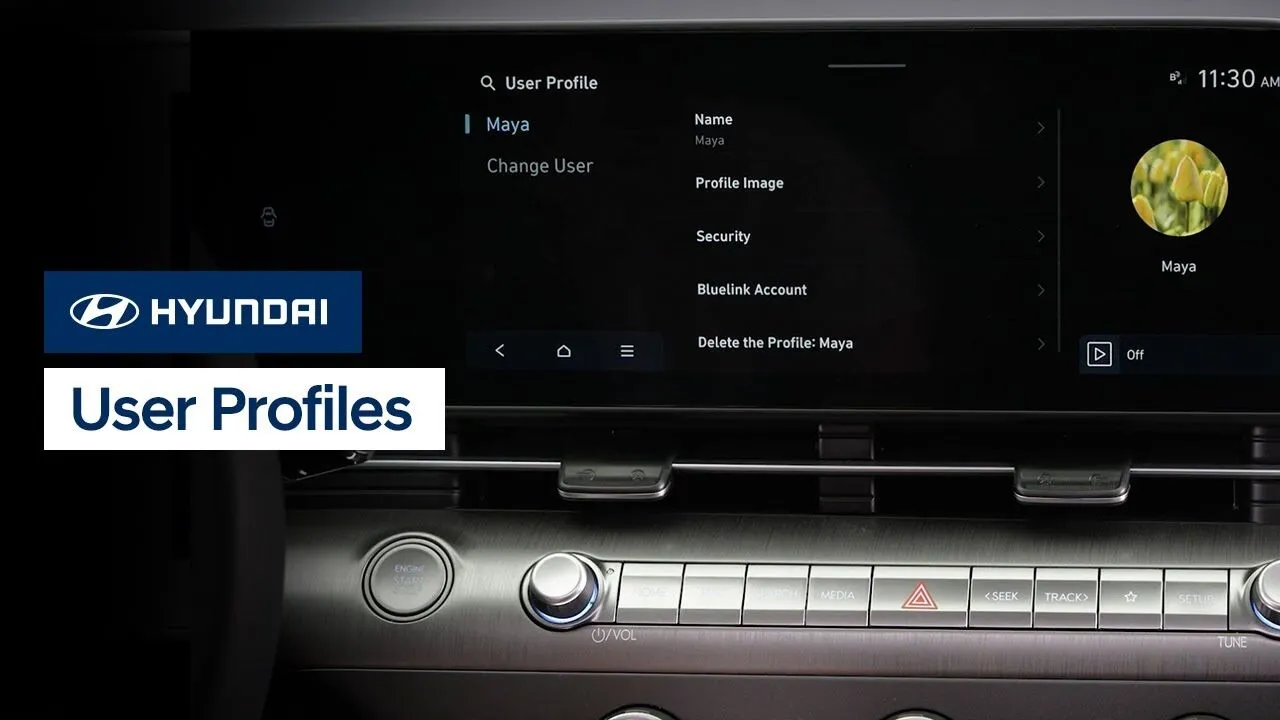
Your Hyundai offers the ability to save multiple user profiles. This means that each driver can have the vehicle customized to them each time they get into the vehicle. Watch this video to learn how to set up and customize each user profile and what settings it can store.
Bluelink
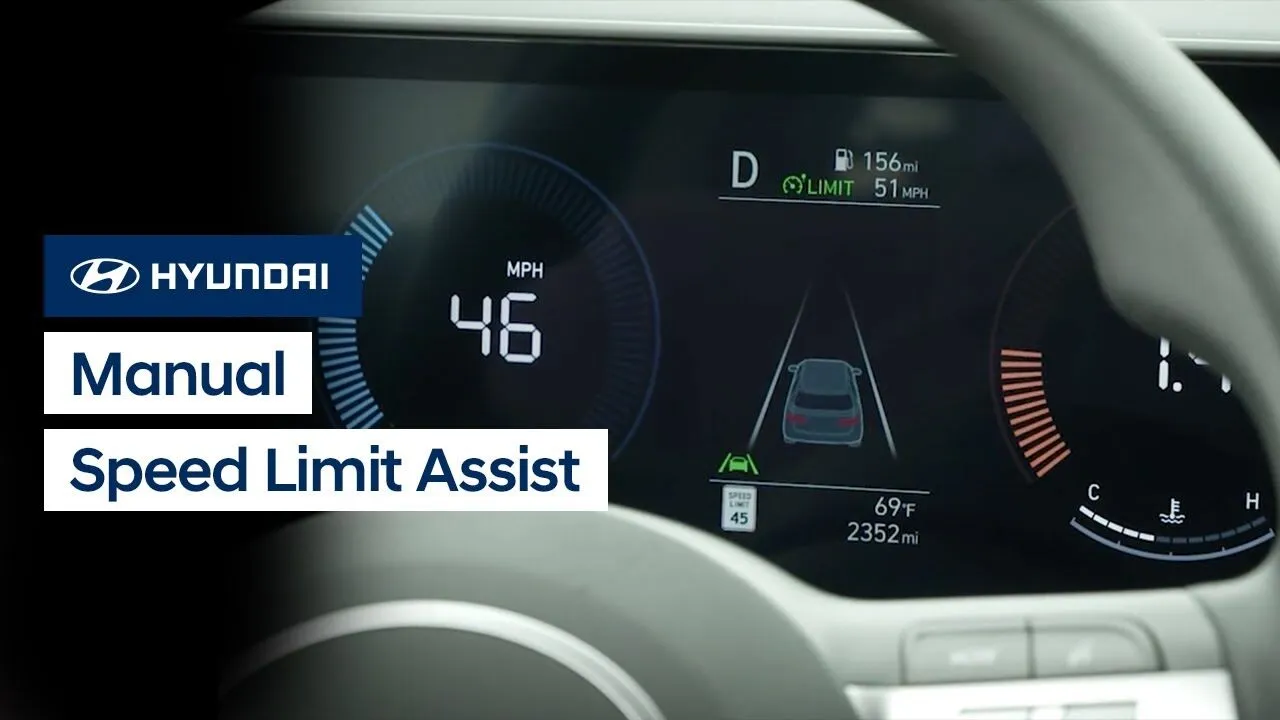
The available Manual Speed Limit Assist, or MSLA, system on your Hyundai allows you to set a maximum desired speed for your vehicle without using cruise control. This video explains the differences between manual speed limit assist and cruise control, how to operate the system, and limitations of the system.
Driving
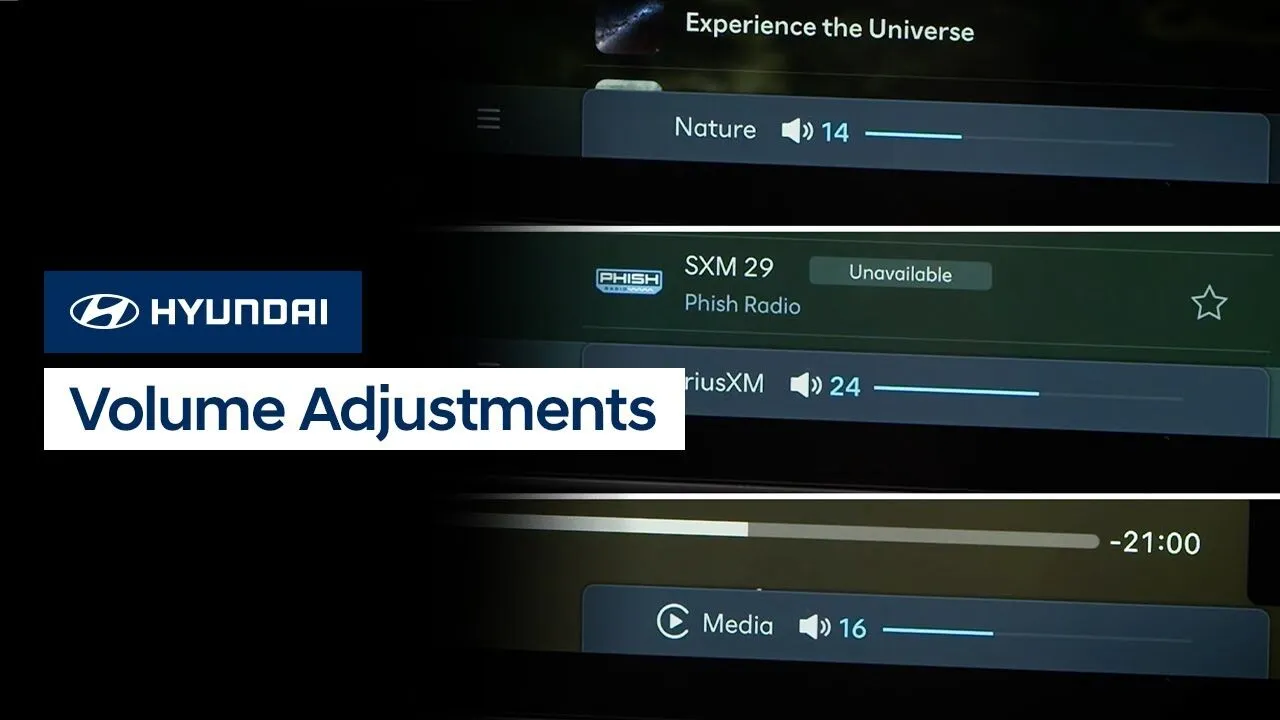
The volume settings on your Hyundai are specific to each audio source, ensuring that different sources can all be set to their individual comfort level. This video will explain how to operate this system as well as other available volume settings.
Multimedia Controls
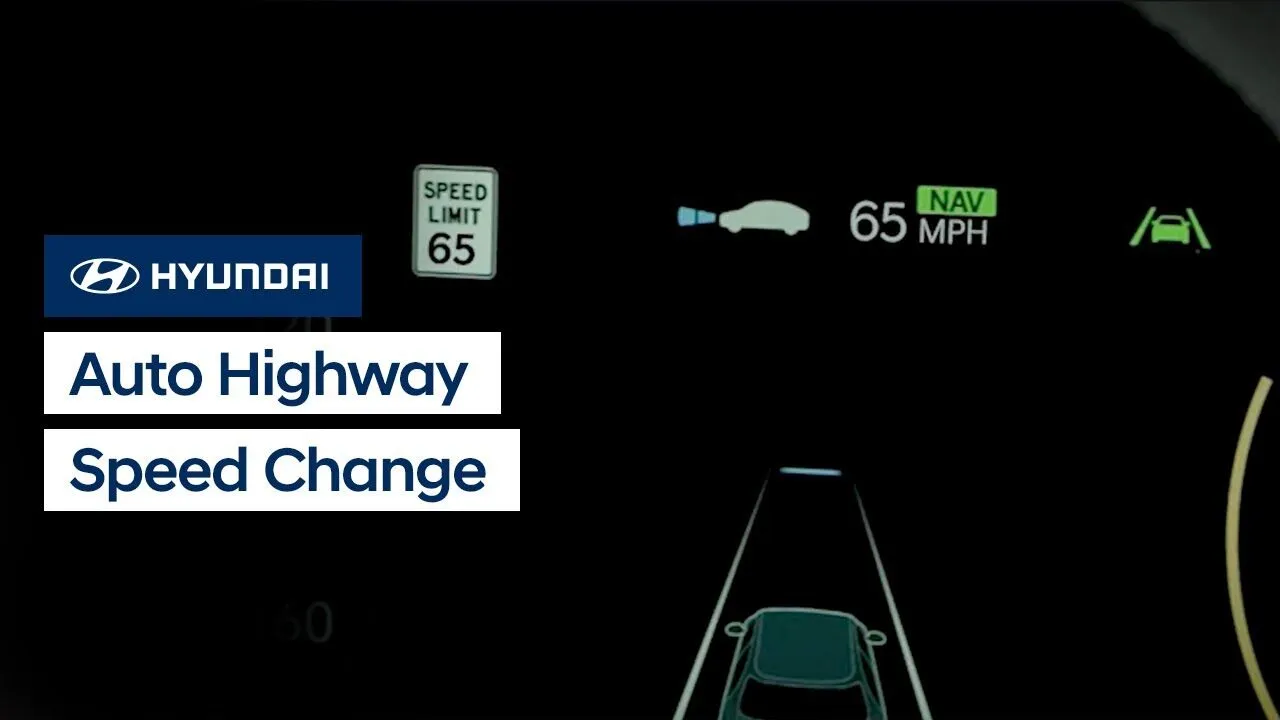
The Auto Highway Speed Change feature available on your Hyundai can temporarily decelerate your vehicle to help you drive safely on a curve based on road information from the navigation system. Watch this video to learn how the feature operates, how to activate it, and limitations of the feature.
Driving
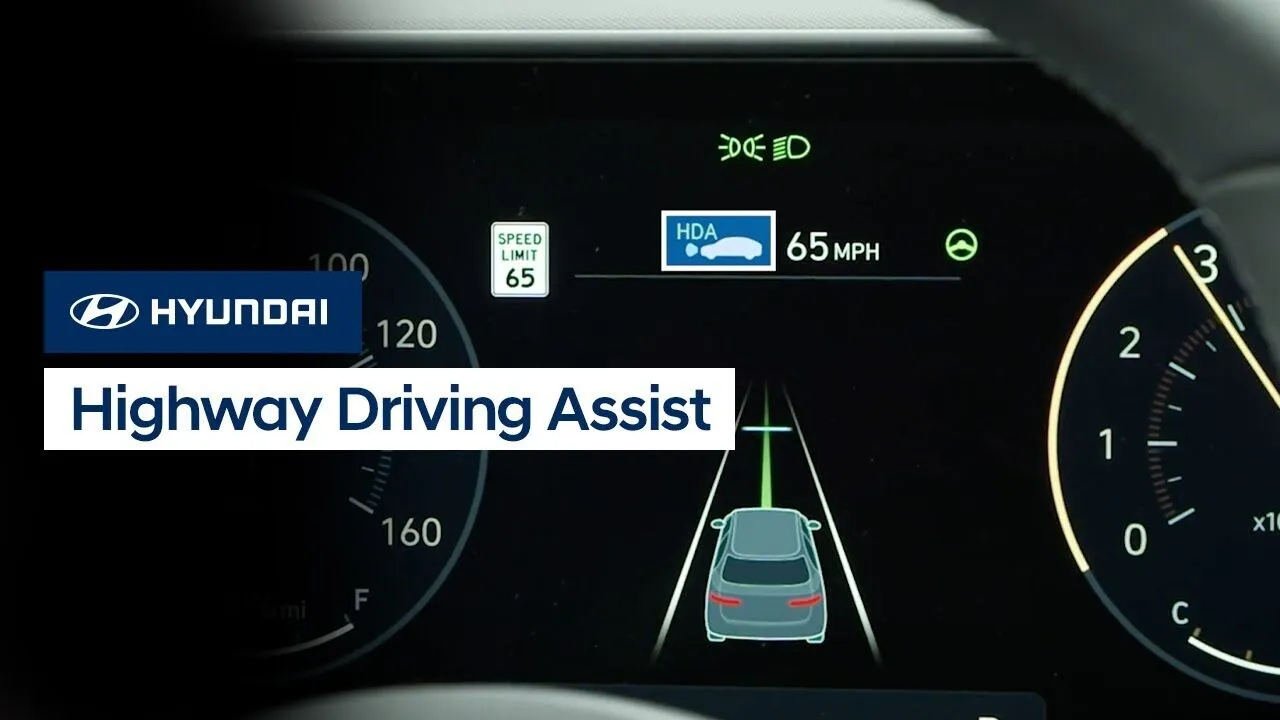
The Highway Driving Assist, or HDA, feature available on your Hyundai is an advanced convenience feature for use on highways. Watch this video to learn what the feature does, how to enable it, and limitations of the feature.
Driving
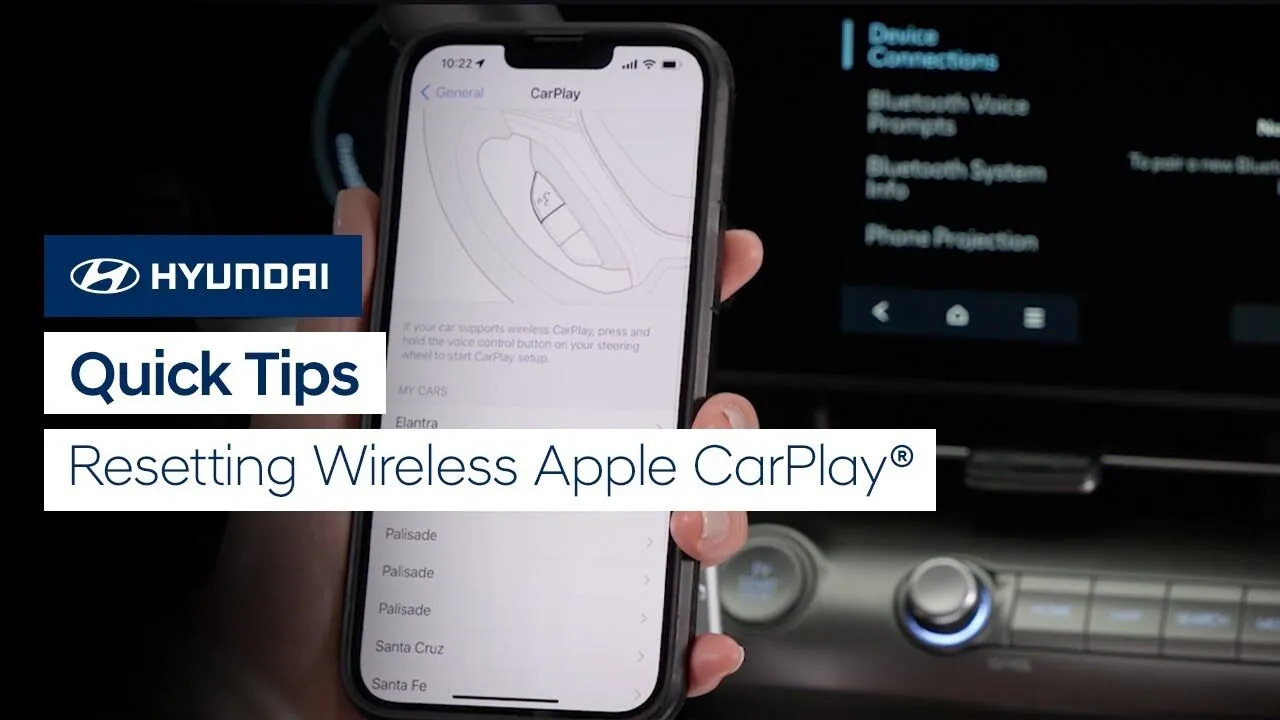
Need to reset wireless Apple CarPlay in your Hyundai? Watch this Quick Tip video to learn how to do it and get connected wirelessly in no time.
Multimedia Controls
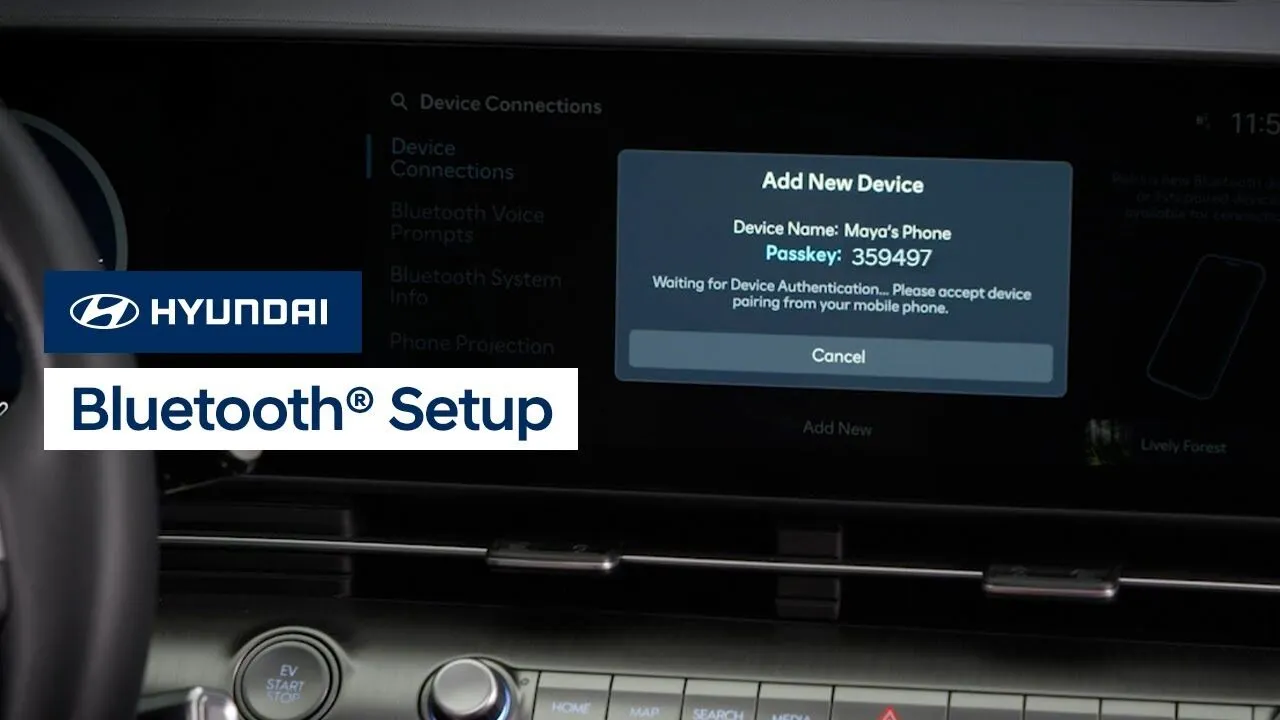
Connecting to Bluetooth on your Hyundai vehicle is quick and easy. Watch this video to learn how to connect to Bluetooth as well as how to adjust phone priorities and other settings.
Multimedia Controls
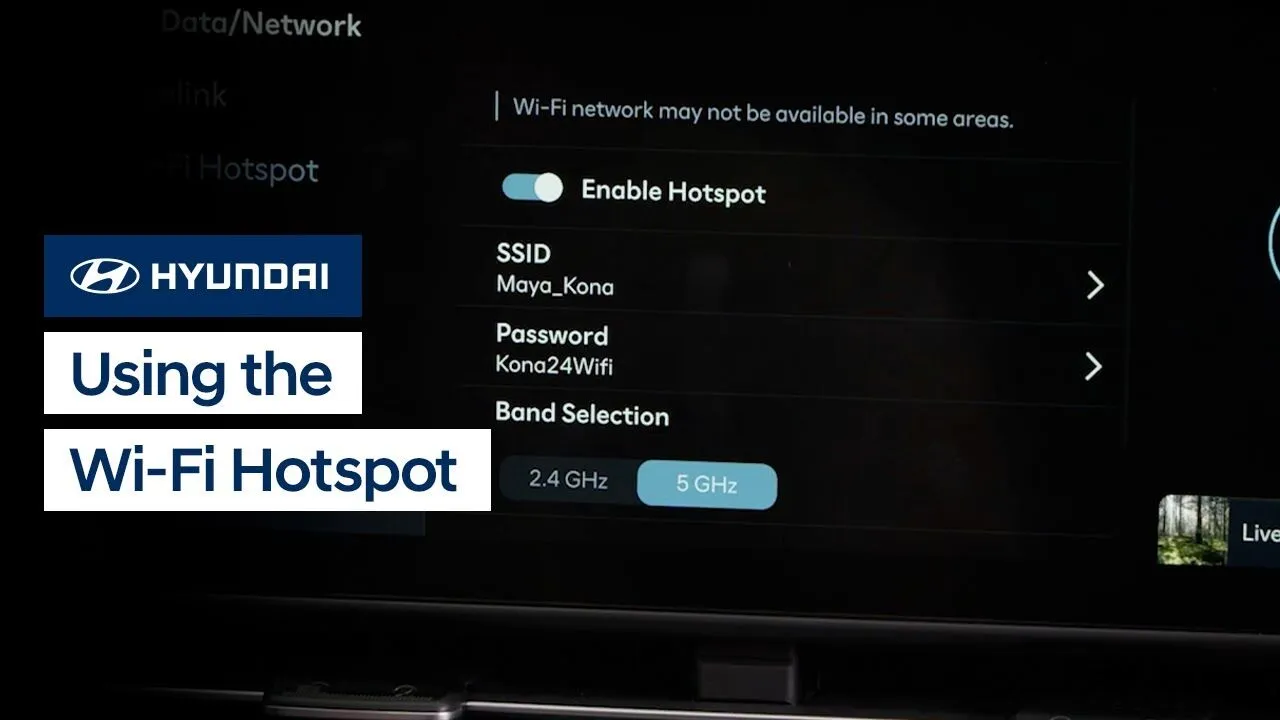
The available Wi-Fi Hotspot service on your Hyundai allows passengers to stay connected and enjoy online games, social media, and more. Watch this video to learn how to enable and configure the hotspot, as well as how to connect to it.
Features-Controls-Display
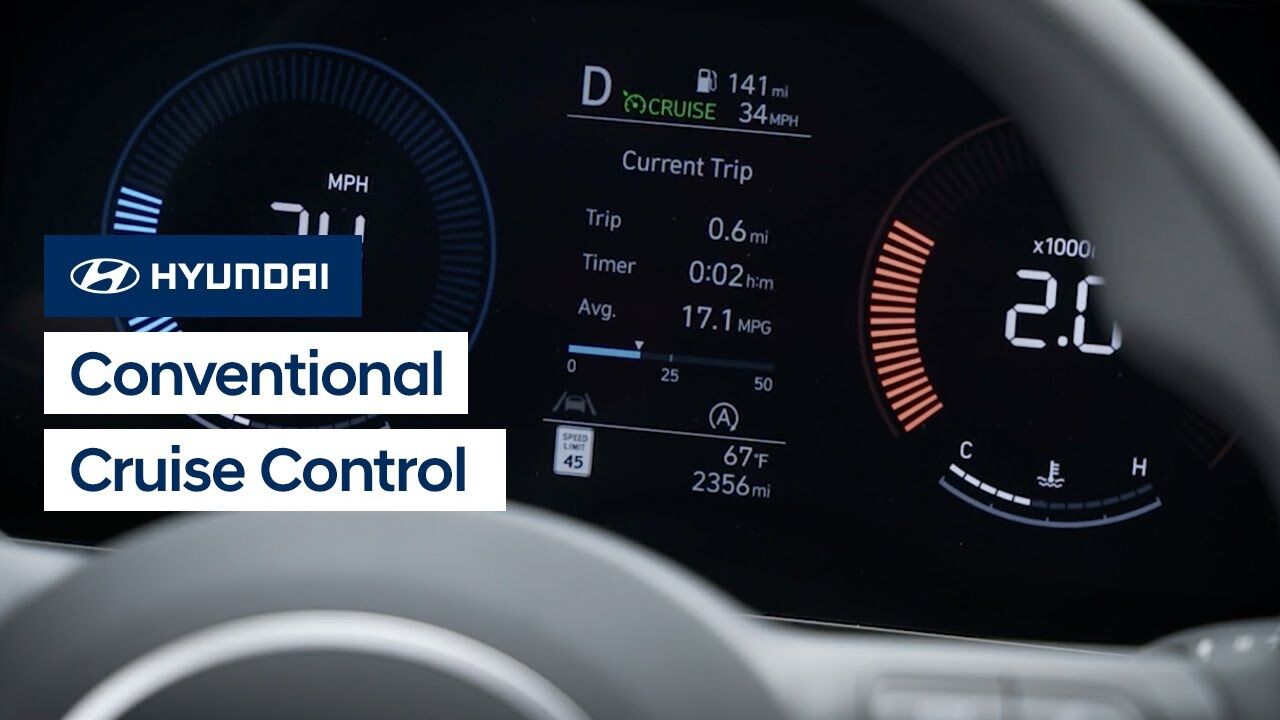
The Conventional Cruise Control system on your Hyundai helps you to maintain a constant speed when driving. This video will explain how the system operates as well as the different settings available for it.
Driving
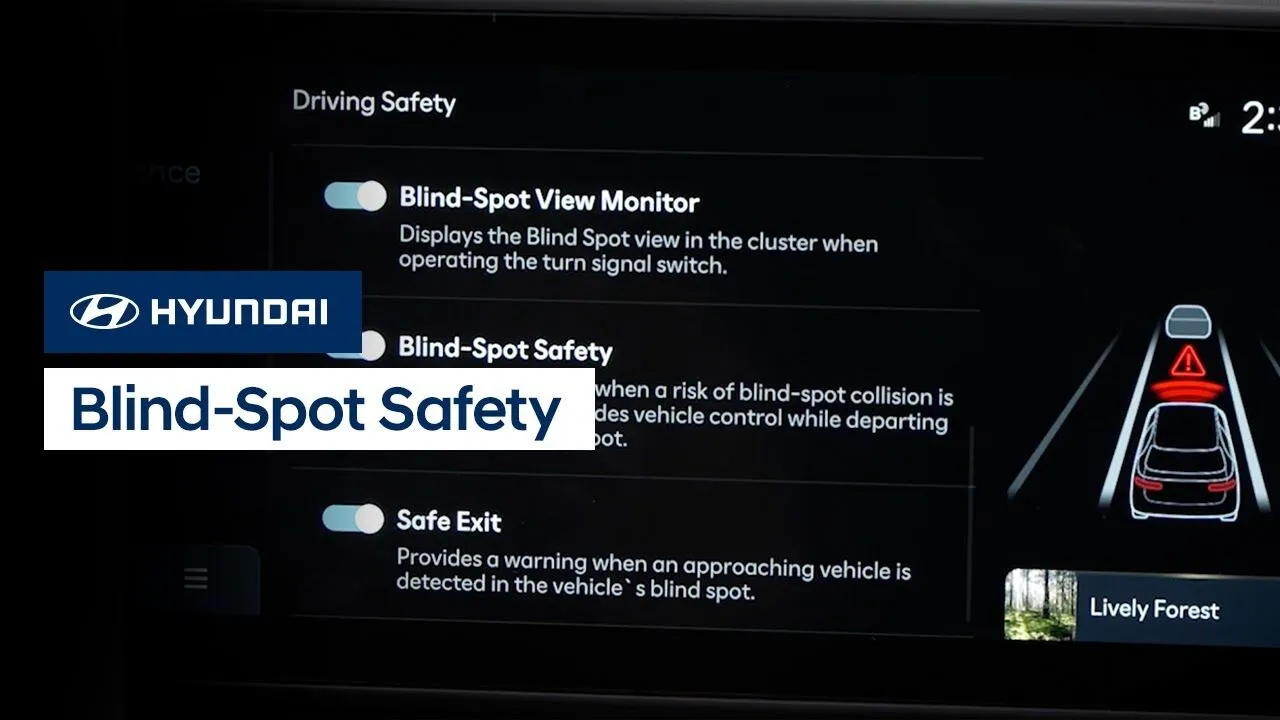
Hyundai’s available Blind-Spot Safety system includes two helpful features. Blind-Spot Collision Warning can help detect imminent side collision risks and alert you to them. Blind-Spot Collision-Avoidance Assist can help you to avoid collisions at low speeds, such as when exiting a parking space. Watch this video to learn how to turn the system on and […]
Safety
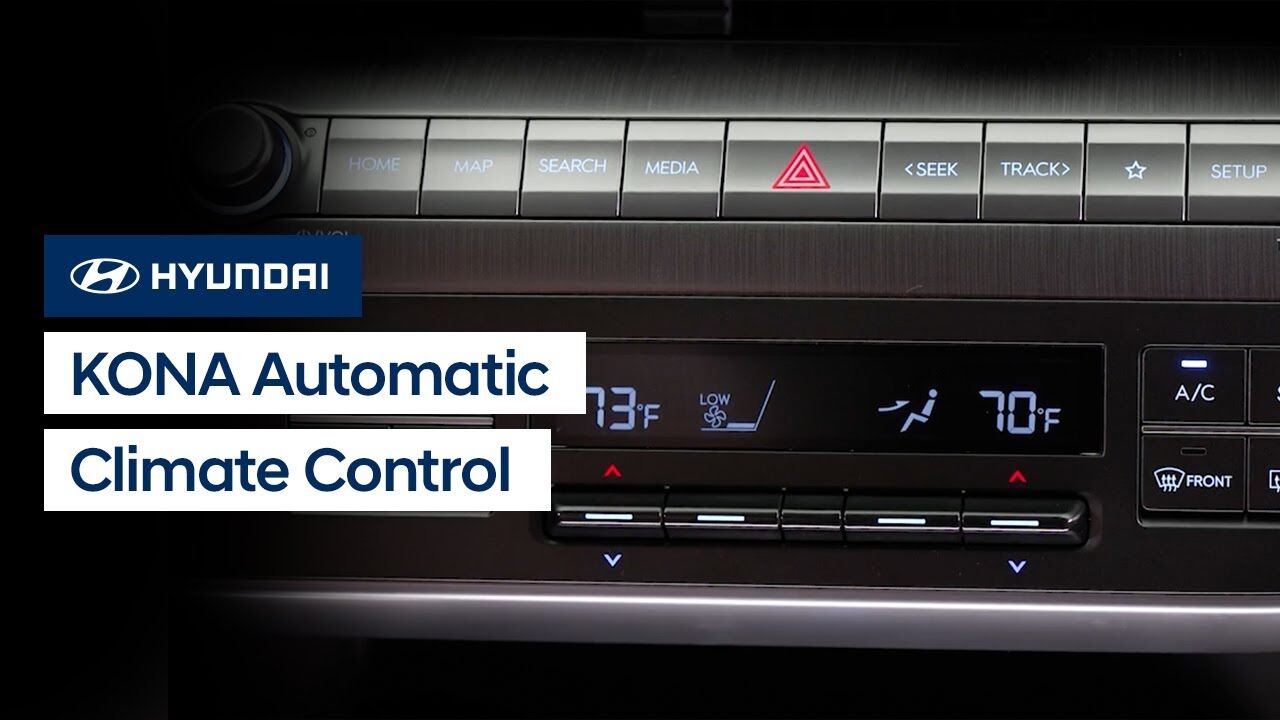
The automatic climate control on your Hyundai KONA allows for quick and easy adjustment of the temperature and other settings. This video explains how the system operates, including the AUTO and SYNC modes.
Climate Controls
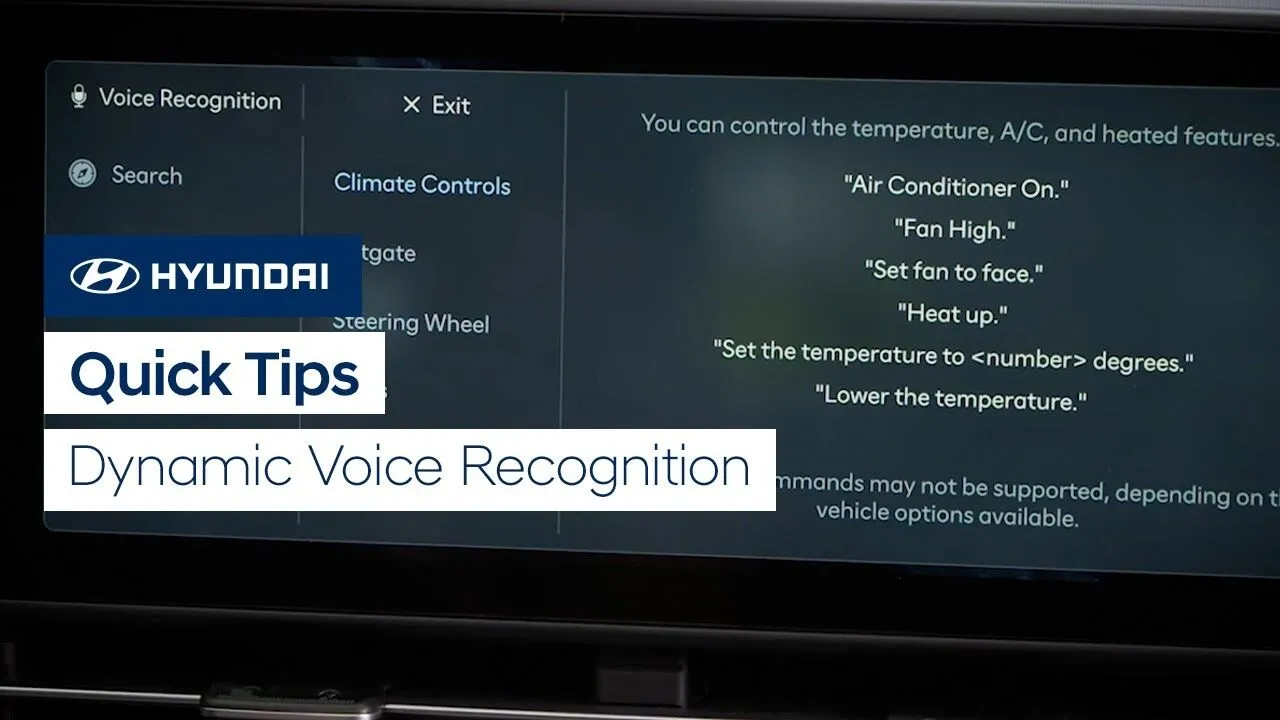
Watch this video for quick tips for using the available Dynamic Voice Recognition system in your Hyundai.
Bluelink
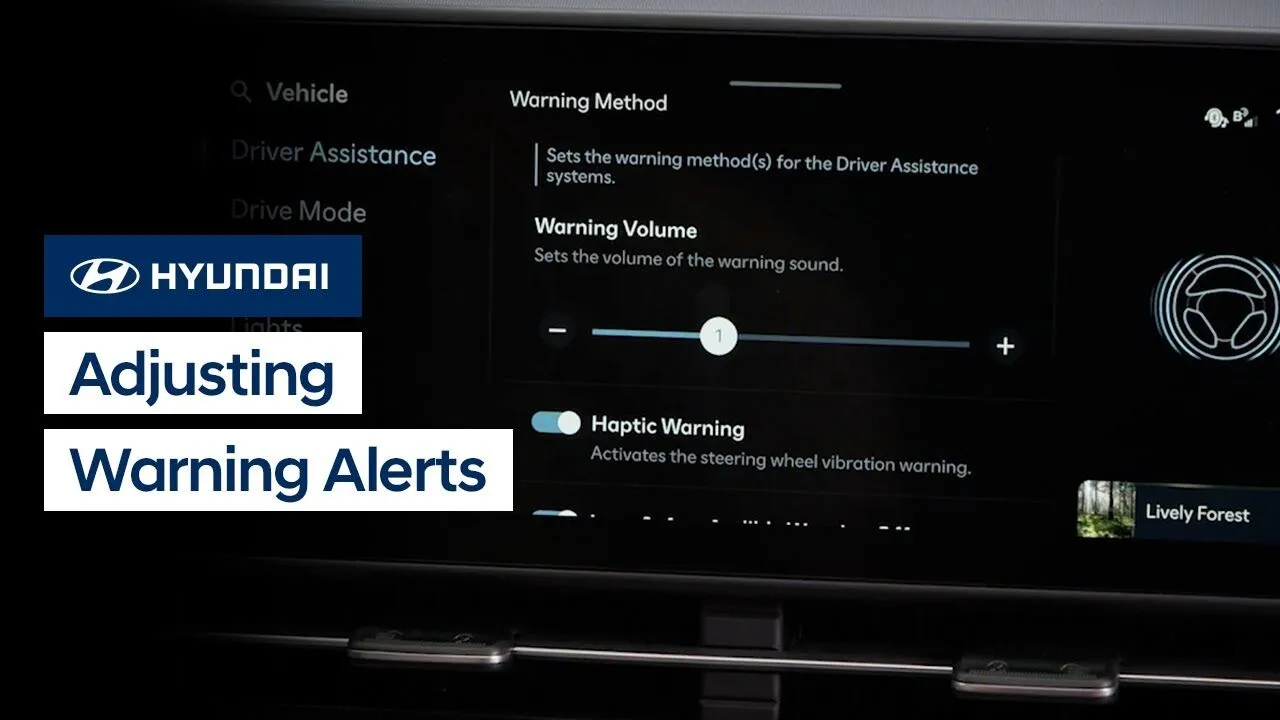
Your Hyundai allows you to adjust the method and volume of alerts from the safety and convenience systems. Watch this video to learn how to access these settings, including the haptic alert and the warning sound volume control.
Safety
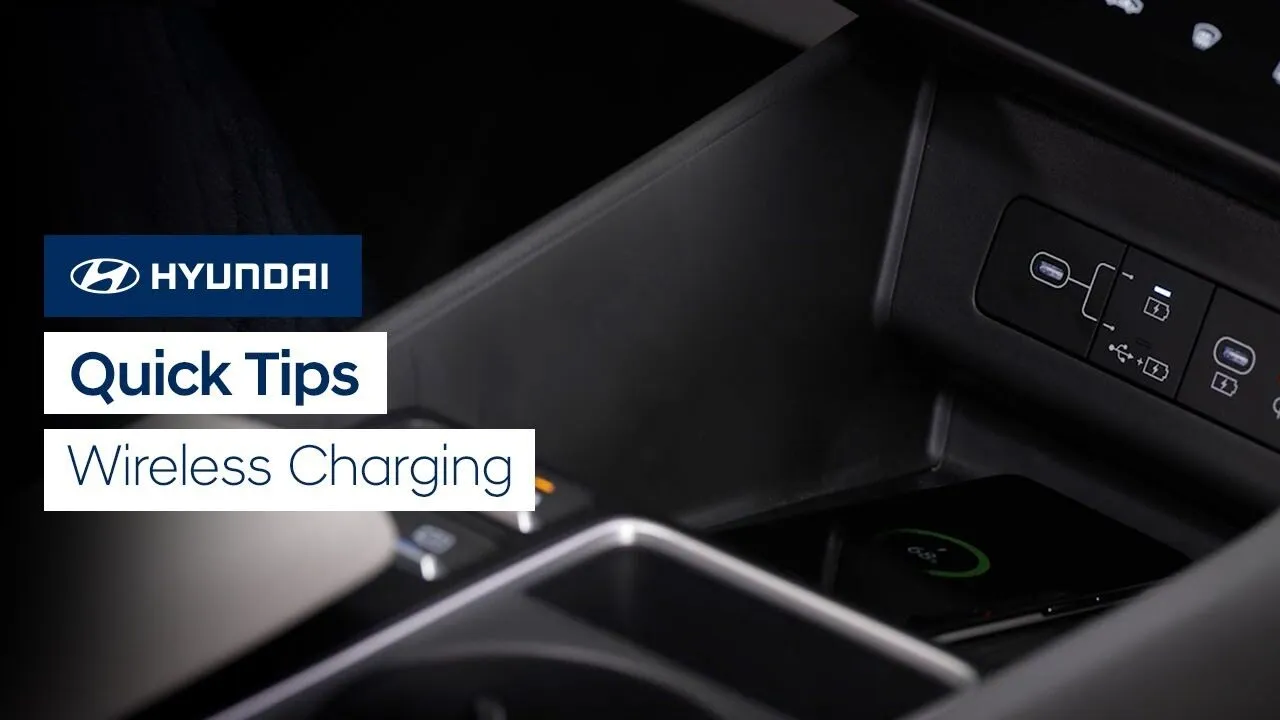
Watch this video for quick tips on using the available wireless charging feature in your Hyundai.
Features-Controls-Display
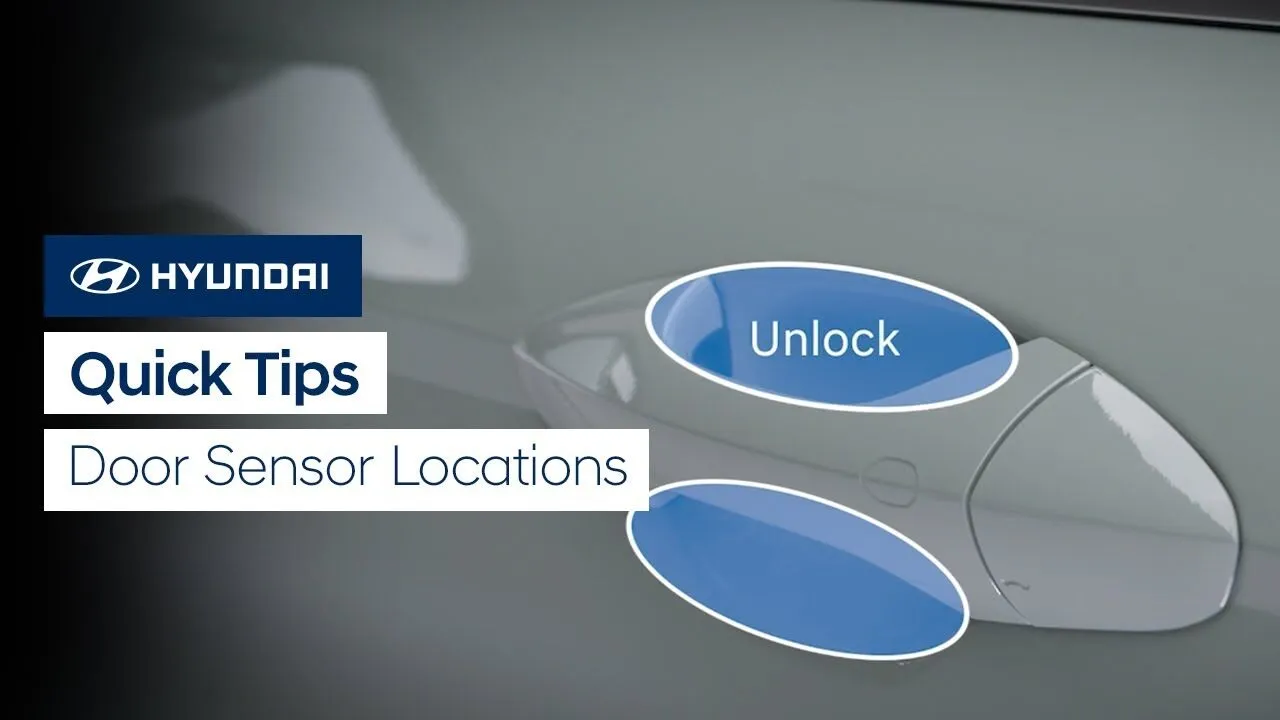
Watch this video for quick tips on locating and using the door lock and unlock sensors on your Hyundai.
Keys-Doors-Windows
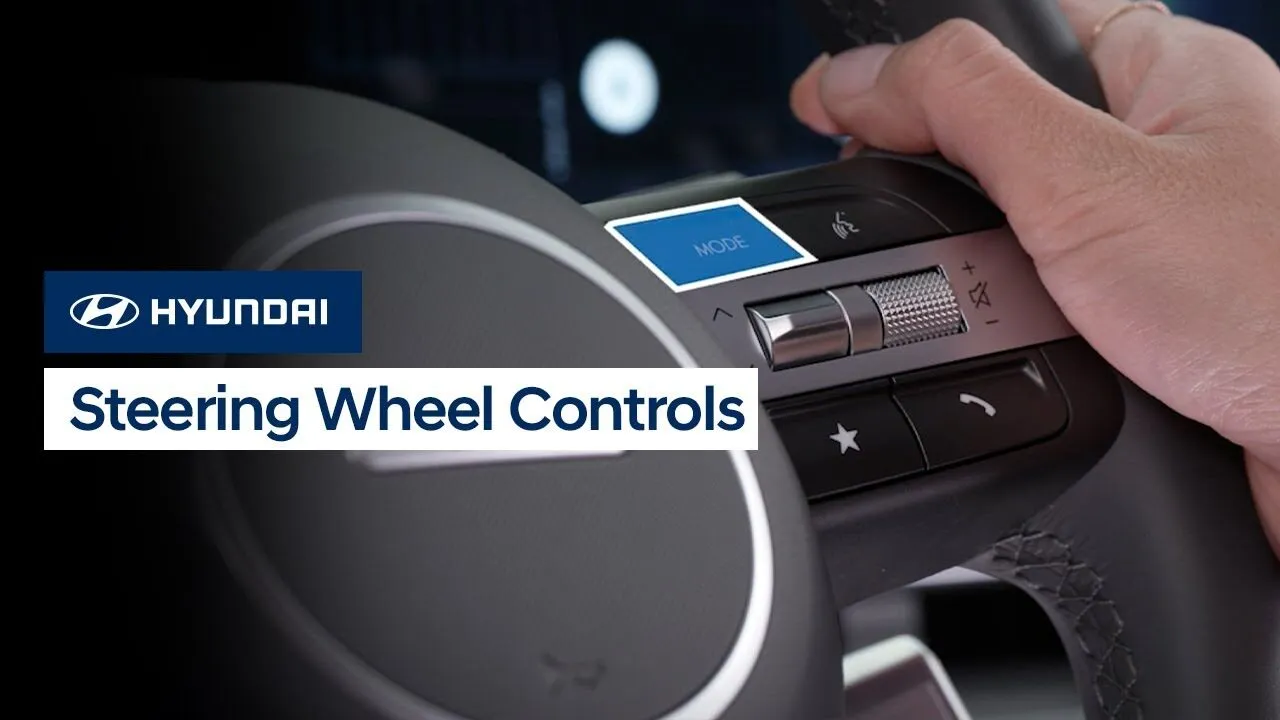
The redesigned steering wheel on your Hyundai is designed to provide you with the ability to control many features on your vehicle. Watch this video to learn about the function of each button and switch, as well as where to learn more about the features and systems they control.
Features-Controls-Display
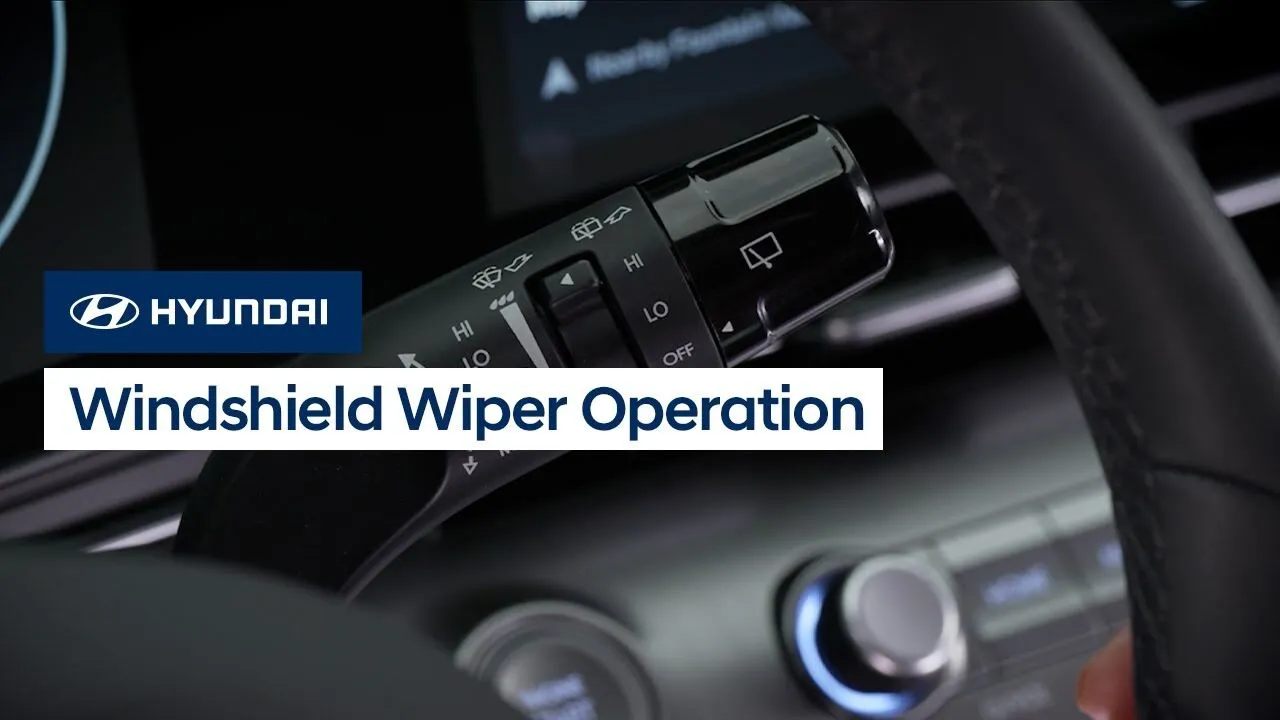
The front windshield wipers on your Hyundai offer multiple features to help maintain visibility during wet weather. Watch this video to learn about the different interval settings as well as the PARK feature.
Features-Controls-Display
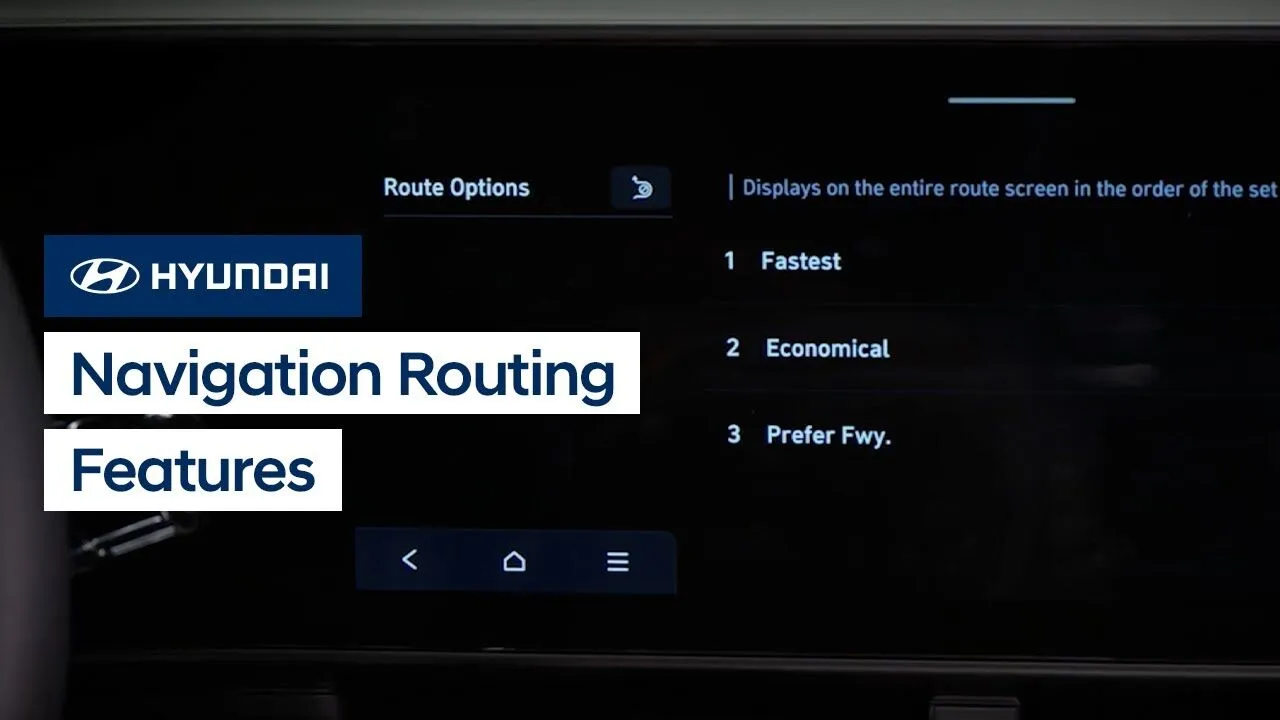
The available touchscreen navigation system on your Hyundai allows you to quickly set route guidance for your daily destinations. Watch this video to learn about different routing features and options in the system.
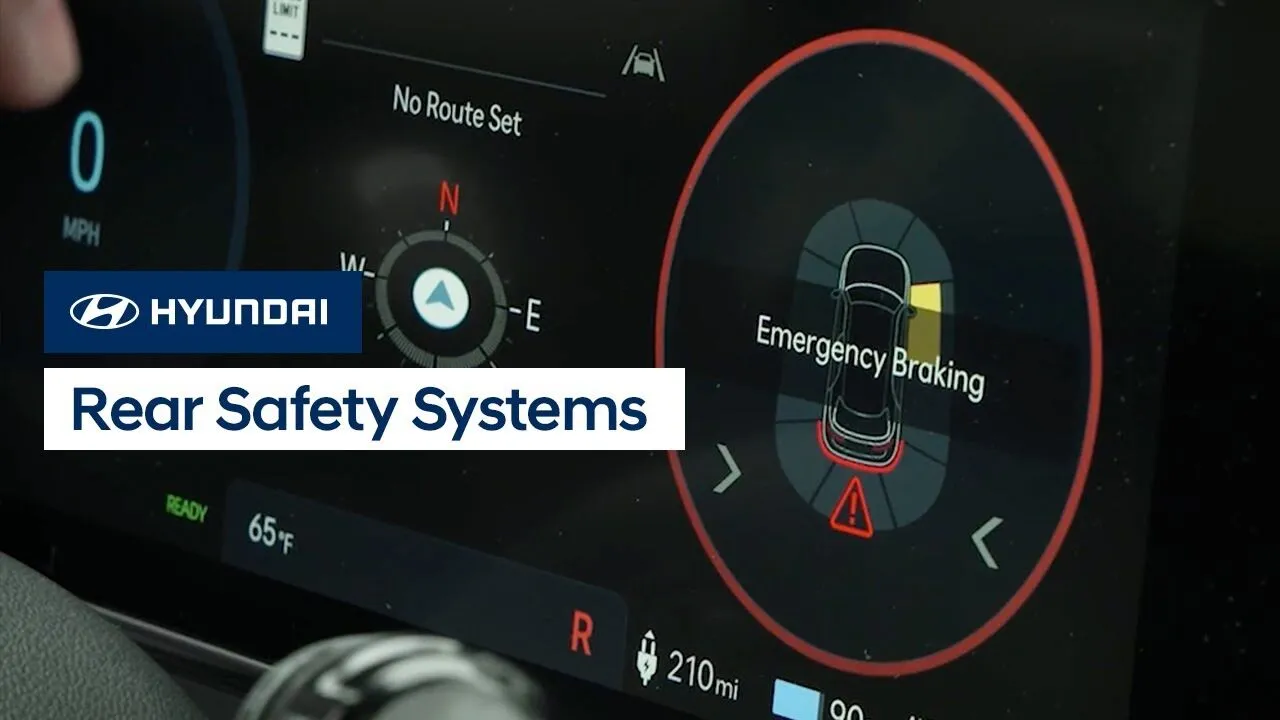
Hyundai offers two safety systems to help prevent collisions when backing up: Reverse Parking Collision-Avoidance Assist and Rear Cross-Traffic Collision-Avoidance Assist. Watch this video to learn about the two systems, how they operate, and how to turn them on and off.
Safety
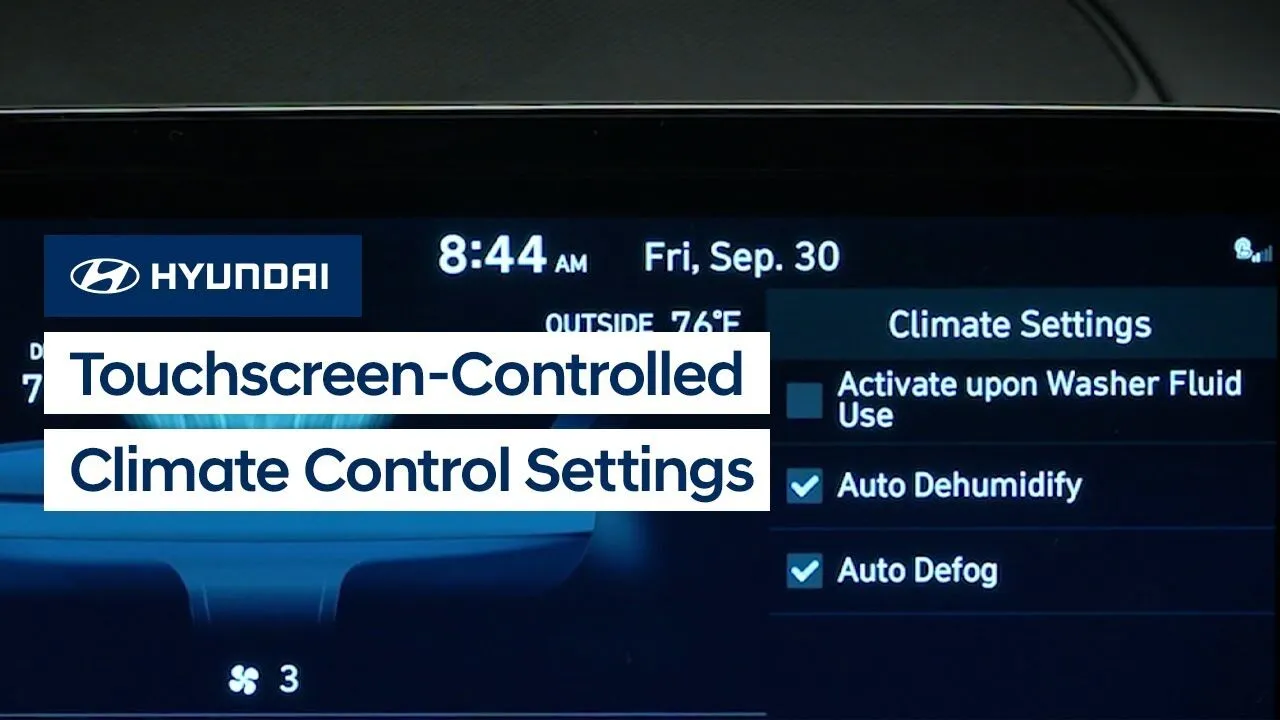
Some Hyundai models have climate control features & settings that are controlled by the touchscreen. Watch this video to learn about the different features & settings and how to operate them.
Climate Controls
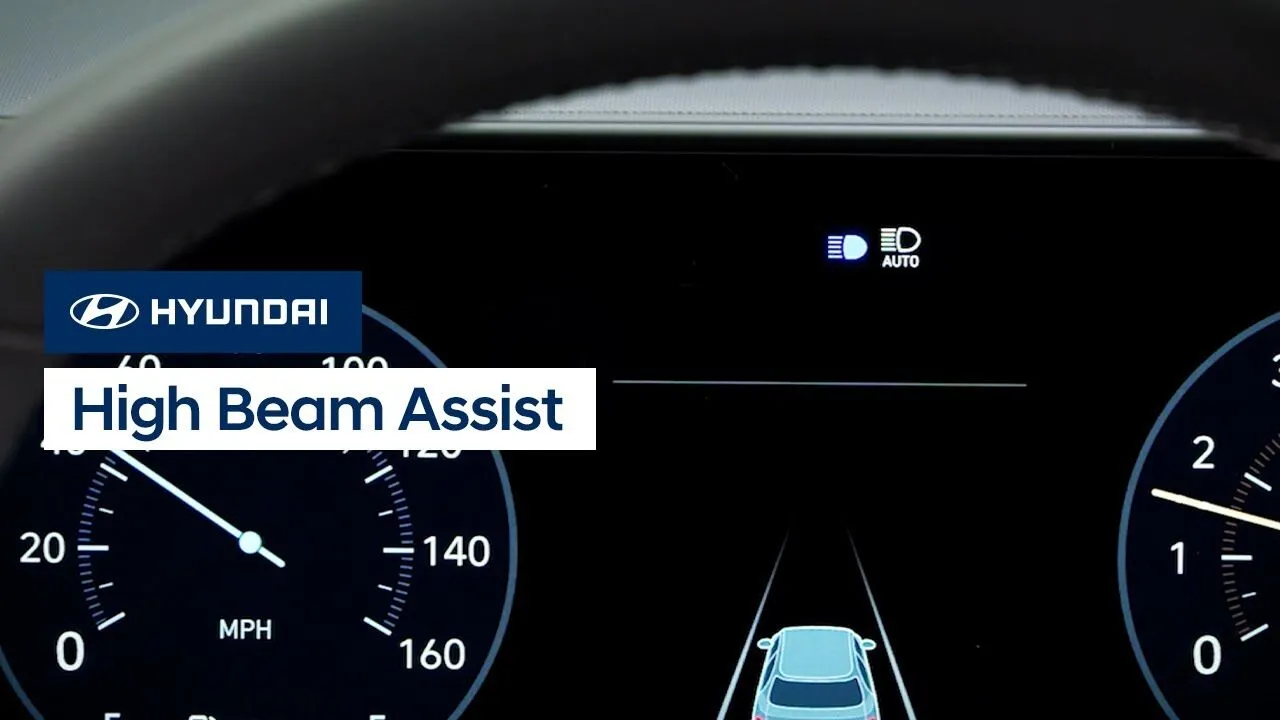
High Beam Assist is a helpful standard convenience feature on your Hyundai. It can automatically switch between high and low beam headlights when it detects oncoming vehicles or vehicles ahead. Watch this video to learn about the feature and how to operate it.
Safety
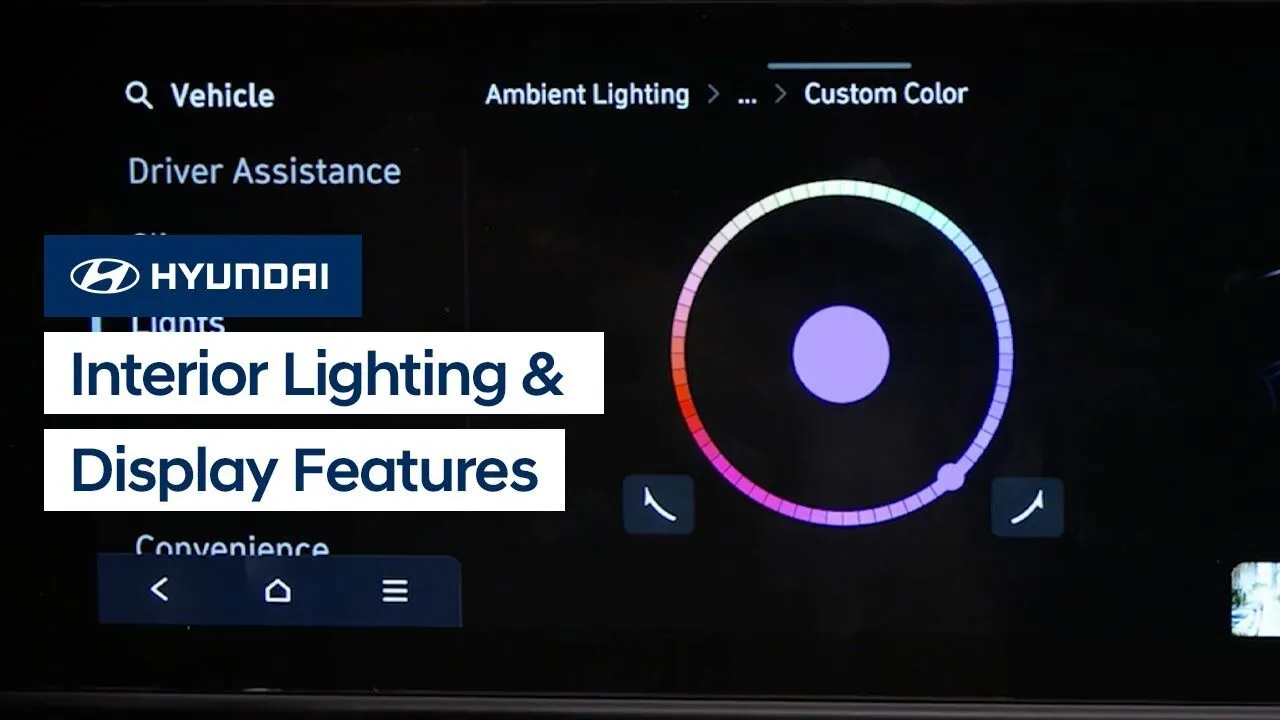
Hyundai offers multiple ways to customize the interior lights and display on your vehicle. Watch this video to learn about the settings and features.
Interior
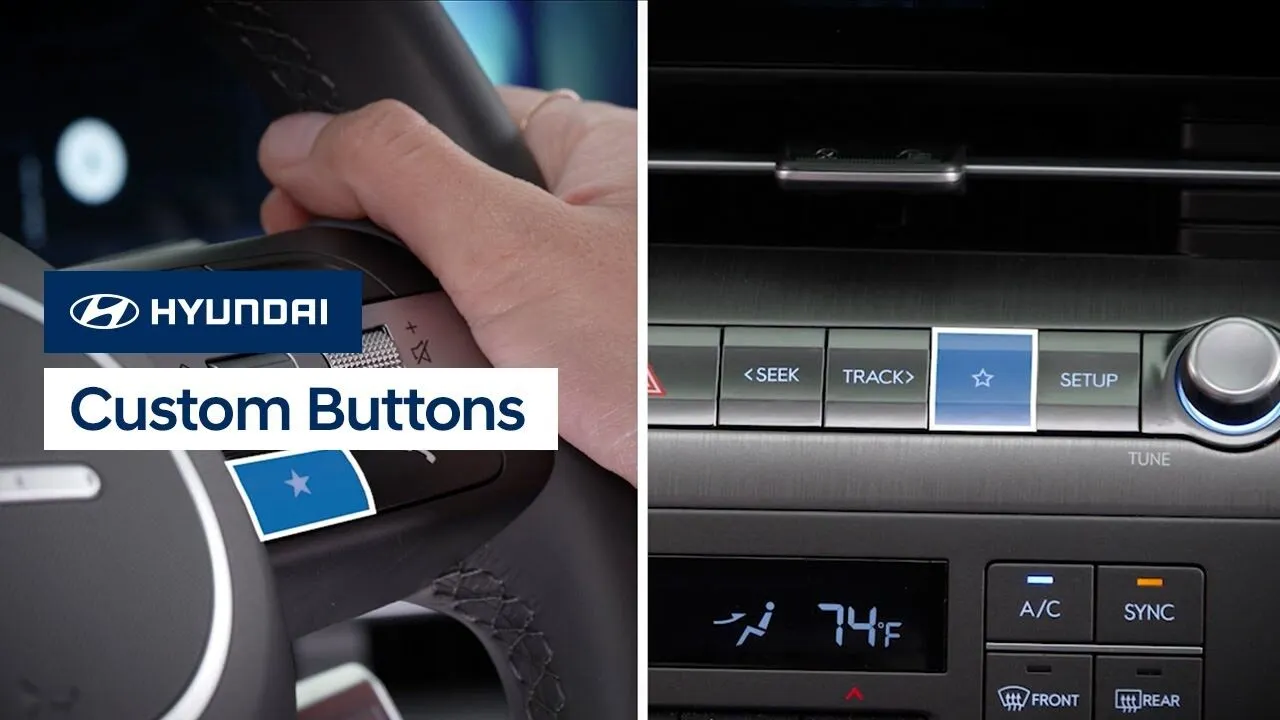
The Custom buttons on your Hyundai can be used to quickly access frequently used functions. Watch this video to learn how to set them up and use them.
Multimedia Controls
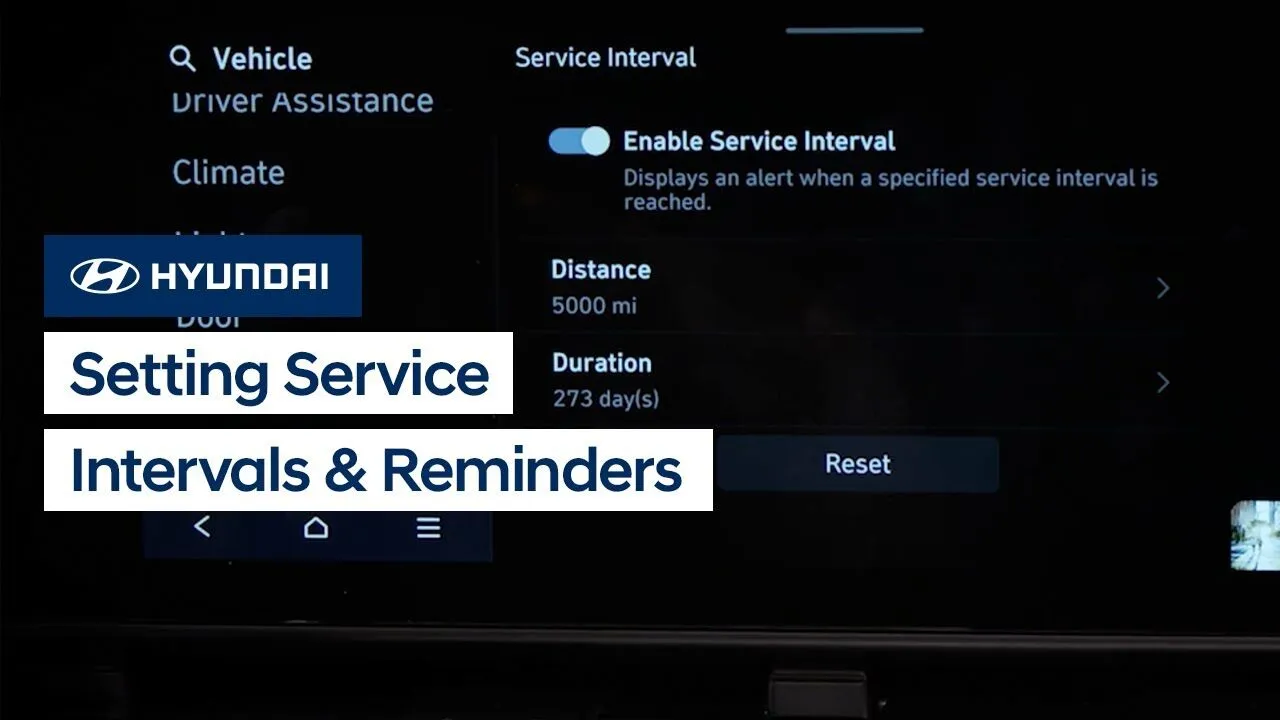
The Service Interval and Oil Change reminder features on your Hyundai provide an easy way to let you know when your vehicle needs service. Watch this video to learn how to set them up and use them.
Features-Controls-Display
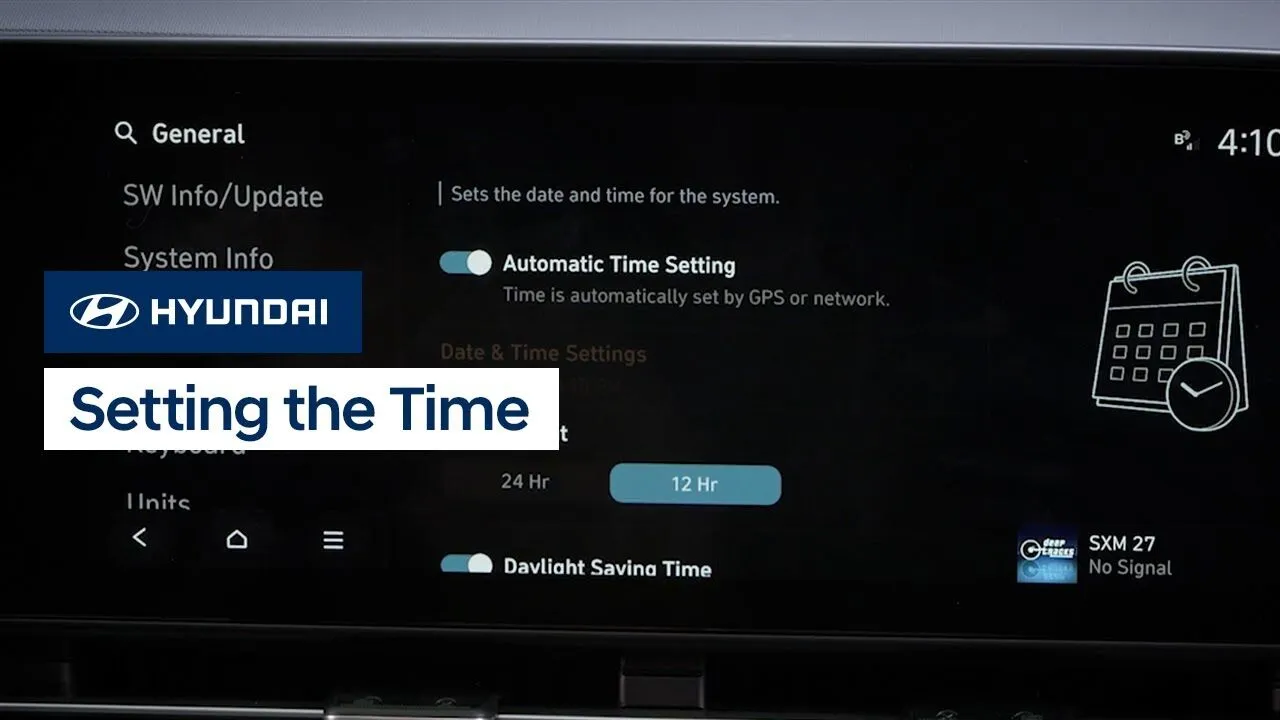
Setting the date and time on your Hyundai is very easy. Watch this video to learn how to set the date and time as well as use automatic time setting, plus how to turn on and off the Daylight Savings Time setting.
Multimedia Controls
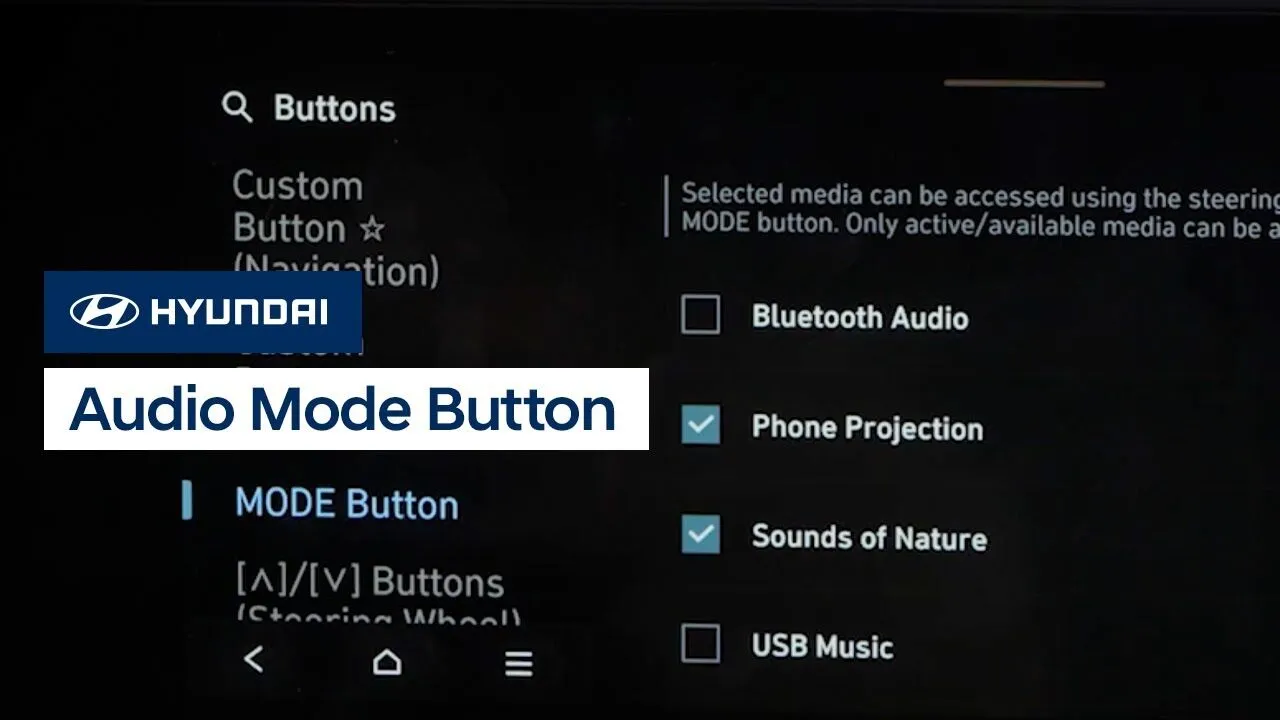
The Audio Mode button on your Hyundai allows you to easily switch between audio sources, even while using navigation. Watch this video to learn how to program the audio mode button to your favorite sources as well as how to use it.
Multimedia Controls
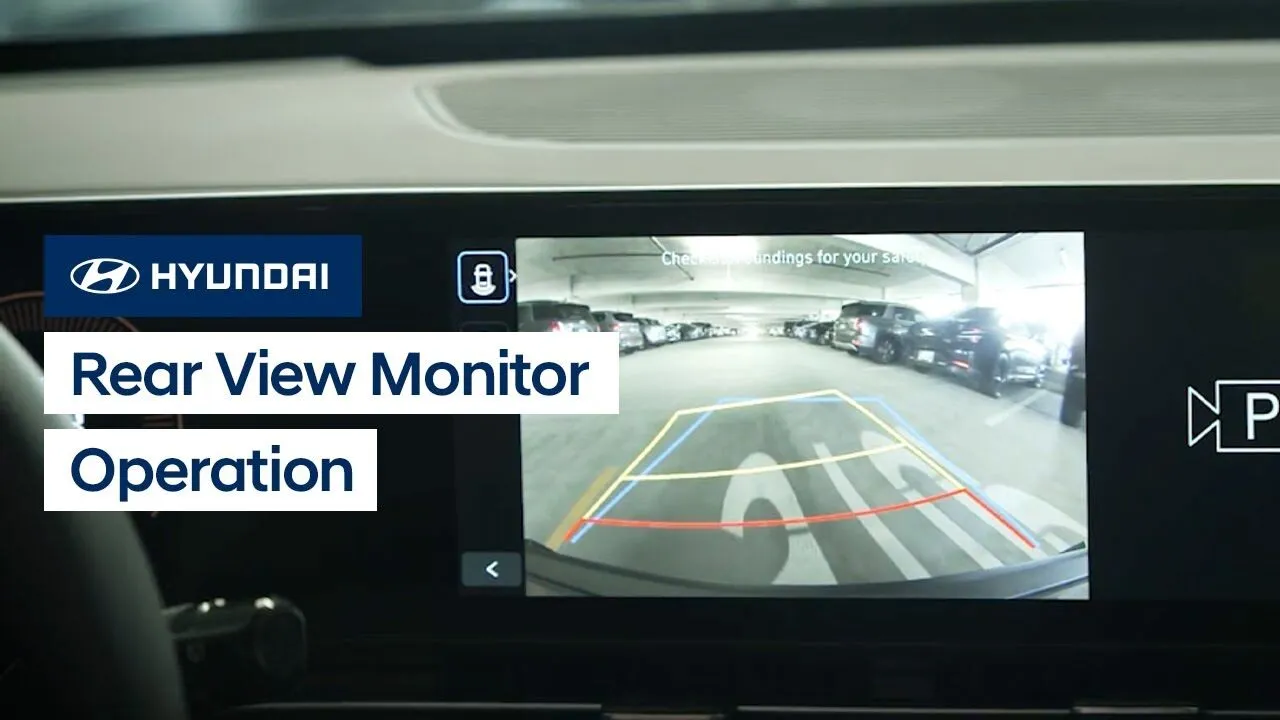
The Rear View Monitor feature on your Hyundai is a supplemental system that uses a camera to provide a view of the area behind your vehicle. This video explains how the system works as well as how to turn it on and off manually, and limitations of the system.
Features-Controls-DisplaySafety
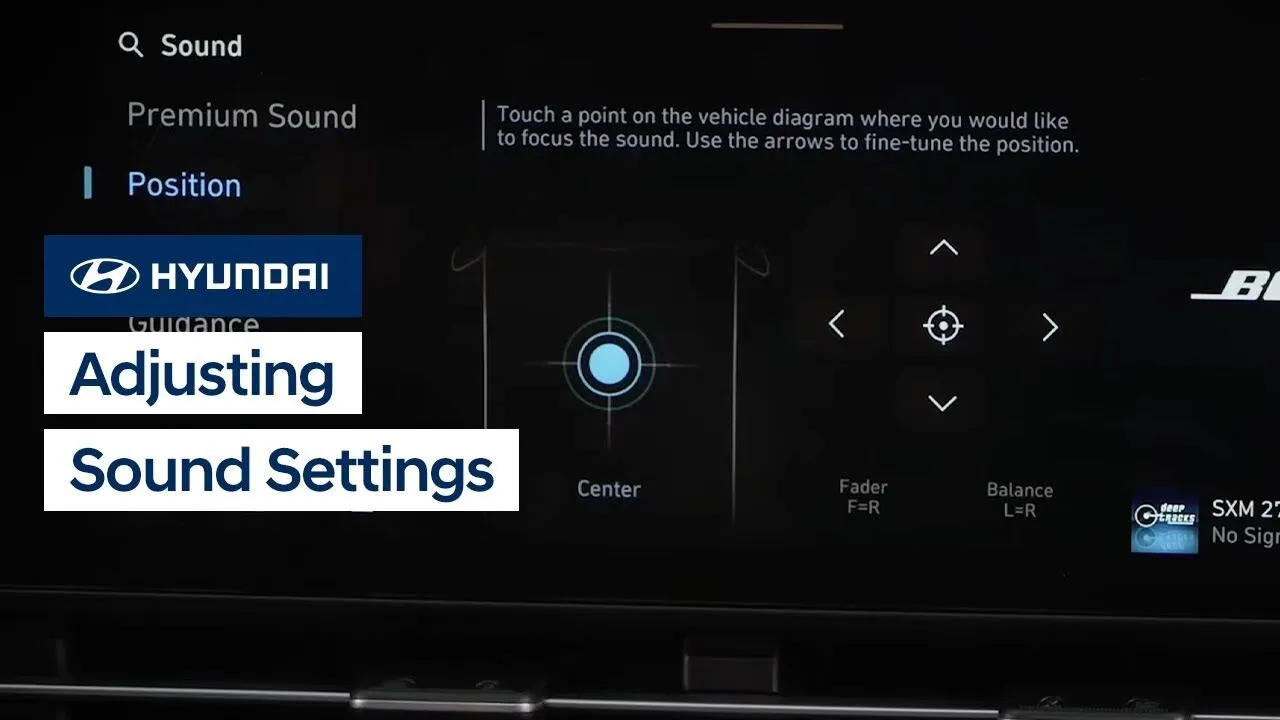
The sound settings on your Hyundai are easily adjusted and configured to your liking. This video provides an overview of the different settings, such as position, tone, guidance volume, driver assistance alerts, and others.
Multimedia Controls
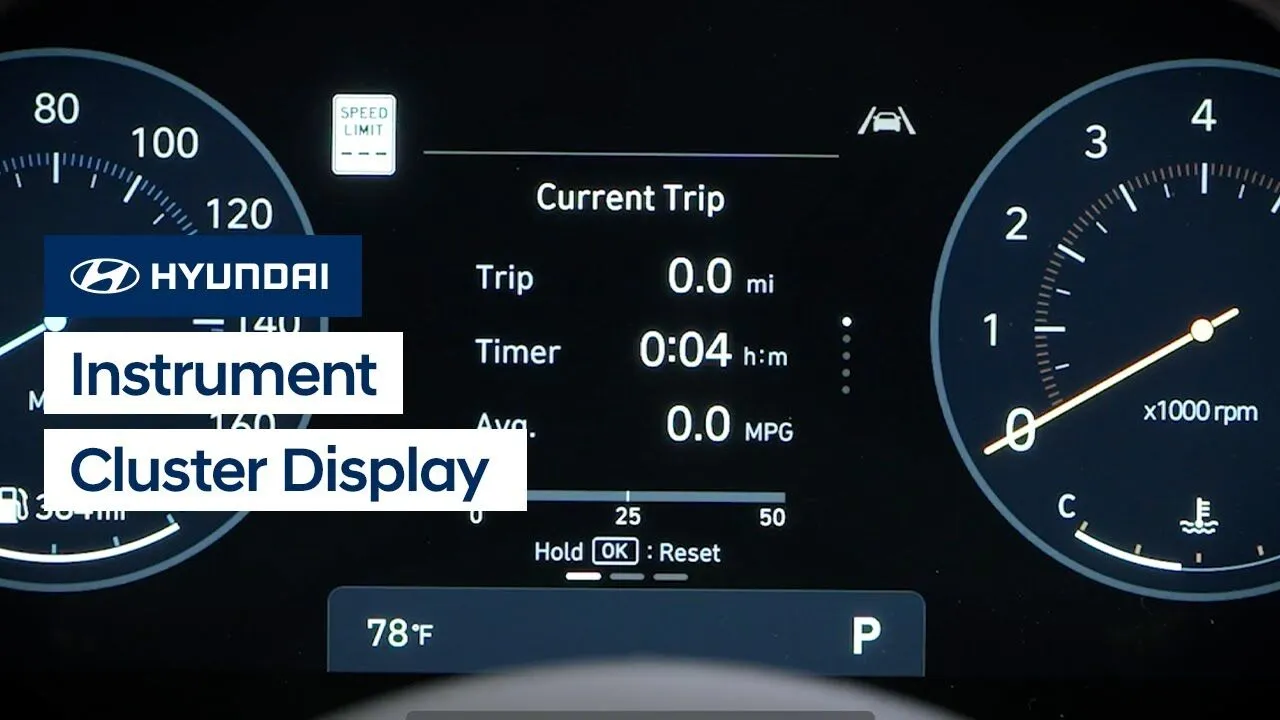
The digital instrument cluster in your Hyundai is designed to be customizable, which allows you to adjust it to suit your needs or style. This video provides an overview of the display settings as well as how to change the display view.
Instrument Cluster
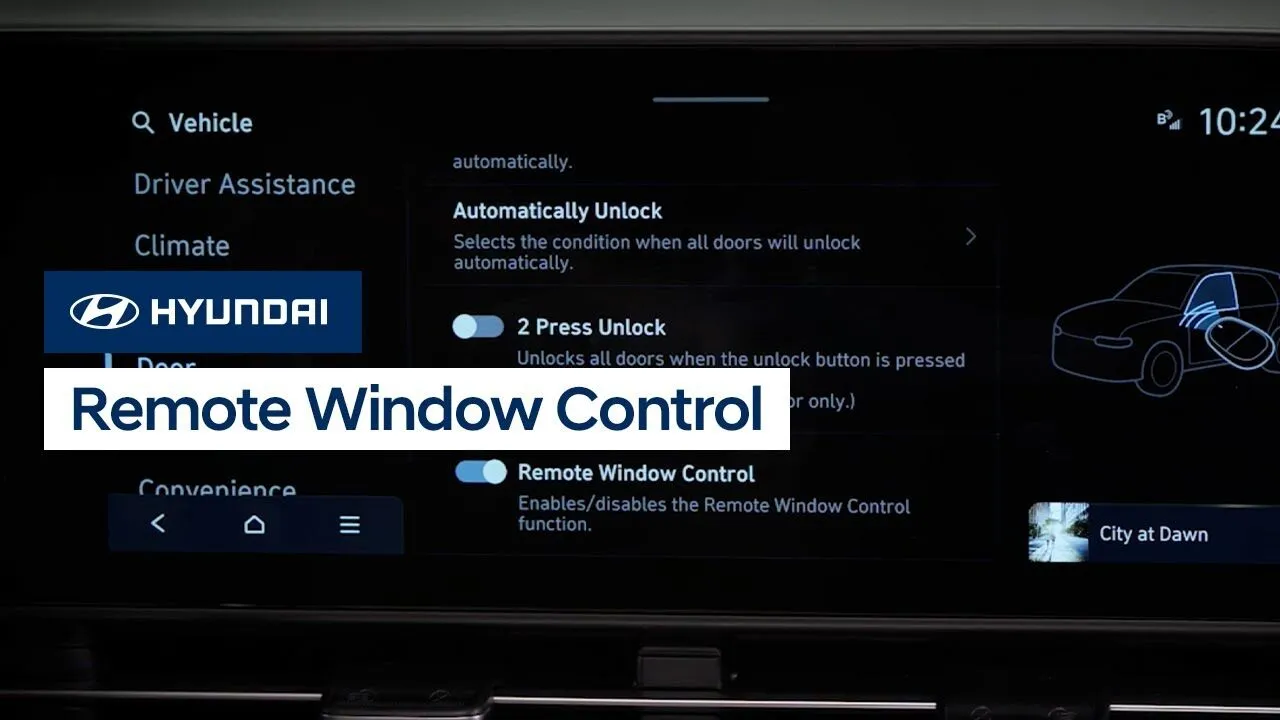
Your Hyundai offers the ability to open or close the windows on your vehicle using the Smart Key. Watch this video to learn how to use this handy feature.
Keys-Doors-Windows
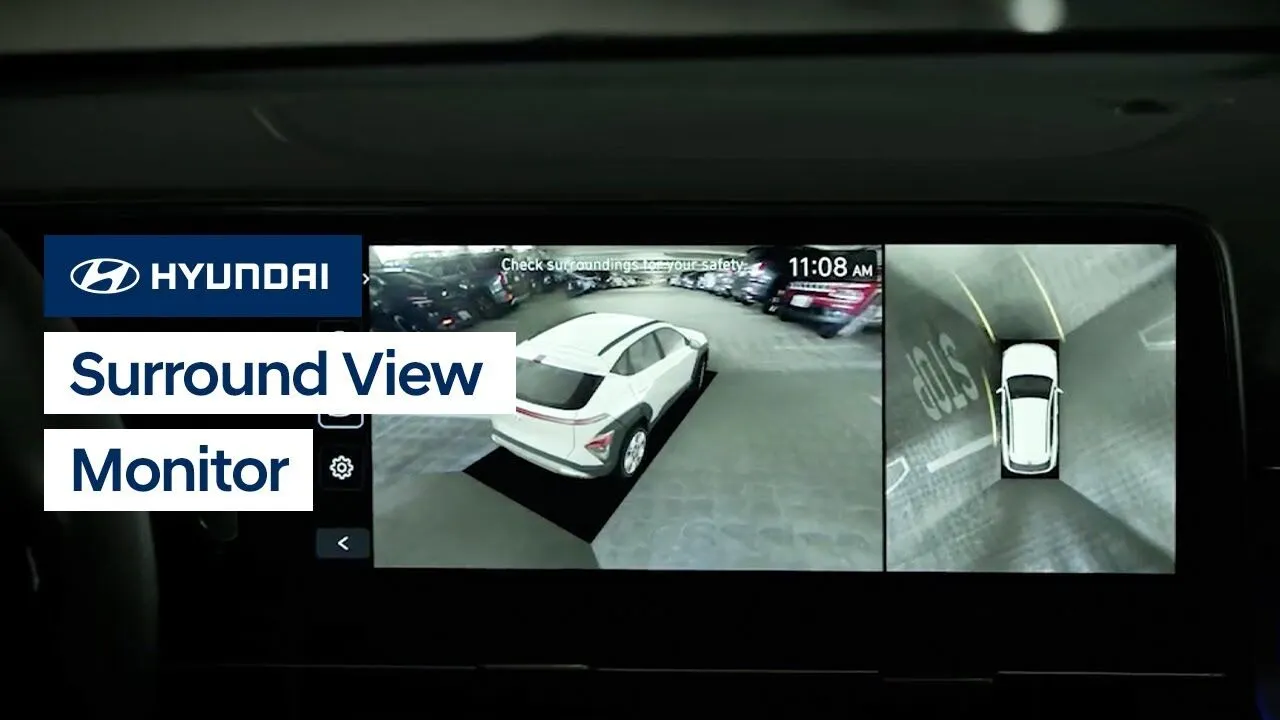
The available Surround View Monitor on your Hyundai assists parking by allowing the driver to see around the vehicle. Watch this video to learn how to use the feature as well as how to access the Surround View Monitor using the MyHyundai with Bluelink app on your smartphone.
Features-Controls-Display
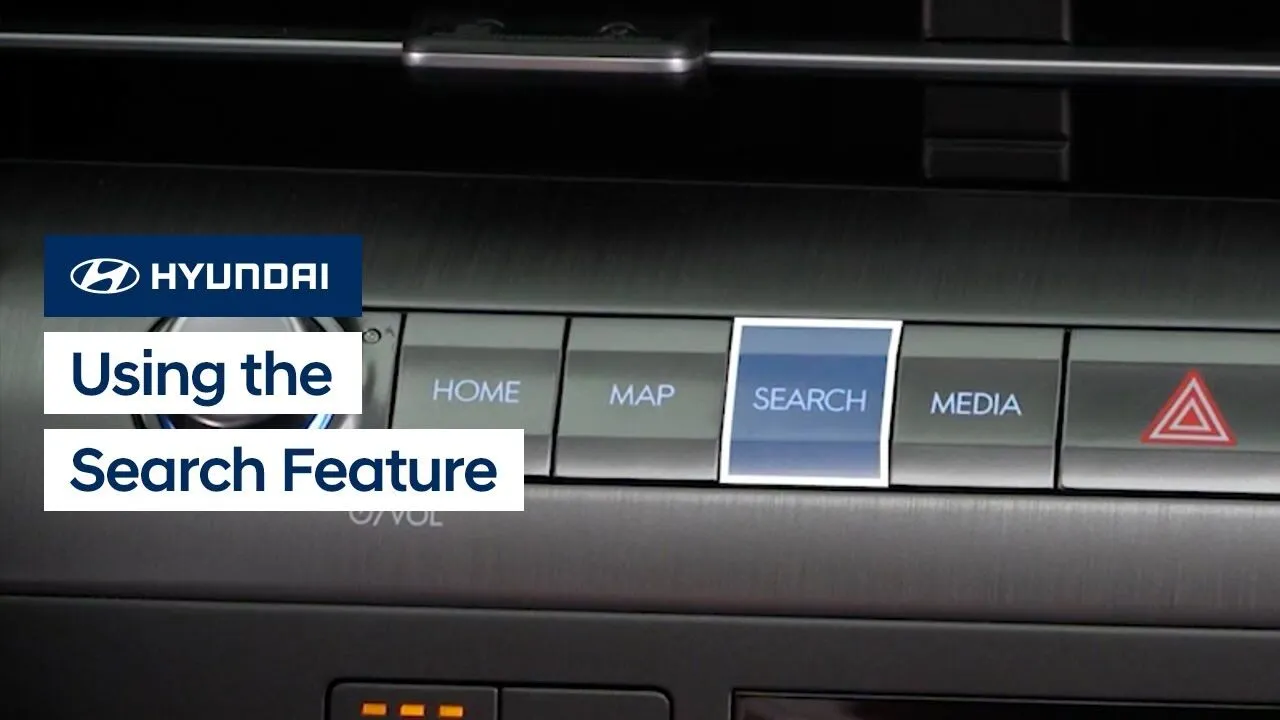
The new Search feature on your allows you to quickly find vehicle settings, destinations, satellite radio stations, and more. Watch this video to learn how to use the feature to find what you need!
Features-Controls-Display
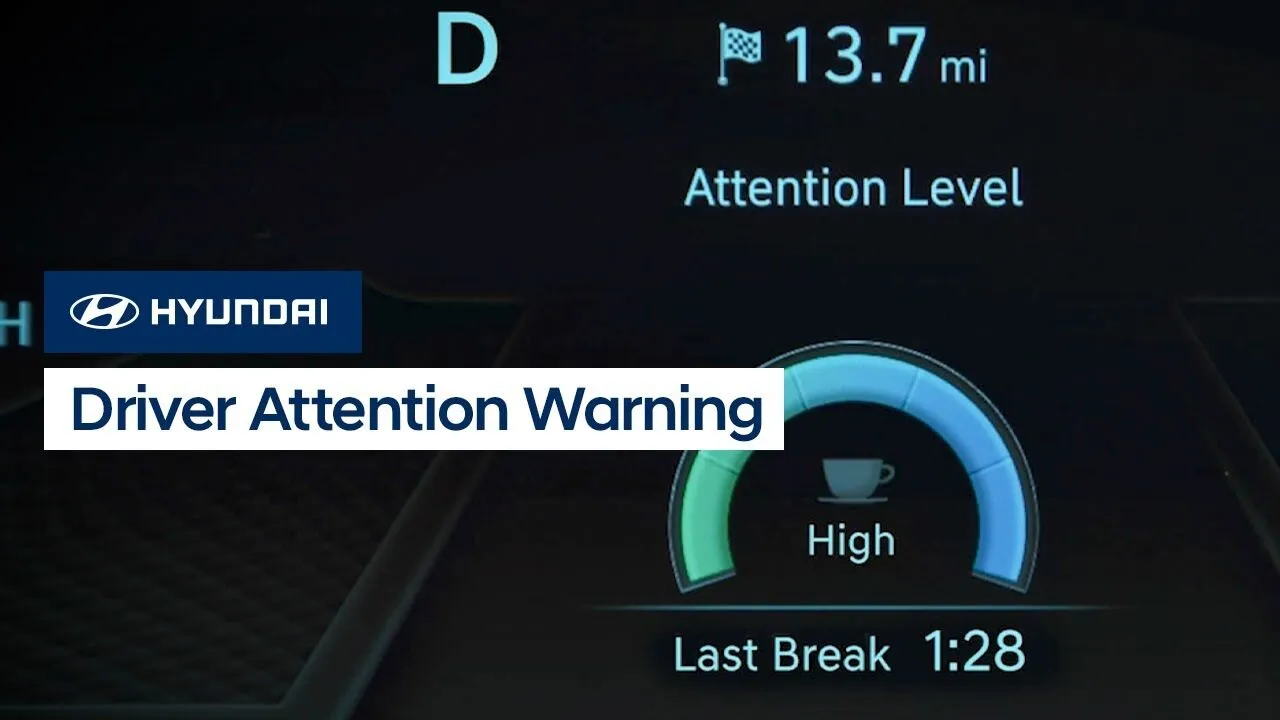
The Driver Attention Warning system on your Hyundai incorporates two available helpful features: Inattentive Driver Warning and Leading Vehicle Departure Alert. Watch this video to learn how to operate the system and the different settings found in it.
Safety
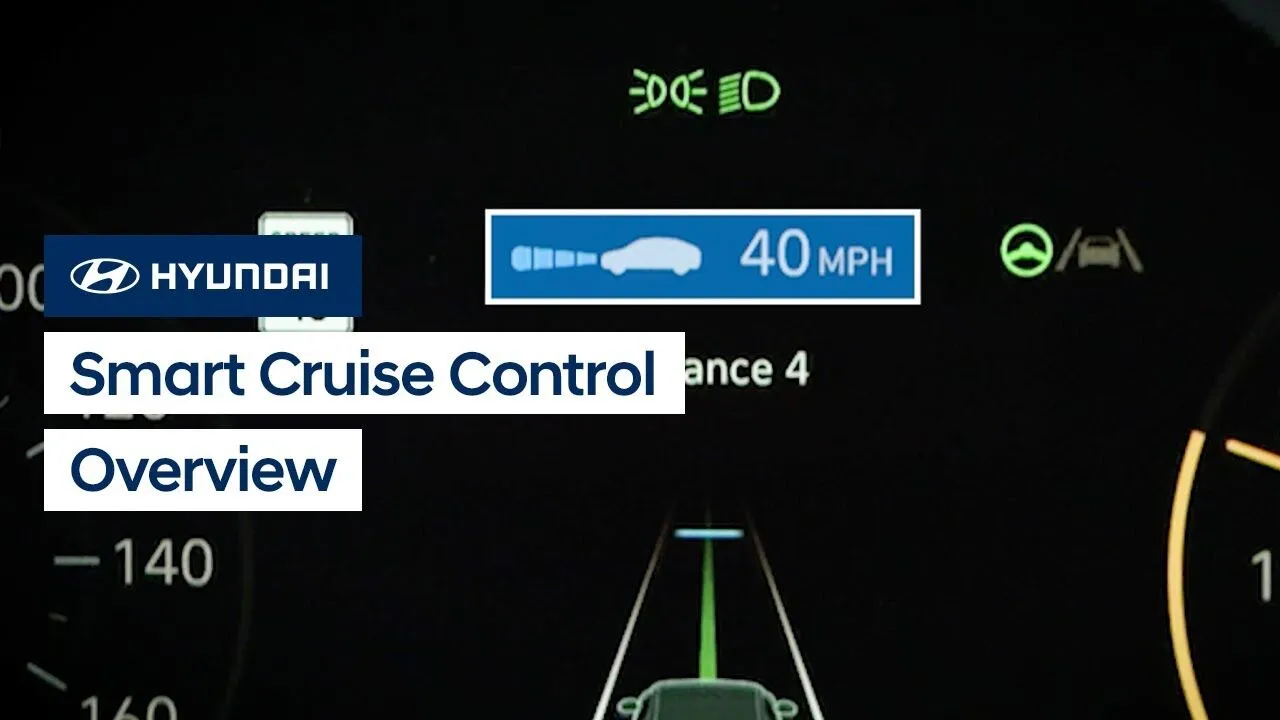
The Smart Cruise Control system on your Hyundai may help reduce fatigue during your trip by helping to maintain the desired speed and the minimum set distance between yourself and the vehicle ahead. Watch this video to learn how to operate the system and the different settings found in it.
Driving
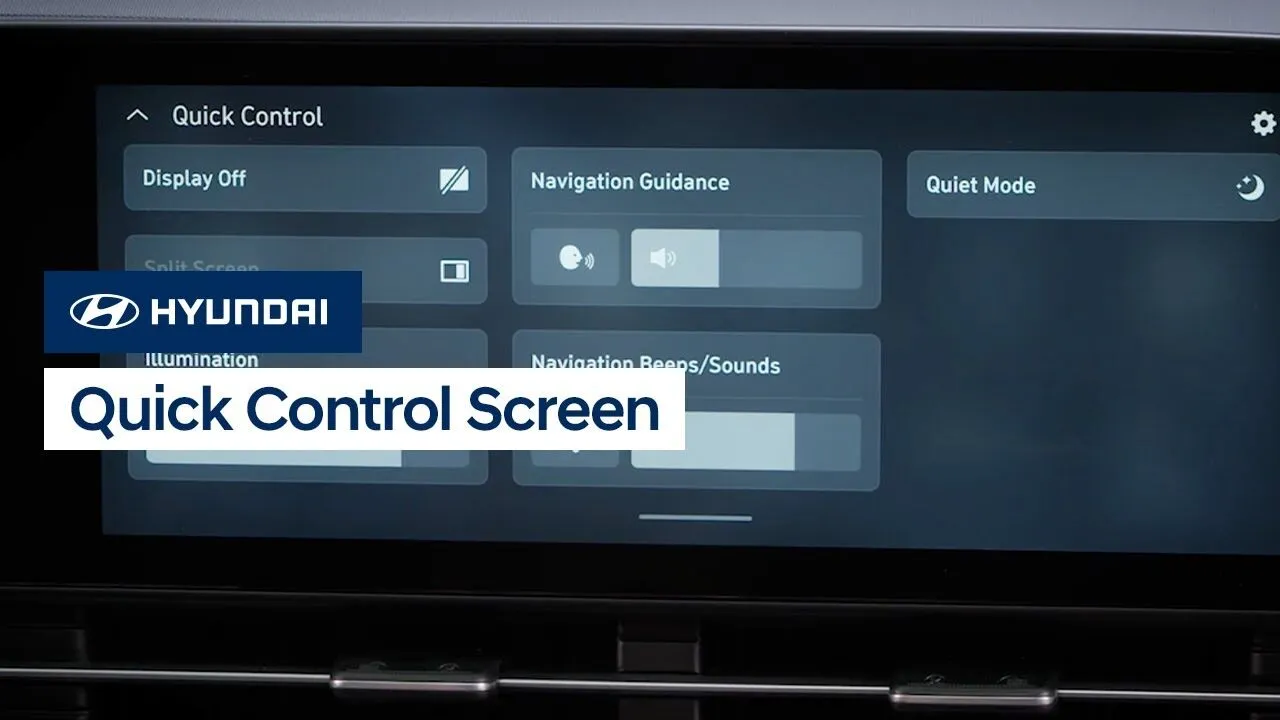
The new Quick Control screen on your Hyundai allows you to conveniently access frequently used features. Watch this video to learn how to access the screen as well as how to customize the features accessible through it.
Features-Controls-Display
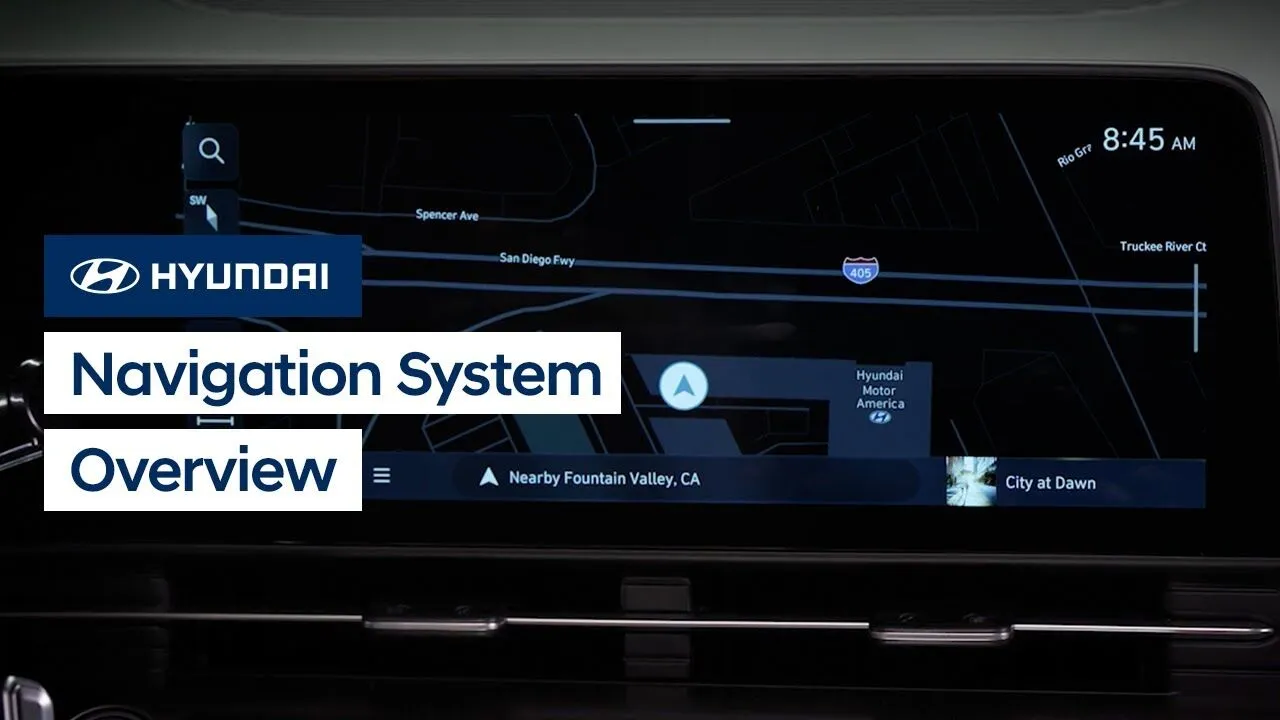
Your Hyundai’s available navigation system is extremely powerful and offers many features to help you on your drive. Watch this video to learn how to operate the system and the different settings found in it.
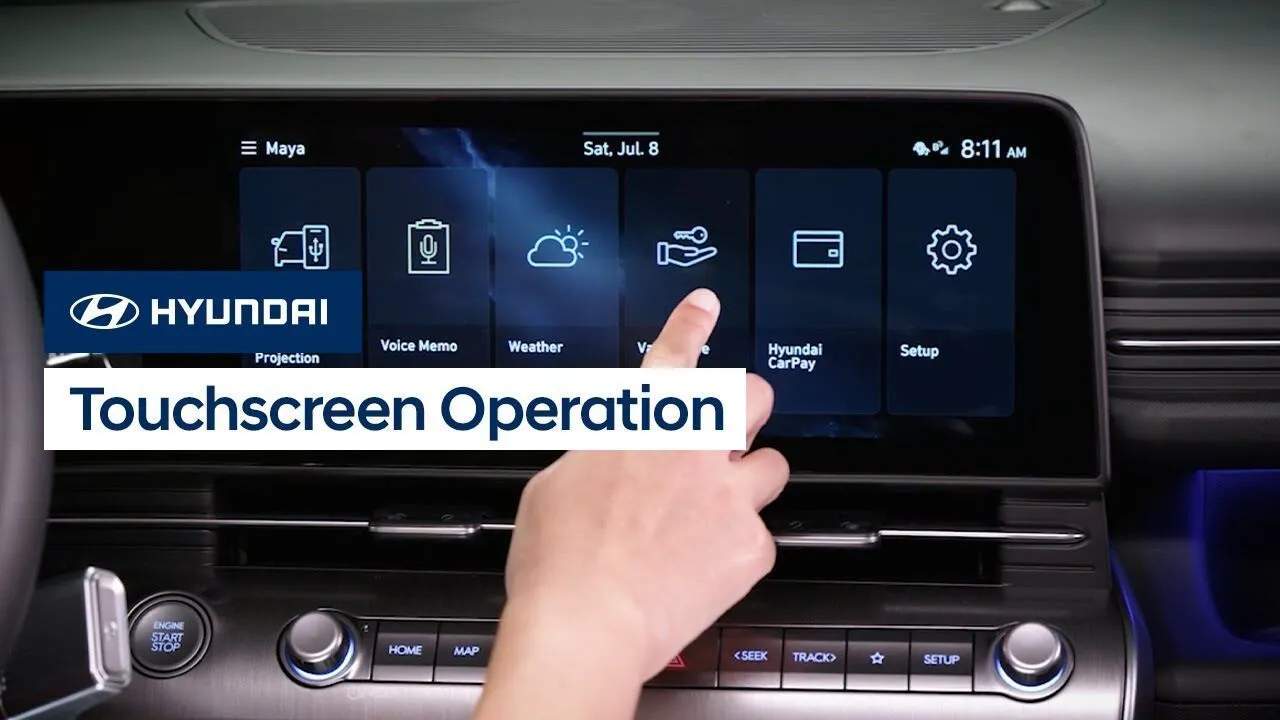
The all-new touchscreen on your Hyundai incorporates intuitive controls that can be configured as needed. Watch this video to learn how all about the touchscreen and how to customize the screen layout, plus more features.
Features-Controls-Display
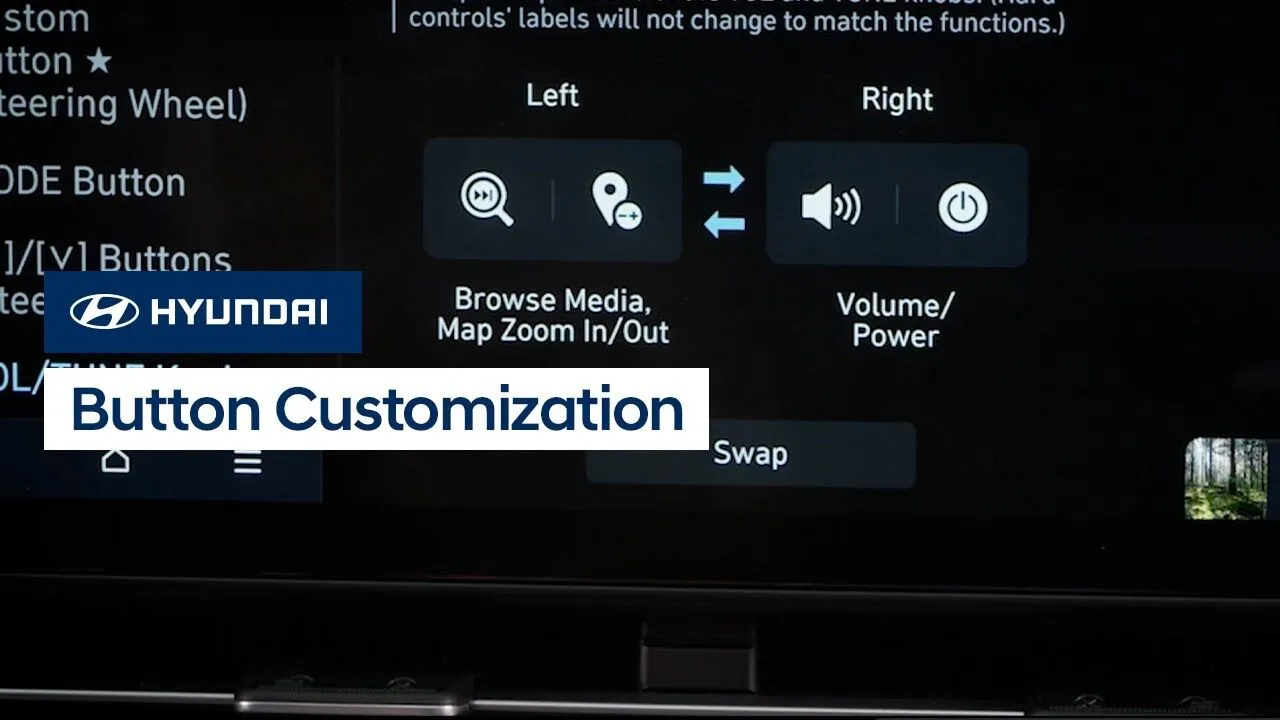
Some of the control buttons on your Hyundai’s touchscreen control panel can be customized for your convenience. Watch this video to learn how to customize the button functions.
Features-Controls-Display
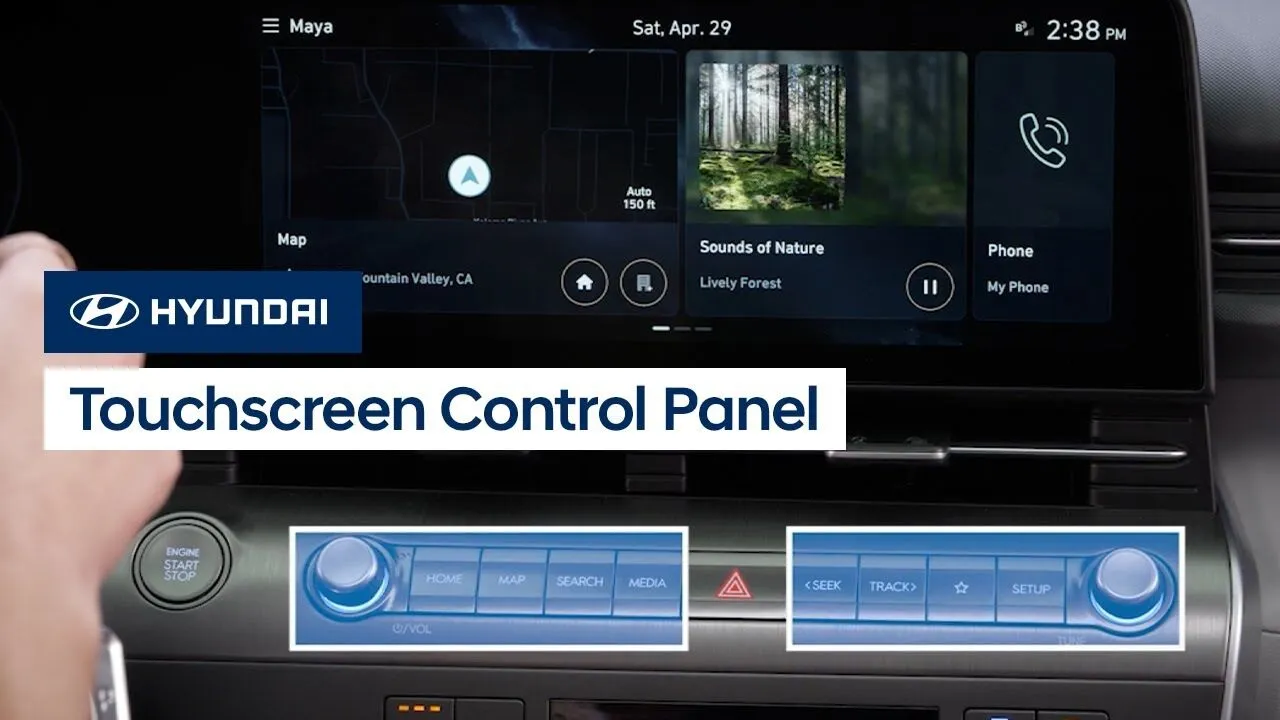
The touchscreen on your Hyundai features a control panel below the screen to quickly access certain functions. Watch this video to learn about the control panel and the different functions of it.
Features-Controls-Display
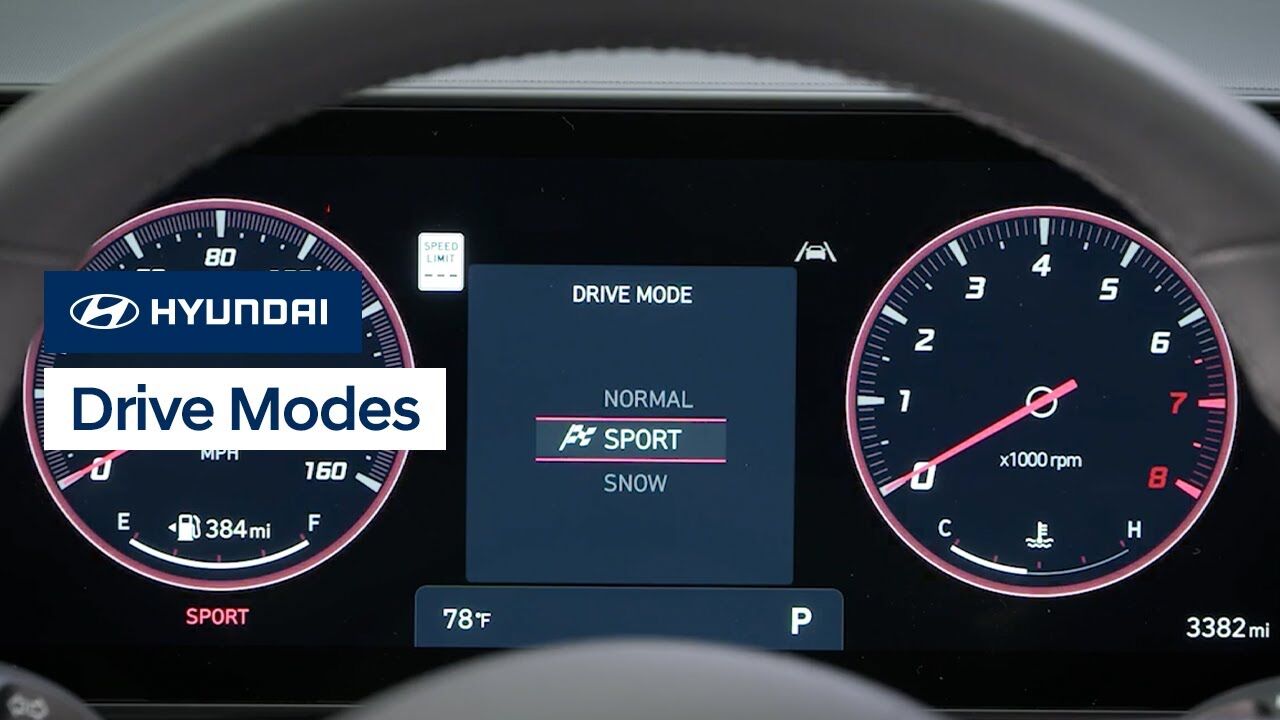
Your Hyundai KONA has selectable drive modes that allow you to change the vehicle’s driving characteristics to suit your needs. Watch this video to learn about the different modes as well as the AWD Lock feature for all-wheel-drive vehicles.
Driving
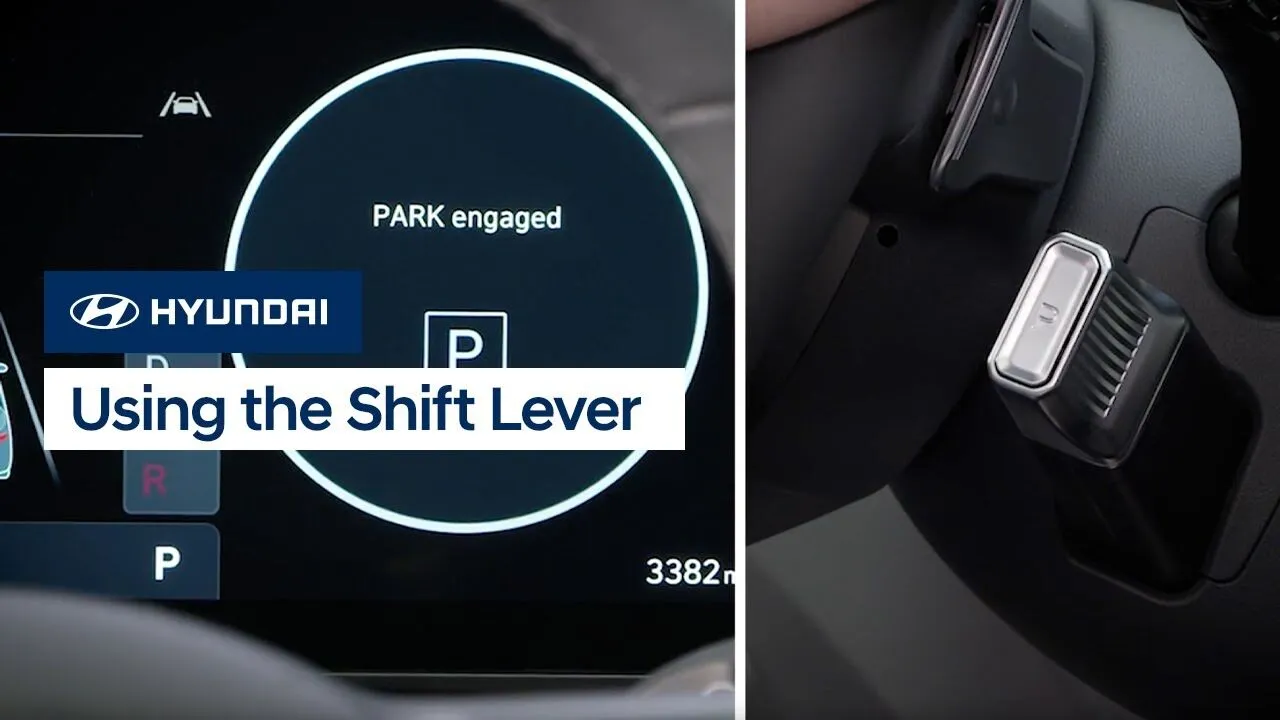
The shift lever on your Hyundai is easy to operate. Watch this video to learn how the lever works, as well as how to engage and have the vehicle remain in Neutral.
Driving
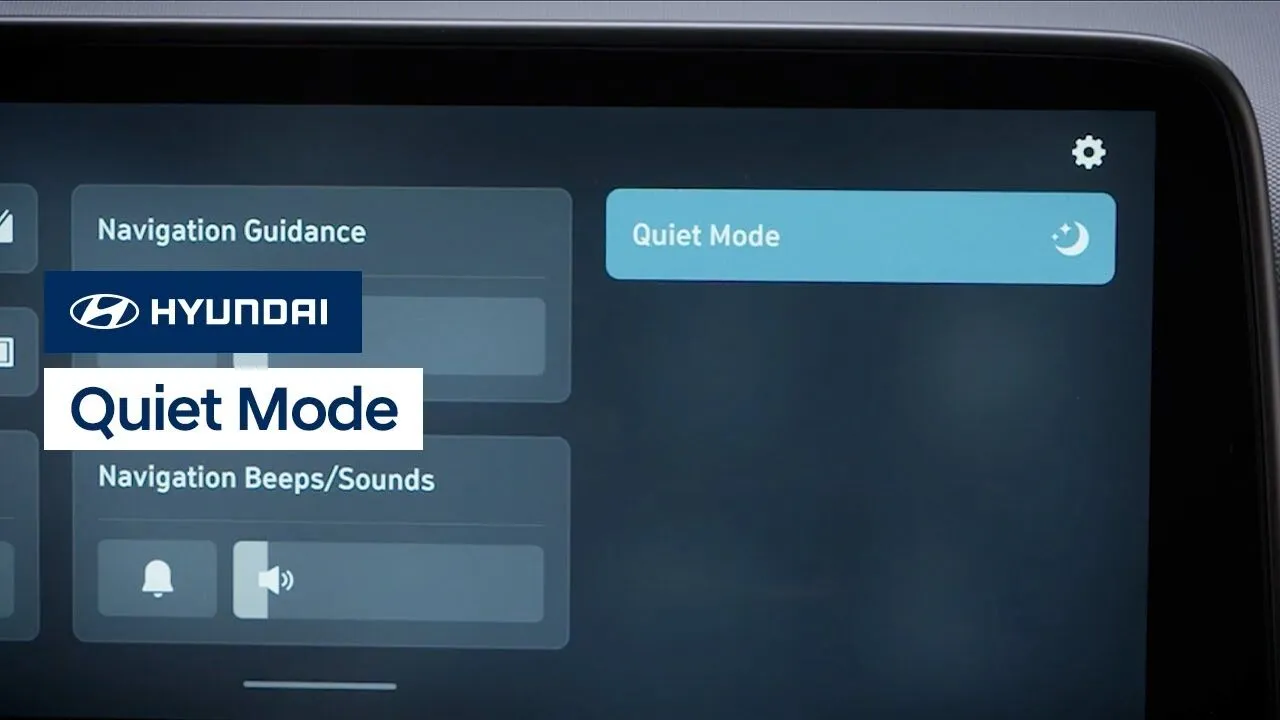
Your Hyundai’s available Quiet Mode feature helps to make relaxing in your Hyundai easier. Watch this video to learn how the system works and how to activate it.
Features-Controls-Display
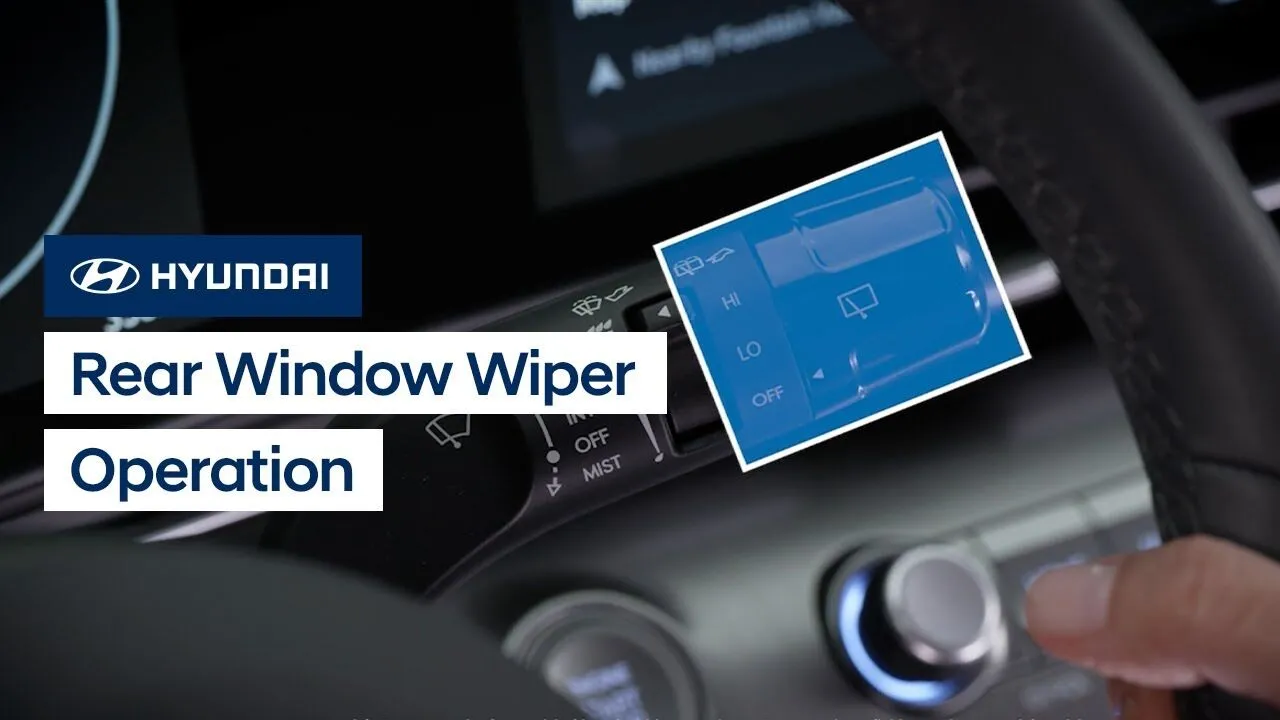
The rear window wiper on your Hyundai is easy to operate. Watch this video to learn about the system as well as the Auto Rear Wiper in Reverse feature.
Features-Controls-Display
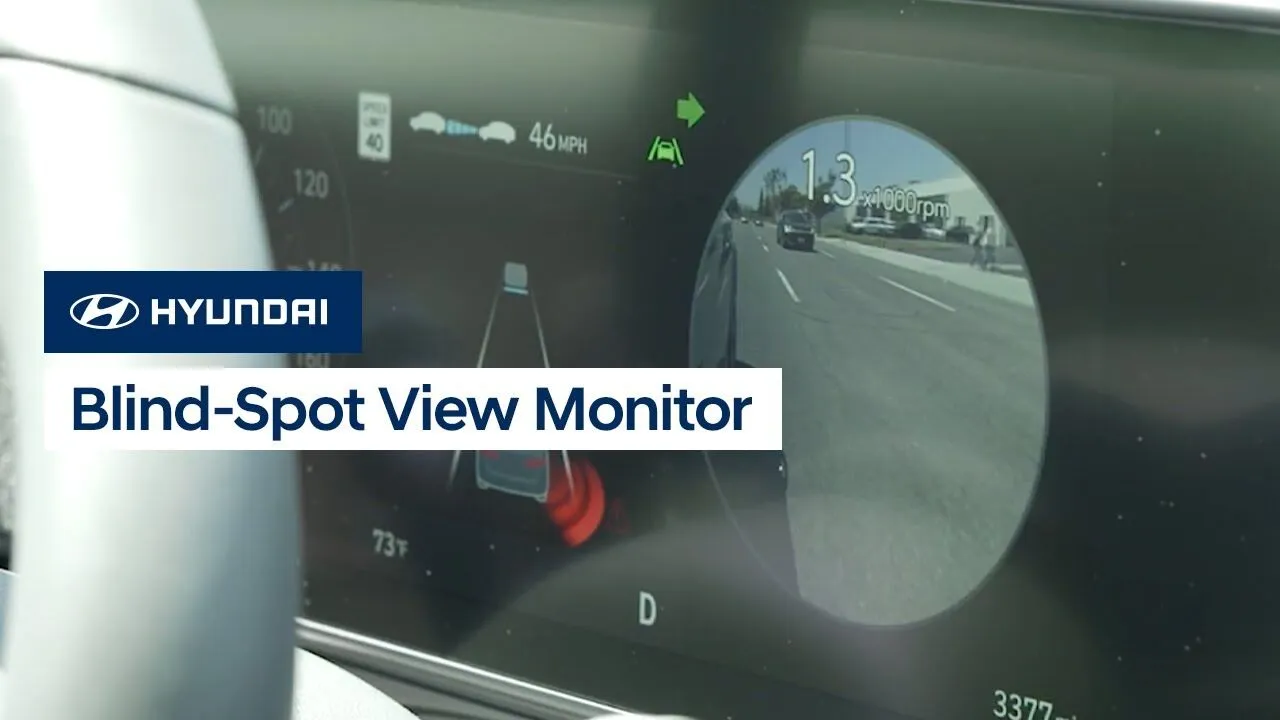
Hyundai’s available Blind-Spot View Monitor puts an image of your blind spot on the instrument cluster right in front of you, whenever you use your turn signal to change lanes. Watch this video to see how the system operates as well as how to turn it on and off.
Safety

Checking the engine oil level on your Hyundai is quick and easy. Join two-time IMSA championship-winning driver Taylor Hagler as she shows you how to check the engine oil level, step-by-step.
Engine/TransmissionService
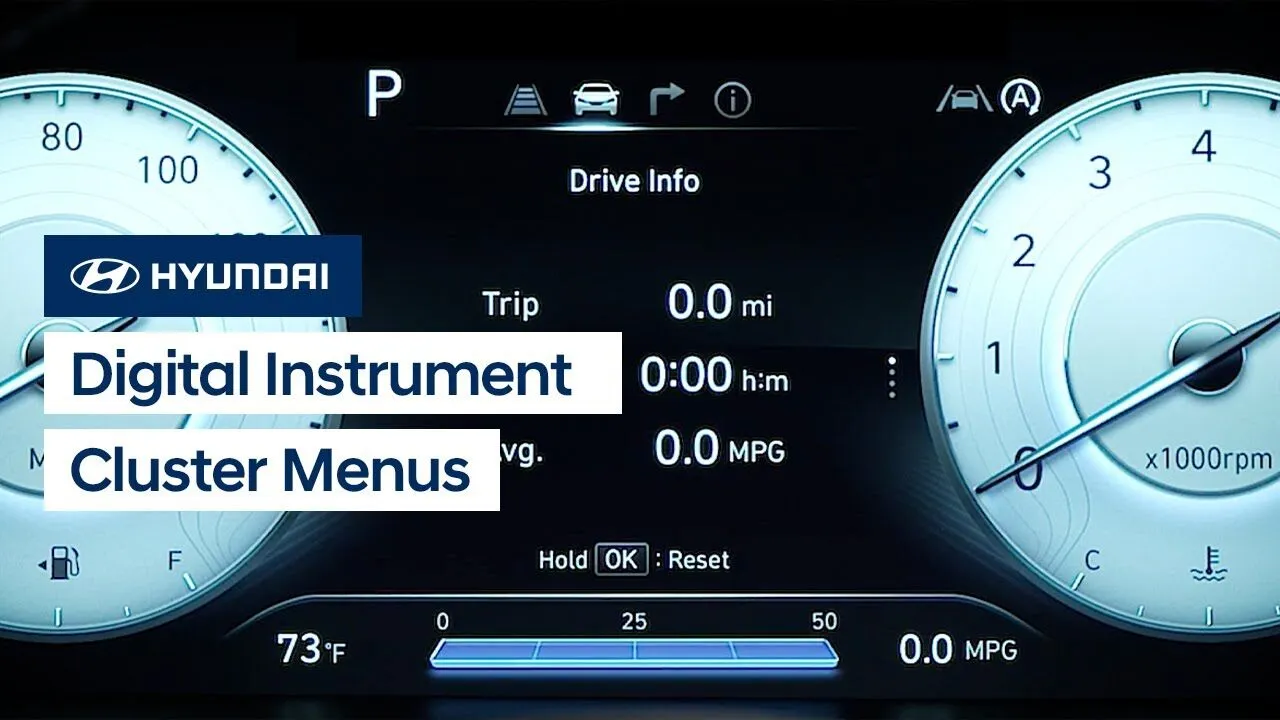
Your Hyundai provides quick and easy access to many useful settings and information screens via the Instrument Cluster menus on the digital display. This video explains how to access the different screens and settings, as well as the functions of each of them.
Instrument Cluster
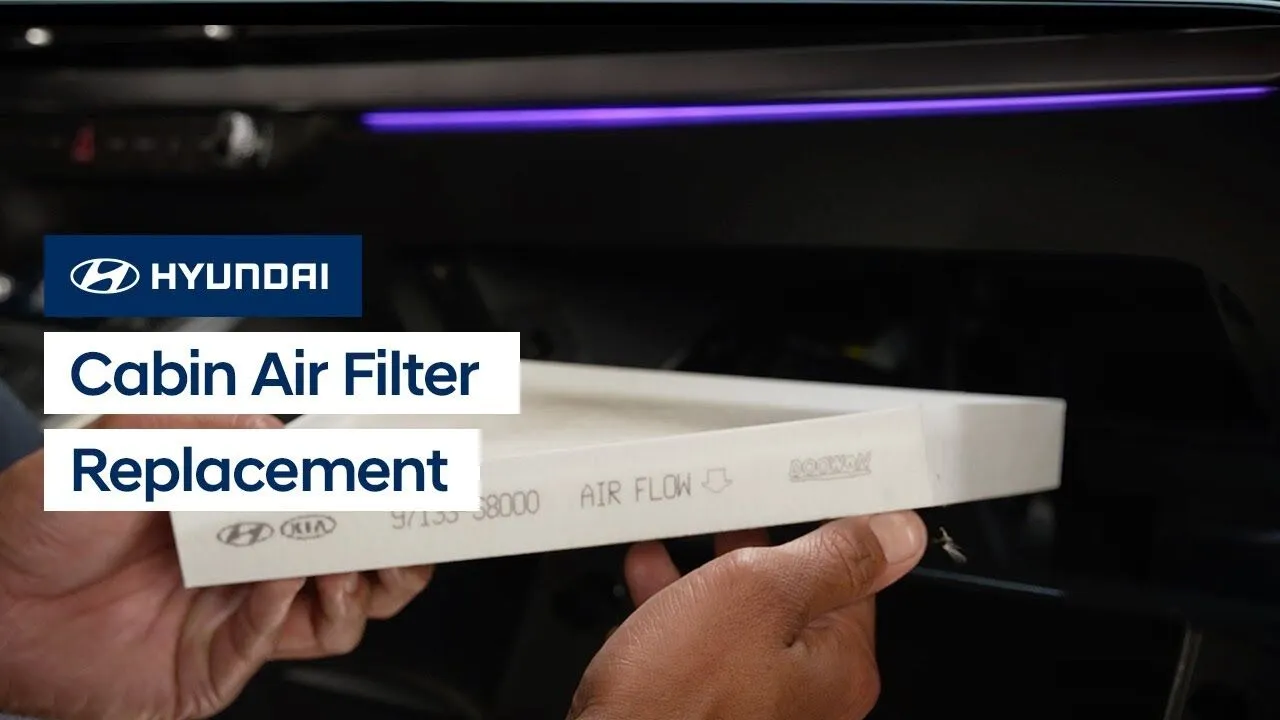
The cabin air filter on your Hyundai is critical to maintaining comfort inside your vehicle. Watch this video to learn how to remove the air filter and check its condition as well as how to replace it.
Climate ControlsService
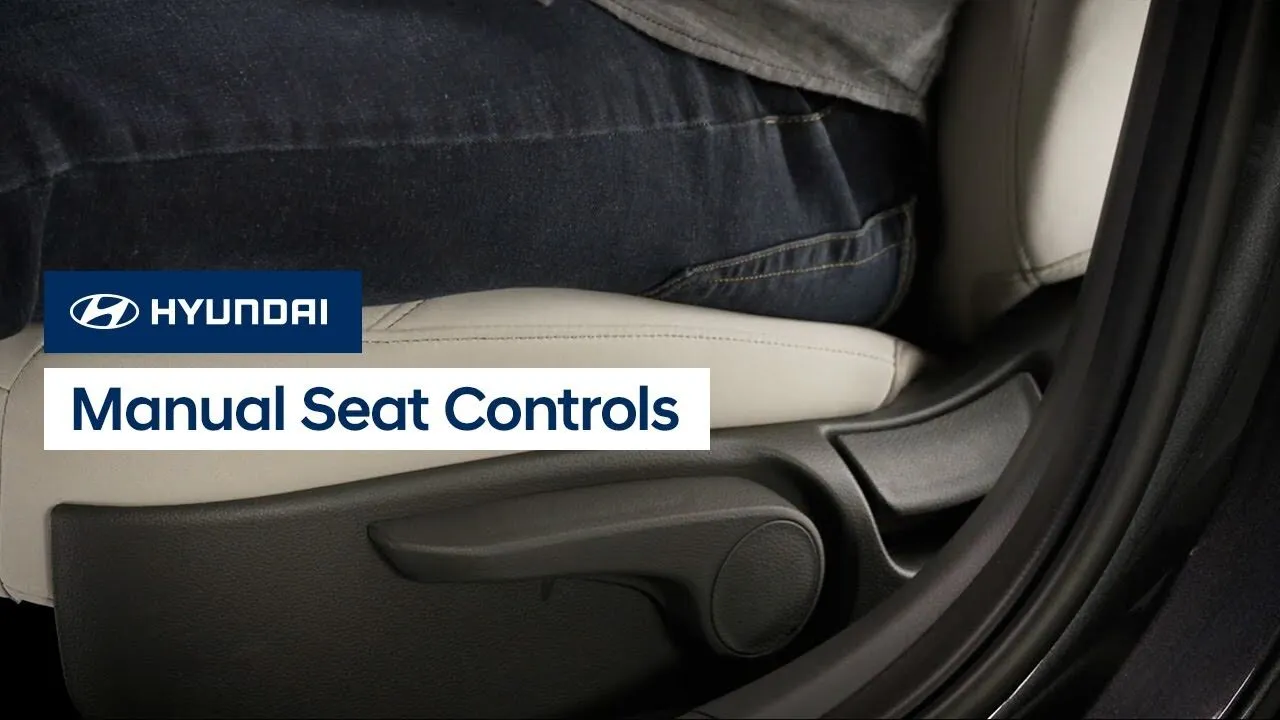
The manual seat controls on your Hyundai allow for quick and easy adjustment of your seating position. This video explains the location of the controls as well as how to use them.
Features-Controls-DisplayInterior
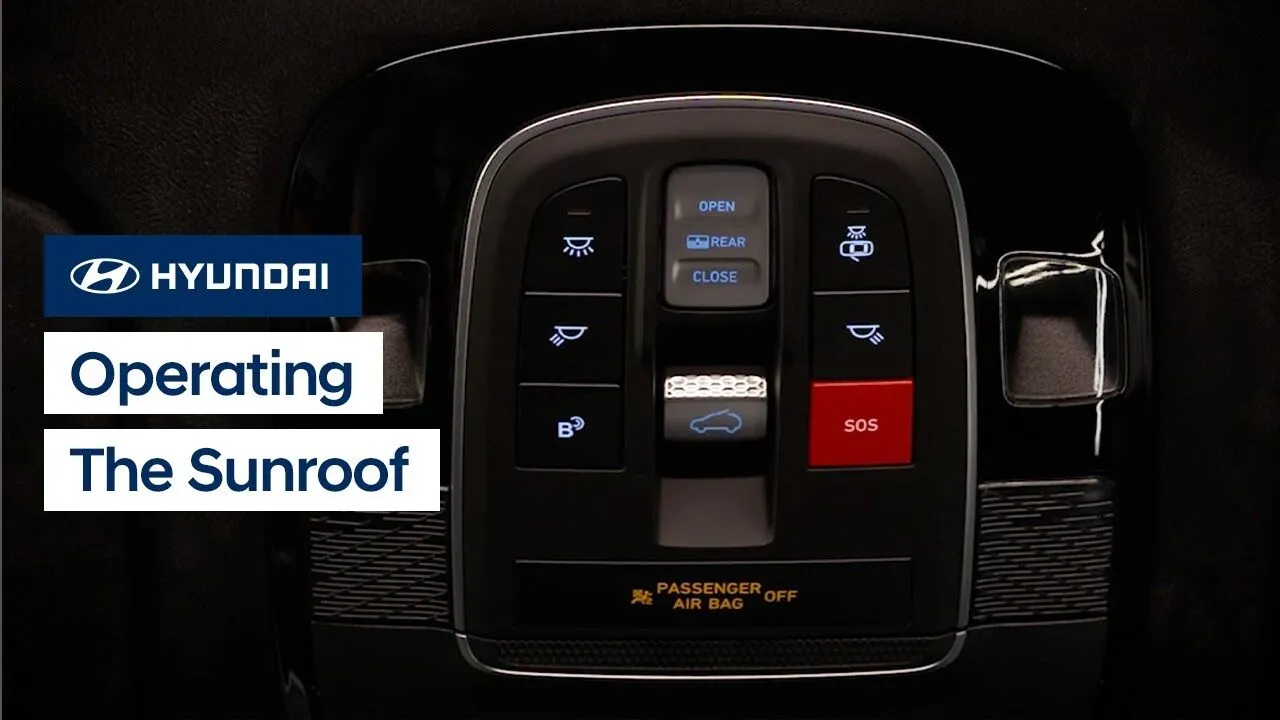
The available sunroof on your Hyundai is operated by a control switch on the overhead console. This video explains the different operations for the sunroof control as well as how to open and close the sunshades.
InteriorKeys-Doors-Windows
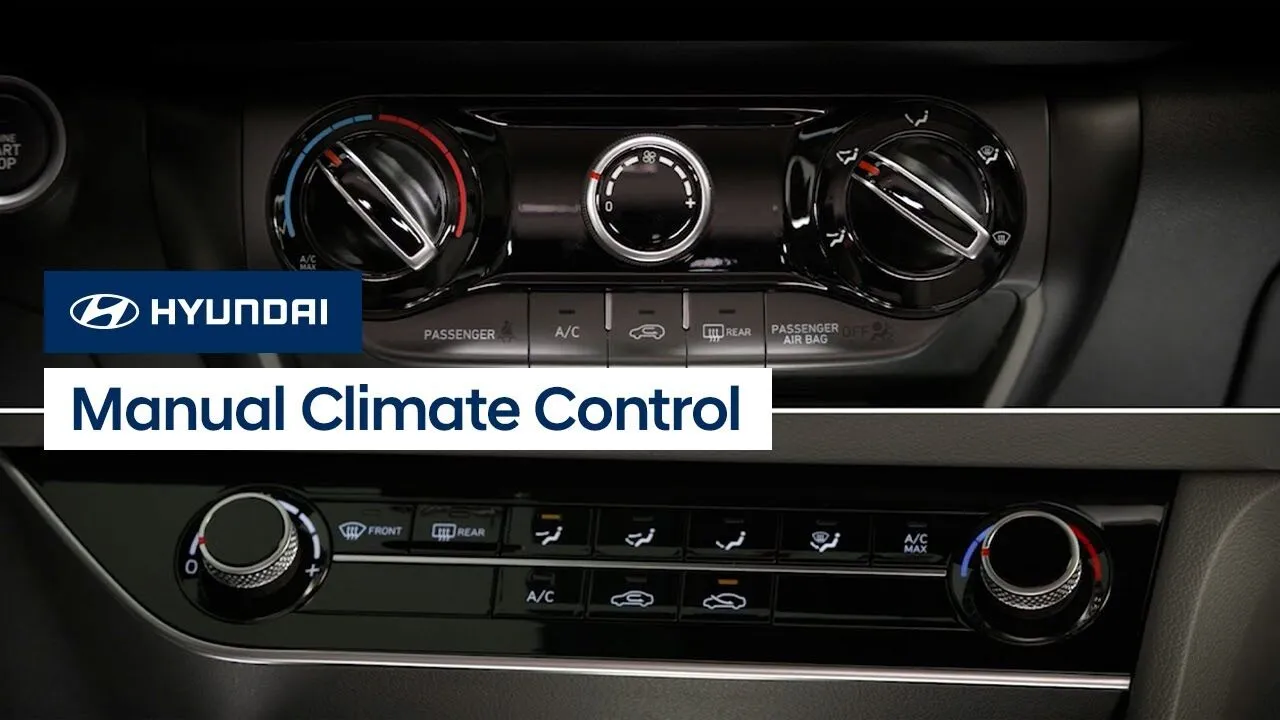
The manual climate control system on your Hyundai is simple and intuitive. This video explains the operations of the different types of manual climate controls systems found on Hyundai models.
Climate Controls

The air vents on your Hyundai can be moved to adjust the direction of airflow. But did you know that they can also be individually closed? This video will explain the different closure methods and how to use them.
Climate ControlsInterior
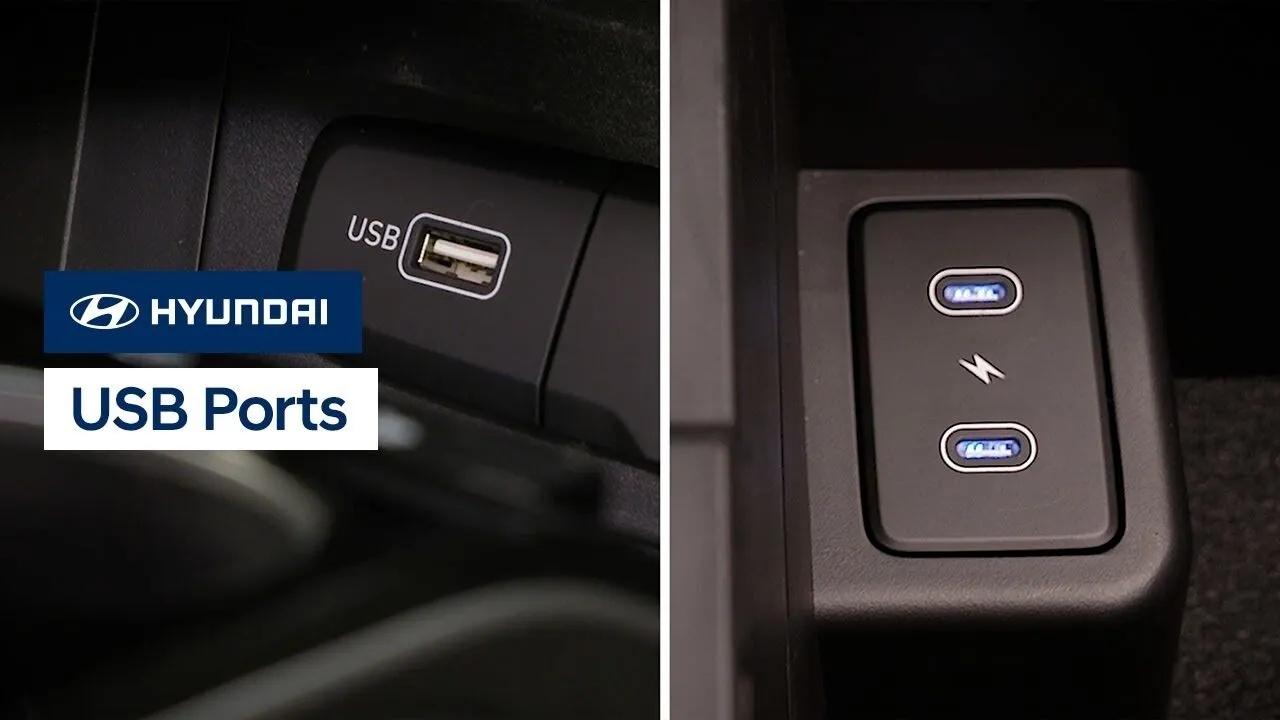
Your Hyundai has multiple USB ports which can allow you to charge your USB devices or use them to play media. Watch this video to learn the location of the different ports as well as how to tell which ports serve which functions.
Features-Controls-DisplayMultimedia Controls
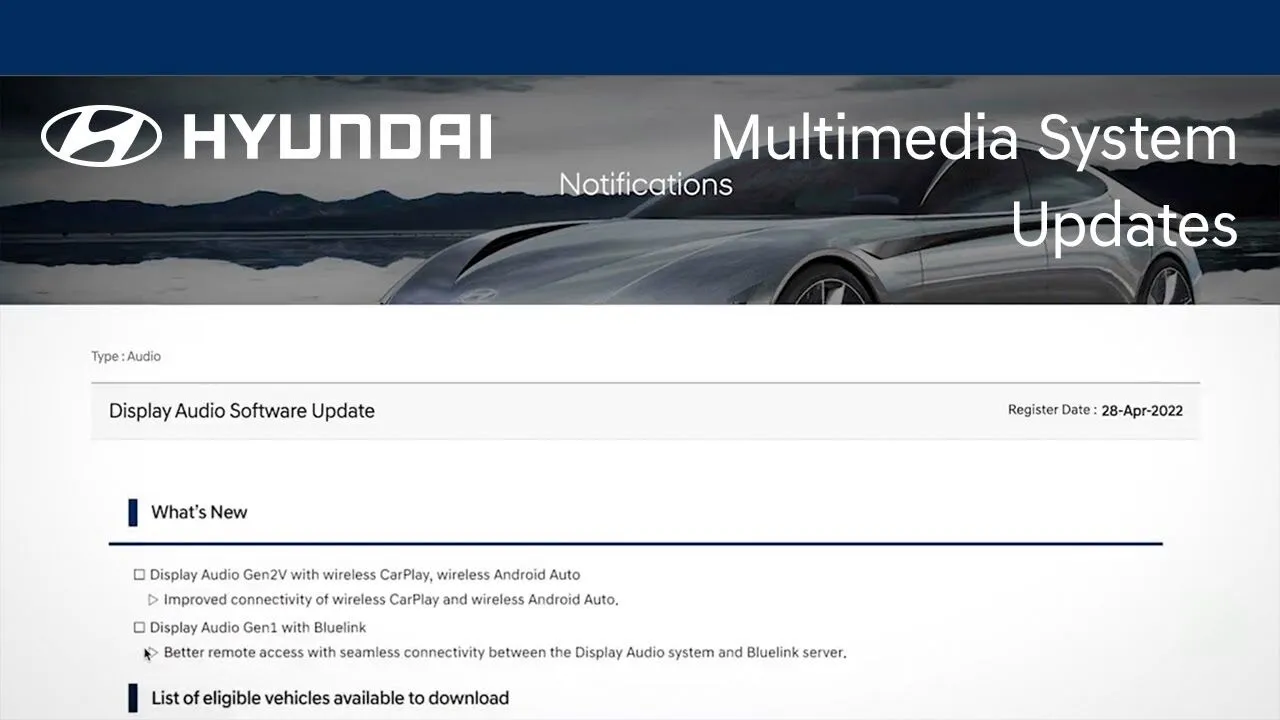
The multimedia system on your Hyundai can be easily updated, which allows you to add new or improved functionality to your Hyundai as it becomes available. Watch this video to learn how the feature works and how to turn it on and off.
BluelinkFeatures-Controls-Display
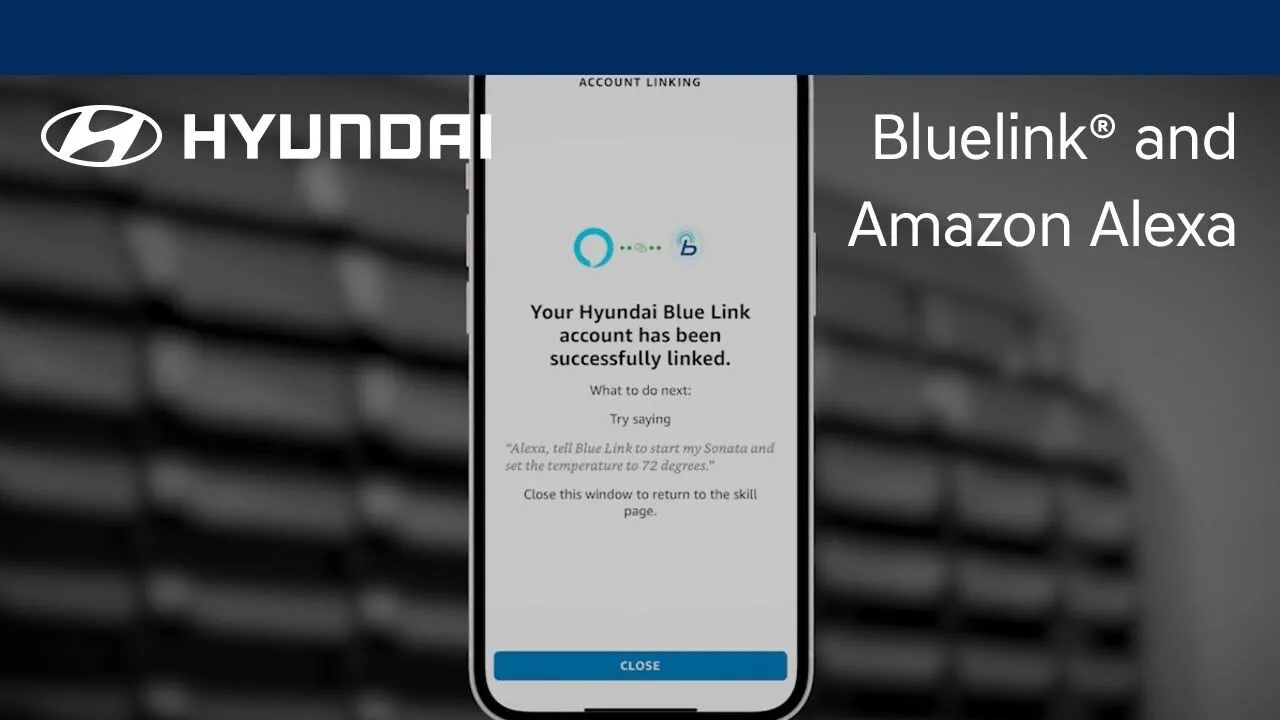
The Hyundai Bluelink® skill for Amazon Alexa allows you to perform multiple vehicle functions using Alexa-enabled devices. Watch this video to learn about how to use this feature.
Bluelink
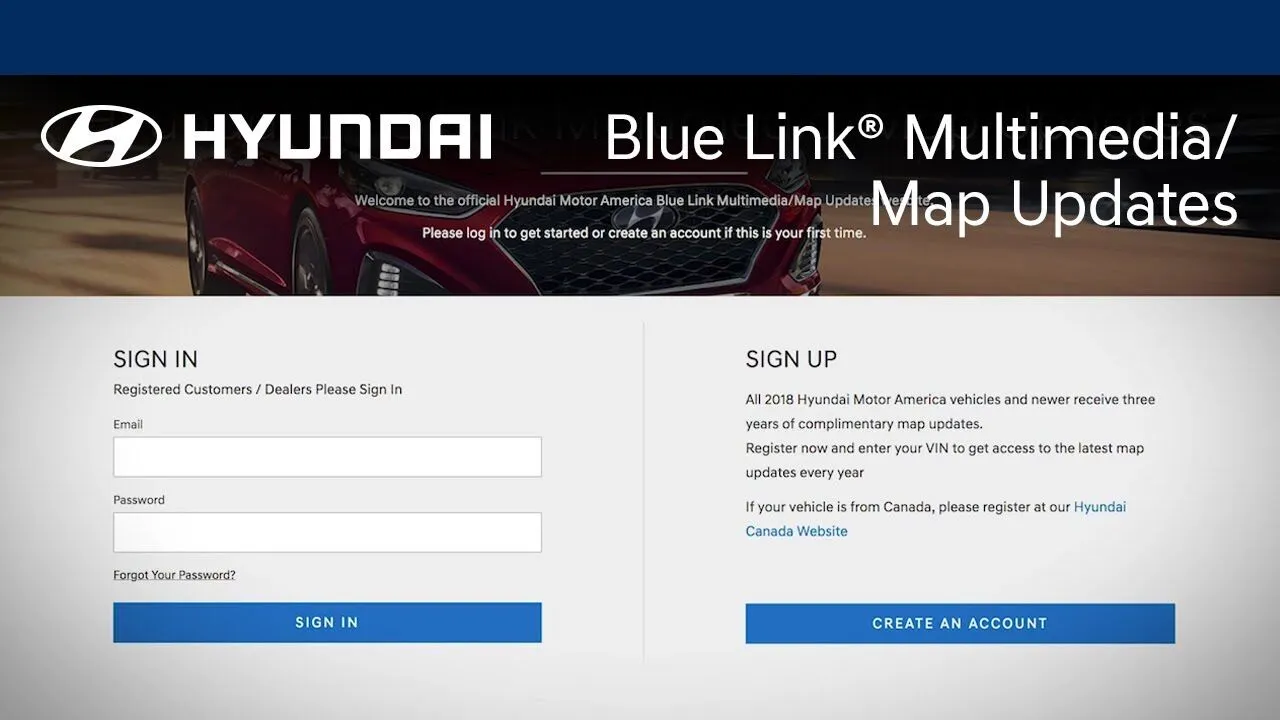
Did you know that you can update the maps on your navigation-equipped Hyundai? Watch this video to learn how to use your MyHyundai account to download and install map updates on your Hyundai.
Bluelink
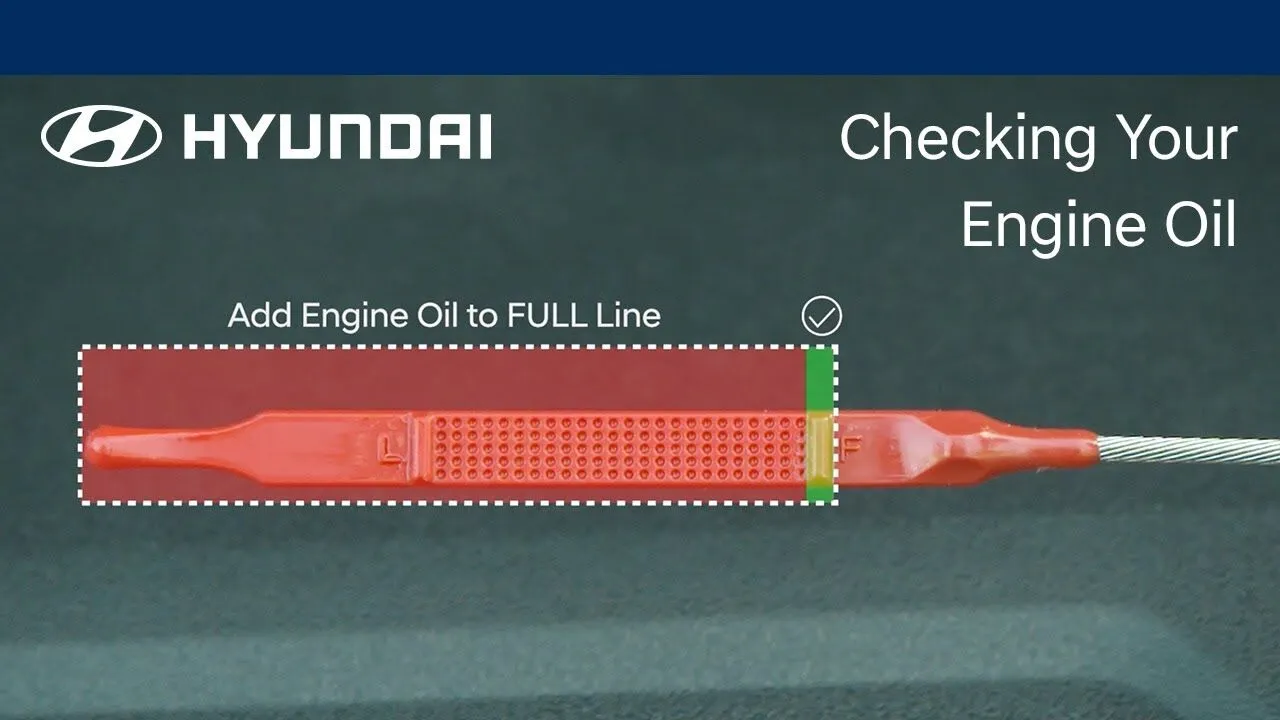
Checking your oil level regularly is necessary to help keep your Hyundai operating properly. This video will explain how to check the engine oil as well as how to add oil when needed.
Engine/TransmissionService

Tracking your vehicle’s maintenance records is very important, as it helps ensure compliance with the vehicle’s warranty. This video will provide an overview of the different ways of retaining your vehicle’s maintenance history and records.
Service
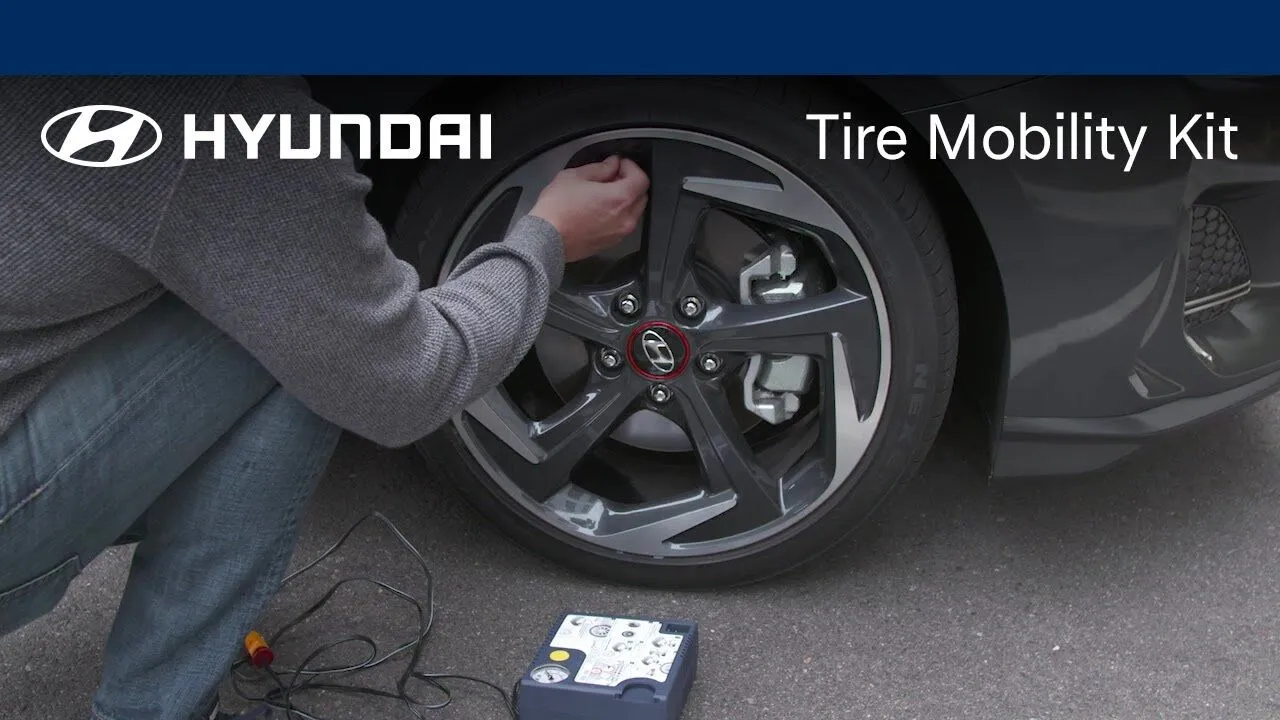
Got a flat tire? You may discover that your Hyundai has a Tire Mobility Kit where your spare tire would be. Learn how easy this kit is to use to quickly repair small punctures.
Service